Dirt Town: Road Builder 3D
更新日
現在のバージョン
1.0.3
提供元

スマホ不要!プロ選手のようにキーボードとマウスで操作しよう。MEmuエミュはあなたにすべての期待を与える。電池が切れてしまうとか画面が小さいとかの問題を心配する必要がなくて、存分Dirt Town: Road Builder 3Dを楽しんでください。新しいMEmuエミュ7はPCでDirt Town: Road Builder 3Dをプレイするのに最適!完璧なキーマッピングシステムにより、まるでパソコンゲームみたい。マルチインスタンスで複数のゲームやアプリを同時に実行!唯一無二な仮想化エンジンがパソコンの可能性を最大限になる。遊べるだけでなく、より楽しめる!
もっと見る
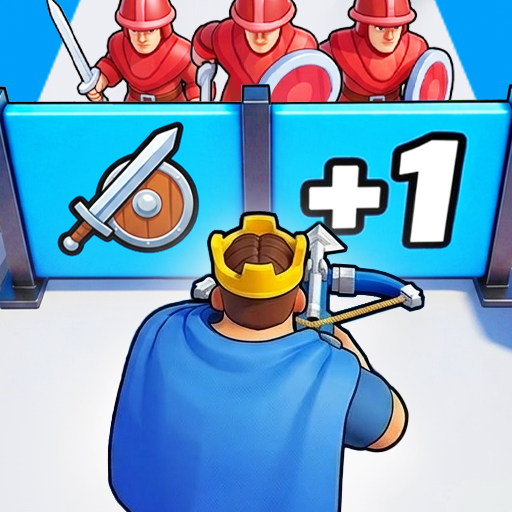
Dirt Town: Road Builder 3DをPCでダウンロード!大画面でより楽しむ。電源が落ちてしまうとか通信料が足りないとかの問題を心配する必要がなく、PCの大画面でより快適にゲームを楽しましょう! Welcome to Dirt Works: Road Builder, an exciting construction simulator where you transform rough terrain into incredible roads and racing tracks!
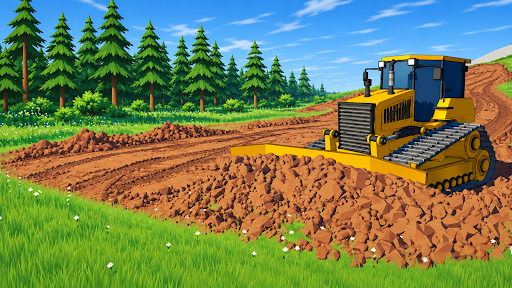
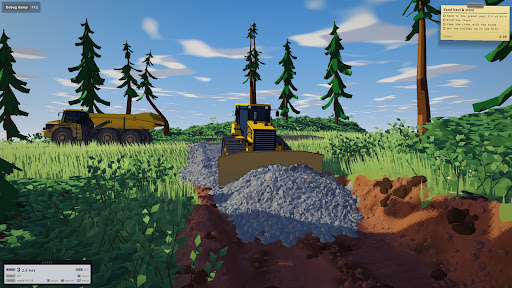
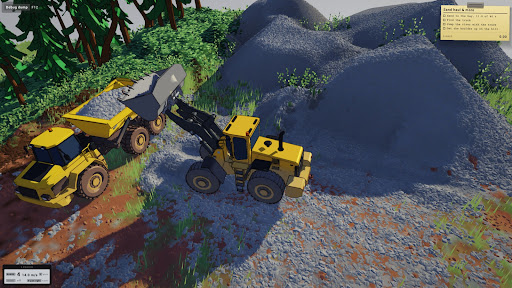
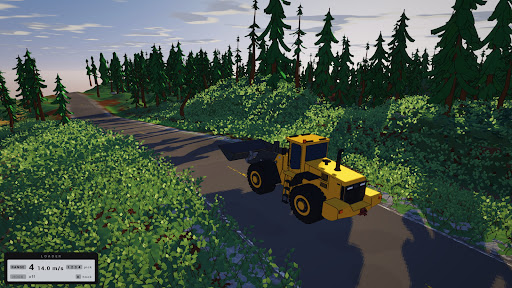
Welcome to Dirt Works: Road Builder, an exciting construction simulator where you transform rough terrain into incredible roads and racing tracks!
Take control of powerful construction machines, push dirt, cut down trees, move rocks, and transport gravel to complete challenging construction tasks. Explore an interactive world with physics-based gameplay and build your own construction empire.
Dig deep pits to collect resources, clear obstacles, and create smooth roads across challenging landscapes. Earn money by completing tasks and unlock new heavy machines to expand your construction capabilities.
Game Features:
Physics-based dirt and terrain simulation
Powerful construction vehicles and heavy machinery
Road building and excavation challenges
Tree cutting and rock-moving activities
Gravel transportation and resource collection
Dirt bike racing track construction
Machine unlocking and progression
Interactive construction environments
Start your construction adventure, operate heavy machinery, and transform an empty landscape into your ultimate dirt construction town!
もっと見る

1. MEmuインストーラーをダウンロードしてセットアップを完了する

2. MEmuを起動し、デスクトップでのPlayストアを開く

3. PlayストアでDirt Town: Road Builder 3Dを検索する
Install
4. Dirt Town: Road Builder 3Dをダウンロードしてインストールする
5. インストールが完了したら、アイコンをクリックしてスタート

6. MEmuを使用してPCでDirt Town: Road Builder 3Dを楽しむ
MEmu App Playerは最高の無料で提供されるAndroidエミュレータで、5,000万人がすでに優れたAndroidゲーム体験を楽しんでいます。 MEmuの仮想化技術は、あなたのPCで何千ものAndroidゲームを快適にプレイすることを可能にします。
大画面でより精細;無限の待機、電池とドラフィックの極限を超え
キーボード・マウス・コントローラーを全力でサポート、より快適
マルチインスタンスで複数のゲームを同時に実行
Play Dirt Town: Road Builder 3D on PC by following steps: