Girls Echo
更新日
現在のバージョン
提供元

スマホ不要!プロ選手のようにキーボードとマウスで操作しよう。MEmuエミュはあなたにすべての期待を与える。電池が切れてしまうとか画面が小さいとかの問題を心配する必要がなくて、存分Girls Echoを楽しんでください。新しいMEmuエミュ7はPCでGirls Echoをプレイするのに最適!完璧なキーマッピングシステムにより、まるでパソコンゲームみたい。マルチインスタンスで複数のゲームやアプリを同時に実行!唯一無二な仮想化エンジンがパソコンの可能性を最大限になる。遊べるだけでなく、より楽しめる!
もっと見る
Girls EchoをPCでダウンロード!大画面でより楽しむ。電源が落ちてしまうとか通信料が足りないとかの問題を心配する必要がなく、PCの大画面でより快適にゲームを楽しましょう! "Two worlds.
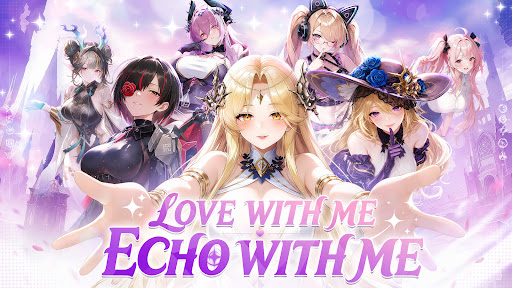
"Two worlds. One fate. A story waiting to be rewritten.
A mysterious catastrophe is tearing apart the boundary between the real world and the ancient realm of Shenzhou. As powerful Phantoms from forgotten eras and legends begin to emerge, an ancient enemy threatens to erase everything you know."
"The ancient pact has awakened.
Will you like to enter into a covenant of love with the goddesses?"
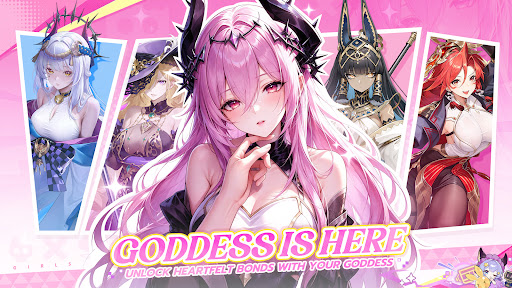
"Bring Goddess to Life
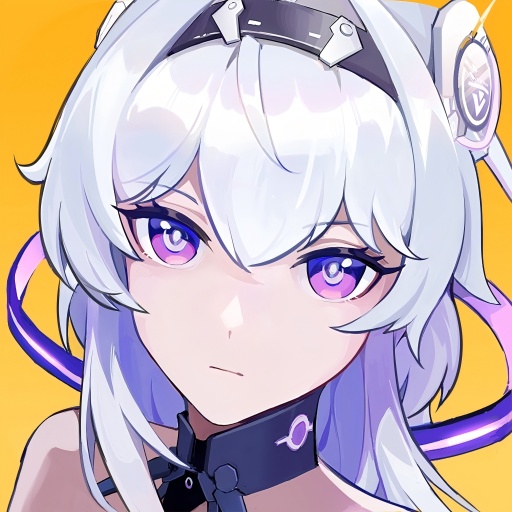
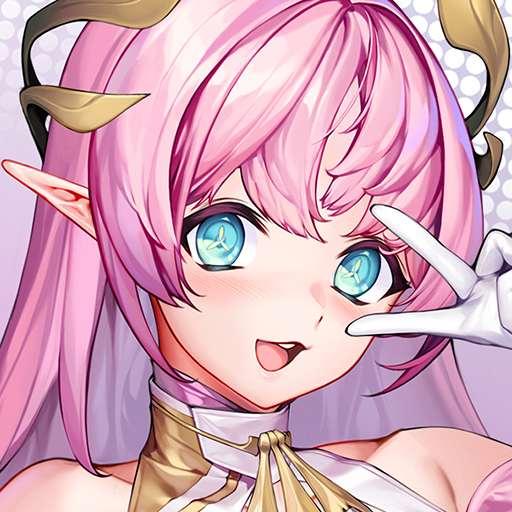
Meet beautifully animated Goddess with stunning visuals, expressive animations, and incredible attention to detail."
"Build! Battle! Grow!
Create your dream Goddess team, set your strategy, and let your girls grow even while you’re offline."
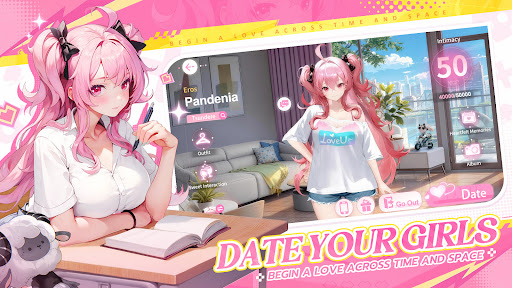
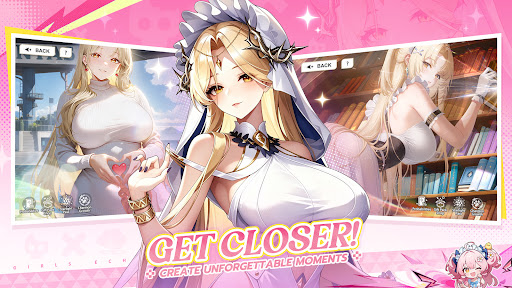
"Date Your Goddesses
Step beyond the battlefield and spend time with the Goddesses in intimate real-life dates. Deepen your relationship, unlock special moments, and discover exclusive CG endings."
"Bonds That Make You Stronger
Build a deeper bond with your favorite Goddesses through battles and dates. The closer you become, the stronger they grow—turning your connection into real power on the battlefield."
もっと見る

1. MEmuインストーラーをダウンロードしてセットアップを完了する

2. MEmuを起動し、デスクトップでのPlayストアを開く

3. PlayストアでGirls Echoを検索する
Install
4. Girls Echoをダウンロードしてインストールする
5. インストールが完了したら、アイコンをクリックしてスタート

6. MEmuを使用してPCでGirls Echoを楽しむ
MEmu App Playerは最高の無料で提供されるAndroidエミュレータで、5,000万人がすでに優れたAndroidゲーム体験を楽しんでいます。 MEmuの仮想化技術は、あなたのPCで何千ものAndroidゲームを快適にプレイすることを可能にします。
大画面でより精細;無限の待機、電池とドラフィックの極限を超え
キーボード・マウス・コントローラーを全力でサポート、より快適
マルチインスタンスで複数のゲームを同時に実行
Play Girls Echo on PC by following steps: