Camy — Live Video CCTV
更新日
現在のバージョン
5.0.9
提供元

スマートフォンは不要!パソコンと同じようにキーボードとマウスで操作できます。MEmu Playは、あなたが待ち望んでいたすべての楽しみをお届けします。バッテリー残量や小さな画面を気にすることなく、Camy — Live Video CCTVをご利用ください。最新のMEmu 9は、Camy — Live Video CCTVをPCで体験するのに最適です!完璧なキーマッピングシステムにより、PCのようなスムーズな操作性を実現します。マルチインスタンス機能により、複数のアプリケーションを同時に実行できます。独自の仮想化エンジンがPCのパフォーマンスを最大限に引き出します。アプリを使用するだけでなく、高品質な体験を得ることができます。
もっと見る
Camy — Live Video CCTVをPCでダウンロード!大画面でより楽しむ。電源が落ちてしまうとか通信料が足りないとかの問題を心配する必要がなく、PCの大画面でより快適にゲームを楽しましょう! Camy turns your phones and tablets into a live stream video surveillance system.
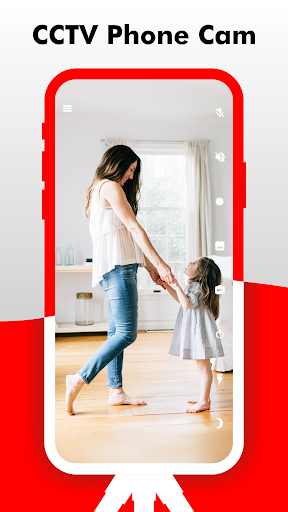
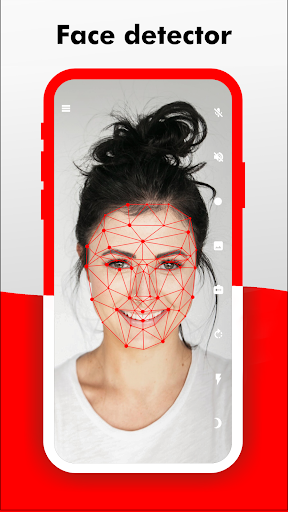
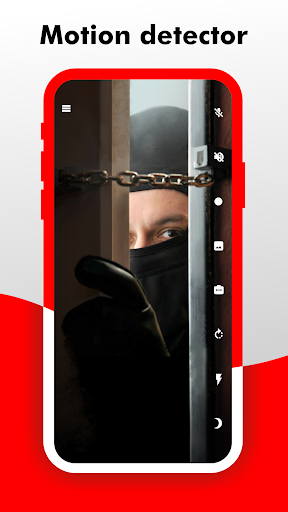
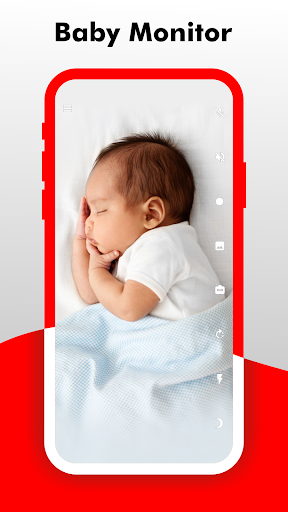
Camy turns your phones and tablets into a live stream video surveillance system. You can connect to another phone from anywhere, if you have Internet access. Camy makes it possible to monitor your home or office without purchasing special equipment. Camy will help you monitor your child, help you watch your cat or dog or simply show who is currently at home. The motion detector will ensure the safety of your home from intruders, instantly notifying you about it.
Camy is an app that will make a camera from the phone for remote video surveillance streaming. You can set your phone as a camera or viewing device. Alternatively, you can enter the web address into your browser ( https://web.camy.cam ) and watch the live video stream on your PC.
Functional:
✓ Stream high quality video
✓ Ability to connect multiple cameras (phones) [Available in Premium version]
✓ Ability to simultaneously connect with multiple viewers
✓ Video recording
✓ Ability to turn off the phone screen to save energy
✓ Motion detector and notification of this + the ability to automatically record video to the cloud [Available in Premium version]
✓ Information about the stream, frame rate, bit rate, image size
✓ Switch between front and rear cameras
✓ Ability to answer the camera on the speakerphone "View and talk"
✓ Ability to rotate the image
✓ Remote flashlight on
✓ Ability to take screenshots
✓ Ability to zoom in
✓ Night mode
✓ Picture-in-picture mode
✓ Android TV
✓ Web version
✓ Ability to connect webcam
In the process:
✓ Ability to connect IP-camera
✓ Any ideas what else to add? Email to my@camy.cam
Camy built using Flutter
もっと見る

1. MEmuインストーラーをダウンロードしてセットアップを完了する

2. MEmuを起動し、デスクトップでのPlayストアを開く

3. PlayストアでCamy — Live Video CCTVを検索する
Install
4. Camy — Live Video CCTVをダウンロードしてインストールする
5. インストールが完了したら、アイコンをクリックしてスタート

6. MEmuを使ってパソコンでCamy — Live Video CCTVを体験する
MEmu Playは現在、最高の無料Androidエミュレーターであり、5,000万人のユーザーが優れたAndroidアプリ体験を楽しんでいます。MEmuの仮想化テクノロジーにより、数千ものAndroidアプリをコンピューターでスムーズに実行できます。
大画面でより精細;無限の待機、電池とドラフィックの極限を超え
キーボード・マウス・コントローラーを全力でサポート、より快適
マルチインスタンスで複数のゲームを同時に実行
Use Camy — Live Video CCTV on PC by following steps: