Leonardo.Ai - Image Generator
更新日
現在のバージョン
1.0.16
提供元

スマートフォンは不要!パソコンと同じようにキーボードとマウスで操作できます。MEmu Playは、あなたが待ち望んでいたすべての楽しみをお届けします。バッテリー残量や小さな画面を気にすることなく、Leonardo.Ai - Image Generatorをご利用ください。最新のMEmu 9は、Leonardo.Ai - Image GeneratorをPCで体験するのに最適です!完璧なキーマッピングシステムにより、PCのようなスムーズな操作性を実現します。マルチインスタンス機能により、複数のアプリケーションを同時に実行できます。独自の仮想化エンジンがPCのパフォーマンスを最大限に引き出します。アプリを使用するだけでなく、高品質な体験を得ることができます。
もっと見る
Leonardo.Ai - Image GeneratorをPCでダウンロード!大画面でより楽しむ。電源が落ちてしまうとか通信料が足りないとかの問題を心配する必要がなく、PCの大画面でより快適にゲームを楽しましょう! Welcome to Leonardo.
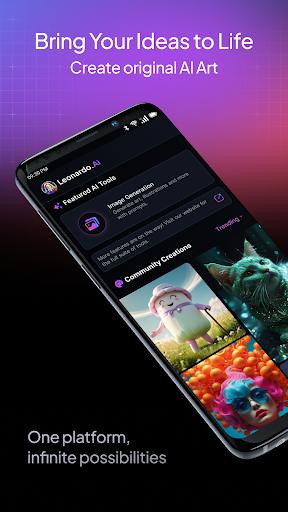
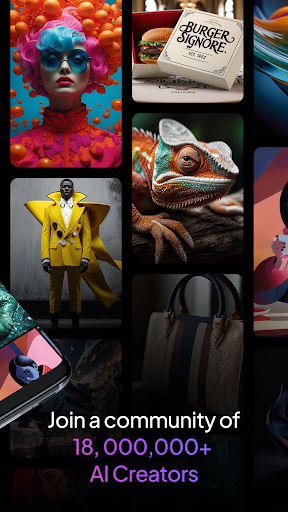
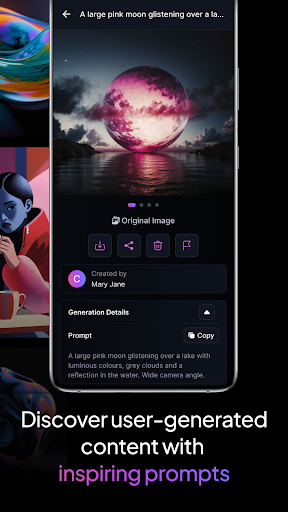
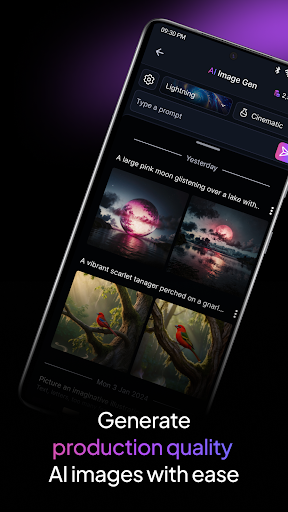
Welcome to Leonardo.Ai , the ultimate AI art image generator, now available on Android!
Harness the power of Leonardo.Ai on your Android phone or tablet and unlock a world of creative possibilities.
Take charge of your creative process with precise control over every aspect of your digital art generation. Use prompts, negative prompts, tiling, and more to fine-tune your results
Utilize our general-purpose or finetuned presets to generate production-ready art and design assets effortlessly. Our models can produce a wide range of high-quality AI art and design assets.
Maximise your creativity with Leonardo Phoenix, our foundational model gives next-level prompt adherence, coherent and flexible text in image, and rapid ideation with iterative prompting.
Unleash your imagination and create a universe of infinite possibilities in just minutes. Rapidly iterate concepts and explore various styles while ensuring consistency.
Join a community of over 21 million creative minds and access more than 1.7 billion images already generated using Leonardo.Ai . Start creating breathtaking art today!
Please note: By using this app, you agree to our Privacy Policy (https://leonardo.ai/legal-notice/ ) and Terms of Service (https://leonardo.ai/terms-of-service/ ).
もっと見る

1. MEmuインストーラーをダウンロードしてセットアップを完了する

2. MEmuを起動し、デスクトップでのPlayストアを開く

3. PlayストアでLeonardo.Ai - Image Generatorを検索する
Install
4. Leonardo.Ai - Image Generatorをダウンロードしてインストールする
5. インストールが完了したら、アイコンをクリックしてスタート

6. MEmuを使ってパソコンでLeonardo.Ai - Image Generatorを体験する
MEmu Playは現在、最高の無料Androidエミュレーターであり、5,000万人のユーザーが優れたAndroidアプリ体験を楽しんでいます。MEmuの仮想化テクノロジーにより、数千ものAndroidアプリをコンピューターでスムーズに実行できます。
大画面でより精細;無限の待機、電池とドラフィックの極限を超え
キーボード・マウス・コントローラーを全力でサポート、より快適
マルチインスタンスで複数のゲームを同時に実行
Use Leonardo.Ai - Image Generator on PC by following steps: