Psiphon
更新日
現在のバージョン
406
提供元

スマートフォンは不要!パソコンと同じようにキーボードとマウスで操作できます。MEmu Playは、あなたが待ち望んでいたすべての楽しみをお届けします。バッテリー残量や小さな画面を気にすることなく、Psiphonをご利用ください。最新のMEmu 9は、PsiphonをPCで体験するのに最適です!完璧なキーマッピングシステムにより、PCのようなスムーズな操作性を実現します。マルチインスタンス機能により、複数のアプリケーションを同時に実行できます。独自の仮想化エンジンがPCのパフォーマンスを最大限に引き出します。アプリを使用するだけでなく、高品質な体験を得ることができます。
もっと見る
PsiphonをPCでダウンロード!大画面でより楽しむ。電源が落ちてしまうとか通信料が足りないとかの問題を心配する必要がなく、PCの大画面でより快適にゲームを楽しましょう! .
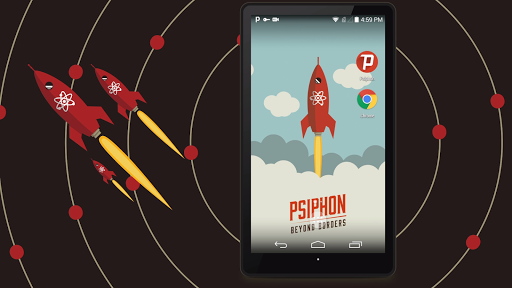
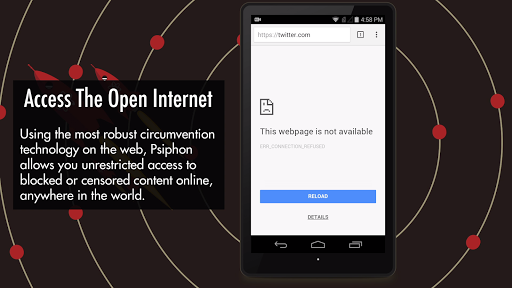
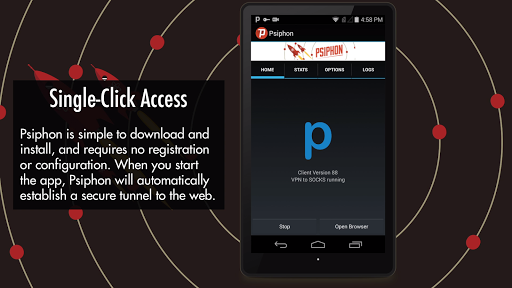
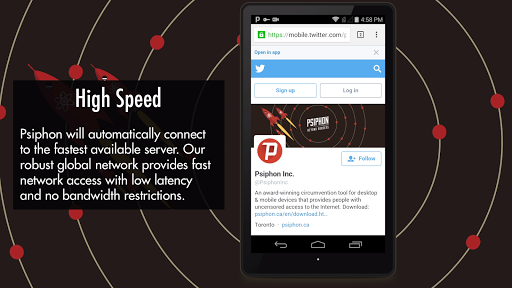
Access Everything on the Open Internet with Psiphon
Millions of people in over 200 countries around the planet are already connecting to the Internet using Psiphon, the most robust circumvention tool on the web. Psiphon facilitates access to websites and services which are censored, blocked, or otherwise unavailable, no matter where you are in the world. Whether you can’t access your favourite news broadcast today, or want to provide an extra layer of protection when using public wifi services, Psiphon is the best VPN tool for accessing the open Internet.
Features:
• Free for personal use.
• Easy to download and install. No registration, subscription, or configuration required.
• Automatic selection of protocols to provide effective, reliable circumvention every time.
• View how much traffic you have used with in-app stats tracking.
• Psiphon is an open-source project subject to credible security auditing and open review. To find our source code and design documents, visit the project homepage: https://github.com/Psiphon-Inc/psiphon
• Psiphon uses the Android VPNService to route your Internet traffic through Psiphon servers.
This version of Psiphon may not be available in every country. Please try Psiphon Pro:
https://play.google.com/store/apps/details?id=com.psiphon3.subscription
もっと見る

1. MEmuインストーラーをダウンロードしてセットアップを完了する

2. MEmuを起動し、デスクトップでのPlayストアを開く

3. PlayストアでPsiphonを検索する
Install
4. Psiphonをダウンロードしてインストールする
5. インストールが完了したら、アイコンをクリックしてスタート

6. MEmuを使ってパソコンでPsiphonを体験する
MEmu Playは現在、最高の無料Androidエミュレーターであり、5,000万人のユーザーが優れたAndroidアプリ体験を楽しんでいます。MEmuの仮想化テクノロジーにより、数千ものAndroidアプリをコンピューターでスムーズに実行できます。
大画面でより精細;無限の待機、電池とドラフィックの極限を超え
キーボード・マウス・コントローラーを全力でサポート、より快適
マルチインスタンスで複数のゲームを同時に実行
Use Psiphon on PC by following steps: