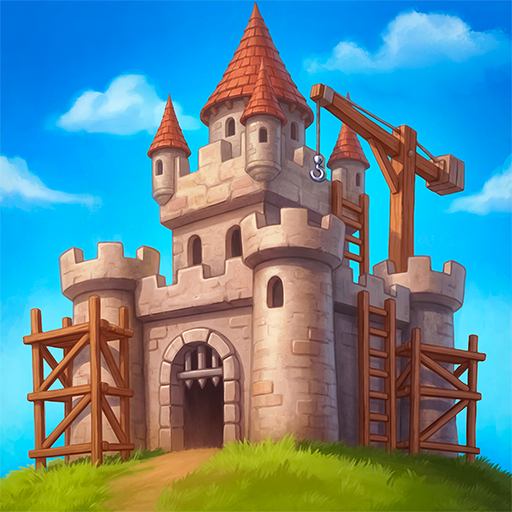
Veterum
Dikemas kini
Versi Semasa
Ditawarkan Oleh

Dengan semangat anda untuk bermain Veterum, tangan anda tidak seharusnya terhad pada skrin kecil telefon anda. Main seperti profesional dan kendalikan sepenuhnya permainan anda dengan papan kekunci dan tetikus. MEmu menawarkan semua perkara yang anda harapkan. Muat turun dan mainkan Veterum di PC. Main selagi anda mahu, tidak ada batasan bateri, data mudah alih dan panggilan yang mengganggu. MEmu 9 yang baru adalah pilihan terbaik untuk bermain Veterum di PC. Disiapkan dengan kepakaran kami, sistem pemetaan kunci pratetap yang indah menjadikan Veterum permainan PC sebenar. Dikodkan dengan penyerapan kami, pengurus multi-instance menjadikan bermain 2 atau lebih akaun pada peranti yang sama mungkin. Dan yang paling penting, enjin emulasi eksklusif kami dapat melepaskan potensi penuh PC anda, menjadikan semuanya lancar.Kami tidak hanya peduli bagaimana anda bermain, tetapi juga keseluruhan proses menikmati kebahagiaan permainan.
Tunjukkan Lagi
Muat turun Veterum pada PC dengan MEmu Android Emulator. Nikmati bermain di skrin besar Turn-based tactical strategy with a detailed combat system and interactive environment.
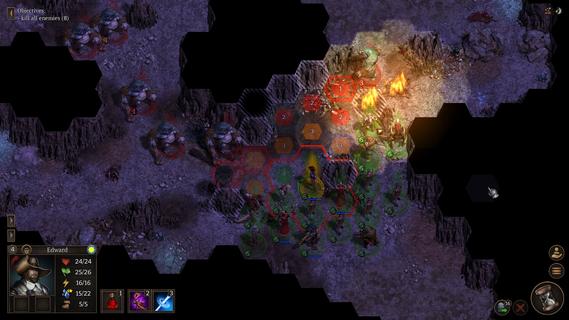
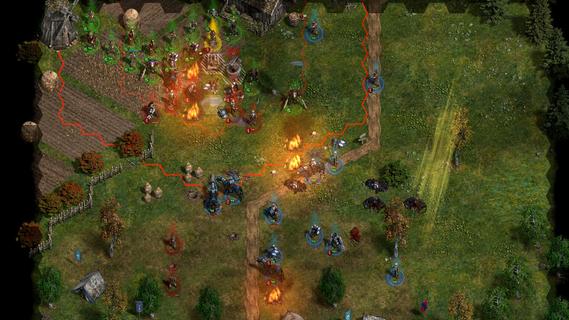
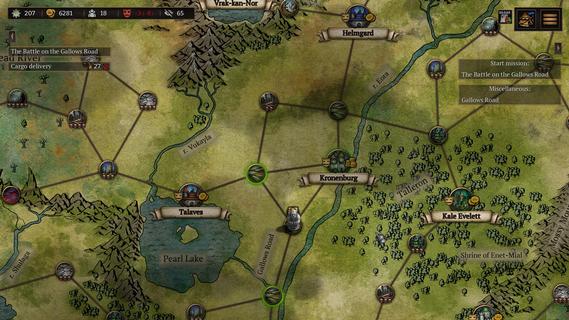
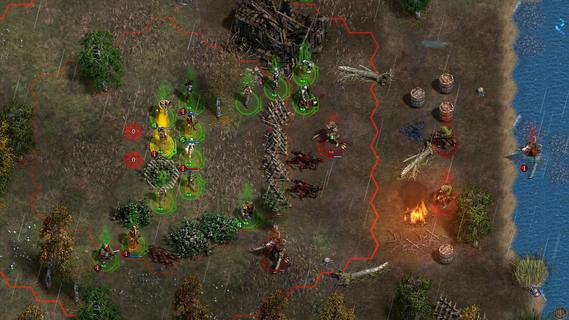
Turn-based tactical strategy with a detailed combat system and interactive environment. Explore the open world, complete quests, search for rare artifacts. Lead the last army of the Order of the Gatekeepers and stop the coming chaos!Ancient wilds have awakened. Insane prophets predict a coming apocalypse. Blood cults openly perform sacrifices... You will lead the last army of the Order of the Gatekeepers and stop the coming chaos. Not just humans are ready to join your banners, but also tough dwarves, mysterious elvers and half-wild turans. But keep in mind that not everyone will be happy to fight side by side with other races.Travel across an open world full of mysteries and dangers. Complete quests. Find rare artifacts and equip your soldiers with them. Improve unit stats, learn new active and passive skills.Show your tactical genius in challenging turn-based battles. For each battle, choose the fighters who are most suited to take on specific opponents. Consider unit line of sight, facing, morale and accumulated fatigue. Change the battlefield: build barricades, dig ditches, freeze rivers, chop down trees. When fighting night creatures, make fire and light the battlefield. Crush your enemies with all the power of iron and magic!⢠Detailed combat system takes into account unit morale and fatigue, as well as facing and line of sight, level of illumination of each cell of the battlefield, weather effects and much more.⢠Interactive environment: almost every object on the battlefield can be interacted with.⢠Before the start of the battle, you can use one-time scrolls to make it rain, poison enemies or build a catapult.⢠Open world: despite the presence of a story campaign, you decide where to send your army.⢠Each playthrough is unique: quests, random battles, goods in cities and much more are all randomly generated.⢠Ability to adjust the game to your liking: choose the overall difficulty level plus adjust hit chance, the amount of HP, rewards received and much more.⢠Convenient unit and map editor. You can create your own missions and share them with other players.
Tunjukkan Lagi

1. Muat turun pemasang MEmu dan selesaikan persediaan

2. Mulakan MEnu kemudian buka Google Play di desktop

3. Cari Veterum di Google Play
Install
4. Muat turun dan Pasang Veterum
5. Apabila selesai pemasangan, menekan ikon itu untuk memulakan

6. Nikmati bermain Veterum di komputer dengan MEmu
MEmu Play adalah emulator Android terbaik dan 100 juta orang sudah menikmati pengalaman permainan Androidnya yang luar biasa. Teknologi virtualisasi MEmu memberi kuasa kepada anda untuk bermain beribu-ribu permainan Android dengan lancar di komputar anda, malah yang paling intensif grafik.
Skrin lebih besar dengan grafik yang lebih baik; Tempoh yang panjang, tanpa had bateri atau data mudah alih.
Sokongan Keymapping penuh untuk kawalan tepat papan kekunci dan tetikus atau gamepad.
Pelbagai akaun permainan atau tugas pada satu PC sekaligus dengan pengurus pelbagai contoh.
Play Veterum on PC by following steps: