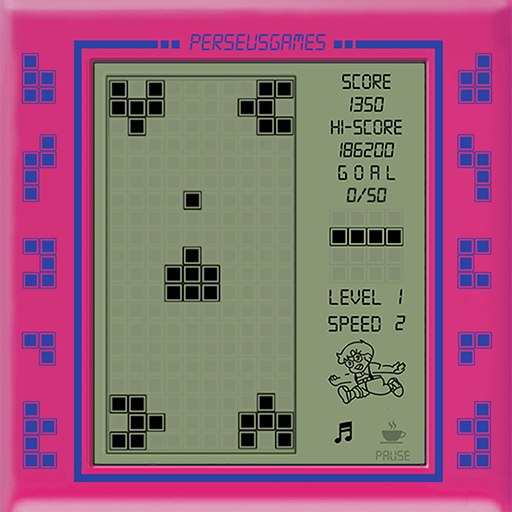
Brick Game - Retro Games
Zaktualizowano
Aktualna wersja
1.0
Sprzedawca

Przy całej swojej pasji do grania w Brick Game - Retro Games, twoje ręce nie powinny być ograniczone na małym ekranie telefonu. Graj jak zawodowiec i uzyskaj pełną kontrolę nad grą za pomocą klawiatury i myszy. MEmu oferuje ci wszystko, czego oczekujesz. Pobierz i graj Brick Game - Retro Games na PC. Graj tak długo, jak chcesz, bez ograniczeń baterii, danych komórkowych i niepokojących połączeń. Zupełnie nowy MEmu 9 to najlepszy wybór do grania w Brick Game - Retro Games na PC. Przygotowany dzięki naszej wiedzy, znakomity, wstępnie ustawiony system mapowania klawiszy sprawia, że Brick Game - Retro Games jest prawdziwą grą na PC. Zakodowany naszą absorpcją, menedżer wielu instancji umożliwia granie na 2 lub więcej kontach na tym samym urządzeniu. A co najważniejsze, nasz emulator może uwolnić pełny potencjał twojego komputera, sprawić, że wszystko będzie płynne. Dbamy nie tylko o to, jak grasz, ale także o cały proces czerpania radości z grania.
Pokaż więcej
Ciesz się wspaniałym doświadczeniem podczas grania w Brick Game - Retro Games na komputerze z aplikacją MEMU App Player. Jest to potężny darmowy emulator Androida pozwalający grać w tysiące gier na Androida. Brick Game - Retro Games is the compilation of the games from the console of the 1990s.
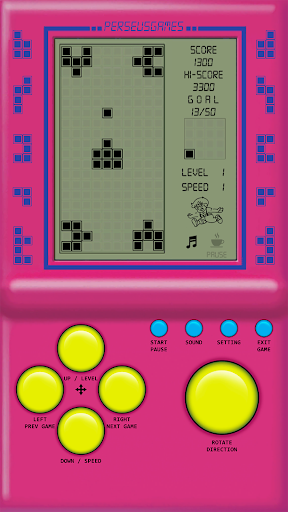
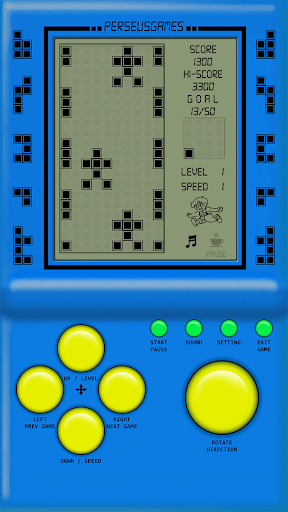
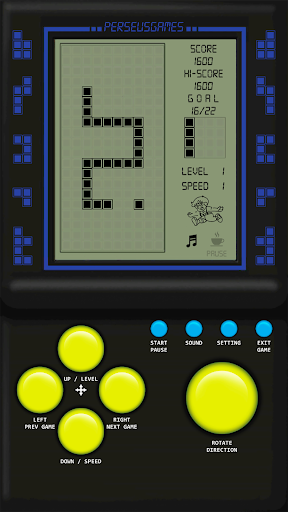
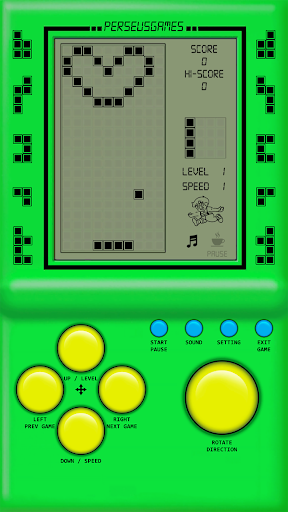
Brick Game - Retro Games is the compilation of the games from the console of the 1990s. Do you feel tired of with complicated and difficult games? Did you miss the favorite classic games? Let's play this game to feel nostalgic!
Game features:
• 12 games in 1
• Many level and speed
• 11 different classic themes
• 8 bits sound
Game list:
A - Tank Classic:
Move tank and shoot bullet to kill enemy. The speed and intelligence of the enemy will increase after each level
B - Racing Classic:
Move racer left right to avoid enemy, the speed will be increase after each level
C - Snake Classic:
Move the snake to avoid obstacles and eat more foods to grow in size
D - Supplement Shooting Classic:
Move the gun platform, shoot block to the sky to fill the falling blocks. When the blocks are filled, they will collapse upwards
E - Shooting Players Classic:
Move the gun platform, shoot to destroy the falling blocks before they touch the ground
F - Brick Breaker Classic:
Smash a wall of bricks by deflecting a bouncing ball with a paddle
G - Frog Across River Classic:
Control player move and jump to avoid all obstacles
H - Match Three Classic:
Change blocks of different shapes to match given blocks falling down
I - Racing Classic II:
Control the racer avoid all obstacles on the road. The speed will be increase after each level
J - Ping Pong Classic:
Control the paddle to hit a ball back and forth and compete against with a computer-controlled opponent. The aim is reach ten points, points are earned when opponent fails to return the ball to the player.
K - Racing Classic III:
Control racer avoid enemy in 3 lanes road, the speed will be increase after each level
L - Snake Classic II:
Move the snake to avoid obstacles, through 4 holes and eat more foods to grow in size
Pokaż więcej

1. Pobierz instalator MEmu i zakończ instalację

2. Uruchom MEmu, a następnie otwórz Google Play na pulpicie

3. Wyszukaj Brick Game - Retro Games w Google Play
Install
4. Pobierz i zainstaluj Brick Game - Retro Games
5. Po zakończeniu instalacji kliknij ikonę, aby rozpocząć

6. Ciesz się grą Brick Game - Retro Games na PC z MEmu
MEmu Play to najlepszy emulator Androida, a 100 milionów ludzi już korzysta z jego i dosta doskonałe wrażenia z gier na Androida. Technologia wirtualizacji MEmu umożliwia płynne granie w tysiące gier Androida na komputerze, nawet tych najbardziej wymagających grafiki.
Większy ekran z lepszą grafiką; Długi czas, bez ograniczeń baterii lub danych mobilnych.
Pełna obsługa mapowania klawiszy dla precyzyjnego sterowania klawiaturą i myszą lub gamepadem.
Wiele kont gier lub zadań na jednym komputerze jednocześnie z menedżerem wielu instancji.
Play Brick Game - Retro Games on PC by following steps: