Tiny Divines
Zaktualizowano
Aktualna wersja
Sprzedawca

Przy całej swojej pasji do grania w Tiny Divines, twoje ręce nie powinny być ograniczone na małym ekranie telefonu. Graj jak zawodowiec i uzyskaj pełną kontrolę nad grą za pomocą klawiatury i myszy. MEmu oferuje ci wszystko, czego oczekujesz. Pobierz i graj Tiny Divines na PC. Graj tak długo, jak chcesz, bez ograniczeń baterii, danych komórkowych i niepokojących połączeń. Zupełnie nowy MEmu 9 to najlepszy wybór do grania w Tiny Divines na PC. Przygotowany dzięki naszej wiedzy, znakomity, wstępnie ustawiony system mapowania klawiszy sprawia, że Tiny Divines jest prawdziwą grą na PC. Zakodowany naszą absorpcją, menedżer wielu instancji umożliwia granie na 2 lub więcej kontach na tym samym urządzeniu. A co najważniejsze, nasz emulator może uwolnić pełny potencjał twojego komputera, sprawić, że wszystko będzie płynne. Dbamy nie tylko o to, jak grasz, ale także o cały proces czerpania radości z grania.
Pokaż więcej
Ciesz się wspaniałym doświadczeniem podczas grania w Tiny Divines na komputerze z aplikacją MEMU App Player. Jest to potężny darmowy emulator Androida pozwalający grać w tysiące gier na Androida. "The miracles of the divine begin at your fingertips.
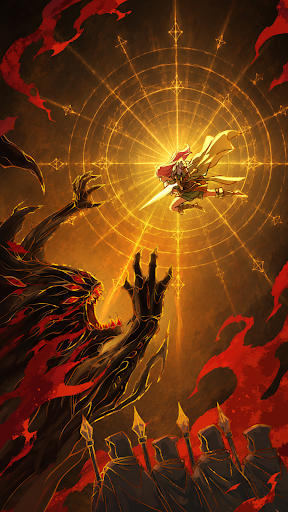
"The miracles of the divine begin at your fingertips."
One day, you were to become the divine messenger.
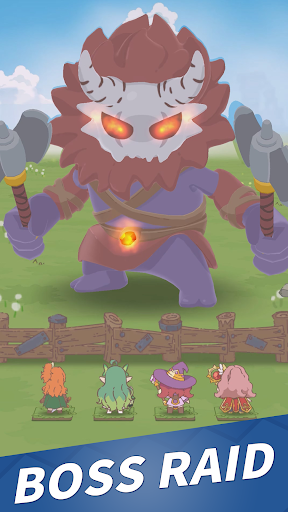
Together with your faithful apostles,
defend your base from the endless waves of threats!
-------------------------------------------------
◆ The perfect choice if you're into:
- Defense games with adorable art
- Simple controls paired with deep strategy
- Charming characters and lore
--------------------------------------------
[About the Game]
■ Simple controls, deep satisfaction
No reflexes required! It's all about your builds and choices.
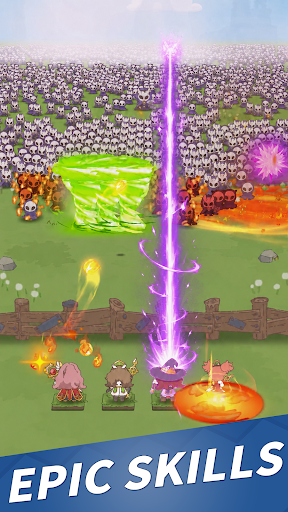
Wipe out thousands of enemies with a single ultimate skill.
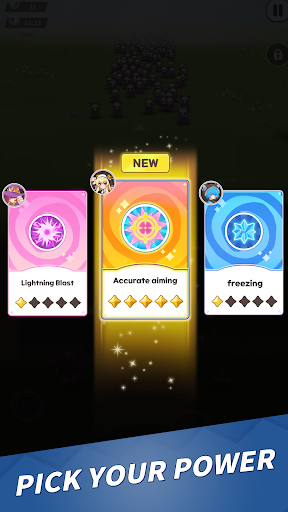
■ A fresh 3-choice run, every time
Endless combinations of normal, battle, ultimate, and passive skills.
No two runs are ever the same. Every game has a new strategy waiting to happen.
■ Chibi apostles
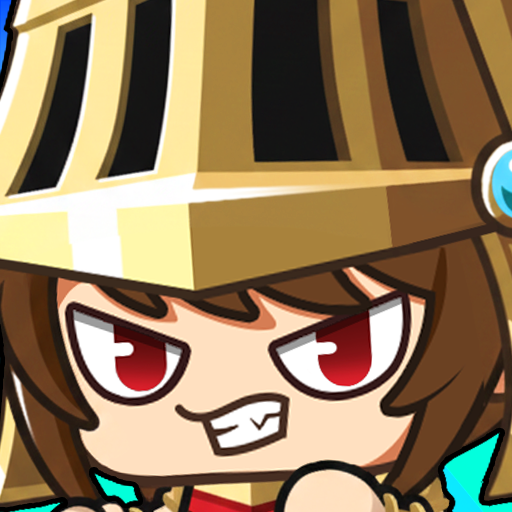
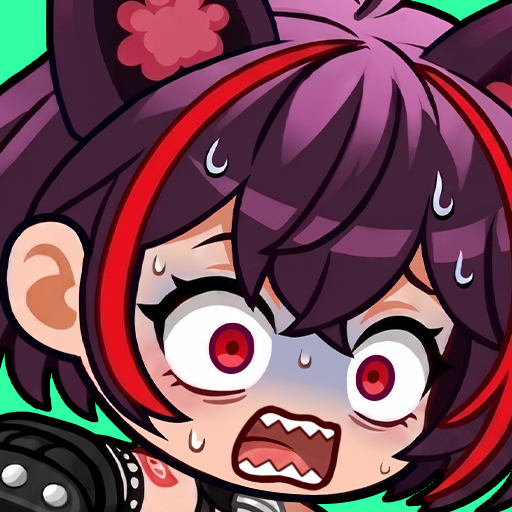
A charming lineup, each with their story and background.
Mix and match classes, elements, and weapons to build your ultimate team.
■ Friendly progression guide: the Divine Path
No more overwhelming growth systems. Just follow the path to become stronger.
Permanent rewards from summoning materials, all the way to characters!
■ Truly one of a kind
Season Raid: Fresh challenges every season with rotating special effects
Squad Formation: Large-scale strategic battles across three parties
Cafeteria: Tasty buffs from dishes, coffee, fortune cookies, and more
Pokaż więcej

1. Pobierz instalator MEmu i zakończ instalację

2. Uruchom MEmu, a następnie otwórz Google Play na pulpicie

3. Wyszukaj Tiny Divines w Google Play
Install
4. Pobierz i zainstaluj Tiny Divines
5. Po zakończeniu instalacji kliknij ikonę, aby rozpocząć

6. Ciesz się grą Tiny Divines na PC z MEmu
MEmu Play to najlepszy emulator Androida, a 100 milionów ludzi już korzysta z jego i dosta doskonałe wrażenia z gier na Androida. Technologia wirtualizacji MEmu umożliwia płynne granie w tysiące gier Androida na komputerze, nawet tych najbardziej wymagających grafiki.
Większy ekran z lepszą grafiką; Długi czas, bez ograniczeń baterii lub danych mobilnych.
Pełna obsługa mapowania klawiszy dla precyzyjnego sterowania klawiaturą i myszą lub gamepadem.
Wiele kont gier lub zadań na jednym komputerze jednocześnie z menedżerem wielu instancji.
Play Tiny Divines on PC by following steps: