Violet the Doll: My Home
Zaktualizowano
Aktualna wersja
1720431395
Sprzedawca

Przy całej swojej pasji do grania w Violet the Doll: My Home, twoje ręce nie powinny być ograniczone na małym ekranie telefonu. Graj jak zawodowiec i uzyskaj pełną kontrolę nad grą za pomocą klawiatury i myszy. MEmu oferuje ci wszystko, czego oczekujesz. Pobierz i graj Violet the Doll: My Home na PC. Graj tak długo, jak chcesz, bez ograniczeń baterii, danych komórkowych i niepokojących połączeń. Zupełnie nowy MEmu 9 to najlepszy wybór do grania w Violet the Doll: My Home na PC. Przygotowany dzięki naszej wiedzy, znakomity, wstępnie ustawiony system mapowania klawiszy sprawia, że Violet the Doll: My Home jest prawdziwą grą na PC. Zakodowany naszą absorpcją, menedżer wielu instancji umożliwia granie na 2 lub więcej kontach na tym samym urządzeniu. A co najważniejsze, nasz emulator może uwolnić pełny potencjał twojego komputera, sprawić, że wszystko będzie płynne. Dbamy nie tylko o to, jak grasz, ale także o cały proces czerpania radości z grania.
Pokaż więcej
Ciesz się wspaniałym doświadczeniem podczas grania w Violet the Doll: My Home na komputerze z aplikacją MEMU App Player. Jest to potężny darmowy emulator Androida pozwalający grać w tysiące gier na Androida. Find yourself delighted by our new girl game where you get to meet Violet, the doll, and spend a day with her.
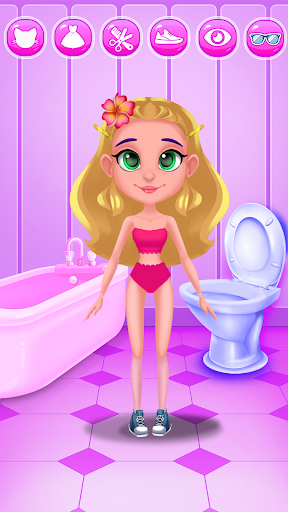
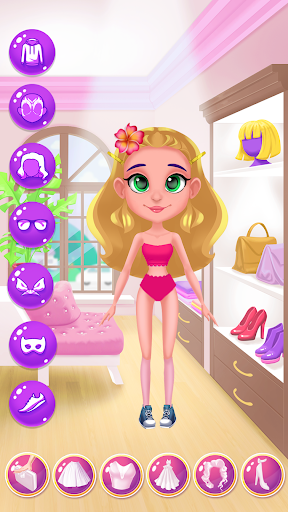
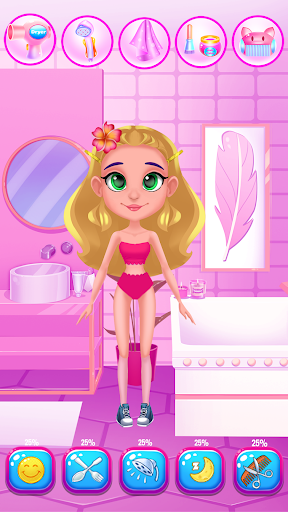
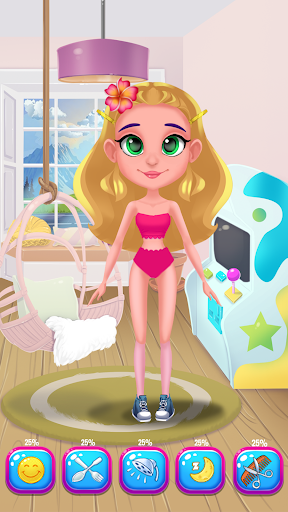
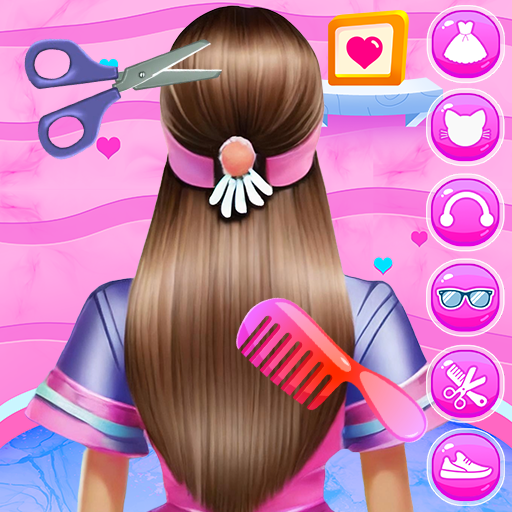
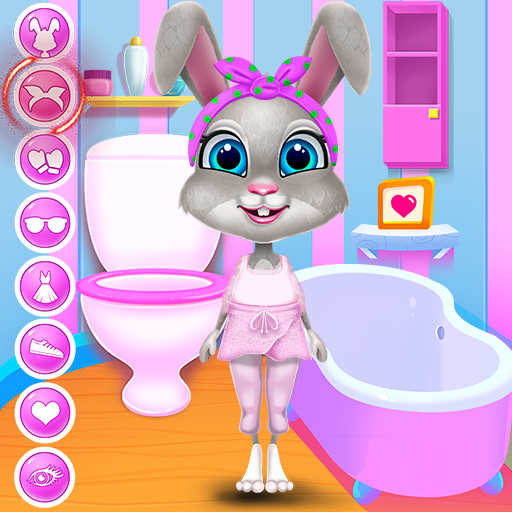
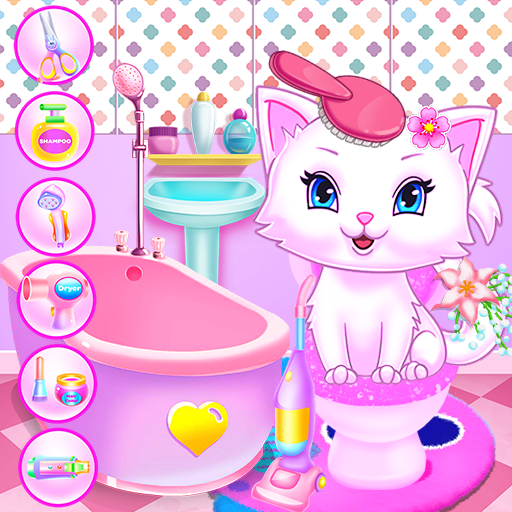
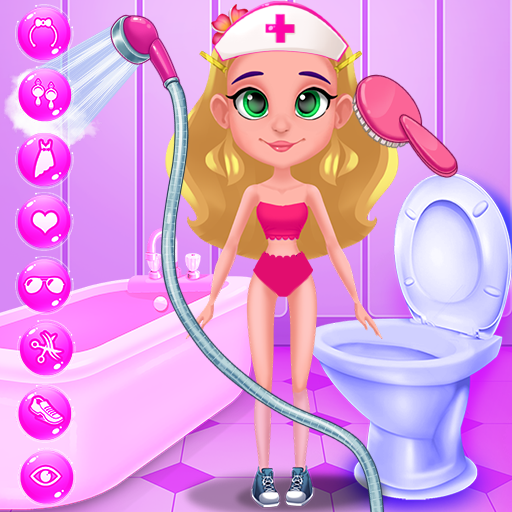
Find yourself delighted by our new girl game where you get to meet Violet, the doll, and spend a day with her. You will have so much fun in her virtual home and you will also learn her daily ritual. Take care of her and make sure you will fulfill all her wishes. There will be so many cool activities to attend to and you will also have to be creative on some levels. Prepare Violet for a relaxing bubble bath where you will clean her up. Wash her hair and her body, then take her to the facial spa. Here you will clean her skin and make sure she glows. Now that her face looks good is important to get her into a good shape. Go to the gym and do some exercise that will keep her energized and healthy. After her workout is completed she must eat something to regain her strength. Move into the kitchen and prepare a yummy and nutritious meal. Serve Violet with your delicious dish and help her continue her day. She will go out for a bit so she needs a new outfit. Combine colors and pieces of clothing to find the style that matches her taste. Don't forget to complete the look with pretty accessories and great shoes. A pair of sunglasses, a headband, or even a bow can make her look fabulous. You can even pick her haircut and the color of the hair. Make her look stunning and have a great time while you're in her virtual home. Once her day is over you must put her in bed to rest for a new day with new activities.
This game has wonderful features to show like:
- Free and easy to play
- Entertaining activities
- Helping Violet to make sport
- Creating chic outfits with cool accessories
- Cook and serve delicious food
- Prepare her for bedtime
- Interesting graphics and cheerful sounds
- Facial spa treatments to perform
- Take good care of her
- Prepare her a bubble bath
- Gym exercises to learn
- Healthy recipes to follow
Pokaż więcej

1. Pobierz instalator MEmu i zakończ instalację

2. Uruchom MEmu, a następnie otwórz Google Play na pulpicie

3. Wyszukaj Violet the Doll: My Home w Google Play
Install
4. Pobierz i zainstaluj Violet the Doll: My Home
5. Po zakończeniu instalacji kliknij ikonę, aby rozpocząć

6. Ciesz się grą Violet the Doll: My Home na PC z MEmu
MEmu Play to najlepszy emulator Androida, a 100 milionów ludzi już korzysta z jego i dosta doskonałe wrażenia z gier na Androida. Technologia wirtualizacji MEmu umożliwia płynne granie w tysiące gier Androida na komputerze, nawet tych najbardziej wymagających grafiki.
Większy ekran z lepszą grafiką; Długi czas, bez ograniczeń baterii lub danych mobilnych.
Pełna obsługa mapowania klawiszy dla precyzyjnego sterowania klawiaturą i myszą lub gamepadem.
Wiele kont gier lub zadań na jednym komputerze jednocześnie z menedżerem wielu instancji.
Play Violet the Doll: My Home on PC by following steps: