Editor de Vídeo e Foto Música - InShot
Atualizada
Versão atual
2.204.1534
Oferecido por

Pare de se preocupar com sobrecargas ao usar Editor de Vídeo e Foto Música - InShot no seu celular, liberte-se da pequena tela e aproveite o uso do aplicativo numa tela muito maior. A partir de agora, obtenha uma experiência em tela cheia do seu aplicativo com teclado e mouse. O MEmu oferece-lhe todos os recursos surpreendentes que você esperava: instalação rápida e configuração fácil, controles intuitivos, sem mais limitações de bateria, dados móveis e chamadas perturbadoras. O novíssimo MEmu 9 é a melhor opção para usar Editor de Vídeo e Foto Música - InShot no seu computador. Codificado com a nossa absorção, o gerenciador de multi-instâncias possibilita a abertura de 2 ou mais contas ao mesmo tempo. E o mais importante, nosso mecanismo de emulação exclusivo pode liberar todo o potencial do seu PC, tornando tudo suave e agradável.
Mostre mais
Download do Editor de Vídeo e Foto Música - InShot no PC com MEmu Android Emulador: Divirta-se jogando na tela grande. InShot- Powerful Music Video Editor and Photo Editor which can help you record your precious moments of your daily life.
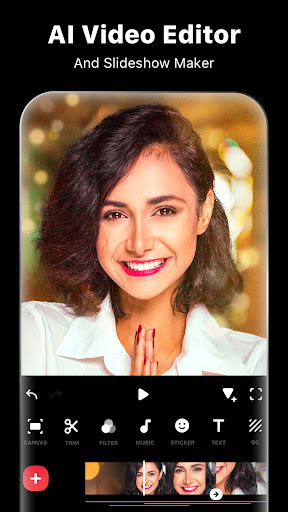
InShot- Powerful Music Video Editor and Photo Editor which can help you record your precious moments of your daily life. Make music video for Republic Day, Holi, Diwali, New year and other special days! Share your daily life with others on social media!
Whether basic editing or AI features, InShot provides professional tools for both. With InShot, you can edit and save long videos without any time limits and export it in HD even 4K resolution!
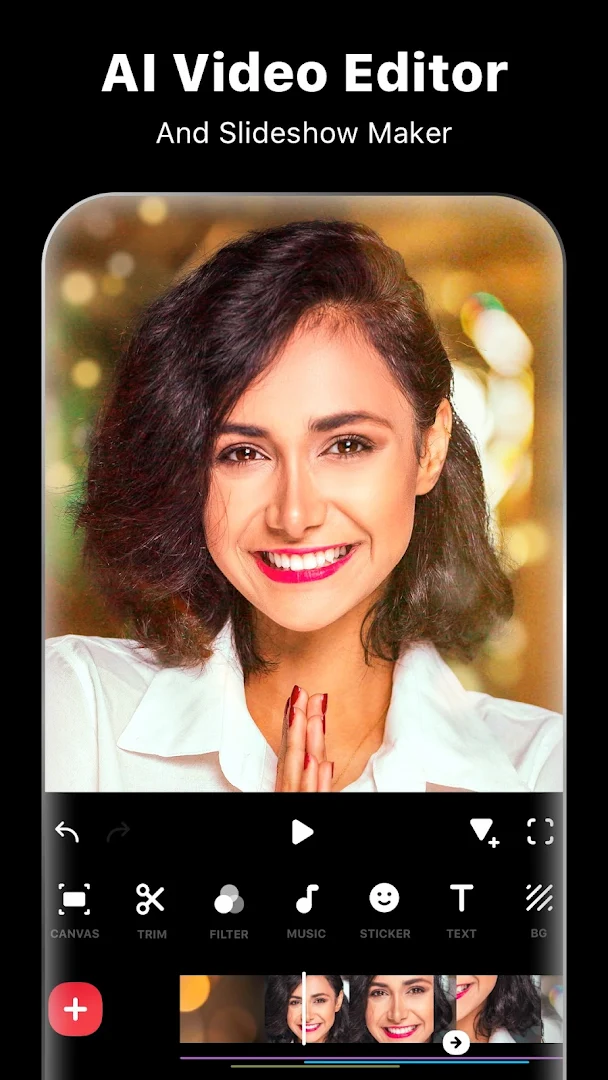
AI Video Editor
- Auto captions. Turn your voice and audios into text automatically. Now InShot support multi-languages: English, Hindi, Bengali, Telugu, Marathi, Tamil, Urdu, etc.
- AI speech. An enhanced text-to-speech tool with muti languages supports and various voice styles.
- AI Photo enhance and Video enhance. Turn blurry/broken photos and videos into HD resolution.
- AI effects. Experience the magic of AI with instant presets that elevate your images and videos in just one tap.
- AI remover. Instantly erase unwanted objects or people for a clean, perfect shot.
- AI Cutout. Effortlessly remove backgrounds for photos and videos.
- Video Stabilizer. Smooth out shaky footage instantly and get steady, professional-looking videos with just one tap.
Basic Video Editing Tool
- Video cutter and Video splitter. Video maker with trim function. Cut videos to the length you need. Split videos into several clips.
- Video merger and photo slideshow maker. Merge multiple clips into one, combine and compress video without losing quality.
- Video converter. Easily convert video to MP4 format. Free video cutter app.
- Crop video in any ratios. Zoom in/out video. Powerful movie maker and pro video-editor for YouTube, Instagram, Snack video etc.
- Crop video to remove watermark or any unwanted part.
- Rotate/Flip the video.
- Blur background and No crop.
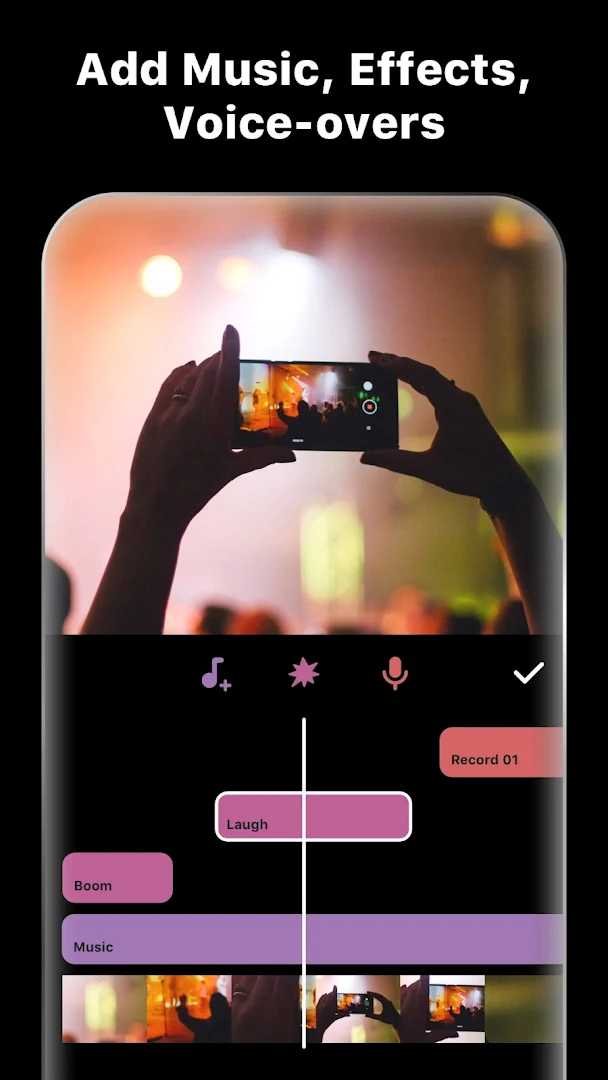
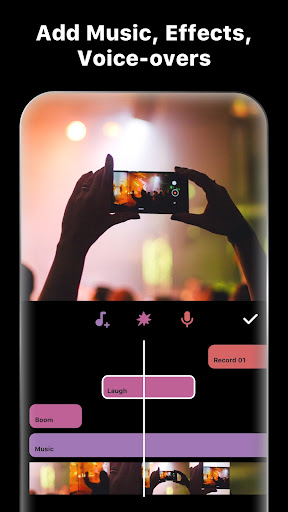
Add Music to Video
- Video maker with music! Add InShot featured music, India dream music or use your own beat songs.
- Extracting music from videos. You can upload extract music you like from other videos.
- Add voice-over and voice effects.
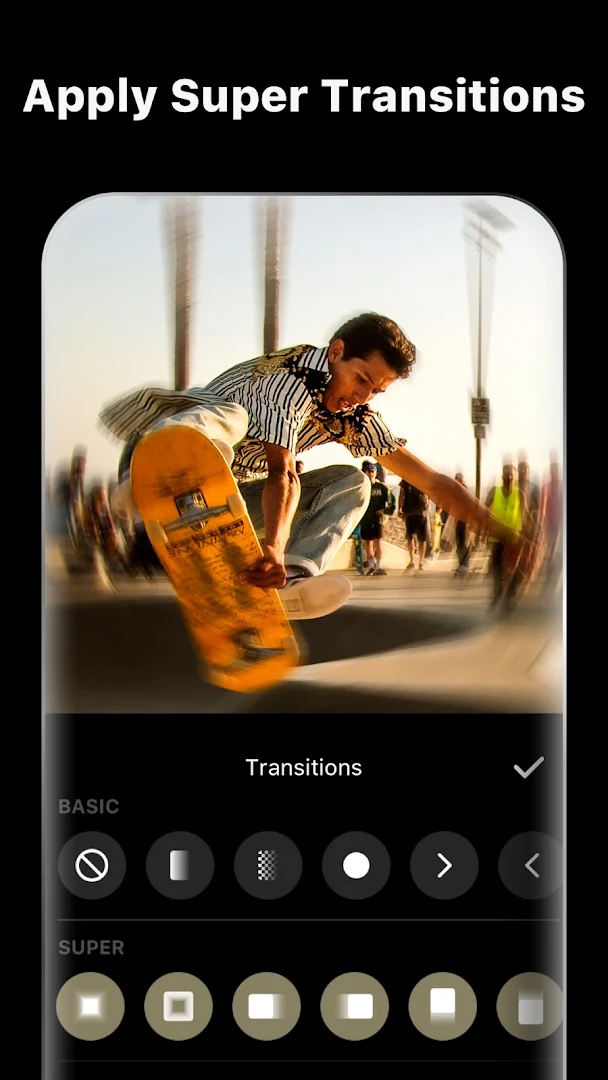
Video Filters, Effects & Transitions
- Add movie style video filters and cool effects such as Glitch, Stop Motion, Old TV, RGB, ect.
- Adjust video brightness, contrast, saturation, etc. Customized video filters and video effects.
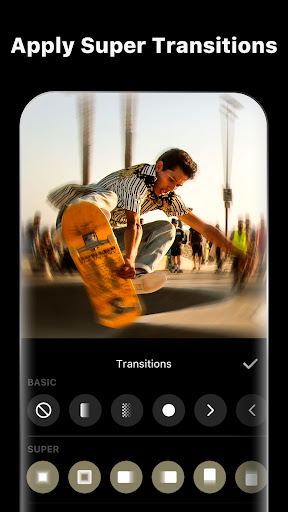
- Merger 2 clips by adding transition effects to make the transition of video clips more cinematic! Just simple click, you can become a montage video master with InShot.
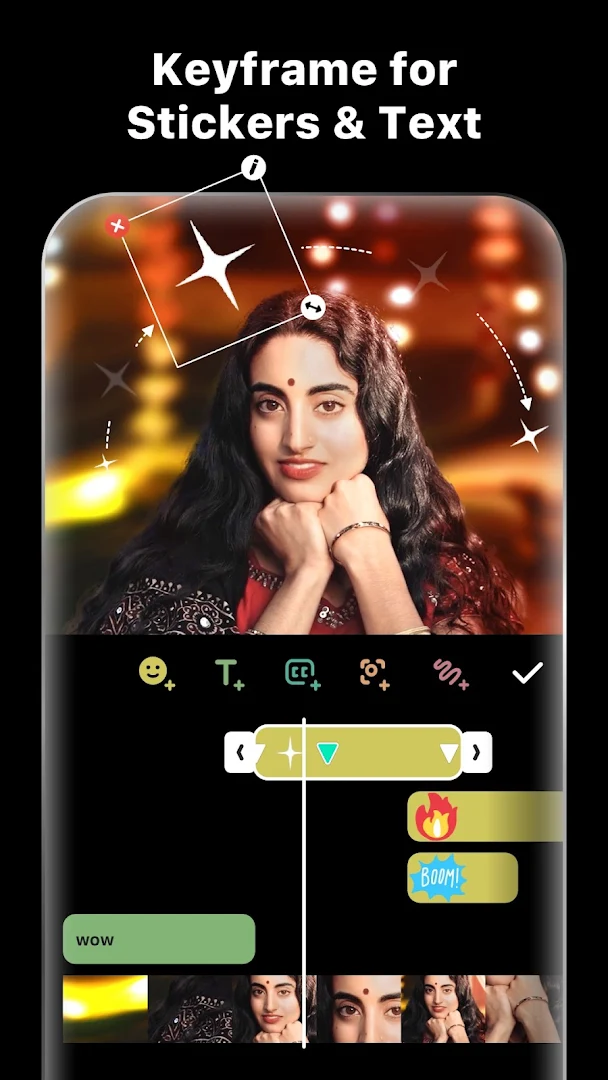
Add Text & Sticker
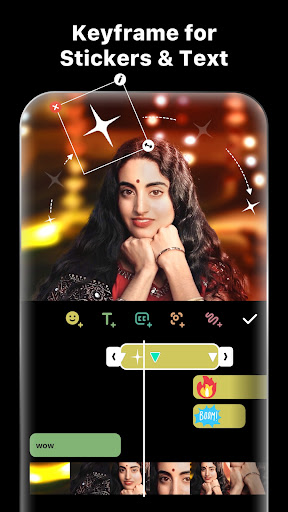
- Add text, animated stickers, and emoji.
- Choose from many fonts to edit your text, and combine with music to create lyrical videos with this MV status maker.
Photo Editor & Collage Maker
- Lots of stylish collage layouts.
- Unique filters & colorful backgrounds, blur background.
- 1000+ stickers, add funny memes to your photos.
Easy to Share
- Custom video export. Export videos in HD or 4K with full control, creating professional-quality movies effortlessly.
- Share to all social apps YouTube, Instagram, IGTV, Facebook, Whatsapp, etc.
InShot is a powerful screen video editor & movie maker. Popular music video maker with all features, free photo editor.
With InShot, you can easily add music to video, add text and stickers on video. Fast/Slow motion feature is super fun. As a free HD full screen video cutter. You can crop video easily and export it without losing quality, and share your videos to social media by one click, or edit video with music and pictures for YouTube.
Any questions for InShot (FREE music video editor and photo editor)? Please contact us at inshot.android@inshot.com
For more new feature tutorials and advanced video editing tips, please subscribe to our YouTube channel: https://www.youtube.com/@InShotApp
Disclaimer:
InShot is not affiliated, associated, sponsored, endorsed by, or in any way officially connected with YouTube, Instagram, TikTok, Facebook, Twitter.
Mostre mais

1. Faça o download do instalador do MEmu e conclua a instalação

2. Inicie o MEmu e depois abra o Google Play na página inicial

3. Pesquise Editor de Vídeo e Foto Música - InShot no Google Play
Install
4. Baixe e Instale Editor de Vídeo e Foto Música - InShot
5. Na conclusão da instalação, clique no ícone para iniciar

6. º Experimente o Editor de Vídeo e Foto Música - InShot no PC com o MEmu.
O MEmu Play é o melhor emulador Android gratuito, com 50 milhões de utilizadores a desfrutar da sua experiência superior com aplicações Android. A tecnologia de virtualização do MEmu permite-lhe executar milhares de aplicações Android sem problemas no seu computador, mesmo as mais exigentes.
Tela maior com gráficos melhores; Longa duração e sem limitação de bateria ou dados móveis.
Suporte completo ao Mapaeamento de Teclas para controle preciso do teclado e mouse ou gamepad.
Várias contas de jogos ou tarefas em um único PC de uma só vez com o Gerenciador de várias instâncias.
Use Editor de Vídeo e Foto Música - InShot on PC by following steps: