Cooraft
Atualizada
Versão atual
1.2.8
Oferecido por

Pare de se preocupar com sobrecargas ao usar Cooraft no seu celular, liberte-se da pequena tela e aproveite o uso do aplicativo numa tela muito maior. A partir de agora, obtenha uma experiência em tela cheia do seu aplicativo com teclado e mouse. O MEmu oferece-lhe todos os recursos surpreendentes que você esperava: instalação rápida e configuração fácil, controles intuitivos, sem mais limitações de bateria, dados móveis e chamadas perturbadoras. O novíssimo MEmu 9 é a melhor opção para usar Cooraft no seu computador. Codificado com a nossa absorção, o gerenciador de multi-instâncias possibilita a abertura de 2 ou mais contas ao mesmo tempo. E o mais importante, nosso mecanismo de emulação exclusivo pode liberar todo o potencial do seu PC, tornando tudo suave e agradável.
Mostre mais
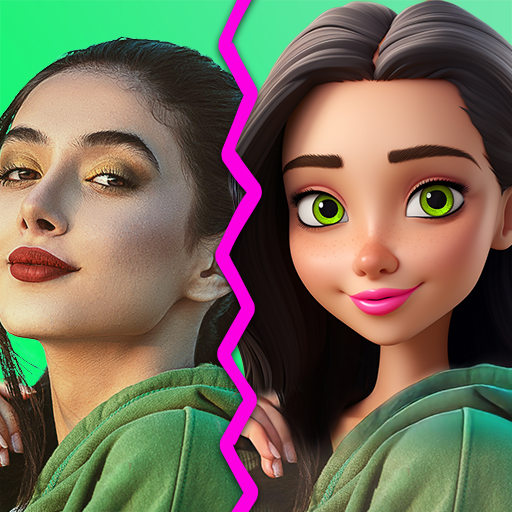
Download do Cooraft no PC com MEmu Android Emulador: Divirta-se jogando na tela grande. Turn your selfies and daily photos into gorgeous studio shots, creative and artistic ANIMATIONS and renderings in just ONE TAP.
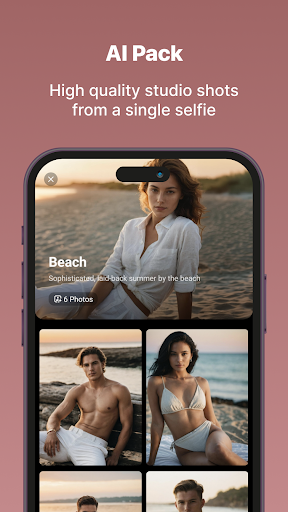
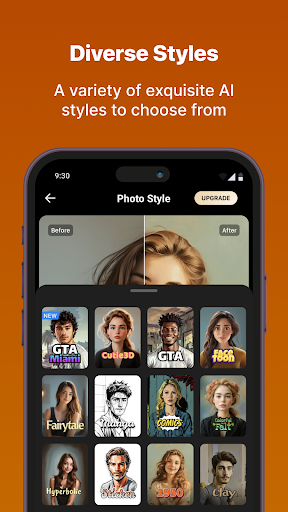
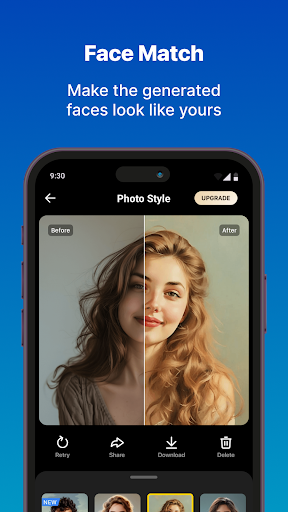
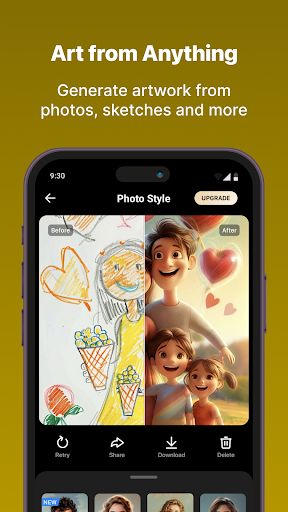
Turn your selfies and daily photos into gorgeous studio shots, creative and artistic ANIMATIONS and renderings in just ONE TAP. It’s like magic! professional photography, 2D to 3D, face animation, sketch to realistic, and more!
Cooraft brings the power of AI to your fingertips, transforming ordinary images into stunning works of art. With Cooraft, you can animate a face photo with fun expressions and create artistic emojis. You can also apply a variety of artistic styles to your photos, from 3D cartoons to classical paintings. Beyond just stylizing portraits, Cooraft can convert various inputs such as sketches, drawings, paintings, and line art into new renderings that are realistic, 3D, or artistically inspired.
-------- Use Cooraft for————
• Packs: create a series of professional portrait shots from a single face image
• Photo Style: convert any photo into a variety of artistic styles
• Coomoji: turn facial photo into stylized emoji
• Face Motion: animate a face photo with fun expressions
• All done by state of the art AI technology
• More stunning styles and features are on the way!
Subscribe to have unlimited access to premium features as well.
• Subscription length: weekly and yearly
• Your payment will be charged to your Google Account as soon as you confirm your purchase.
• You can manage your subscriptions and turn off auto-renewal from your Account Settings after the purchase.
• Your subscription will renew automatically, unless you turn off auto-renew at least 24 hours before the end of the current period.
• The cost of renewal will be charged to your account in the 24 hours prior to the end of the current period.
• When canceling a subscription, your subscription will stay active until the end of the period. Auto-renewal will be disabled, but the current subscription will not be refunded.
• Any unused portion of a free trial period, if offered, will be forfeited when purchasing a subscription.
Have a feature request you would like to see in a future version of the app? Do not hesitate to contact us at support@dzine.ai.
Terms of Service: https://static.stylar.ai/stylar_config/app_agreement/eula.html
Privacy Policy: https://static.stylar.ai/stylar_config/app_agreement/privacy.html
Mostre mais

1. Faça o download do instalador do MEmu e conclua a instalação

2. Inicie o MEmu e depois abra o Google Play na página inicial

3. Pesquise Cooraft no Google Play
Install
4. Baixe e Instale Cooraft
5. Na conclusão da instalação, clique no ícone para iniciar

6. º Experimente o Cooraft no PC com o MEmu.
O MEmu Play é o melhor emulador Android gratuito, com 50 milhões de utilizadores a desfrutar da sua experiência superior com aplicações Android. A tecnologia de virtualização do MEmu permite-lhe executar milhares de aplicações Android sem problemas no seu computador, mesmo as mais exigentes.
Tela maior com gráficos melhores; Longa duração e sem limitação de bateria ou dados móveis.
Suporte completo ao Mapaeamento de Teclas para controle preciso do teclado e mouse ou gamepad.
Várias contas de jogos ou tarefas em um único PC de uma só vez com o Gerenciador de várias instâncias.
Use Cooraft on PC by following steps: