PDF Reader – PDF Viewer
Atualizada
Versão atual
1.5.8
Oferecido por

Pare de se preocupar com sobrecargas ao usar PDF Reader – PDF Viewer no seu celular, liberte-se da pequena tela e aproveite o uso do aplicativo numa tela muito maior. A partir de agora, obtenha uma experiência em tela cheia do seu aplicativo com teclado e mouse. O MEmu oferece-lhe todos os recursos surpreendentes que você esperava: instalação rápida e configuração fácil, controles intuitivos, sem mais limitações de bateria, dados móveis e chamadas perturbadoras. O novíssimo MEmu 9 é a melhor opção para usar PDF Reader – PDF Viewer no seu computador. Codificado com a nossa absorção, o gerenciador de multi-instâncias possibilita a abertura de 2 ou mais contas ao mesmo tempo. E o mais importante, nosso mecanismo de emulação exclusivo pode liberar todo o potencial do seu PC, tornando tudo suave e agradável.
Mostre mais
Download do PDF Reader – PDF Viewer no PC com MEmu Android Emulador: Divirta-se jogando na tela grande. PDF Reader – PDF Viewer is the light weight office app that you can use to read all documents, read PDF files stored locally in your device, the app supports all pdf files even the one with password protection.
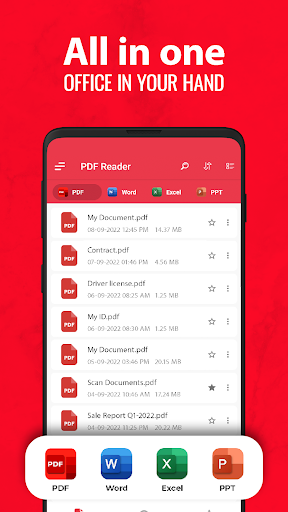
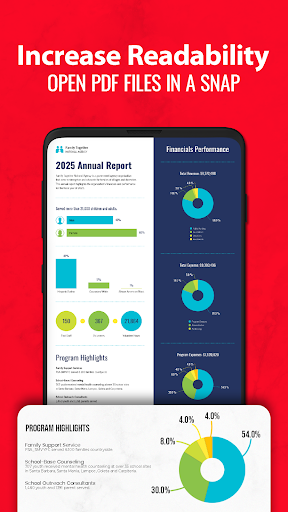
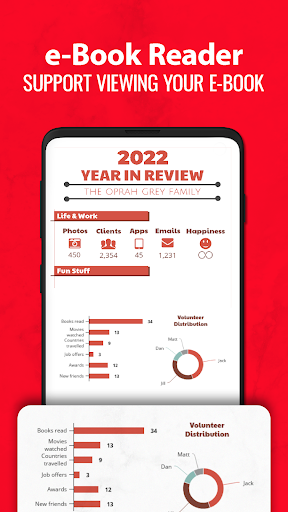
PDF Reader – PDF Viewer is the light weight office app that you can use to read all documents, read PDF files stored locally in your device, the app supports all pdf files even the one with password protection.
PDF Viewer
✔ Quick display: PDF Reader Plus uses the most advanced technology available today to speed the loading and display of PDF files quickly even with large PDF files
✔ Display mode: Choose single page, two page, book mode or full-screen reading mode to view PDF
✔ PDF orientation: Vertical and horizontal views provide the most convenient experience for you
✔ Quick page moving: Go to a specific page number, fast page navigation return, lector PDF
✔ Bookmarks: Make Bookmarks when it comes to intuitive navigation through PDF files
✔ Theme color: Customize themes by choosing darktheme or light theme
PDF Converter & Scanner
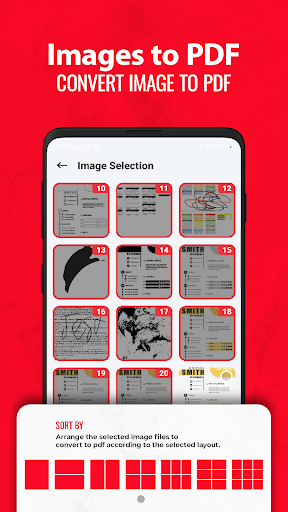
✔ Image to PDF: Use free PDF scanner to turn images, receipts, notes and more into PDFs
✔ PDF to JPG: Convert PDF to images with annotations for better sharing
✔ PDF Creator: Create a PDF file from multiple images (PNG, JPG, TIFF, GIF).
PDF Reader – PDF Viewer is a very fast and simple to use app that helps you open large PDF files;
It supports reading PDFs of more than 300MB size faster than ever. PDF Reader – PDF Viewer is simple and easy to manage and view PDF files.
Enjoy all features you need in a PDF Reader - PDF viewer.
Mostre mais

1. Faça o download do instalador do MEmu e conclua a instalação

2. Inicie o MEmu e depois abra o Google Play na página inicial

3. Pesquise PDF Reader – PDF Viewer no Google Play
Install
4. Baixe e Instale PDF Reader – PDF Viewer
5. Na conclusão da instalação, clique no ícone para iniciar

6. º Experimente o PDF Reader – PDF Viewer no PC com o MEmu.
O MEmu Play é o melhor emulador Android gratuito, com 50 milhões de utilizadores a desfrutar da sua experiência superior com aplicações Android. A tecnologia de virtualização do MEmu permite-lhe executar milhares de aplicações Android sem problemas no seu computador, mesmo as mais exigentes.
Tela maior com gráficos melhores; Longa duração e sem limitação de bateria ou dados móveis.
Suporte completo ao Mapaeamento de Teclas para controle preciso do teclado e mouse ou gamepad.
Várias contas de jogos ou tarefas em um único PC de uma só vez com o Gerenciador de várias instâncias.
Use PDF Reader – PDF Viewer on PC by following steps: