IPTV Online Player: Live TV
Atualizada
Versão atual
1.0
Oferecido por

Pare de se preocupar com sobrecargas ao usar IPTV Online Player: Live TV no seu celular, liberte-se da pequena tela e aproveite o uso do aplicativo numa tela muito maior. A partir de agora, obtenha uma experiência em tela cheia do seu aplicativo com teclado e mouse. O MEmu oferece-lhe todos os recursos surpreendentes que você esperava: instalação rápida e configuração fácil, controles intuitivos, sem mais limitações de bateria, dados móveis e chamadas perturbadoras. O novíssimo MEmu 9 é a melhor opção para usar IPTV Online Player: Live TV no seu computador. Codificado com a nossa absorção, o gerenciador de multi-instâncias possibilita a abertura de 2 ou mais contas ao mesmo tempo. E o mais importante, nosso mecanismo de emulação exclusivo pode liberar todo o potencial do seu PC, tornando tudo suave e agradável.
Mostre mais
Desfrute de uma experiência incrível utilizando o IPTV Online Player: Live TV no PC com o MEmu Play. É um poderoso emulador Android gratuito que oferece milhares de aplicações Android nas suas versões para desktop. Estabeleça ligação com amigos e aprimore o seu trabalho com mais eficiência! Welcome to IPTV Online Player: Live TV.
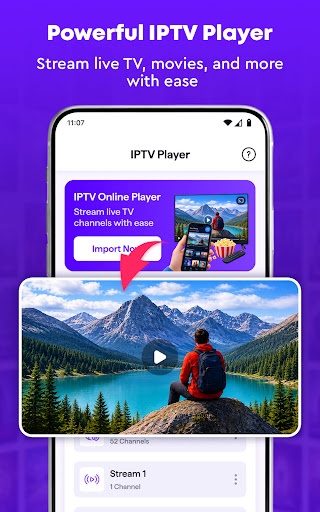
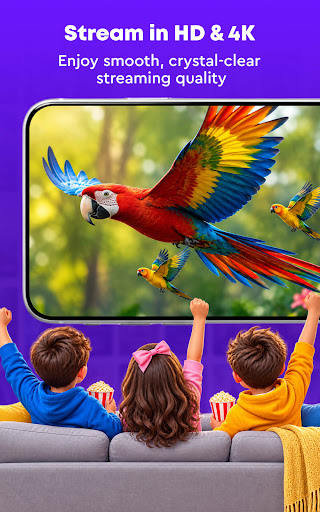
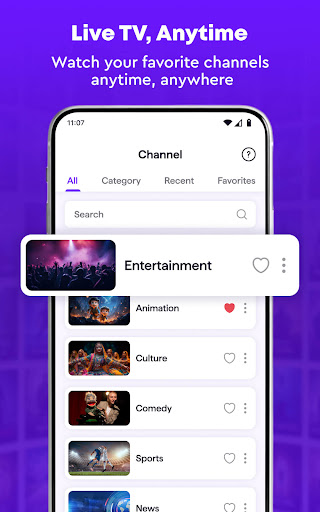
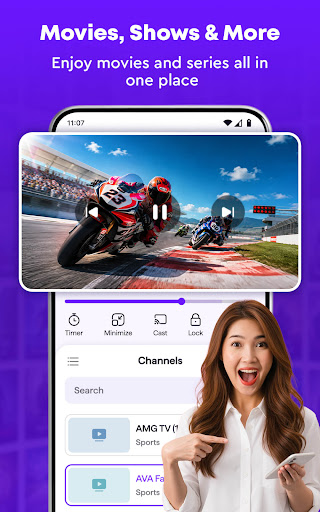
Welcome to IPTV Online Player: Live TV. It's designed for:
IPTV SMART PLAYER
* Enjoy a clean and flexible player for your own IPTV player
* Load supported playlists and IPTV stream links with ease
* Browse available TV channels from one convenient place
* Use simple smooth playback controls while watching
* View your content in full-screen mode for a more comfortable experience
STREAM LIVE TV SEAMLESSLY
* Watch supported live TV stream directly from your playlists
* Enjoy smooth playback when your network and stream source are stable
* Pause, resume, and seek through supported content easily
* Adjust volume while watching without leaving the IPTV player
* Keep your favorite live channels ready for the next viewing session
Mostre mais

1. Faça o download do instalador do MEmu e conclua a instalação

2. Inicie o MEmu e depois abra o Google Play na página inicial

3. Pesquise IPTV Online Player: Live TV no Google Play
Install
4. Baixe e Instale IPTV Online Player: Live TV
5. Na conclusão da instalação, clique no ícone para iniciar

6. º Experimente o IPTV Online Player: Live TV no PC com o MEmu.
O MEmu Play é o melhor emulador Android gratuito, com 50 milhões de utilizadores a desfrutar da sua experiência superior com aplicações Android. A tecnologia de virtualização do MEmu permite-lhe executar milhares de aplicações Android sem problemas no seu computador, mesmo as mais exigentes.
Tela maior com gráficos melhores; Longa duração e sem limitação de bateria ou dados móveis.
Suporte completo ao Mapaeamento de Teclas para controle preciso do teclado e mouse ou gamepad.
Várias contas de jogos ou tarefas em um único PC de uma só vez com o Gerenciador de várias instâncias.
Use IPTV Online Player: Live TV on PC by following steps: