IPTV Online Player: Live TV
Aggiornata
Versione corrente
1.0
Offerta da

Non devi più preoccuparti dei sovraccarichi durante l'utilizzo di IPTV Online Player: Live TV sul tuo cellulare, liberati dal piccolo schermo e goditi dell'App su uno schermo molto più grande. D'ora in poi, sperimenta la tua App a schermo intero con tastiera e mouse. MEmu ti offre tutte le sorprendenti funzioni che ti aspettavi: installazione rapida e impostazione semplice, controlli intuitivi, niente più limitazioni di batteria, dati mobili e chiamate fastidiose. Il MEmu 9 nuovo di zecca è la prima scelta per utilizzare IPTV Online Player: Live TV sul tuo computer. Codificato con il nostro assorbimento, il gestore multi-istanza consente di aprire 2 o più account contemporaneamente. E soprattutto, il nostro esclusivo motore di emulazione può sbloccare il pieno potenziale del tuo PC, rendendo tutto liscio e piacevole.
Mostra altro
Goditi un'esperienza straordinaria con IPTV Online Player: Live TV su PC con MEmu Play. È un potente emulatore Android gratuito che ti offre migliaia di app Android per la versione desktop. Divertiti a connetterti con gli amici e a perfezionare il tuo lavoro con maggiore efficienza! Welcome to IPTV Online Player: Live TV.
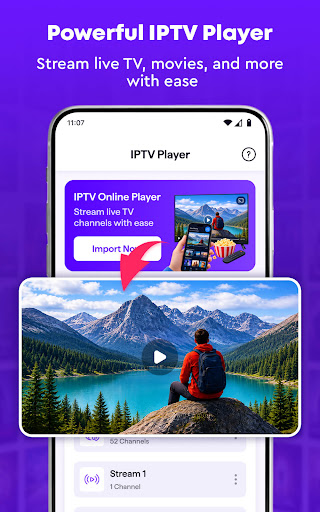
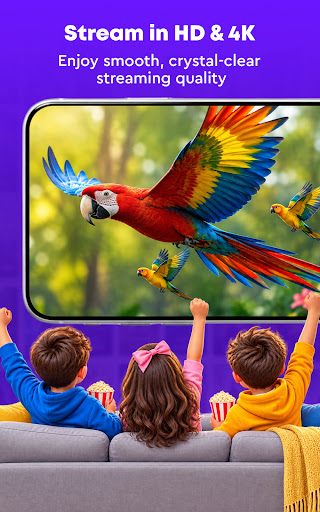
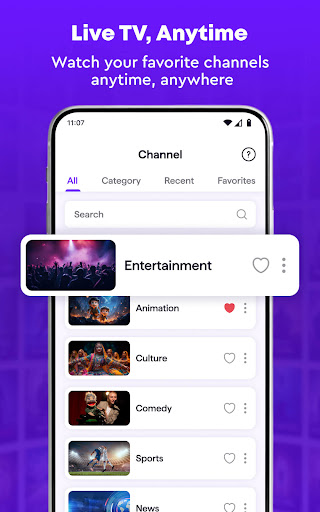
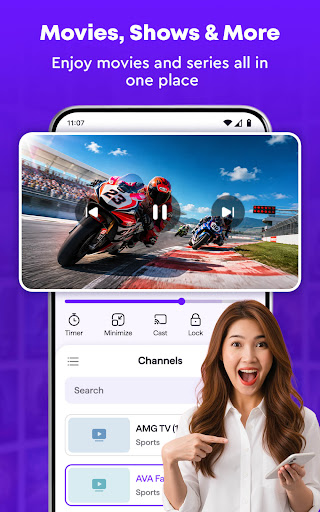
Welcome to IPTV Online Player: Live TV. It's designed for:
IPTV SMART PLAYER
* Enjoy a clean and flexible player for your own IPTV player
* Load supported playlists and IPTV stream links with ease
* Browse available TV channels from one convenient place
* Use simple smooth playback controls while watching
* View your content in full-screen mode for a more comfortable experience
STREAM LIVE TV SEAMLESSLY
* Watch supported live TV stream directly from your playlists
* Enjoy smooth playback when your network and stream source are stable
* Pause, resume, and seek through supported content easily
* Adjust volume while watching without leaving the IPTV player
* Keep your favorite live channels ready for the next viewing session
Mostra altro

1. Scarica il programma di installazione di MEmu e completa l'installazione

2. Avvia il Memu e apri il Google Play sulla homepage

3. Cerca IPTV Online Player: Live TV in Google Play
Install
4. Scarica e installa IPTV Online Player: Live TV
5. Al termine dell'installazione, fai clic sull'icona per avviar

6. Divertiti giocando a IPTV Online Player: Live TV su PC con MEmu
MEmu App Player è il miglior emulatore Android gratuito, utilizzato da 50 milioni di persone per ottenere un'esperienza di gioco Android superba. La tecnilogia di virtualizzazione MEmu ti permette di giocare a migliaia di giochi Android con semplicità sul tuo computer, anche i giochi con la grafica più esigente.
Schermo più grande con una grafica migliore; Lunga durata, senza limitazione di batteria o dati mobili.
Supporto completo per mappa di tastiera per un controllo preciso di tastiera e mouse o gamepad.
Multipli account di gioco o attività su un singolo PC contemporaneamente con il gestore di multi istanza.
Use IPTV Online Player: Live TV on PC by following steps: