Vivint
Atualizada
Versão atual
24.12.201
Oferecido por

Pare de se preocupar com sobrecargas ao usar Vivint no seu celular, liberte-se da pequena tela e aproveite o uso do aplicativo numa tela muito maior. A partir de agora, obtenha uma experiência em tela cheia do seu aplicativo com teclado e mouse. O MEmu oferece-lhe todos os recursos surpreendentes que você esperava: instalação rápida e configuração fácil, controles intuitivos, sem mais limitações de bateria, dados móveis e chamadas perturbadoras. O novíssimo MEmu 9 é a melhor opção para usar Vivint no seu computador. Codificado com a nossa absorção, o gerenciador de multi-instâncias possibilita a abertura de 2 ou mais contas ao mesmo tempo. E o mais importante, nosso mecanismo de emulação exclusivo pode liberar todo o potencial do seu PC, tornando tudo suave e agradável.
Mostre mais
Download do Vivint no PC com MEmu Android Emulador: Divirta-se jogando na tela grande. The Vivint app brings home to the palm of your hand.
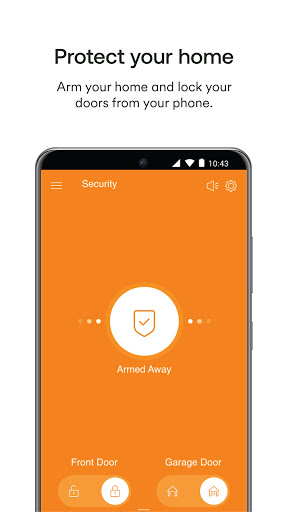
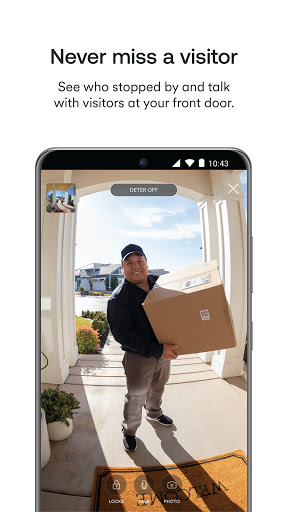
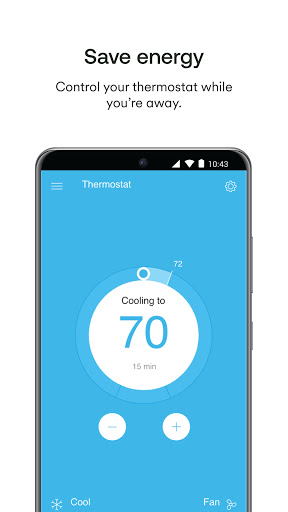
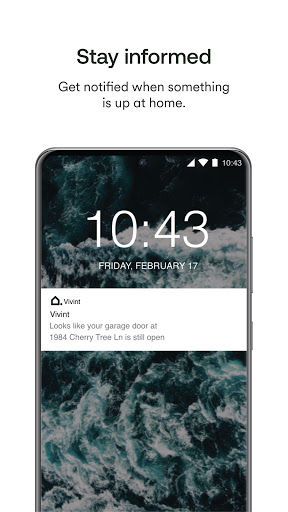
The Vivint app brings home to the palm of your hand. Whether you’re on the go or at home, controlling your smart security system has never felt so easy. The Vivint app allows you to:
Arm or disarm your security system
Control your whole system anytime, anywhere with the touch of a button. Including arming and disarming your system and setting up custom actions to automate your smart home.
View live camera feeds and recordings
Keep your home safer with cameras and security that work together. Check on what's happening around your home day and night, and rewatch important events with 30-day DVR recording and Smart Clips.
Receive alerts and notifications
Know if one of your cameras has deterred a lurker, your garage door was left open, a package has been delivered, and so much more.
Answer your doorbell
See and speak with visitors through your doorbell from anywhere with 2-way talk and clear 180x180 HD video.
Control lights
Create custom schedules for your lights and easily turn them on and off from anywhere.
Lock and unlock doors
Know your home is secure by checking the status of your smart locks and easily lock or unlock your doors with a swipe.
Open and Close your garage door
Check to see if the garage door is open through the status indicator on the app and be alerted right away if you happen to leave it open.
Note: Vivint Smart Home System and service subscription required. Call 877.788.2697 for information on a new System.
Note: If you’re looking for the app that supports the Vivint Go!Control Panel, search and download the “Vivint Classic” app.
Mostre mais

1. Faça o download do instalador do MEmu e conclua a instalação

2. Inicie o MEmu e depois abra o Google Play na página inicial

3. Pesquise Vivint no Google Play
Install
4. Baixe e Instale Vivint
5. Na conclusão da instalação, clique no ícone para iniciar

6. º Experimente o Vivint no PC com o MEmu.
O MEmu Play é o melhor emulador Android gratuito, com 50 milhões de utilizadores a desfrutar da sua experiência superior com aplicações Android. A tecnologia de virtualização do MEmu permite-lhe executar milhares de aplicações Android sem problemas no seu computador, mesmo as mais exigentes.
Tela maior com gráficos melhores; Longa duração e sem limitação de bateria ou dados móveis.
Suporte completo ao Mapaeamento de Teclas para controle preciso do teclado e mouse ou gamepad.
Várias contas de jogos ou tarefas em um único PC de uma só vez com o Gerenciador de várias instâncias.
Use Vivint on PC by following steps: