Dark Pals: The 1st Floor
Güncellendi
Mevcut Sürüm
Sunan

Dark Pals: The 1st Floor oynamak için bu kadar tutkuluyken, ellerin telefonunun küçük ekranıyla sınırlı kalmamalı.Bir profesyonel gibi oyna ve klavye ve fare ile oyununun tüm kontrolü sende olsun.MEmu sana beklediğin her şeyi sunuyor.PC'de Dark Pals: The 1st Floor indir ve oyna. İstediğin kadar oyna, artık pil sınırlamaları, mobil veri ve rahatsız edici çağrılar yok.Yepyeni MEmu 9, PC'de Dark Pals: The 1st Floor oynamak için en iyi seçim. Uzmanlığımızla hazırlanan zarif ön ayar tuş eşleme sistemi Dark Pals: The 1st Floor oyununu gerçek bir PC oyununa dönüştürüyor.MEmu çoklu örnek yöneticisi, aynı cihazda 2 veya daha fazla hesap oynamayı mümkün kılıyor.Ve en önemlisi, özel emülasyon motorumuz PC'nizin tüm potansiyelini ortaya çıkarıyor, her şeyi sorunsuz hale getiriyor.
Daha fazla göster
Dark Pals: The 1st Floor’i MEmu Android Emülatör ile PC’ye indirin. Büyük ekranda oynamanın keyfini çıkarın. Step into Dark Pals’ abandoned children’s mental health facility.
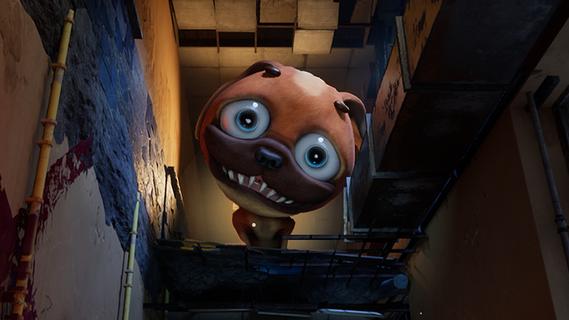
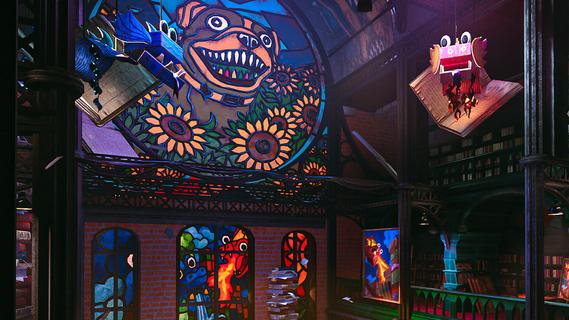
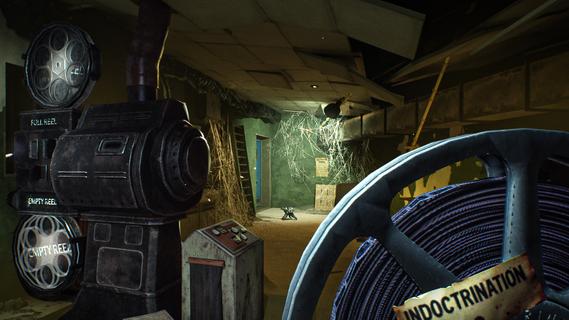
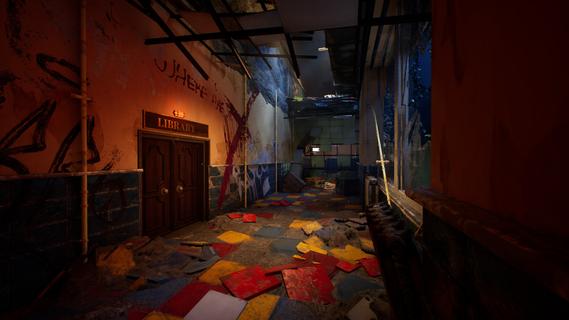
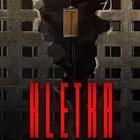
Step into Dark Pals’ abandoned children’s mental health facility. Once bright, cheerful, and welcoming, it now stands warped by time, neglect, and forgotten memories. Armed with your Ink Blaster, you’ll explore unsettling spaces, solve environmental and logic-based puzzles, and evade the facility’s disturbing mascots.But the more you explore, the clearer it becomes: this place knows you.Do you remember? The facility is home to a cast of colourful yet horrifying mascots, each hiding a darker purpose. From Chompy Chasey, a dog with a comically large head and deadly teeth, to other forgotten figures, such as Binky Drinky, lurking in the shadows of these forgotten halls. Progression isn’t just about escaping, it’s about perception. Using your toy paint gun, you’ll be solving puzzles that play with your expectations and sense of reality. Rooms may change their layout, you may have to put your morals and sense of self-preservation aside, and you need to keep your wits about you if you want to survive. What begins as a cheerful lobby slowly reveals something far more sinister. Catchy, irritating tunes echo through empty halls. Bright colours mask unsettling truths. Every puzzle and encounter draws you closer to the truth about who you really are, and why this place still haunts you.
Daha fazla göster

1. MEmu yükleyicisini indirin ve kurulumu tamamlayın

2. MEmu'yu başlatın ve ana sayfada Google Play'i açın

3. Google Play'de Dark Pals: The 1st Floor arayın
Install
4. Dark Pals: The 1st Floor indirin ve yükleyin
5. Kurulum tamamlandığında başlamak için simgeye tıklayın

6. PC’de MEmu ile Dark Pals: The 1st Floor oyunun keyfini çıkarın
MEmu App Player, en iyi ücretsiz Android emülatörüdür ve 50 milyon insan zaten mükemmel Android oyun deneyimini yaşamaktadır. MEmu sanallaştırma teknolojisi, binlerce grafik oyunu hatta grafikte en yoğun olanları bile sorunsuz bir şekilde bilgisayarınızda oynamanızı sağlar.
Daha büyük ekranla daha iyi grafiklere sahip; Pil veya mobil veri sınırlaması olmaksızın uzun süre.
Keymapping klavye ve fare veya gamepad'in hassas kontrolü için destek verir.
Multi-Instance yöneticisi ile tek bir bilgisayarda aynı anda birden fazla oyun hesabı veya görev gerçekleşilebilir.
Play Dark Pals: The 1st Floor on PC by following steps: