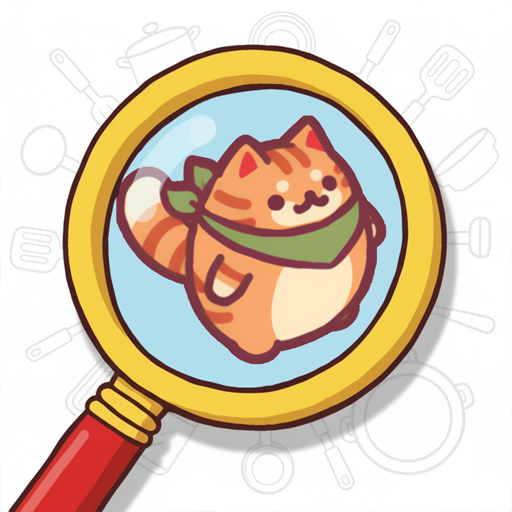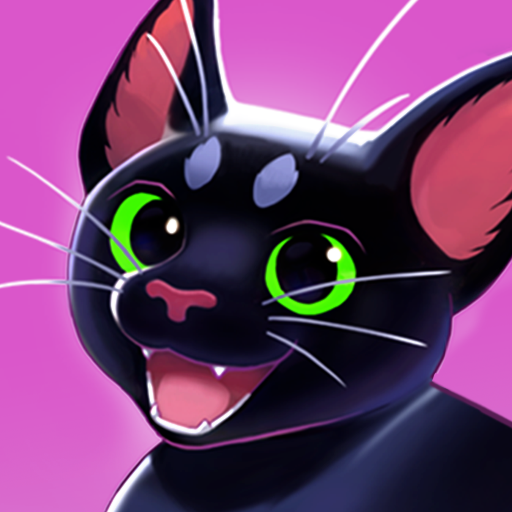
Sushi Cat Match
Güncellendi
Mevcut Sürüm
Sunan

Sushi Cat Match oynamak için bu kadar tutkuluyken, ellerin telefonunun küçük ekranıyla sınırlı kalmamalı.Bir profesyonel gibi oyna ve klavye ve fare ile oyununun tüm kontrolü sende olsun.MEmu sana beklediğin her şeyi sunuyor.PC'de Sushi Cat Match indir ve oyna. İstediğin kadar oyna, artık pil sınırlamaları, mobil veri ve rahatsız edici çağrılar yok.Yepyeni MEmu 9, PC'de Sushi Cat Match oynamak için en iyi seçim. Uzmanlığımızla hazırlanan zarif ön ayar tuş eşleme sistemi Sushi Cat Match oyununu gerçek bir PC oyununa dönüştürüyor.MEmu çoklu örnek yöneticisi, aynı cihazda 2 veya daha fazla hesap oynamayı mümkün kılıyor.Ve en önemlisi, özel emülasyon motorumuz PC'nizin tüm potansiyelini ortaya çıkarıyor, her şeyi sorunsuz hale getiriyor.
Daha fazla göster
Sushi Cat Match’i MEmu Android Emülatör ile PC’ye indirin. Büyük ekranda oynamanın keyfini çıkarın. Welcome to Sushi Cat Match, the coziest and most satisfying puzzle game!
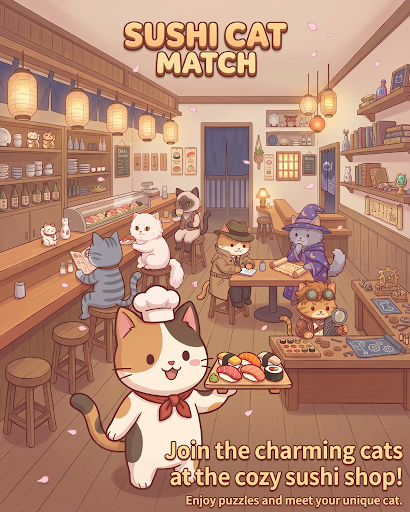
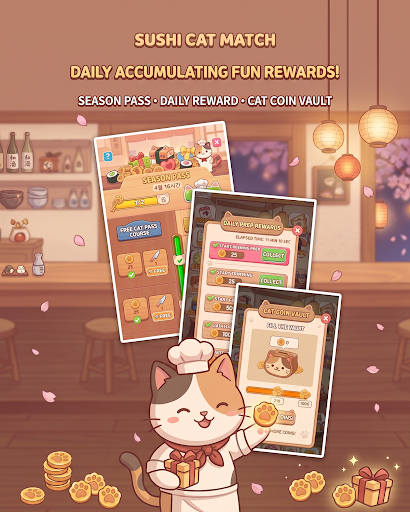
Welcome to Sushi Cat Match, the coziest and most satisfying puzzle game!
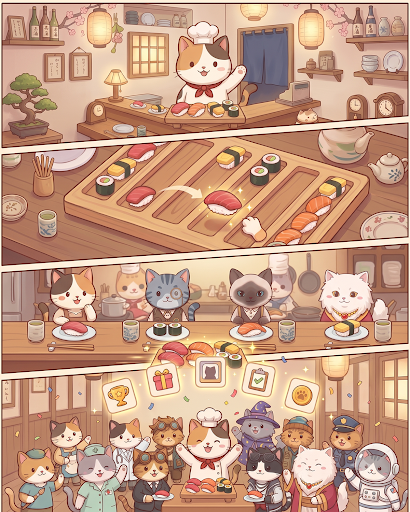
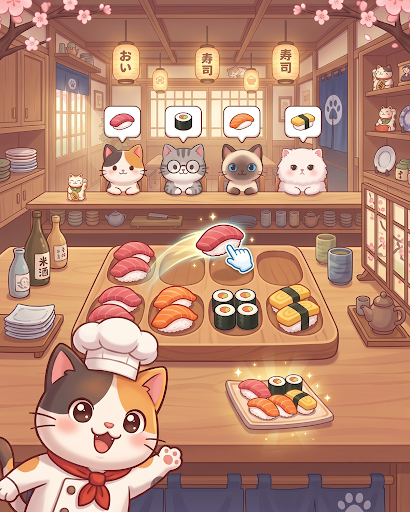
Step into your very own seaside sushi cafe where charming feline guests are waiting for their favorite sushi rolls. Match colorful pieces, clear multi-layered trays, and serve delightful dishes to a variety of cute cat customers!
Game Features:
Satisfying Match & Tray Puzzles
Match fresh sushi pieces across multi-layered boards and clearing zones.
Solve strategic mechanics including rotating trays, wire links, special tokens, and obstacle chopping boards!
Meet Unique Cat Customers
Welcome a wide cast of adorable cats, each with their own personality and favorite sushi orders.
Serve their favorites, earn affection tokens, and complete your heartwarming cat collection!
Engaging Levels & Brain Teasers
Simple to learn, yet full of clever spatial layers and depth puzzles.
Carefully plan your moves to unlock preceding plates and clear the board smoothly.
Cozy & Relaxing Atmosphere
Enjoy charming cat eating animations, soothing sound effects, and vibrant, cozy visuals.
The perfect casual puzzle game to unwind with anytime, anywhere!
Put on your chef's hat and start serving delicious sushi to your furry friends.
Download Sushi Cat Match today and open your dream cat sushi bar!
Daha fazla göster

1. MEmu yükleyicisini indirin ve kurulumu tamamlayın

2. MEmu'yu başlatın ve ana sayfada Google Play'i açın

3. Google Play'de Sushi Cat Match arayın
Install
4. Sushi Cat Match indirin ve yükleyin
5. Kurulum tamamlandığında başlamak için simgeye tıklayın

6. PC’de MEmu ile Sushi Cat Match oyunun keyfini çıkarın
MEmu App Player, en iyi ücretsiz Android emülatörüdür ve 50 milyon insan zaten mükemmel Android oyun deneyimini yaşamaktadır. MEmu sanallaştırma teknolojisi, binlerce grafik oyunu hatta grafikte en yoğun olanları bile sorunsuz bir şekilde bilgisayarınızda oynamanızı sağlar.
Daha büyük ekranla daha iyi grafiklere sahip; Pil veya mobil veri sınırlaması olmaksızın uzun süre.
Keymapping klavye ve fare veya gamepad'in hassas kontrolü için destek verir.
Multi-Instance yöneticisi ile tek bir bilgisayarda aynı anda birden fazla oyun hesabı veya görev gerçekleşilebilir.
Play Sushi Cat Match on PC by following steps: