Sushi Cat Match
Updated
Current Version
Offered By

With your passion for Sushi Cat Match, you shouldn’t have to limit yourself to the small screen of a phone. Play like a pro and take full control of the game using a keyboard and mouse. MEmu gives you everything you’re looking for. Download and play Sushi Cat Match on PC. Play as long as you want — no more worries about battery life, mobile data, or unexpected calls. The all-new MEmu 9 is the best way to play Sushi Cat Match on PC. With our expertly designed keymapping system, Sushi Cat Match feels just like a real PC game. The MEmu multi-instance manager lets you run two or more accounts on the same device at the same time. Most importantly, our exclusive emulation engine unlocks your PC’s full potential, delivering smooth and seamless performance.
Show more
Download Sushi Cat Match on PC with MEmu Android Emulator. Enjoy playing on big screen. Welcome to Sushi Cat Match, the coziest and most satisfying puzzle game!
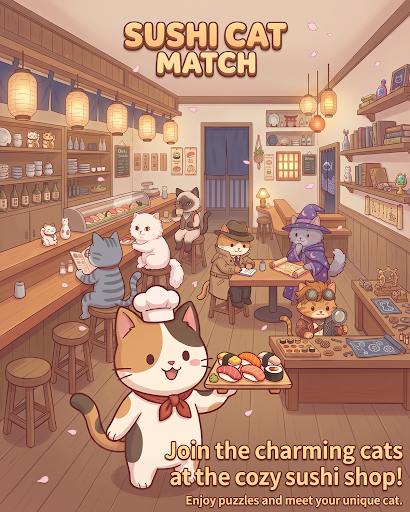
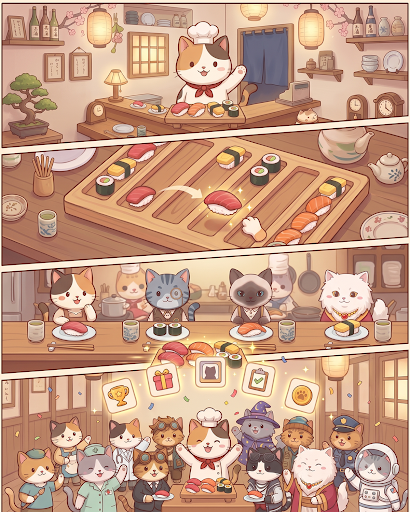
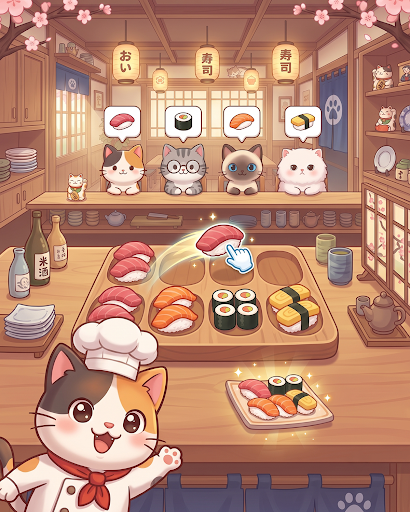
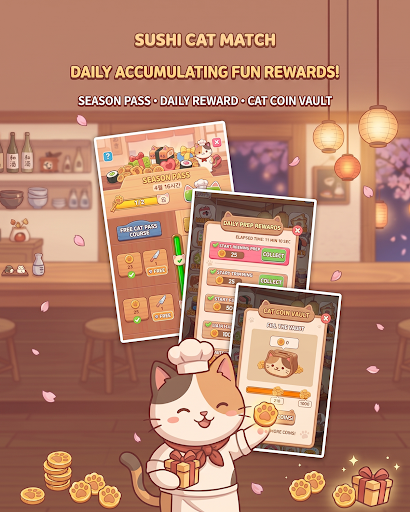
Welcome to Sushi Cat Match, the coziest and most satisfying puzzle game!
Step into your very own seaside sushi cafe where charming feline guests are waiting for their favorite sushi rolls. Match colorful pieces, clear multi-layered trays, and serve delightful dishes to a variety of cute cat customers!
Game Features:
Satisfying Match & Tray Puzzles
Match fresh sushi pieces across multi-layered boards and clearing zones.
Solve strategic mechanics including rotating trays, wire links, special tokens, and obstacle chopping boards!
Meet Unique Cat Customers
Welcome a wide cast of adorable cats, each with their own personality and favorite sushi orders.
Serve their favorites, earn affection tokens, and complete your heartwarming cat collection!
Engaging Levels & Brain Teasers
Simple to learn, yet full of clever spatial layers and depth puzzles.
Carefully plan your moves to unlock preceding plates and clear the board smoothly.
Cozy & Relaxing Atmosphere
Enjoy charming cat eating animations, soothing sound effects, and vibrant, cozy visuals.
The perfect casual puzzle game to unwind with anytime, anywhere!
Put on your chef's hat and start serving delicious sushi to your furry friends.
Download Sushi Cat Match today and open your dream cat sushi bar!
Show more

1. Download MEmu installer and finish the setup

2. Start MEmu then open Google Play on the desktop

3. Search Sushi Cat Match in Google Play
Install
4. Download and Install Sushi Cat Match
5. On install completion click the icon to start

6. Enjoy playing Sushi Cat Match on PC with MEmu
MEmu Play is the best Android emulator and 100 million people already enjoy its superb Android gaming experience. The MEmu virtualization technology empowers you to play thousands of Android games smoothly on your PC, even the most graphic-intensive ones.
Bigger screen with better graphics; Long duration, without limitation of battery or mobile data.
Full Keymapping support for precise control of keyboard and mouse or gamepad.
Multiple game accounts or tasks on single PC at one time with Multi-Instance manager.
Play Sushi Cat Match on PC by following steps: