Sushi Cat Match
Aktualizováno
Aktuální verze
Od vývojáře

With all your passion for playing Sushi Cat Match, you hands are not supposed to be limited on a tiny screen of your phone. Play like a pro and get full control of your game with keyboard and mouse. MEmu offers you all the things that you are expecting. Download and play Sushi Cat Match on PC. Play as long as you want, no more limitations of battery, mobile data and disturbing calls. The brand new MEmu 9 is the best choice of playing Sushi Cat Match on PC. Prepared with our expertise, the exquisite preset keymapping system makes Sushi Cat Match a real PC game. MEmu multi-instance manager makes playing 2 or more accounts on the same device possible. And the most important, our exclusive emulation engine can release full potential of your PC, make everything smooth.
Show more
Vychutnejte si vynikající zážitek z přehrávání Sushi Cat Match na PC s MEMU App Player. Je to silný bezplatný emulátor pro Android, který vám umožní hrát tisíce her v systému Android. Welcome to Sushi Cat Match, the coziest and most satisfying puzzle game!
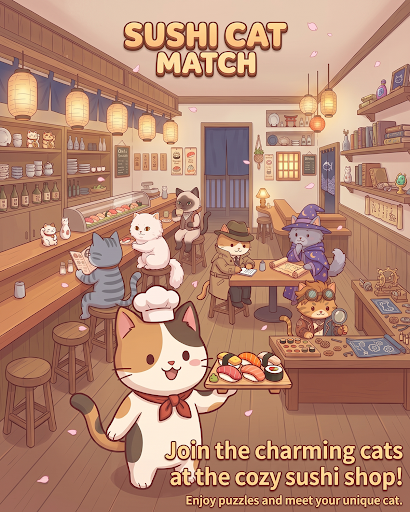
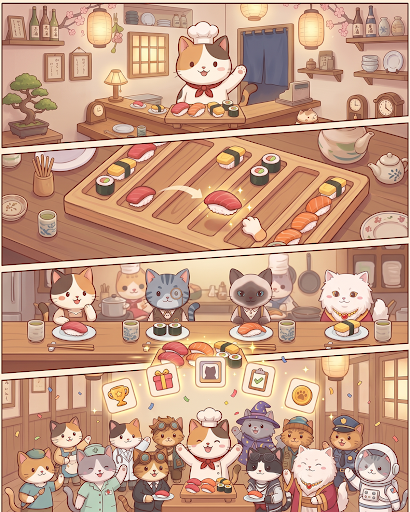
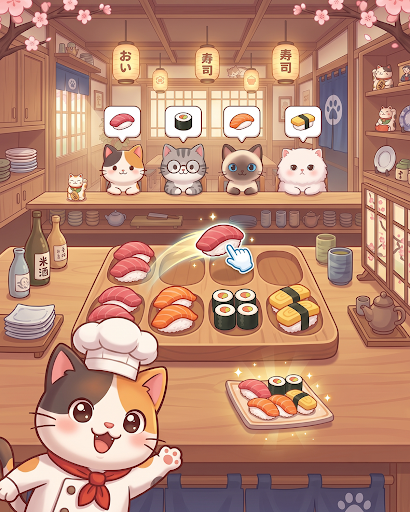
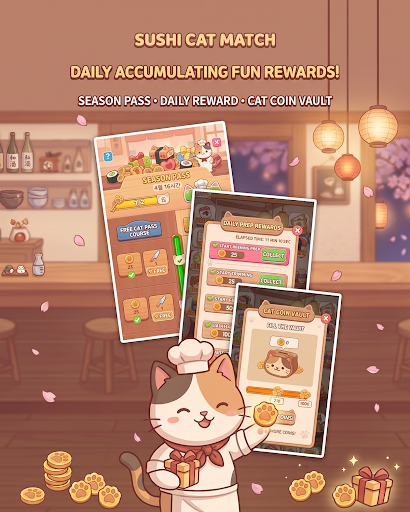
Welcome to Sushi Cat Match, the coziest and most satisfying puzzle game!
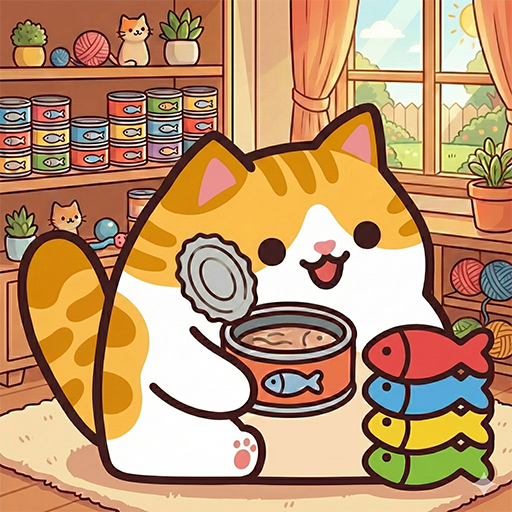
Step into your very own seaside sushi cafe where charming feline guests are waiting for their favorite sushi rolls. Match colorful pieces, clear multi-layered trays, and serve delightful dishes to a variety of cute cat customers!
Game Features:
Satisfying Match & Tray Puzzles
Match fresh sushi pieces across multi-layered boards and clearing zones.
Solve strategic mechanics including rotating trays, wire links, special tokens, and obstacle chopping boards!
Meet Unique Cat Customers
Welcome a wide cast of adorable cats, each with their own personality and favorite sushi orders.
Serve their favorites, earn affection tokens, and complete your heartwarming cat collection!
Engaging Levels & Brain Teasers
Simple to learn, yet full of clever spatial layers and depth puzzles.
Carefully plan your moves to unlock preceding plates and clear the board smoothly.
Cozy & Relaxing Atmosphere
Enjoy charming cat eating animations, soothing sound effects, and vibrant, cozy visuals.
The perfect casual puzzle game to unwind with anytime, anywhere!
Put on your chef's hat and start serving delicious sushi to your furry friends.
Download Sushi Cat Match today and open your dream cat sushi bar!
Show more

1. Stáhněte si instalační program MEmu a dokončete instalaci

2. Spusťte MEmu a poté otevřete Google Play na ploše

3. Vyhledejte Sushi Cat Match v Google Play
Install
4. Stáhněte a nainstalujte Sushi Cat Match
5. Po dokončení instalace klikněte na ikonu pro spuštění

6. Užijte si hraní Sushi Cat Match na PC s MEmu
MEmu je zdarma a ten nejlepší Android emulátor. 50 milionů lidí si užívá jeho nejlepší herní zážitky. Technologie virtualizace MEmu ti dovolí plynule hrát Android hry na PC a to i ty nejnáročnější.
Větší obrazovka s lepší grafikou; Dlouhá výdrž bez omezení baterie nebo mobilních dat.
Plná podpora mapování kláves pro přesné ovládání klávesnice a myši nebo gamepadu.
Více herních účtů nebo úkolů na jednom počítači najednou s Multi-Instance Managerem.
Play Sushi Cat Match on PC by following steps: