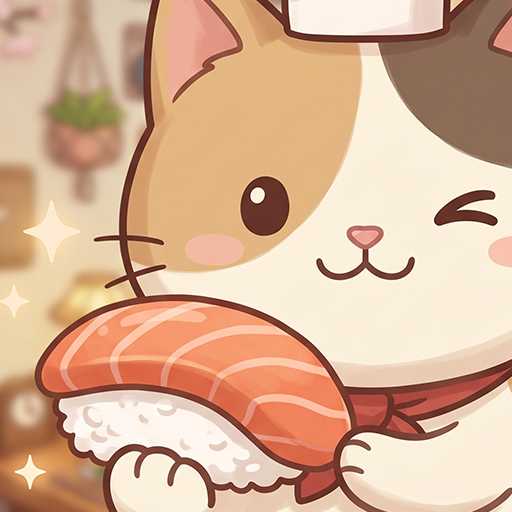
Sushi Cat Match
Оновлено
Поточна версія
Постачальник

Перестаньте турбуватися про надмірні витрати, використовуючи ххх на своєму мобільному телефоні, звільніться від крихітного екрану і насолоджуйтеся використанням програми на набагато більшому дисплеї. Відтепер отримуйте повний екран свого додатка за допомогою клавіатури та миші. MEmu пропонує вам усі дивовижні функції, які ви очікували: швидка установка та просте налаштування, інтуїтивно зрозумілі елементи керування, більше обмежень від акумулятора, мобільних даних та тривожних дзвінків. Новий MEmu 9 - найкращий вибір використання Sushi Cat Match на вашому комп’ютері. За допомогою нашого поглинання менеджер із кількома примірниками одночасно дозволяє відкрити 2 або більше рахунків. І найголовніше, наш ексклюзивний емуляційний двигун може вивільнити весь потенціал вашого ПК, зробити все гладким і приємним.
Show more
Насолоджуйтесь чудовим досвідом Sushi Cat Match гри на ПК за допомогою програми MEMU App Player. Це потужний безкоштовний емулятор Android, який дозволяє вам грати в тисячі ігор Android. Welcome to Sushi Cat Match, the coziest and most satisfying puzzle game!
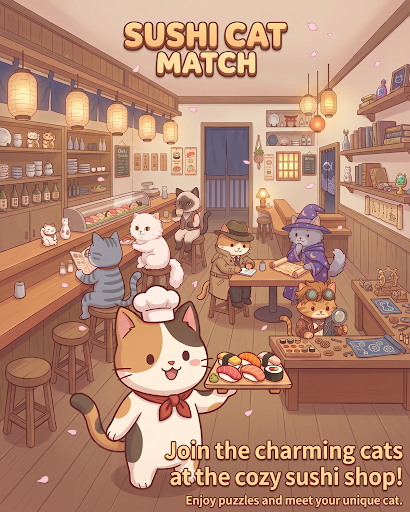
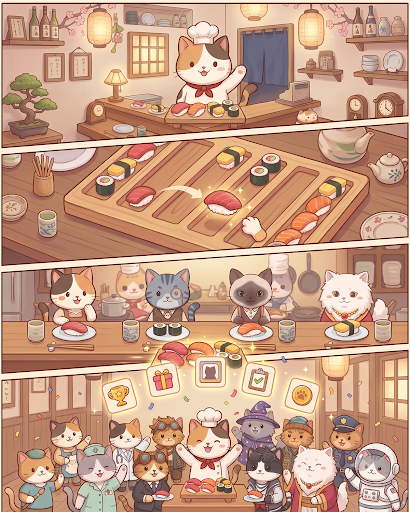
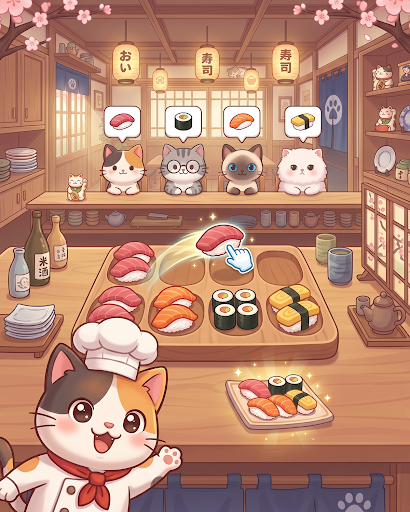
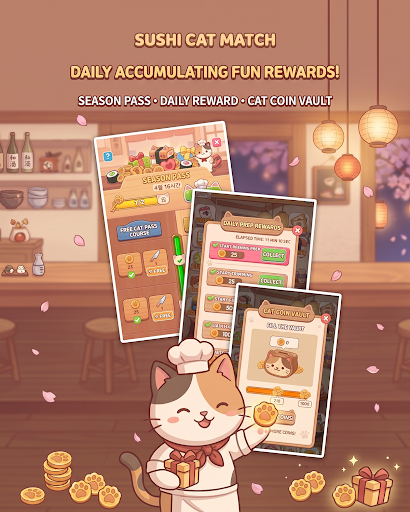
Welcome to Sushi Cat Match, the coziest and most satisfying puzzle game!
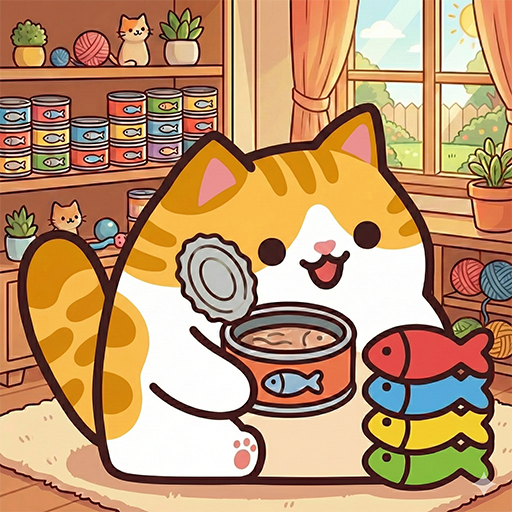
Step into your very own seaside sushi cafe where charming feline guests are waiting for their favorite sushi rolls. Match colorful pieces, clear multi-layered trays, and serve delightful dishes to a variety of cute cat customers!
Game Features:
Satisfying Match & Tray Puzzles
Match fresh sushi pieces across multi-layered boards and clearing zones.
Solve strategic mechanics including rotating trays, wire links, special tokens, and obstacle chopping boards!
Meet Unique Cat Customers
Welcome a wide cast of adorable cats, each with their own personality and favorite sushi orders.
Serve their favorites, earn affection tokens, and complete your heartwarming cat collection!
Engaging Levels & Brain Teasers
Simple to learn, yet full of clever spatial layers and depth puzzles.
Carefully plan your moves to unlock preceding plates and clear the board smoothly.
Cozy & Relaxing Atmosphere
Enjoy charming cat eating animations, soothing sound effects, and vibrant, cozy visuals.
The perfect casual puzzle game to unwind with anytime, anywhere!
Put on your chef's hat and start serving delicious sushi to your furry friends.
Download Sushi Cat Match today and open your dream cat sushi bar!
Show more

1. Download MEmu installer and finish the setup

2. Start MEmu then open Google Play on the desktop

3. Search Sushi Cat Match in Google Play
Install
4. Download and Install Sushi Cat Match
5. On install completion click the icon to start

6. Enjoy playing Sushi Cat Match on PC with MEmu
MEmu App Player є кращим безкоштовним емулятором Android, і 50 мільйонів людей вже користуються його чудовим ігровим досвідом Android. Технологія віртуалізації MEmu дає вам змогу відтворювати тисячі ігор Android на вашому комп'ютері, навіть найбільш насичених графікою.
Bigger screen with better graphics; Long duration, without limitation of battery or mobile data.
Full Keymapping support for precise control of keyboard and mouse or gamepad.
Multiple game accounts or tasks on single PC at one time with Multi-Instance manager.
Play Sushi Cat Match on PC by following steps: