Classic Pet Connect - Puzzle G
Оновлено
Поточна версія
1.0.5
Постачальник

Перестаньте турбуватися про надмірні витрати, використовуючи ххх на своєму мобільному телефоні, звільніться від крихітного екрану і насолоджуйтеся використанням програми на набагато більшому дисплеї. Відтепер отримуйте повний екран свого додатка за допомогою клавіатури та миші. MEmu пропонує вам усі дивовижні функції, які ви очікували: швидка установка та просте налаштування, інтуїтивно зрозумілі елементи керування, більше обмежень від акумулятора, мобільних даних та тривожних дзвінків. Новий MEmu 9 - найкращий вибір використання Classic Pet Connect - Puzzle G на вашому комп’ютері. За допомогою нашого поглинання менеджер із кількома примірниками одночасно дозволяє відкрити 2 або більше рахунків. І найголовніше, наш ексклюзивний емуляційний двигун може вивільнити весь потенціал вашого ПК, зробити все гладким і приємним.
Show more
Насолоджуйтесь чудовим досвідом Classic Pet Connect - Puzzle G гри на ПК за допомогою програми MEMU App Player. Це потужний безкоштовний емулятор Android, який дозволяє вам грати в тисячі ігор Android. The Classic Pet Connect - A puzzle game with the extremely attractive challenges are waiting for you to discover.
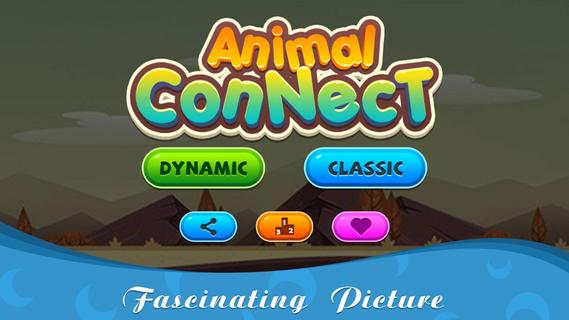
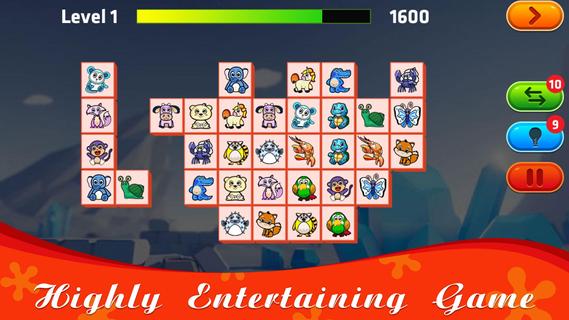
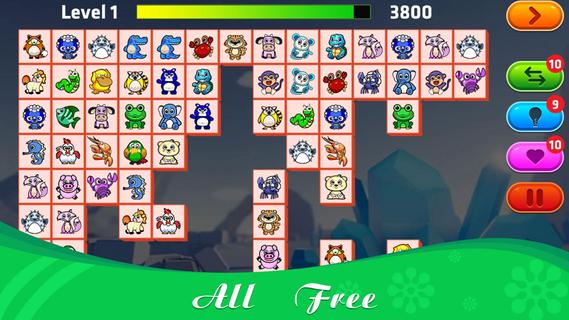
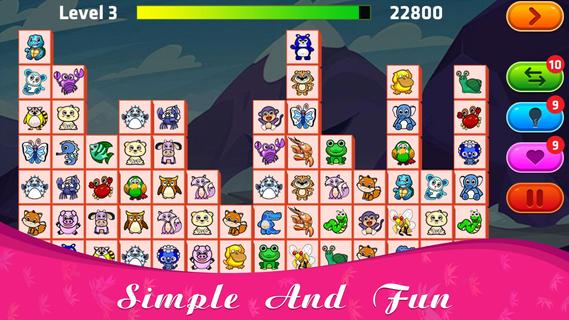
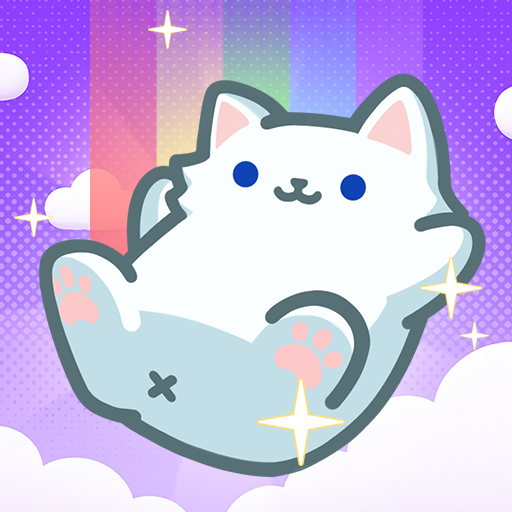
The Classic Pet Connect - A puzzle game with the extremely attractive challenges are waiting for you to discover.This game has 2 modes for you to play: Classic and Dynamic. With Dynamic mode, the number of rows and columns, as well as animals, will be less than Classic, suitable for new players to join, get used to the challenges.How to play Classic Pet Connect:â¡ Connect 2 identical animals with up to 3 straight lines;â¡ You will win the game if you can connect all the same pairs of animals that appear on the screen;â¡ When there are no identical pairs of animals on the screen, the game will automatically change positions to support you, each level with 10 turns of help.Features:â¡ Free offline game;â¡ Suitable for everyone;â¡ The function of the hint, change the position of the animals to support;â¡ Can pause playing and save when busy;â¡ 75+ levels with increasing difficulty, constantly updated weekly;â¡ Collection of extremely beautiful wallpapers and diverse themes combining funny background music;â¡ Leaderboard.The Classic Pet Connect will definitely not disappoint you. Please join now to prove your superhuman ability with the genre of animal connect game. Wish you all have fun playing games!
Show more

1. Download MEmu installer and finish the setup

2. Start MEmu then open Google Play on the desktop

3. Search Classic Pet Connect - Puzzle G in Google Play
Install
4. Download and Install Classic Pet Connect - Puzzle G
5. On install completion click the icon to start

6. Enjoy playing Classic Pet Connect - Puzzle G on PC with MEmu
MEmu App Player є кращим безкоштовним емулятором Android, і 50 мільйонів людей вже користуються його чудовим ігровим досвідом Android. Технологія віртуалізації MEmu дає вам змогу відтворювати тисячі ігор Android на вашому комп'ютері, навіть найбільш насичених графікою.
Bigger screen with better graphics; Long duration, without limitation of battery or mobile data.
Full Keymapping support for precise control of keyboard and mouse or gamepad.
Multiple game accounts or tasks on single PC at one time with Multi-Instance manager.
Play Classic Pet Connect - Puzzle G on PC by following steps: