Minecraft Original
Оновлено
Поточна версія
1.16.201
Постачальник

Перестаньте турбуватися про надмірні витрати, використовуючи ххх на своєму мобільному телефоні, звільніться від крихітного екрану і насолоджуйтеся використанням програми на набагато більшому дисплеї. Відтепер отримуйте повний екран свого додатка за допомогою клавіатури та миші. MEmu пропонує вам усі дивовижні функції, які ви очікували: швидка установка та просте налаштування, інтуїтивно зрозумілі елементи керування, більше обмежень від акумулятора, мобільних даних та тривожних дзвінків. Новий MEmu 9 - найкращий вибір використання Minecraft Original на вашому комп’ютері. За допомогою нашого поглинання менеджер із кількома примірниками одночасно дозволяє відкрити 2 або більше рахунків. І найголовніше, наш ексклюзивний емуляційний двигун може вивільнити весь потенціал вашого ПК, зробити все гладким і приємним.
Show more
Насолоджуйтесь чудовим досвідом Minecraft Original гри на ПК за допомогою програми MEMU App Player. Це потужний безкоштовний емулятор Android, який дозволяє вам грати в тисячі ігор Android. Set in procedurally generated worlds, Minecraft Original invites you to gather resources, craft tools, and shape the landscape block by block.
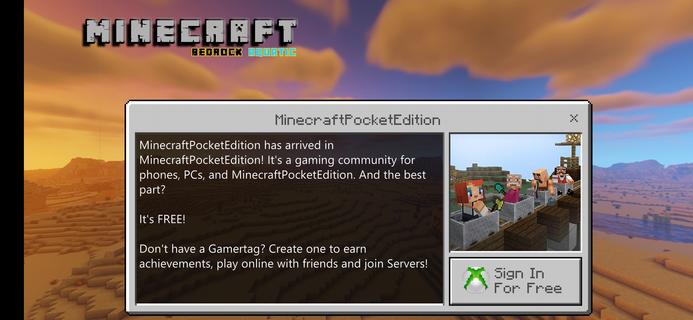
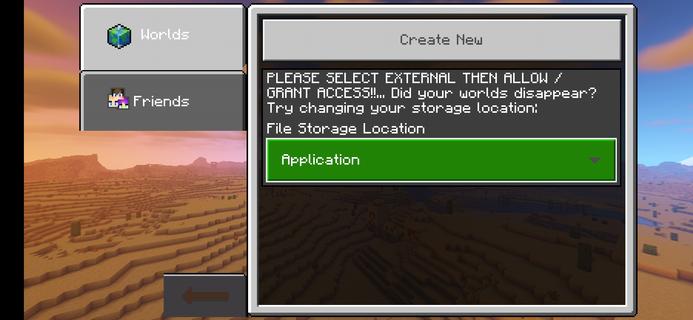
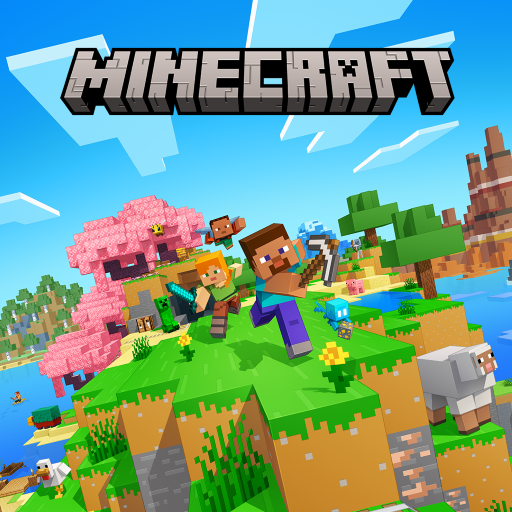
Set in procedurally generated worlds, Minecraft Original invites you to gather resources, craft tools, and shape the landscape block by block. The day and night cycle encourages simple survival, while creative building provides wide room for expression and collaboration. You can play alone or together across different modes, and there are Java and Bedrock editions that match how you prefer to connect. Moreover, curated content and time-limited events keep worlds feeling fresh without changing the core. Download Minecraft Original APK latest version on APKPure to start quickly, and return anytime to continue your worlds on your device. FeaturesExplore and build your worldMinecraft Original lets you mine, craft, and place blocks to design shelters, farms, and redstone contraptions. You choose where to explore and what to create. Therefore, every new seed feels different and keeps your goals clear and simple.Survival and Creative modesYou can survive against mobs and the environment, or switch to Creative for unlimited blocks and flight. Moreover, the switching modes of Minecraft Original lets you prototype builds before committing to a long-term world. This balance makes it easy to learn and then master advanced projects.Single player and multiplayer optionsPlay offline in single player, or join others through Minecraft community servers and private online play with Minecraft Realms. In addition, Realms Plus offers a rotating catalog of curated content for shared worlds. Friends can jump in quickly, so your group can build together.Java and Bedrock editionsMinecraft Original supports both Java and Bedrock, so you can choose the edition that fits your setup. Java is popular for community servers and custom mod packs, while Bedrock emphasizes smooth performance and broad device coverage. Also, Bedrock makes it simple to connect with friends across its supported devices.Customization with Marketplace and add-onsIn Minecraft, the official Marketplace offers skins, texture packs, worlds, and DLC created by partners. You can use Minecoins to unlock content and manage purchases safely inside the game. Therefore, you personalize your look and your worlds without external tools.Fresh content and easy ways to trySeasonal drops and limited-time offers keep gameplay interesting without forcing changes. Moreover, you can try Minecraft for free on supported devices for a quick introduction. You can also revisit Minecraft Classic in a browser to see where the building began. Minecraft Original editionsMinecraft Java targets PC players who enjoy deep keyboard and mouse controls, snapshot testing, and community-run Java servers. It is a good fit if you value open modding and specialized server rules. Meanwhile, Minecraft Bedrock runs on mobile, console, and Windows with a unified codebase.Minecraft Bedrock focuses on consistent performance across devices and simple online play. In addition, Bedrock supports the official Marketplace and add-ons, which makes managing skins and maps straightforward. Therefore, your choice comes down to how you plan to play and who you want to play with Minecraft Original multiplayer basicsFor private online worlds, Realms offers a simple way to invite friends and keep your server online. Minecraft Original Community servers provide mini games and special rule sets if you prefer public play. Also, you can stay in single player and open a world to friends later when you are ready. How to play Minecraft OriginalGetting started is simple. The steps below cover early survival and how to join friends online. Follow them the first time you launch Minecraft Original on your device.Open Minecraft Original and select Create New to start a world. Choose Survival for resource management or Creative for free building, then confirm difficulty and world options.Enter the world and gather wood by punching trees. Craft planks and a crafting table, then make sticks so you can craft your first tools.After that, collect stone and coal to upgrade tools and craft torches. Build a small shelter before the first night to stay safe from mobs.Then cook food or start a simple farm for steady supplies. Explore caves carefully, place torches to mark paths, and expand your base with storage and a bed.So you can play online, open Play from the main menu and choose Friends or Servers. You can also create or join a Realm to invite friends into a persistent world. Download and start playingMinecraft Original is a flexible building and survival game that grows with how you play. Download Minecraft Original APK latest version on APKPure, then build, explore, and play your way. FAQsIs there a way to try Minecraft Original for free before buying?Yes, Minecraft Original offers a Minecraft free trial on supported devices so you can test the experience. You can also play Minecraft Classic in a web browser for a quick look at the original building mechanics. These options help you decide before you commit to a long-term world.How do I play Minecraft Original online with friends?You can join friends through Minecraft Realms for a private online server that stays active. You can also connect to community servers from the in-game list for public play. If you prefer a private session, create a Realm and invite players directly from your world.How do Minecoins and the Marketplace work in Minecraft Original?In Minecraft Bedrock, you can use Minecoins to purchase content from the official Marketplace. Skins, texture packs, worlds, and partner-made DLC are curated so you can manage them safely inside the game. Purchases attach to your account, which makes it easy to use content across your Bedrock devices.
Show more

1. Download MEmu installer and finish the setup

2. Start MEmu then open Google Play on the desktop

3. Search Minecraft Original in Google Play
Install
4. Download and Install Minecraft Original
5. On install completion click the icon to start

6. Enjoy playing Minecraft Original on PC with MEmu
MEmu App Player є кращим безкоштовним емулятором Android, і 50 мільйонів людей вже користуються його чудовим ігровим досвідом Android. Технологія віртуалізації MEmu дає вам змогу відтворювати тисячі ігор Android на вашому комп'ютері, навіть найбільш насичених графікою.
Bigger screen with better graphics; Long duration, without limitation of battery or mobile data.
Full Keymapping support for precise control of keyboard and mouse or gamepad.
Multiple game accounts or tasks on single PC at one time with Multi-Instance manager.
Play Minecraft Original on PC by following steps: