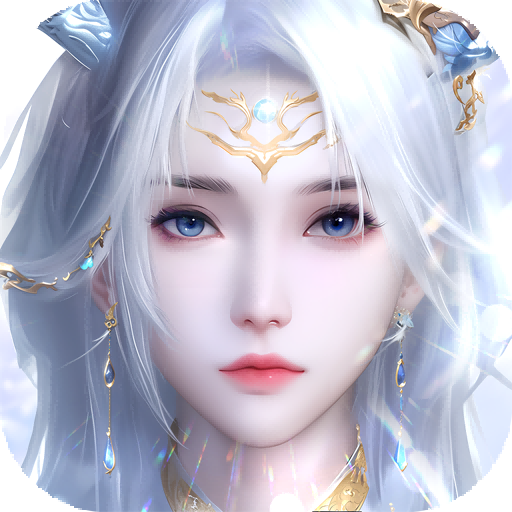
Ash Echoes Global
تازہ کاری
موجودہ ورژن
1.0.6
پیشکش بذریعہ

Ash Echoes Global کھیلنے کے اپنے پورے جنون کے دوران آپ کے ہاتھ آپ کے فون کی ایک چھوٹی سی اسکرین تک محدود نہیں ہونے چاہئیں۔ پرو کی طرح کھیلیں اور کی بورڈ اور ماؤس کے سہارے اپنے گیم پر مکمل کنٹرول حاصل کریں۔ MEmu آپ کو وہ تمام چیزیں پیش کرتا ہے جس کی آپ امید کرتے ہیں۔ پی سی پر Ash Echoes Global ڈاؤن لوڈ کریں اور کھیلیں۔ جتنی دیر تک آپ چاہیں کھیلیں، بیٹری، موبائل ڈیٹا کی کوئی حد نہیں ہے اور پریشان کن کالز نہیں ہیں۔ نئے برانڈ کا MEmu 9 پی سی پر Ash Echoes Global کھیلنے کا بہترین اختیار ہے۔ ہماری مہارت کی مدد سے تیار کردہ، شاندار پری سیٹ کی میپنگ سسٹم Ash Echoes Global کو ایک ریئل پی سی گیم بناتا ہے۔ MEmu کثیر نظیری منیجرایک ہی ڈیوائس پر 2 یا زیادہ اکاؤنٹس پلے کرنا ممکن بناتا ہے۔ اور سب سے اہم بات یہ ہے کہ، ہمارا خصوصی ایمولیشن انجن آپ کے پی سی کی مکمل طاقت ریلیز کرتے ہوئے ہر چیز ہموار بنا سکتا ہے۔
مزید دکھائیں
Download Ash Echoes Global on PC with MEmu Android Emulator. Enjoy playing on big screen. The Skyrift Passage will open at 4:00 PM (UTC-5) on November 13, 2024, inviting players into a mesmerizing world brimming with strategic gameplay and rich storytelling!

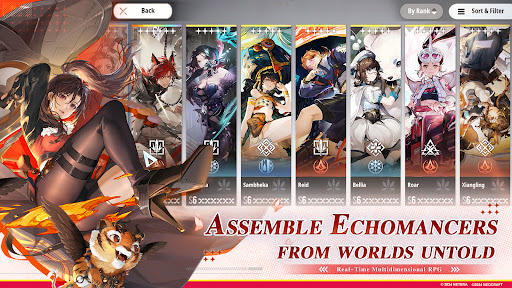
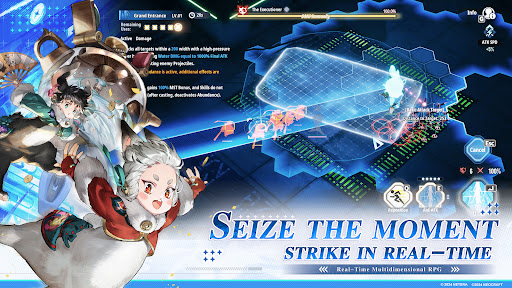
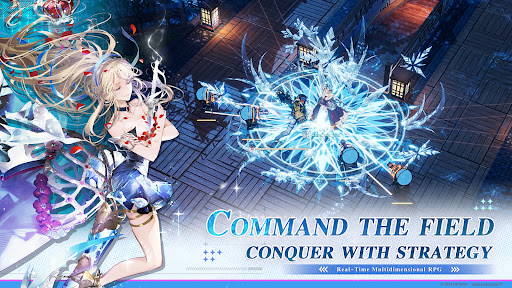
The Skyrift Passage will open at 4:00 PM (UTC-5) on November 13, 2024, inviting players into a mesmerizing world brimming with strategic gameplay and rich storytelling!
Follow us and get more informations and rewards:
Website: https://ae.neocraftstudio.com/
Discord: https://discord.gg/ashechoesofficial
Youtube: https://www.youtube.com/@AshEchoes
Twitter: https://x.com/AshEchoes
Facebook: https://www.facebook.com/gaming/AshEchoesOfficial
Reddit: https://www.reddit.com/r/AshEchoesOfficial/
Instagram: https://www.instagram.com/ashechoes_official_en/
Tiktok: https://www.tiktok.com/@neoashechoes
Email: developer_ae@neocraftstudio.com
In Worlds' Ash, Memories Echo.
Welcome to The World Senlo.
On April 1st, 1116, in the Senlo calendar, at 13:46, a colossal rift materialized above the northern district of Hailin City. Through it tumbled a fragmented world, leading to an intersection of realms at this very spot...
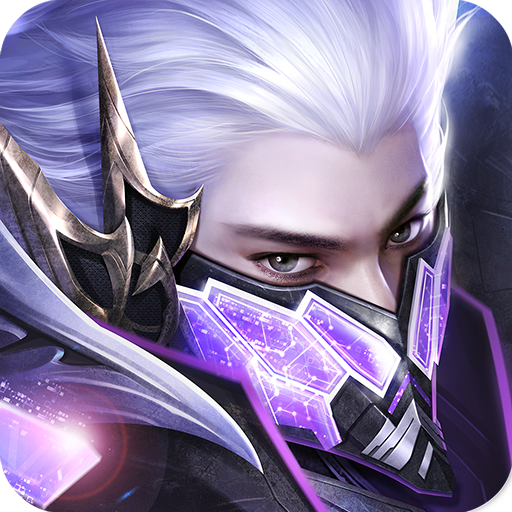
Soon after, crystals emanating unknown energies formed amidst the ruins. Research into these crystalline entities unveiled a group of individuals awakening to special abilities due to the influence of these mysterious crystals, known as “Echomancer”.
Humanity was thrust into a new era, one coexisting with unknown energies, belonging to the age of Scientific Electronics Experiment and Development (S.E.E.D.).
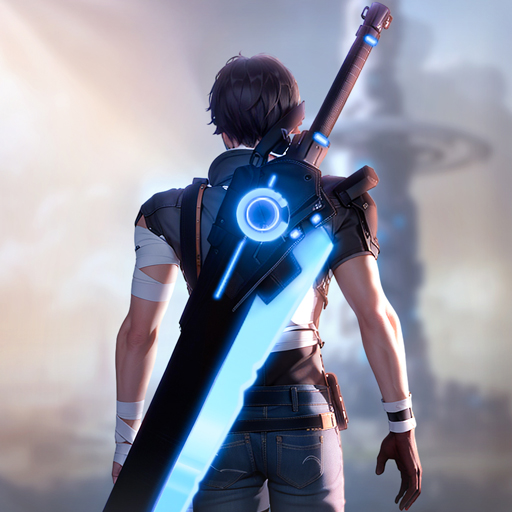
Ash Echoes is an interdimensional real-time combat RPG that intersects multiple worlds. Developed with the advanced Unreal Engine, the game is rooted in a unique and expansive universe. It harmoniously blends 2D and 3D art styles, creating a rich tapestry of exquisite and varied visual experiences. The characters are diversely crafted, embodying multi-faceted personalities and stories. Innovative in its strategic combat and abundant in interactive and exploratory gameplay, Ash Echoes sets a new standard for RPGs.
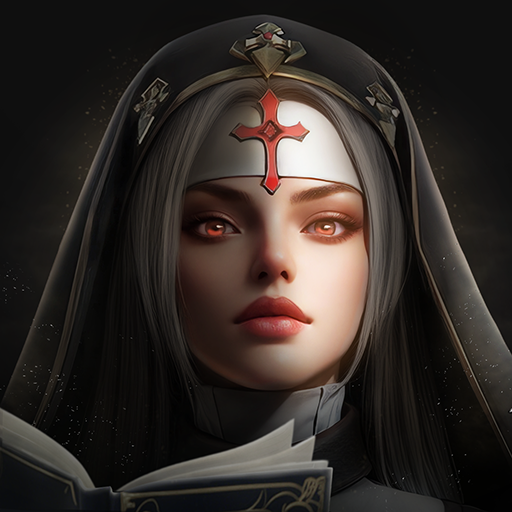
As the Director of S.E.E.D., you will encounter visitors from different realms, unite to face unprecedented threats, and unravel the mysteries that have set this world in motion.
مزید دکھائیں

1. MEmu انسٹالر ڈاؤن لوڈ کریں اور سیٹ اپ مکمل کریں

2. MEmu شروع کریں اسکے بعد ڈیسکٹاپ پر Google Play کھولیں

3. Google Play میں Ash Echoes Global تلاش کریں
Install
4. Ash Echoes Global ڈاؤن لوڈ کریں اور انسٹال کریں
5. انسٹال مکمل ہونے کے بعد سٹارٹ کرنے کے لیے آئیکن پر کلک کریں

6. MEmu کے ساتھ پی سی پر Ash Echoes Global کھیلنے کا لطف لیں
MEmu پلے بہترین اینڈرائڈ ایمولیٹر ہے اور 100 ملین لوگ اس کے زبردست اینڈرائڈ گیمنگ تجربہ سے لطف اندوز ہو رہے ہیں۔ MEmu کی ورچولائزیشن ٹیکنالوجی آپ کو اپنے PC پر ہزاروں اینڈرائڈ گیمز یہاں تک کہ انتہائی گرافک والے گیمز باسہولت کھیلنے کی طاقت دیتی ہے۔
بہتر گرافکس کے ساتھ بڑی اسکرین؛ طویل دورانیہ، بیٹری یا لامحدود موبائل ڈیٹا کے بغیر۔
کی بورڈ اور ماؤس یا گیم پیڈ کے عین مطابق کنٹرول کے لیے کی میپنگ کا پورا سپورٹ۔
کثیر مثالی منیجر کے ساتھ بیک وقت ایک پی سی پر متعدد گیم اکاؤنٹس یا ٹاسکس۔
پی سی پر درج ذیل مراحل پر عمل کرتے ہوئے Ash Echoes Global کھیلیں: