Ash Echoes Global
Aktualizováno
Aktuální verze
1.0.3
Od vývojáře

With all your passion for playing Ash Echoes Global, you hands are not supposed to be limited on a tiny screen of your phone. Play like a pro and get full control of your game with keyboard and mouse. MEmu offers you all the things that you are expecting. Download and play Ash Echoes Global on PC. Play as long as you want, no more limitations of battery, mobile data and disturbing calls. The brand new MEmu 9 is the best choice of playing Ash Echoes Global on PC. Prepared with our expertise, the exquisite preset keymapping system makes Ash Echoes Global a real PC game. MEmu multi-instance manager makes playing 2 or more accounts on the same device possible. And the most important, our exclusive emulation engine can release full potential of your PC, make everything smooth.
Show more
Vychutnejte si vynikající zážitek z přehrávání Ash Echoes Global na PC s MEMU App Player. Je to silný bezplatný emulátor pro Android, který vám umožní hrát tisíce her v systému Android. The Skyrift Passage will open at 4:00 PM (UTC-5) on November 13, 2024, inviting players into a mesmerizing world brimming with strategic gameplay and rich storytelling!
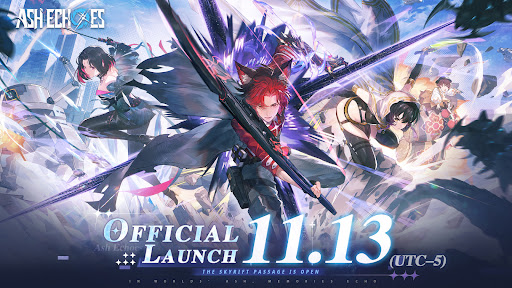
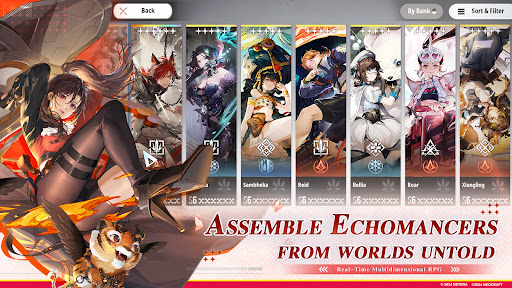
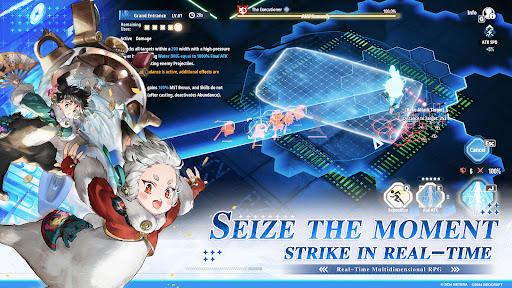
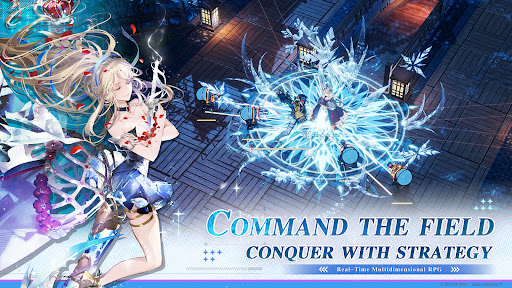
The Skyrift Passage will open at 4:00 PM (UTC-5) on November 13, 2024, inviting players into a mesmerizing world brimming with strategic gameplay and rich storytelling!
Follow us and get more informations and rewards:
Website: https://ae.neocraftstudio.com/
Discord: https://discord.gg/ashechoesofficial
Youtube: https://www.youtube.com/@AshEchoes
Twitter: https://x.com/AshEchoes
Facebook: https://www.facebook.com/gaming/AshEchoesOfficial
Reddit: https://www.reddit.com/r/AshEchoesOfficial/
Instagram: https://www.instagram.com/ashechoes_official_en/
Tiktok: https://www.tiktok.com/@neoashechoes
Email: developer_ae@neocraftstudio.com
In Worlds' Ash, Memories Echo.
Welcome to The World Senlo.
On April 1st, 1116, in the Senlo calendar, at 13:46, a colossal rift materialized above the northern district of Hailin City. Through it tumbled a fragmented world, leading to an intersection of realms at this very spot...
Soon after, crystals emanating unknown energies formed amidst the ruins. Research into these crystalline entities unveiled a group of individuals awakening to special abilities due to the influence of these mysterious crystals, known as “Echomancer”.
Humanity was thrust into a new era, one coexisting with unknown energies, belonging to the age of Scientific Electronics Experiment and Development (S.E.E.D.).
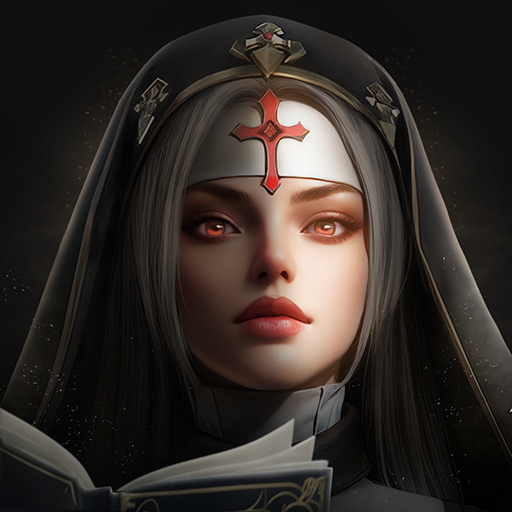
Ash Echoes is an interdimensional real-time combat RPG that intersects multiple worlds. Developed with the advanced Unreal Engine, the game is rooted in a unique and expansive universe. It harmoniously blends 2D and 3D art styles, creating a rich tapestry of exquisite and varied visual experiences. The characters are diversely crafted, embodying multi-faceted personalities and stories. Innovative in its strategic combat and abundant in interactive and exploratory gameplay, Ash Echoes sets a new standard for RPGs.
As the Director of S.E.E.D., you will encounter visitors from different realms, unite to face unprecedented threats, and unravel the mysteries that have set this world in motion.
Show more

1. Stáhněte si instalační program MEmu a dokončete instalaci

2. Spusťte MEmu a poté otevřete Google Play na ploše

3. Vyhledejte Ash Echoes Global v Google Play
Install
4. Stáhněte a nainstalujte Ash Echoes Global
5. Po dokončení instalace klikněte na ikonu pro spuštění

6. Užijte si hraní Ash Echoes Global na PC s MEmu
MEmu je zdarma a ten nejlepší Android emulátor. 50 milionů lidí si užívá jeho nejlepší herní zážitky. Technologie virtualizace MEmu ti dovolí plynule hrát Android hry na PC a to i ty nejnáročnější.
Větší obrazovka s lepší grafikou; Dlouhá výdrž bez omezení baterie nebo mobilních dat.
Plná podpora mapování kláves pro přesné ovládání klávesnice a myši nebo gamepadu.
Více herních účtů nebo úkolů na jednom počítači najednou s Multi-Instance Managerem.
Play Ash Echoes Global on PC by following steps: