PLAYit-All in One Video Player
تازہ کاری
موجودہ ورژن
2.7.51.30
پیشکش بذریعہ

اپنے موبائل فون پر PLAYit-All in One Video Player کا استعمال کرتے وقت زیادہ چارج ہونے کی فکر نہ کریں، خود کو چھوٹی اسکرین سے آزاد کریں اور ایپ کو زیادہ بڑے ڈسپلے پر استعمال کرنے کا لطف اٹھائیں۔ اس کے بعد سے کی بورڈ اور ماؤس کے ساتھ اپنے ایپ کا فل اسکرین کا تجربہ حاصل کریں۔ MEmu آپ کو وہ تمام حیران کن خصوصیات پیش کرتا ہے جن کی آپ کو توقع کرتے ہیں: فوری انسٹال اور آسان سیٹ اپ، وجدانی کنٹرول، مزید بیٹری، موبائل ڈیٹا کی کوئی حد نہیں اور اب مزید پریشان کن کالز نہیں۔ نئے برانڈ کا MEmu 9 آپ کے کمپیوٹر پر PLAYit-All in One Video Player استعمال کرنے کے لیے بہترین اختیار ہے۔ MEmu کثیر نظیری منیجر بیک وقت 2 یا اس سے زیادہ اکاؤنٹس کھولنا ممکن بناتا ہے۔ اور سب اہم بات، ہمارا خصوصی ایمولیشن انجن آپ کے پی سی کی پوری طاقت ریلیز کرتے ہوئے ہر چیز ہموار اور قابل تفریح بناتا ہے۔
مزید دکھائیں
Download PLAYit-All in One Video Player on PC with MEmu Android Emulator. Enjoy playing on big screen. In need of an all-in-one video and music player, game hall, video transfer, and media manager?
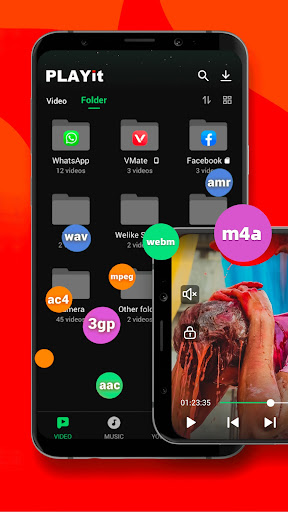
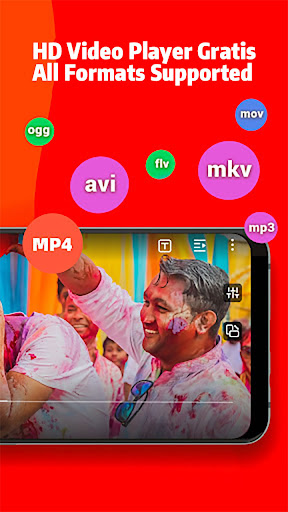
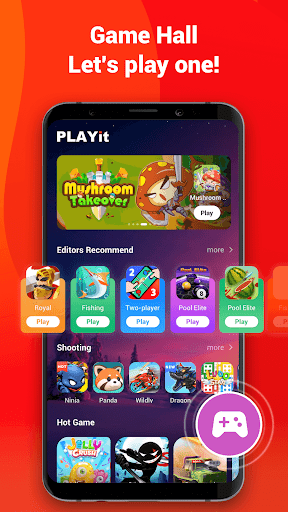
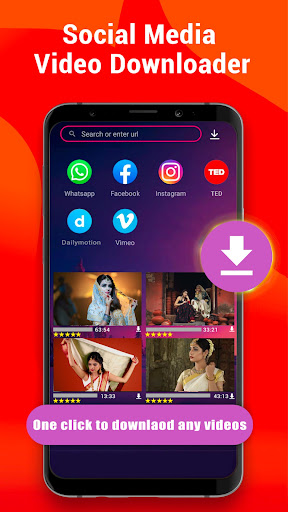
In need of an all-in-one video and music player, game hall, video transfer, and media manager?
PLAYit is ready to provide you a feast for eyes and ears!
Enjoy PLAYit
Online HD video player and music player with various features
PLAYit supports transfer & share now
You can share any videos and music.
Auto-detect and manage local media files
Automatically detect all video files on Android devices and SD cards, easily sort and share media files, and clearly display the internal storage space. Easily manage media according to personal needs
All format videos, all format audio supported
HD video player for all formats: 4k videos, 1080p videos, MKV videos, FLV videos, 3GP videos, M4V videos, TS videos, MPG videos
HQ music player for all formats: MP3 files, M4A files
▶Quickly search and watch videos and photos
Explore a wide range of content with smooth playback.
Floating play and background play allow multitasking
Turn on the floating-play window to chat with other apps while watching videos or listening to music.
Protect videos in the private folder
Hide personal videos for privacy protection.
Video to audio converter
One click to convert videos to audio and enjoy audio/music playing.
Online Subtitle Function
Search online subtitles and watch movies with English/Hindi/Tamil subtitles.
Smart gesture control during video player video playing
Multi-play option and easy gesture control to change playback speed, brightness, and volume
Advanced kernel SW decoder to provide experience
Software acceleration is applied to all formats. By changing the decoding mode.
▶HD Video Player: Play It
- Browse all your local video files and play status videos, trailers, movies, and any other videos stored in your device.
- Background play function to keep playing the video when switching to other apps or turning off the phone screen
- Floating play function to adjust the player's floating window and use other apps at the same time
- Easily use gesture control to adjust playback speed, brightness, and volume. Video playback continues from the last position, smartly
▶HD Video Watcher: Watch It
- Manage your favorite Hindi movies and organize them in one place for easy viewing.
▶HQ Music Player: Listen to It
- Locate and manage all audio files from your phone memory and SD card
- Choose to play a single piece of music or the whole playlist on the PLAYit music player
- Convert MP4 to MP3 with one simple click, retaining clear audio quality
Game Hall
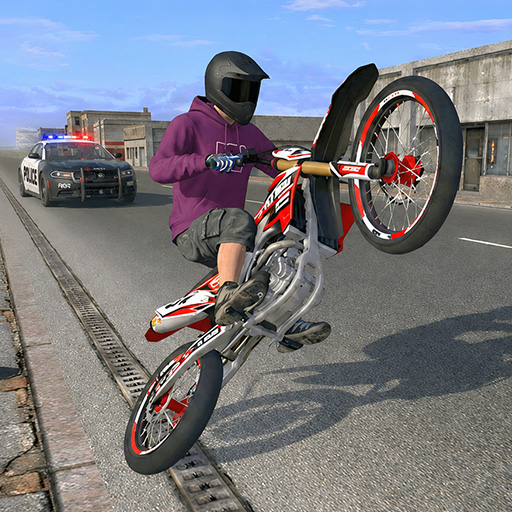
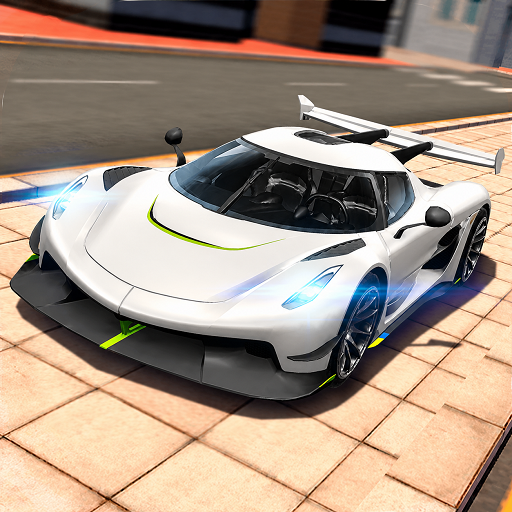
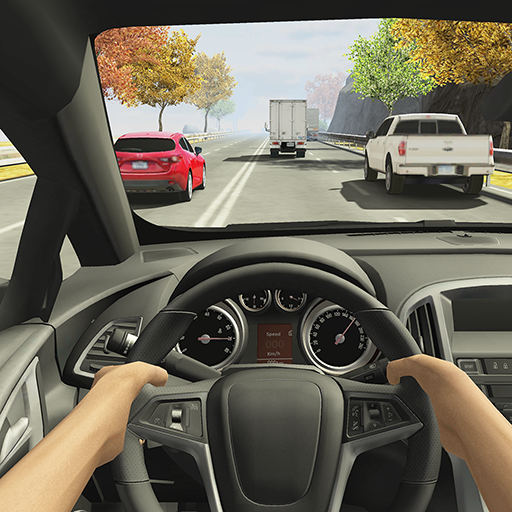
Hundreds of popular games covering a variety of genres such as shooting, action, racing, and casual.
Just open and play.
⭐We are working hard for a better experience as a powerful HD video player!
If you have any problems during the usage of PLAYit, please contact us via feedback@playit.app
مزید دکھائیں

1. MEmu انسٹالر ڈاؤن لوڈ کریں اور سیٹ اپ مکمل کریں

2. MEmu شروع کریں اسکے بعد ڈیسکٹاپ پر Google Play کھولیں

3. Google Play میں PLAYit-All in One Video Player تلاش کریں
Install
4. PLAYit-All in One Video Player ڈاؤن لوڈ کریں اور انسٹال کریں
5. انسٹال مکمل ہونے کے بعد سٹارٹ کرنے کے لیے آئیکن پر کلک کریں

6. MEmu کے ساتھ پی سی پر PLAYit-All in One Video Player کھیلنے کا لطف لیں
MEmu پلے بہترین اینڈرائڈ ایمولیٹر ہے اور 100 ملین لوگ اس کے زبردست اینڈرائڈ گیمنگ تجربہ سے لطف اندوز ہو رہے ہیں۔ MEmu کی ورچولائزیشن ٹیکنالوجی آپ کو اپنے PC پر ہزاروں اینڈرائڈ گیمز یہاں تک کہ انتہائی گرافک والے گیمز باسہولت کھیلنے کی طاقت دیتی ہے۔
بہتر گرافکس کے ساتھ بڑی اسکرین؛ طویل دورانیہ، بیٹری یا لامحدود موبائل ڈیٹا کے بغیر۔
کی بورڈ اور ماؤس یا گیم پیڈ کے عین مطابق کنٹرول کے لیے کی میپنگ کا پورا سپورٹ۔
کثیر مثالی منیجر کے ساتھ بیک وقت ایک پی سی پر متعدد گیم اکاؤنٹس یا ٹاسکس۔
پی سی پر درج ذیل مراحل پر عمل کرتے ہوئے پر PLAYit-All in One Video Player استعمال کریں: u003c/p>