PLAYit-All in One Video Player
Updated
Current Version
2.7.49.10
Offered By

Stop worrying about high battery drain when using PLAYit-All in One Video Player on your phone. Free yourself from the tiny screen and enjoy the app on a much larger display. From now on, get a full-screen experience of your app with the convenience of a keyboard and mouse. MEmu offers you all the surprising features you’d expect: quick installation and easy setup, intuitive controls, and no more worries about battery life, mobile data, or unexpected calls. The all-new MEmu 9 is the choice for using PLAYit-All in One Video Player on your computer. With the MEmu multi-instance manager, you can run two or more accounts at the same time. Most importantly, our exclusive emulation engine unlocks your PC’s full potential, delivering smooth and enjoyable performance.
Show more
Enjoy superb experience of using PLAYit-All in One Video Player on PC with MEMU App Player. It's a powerful free Android emulator which provides you with thousands of android apps for their desktop version. Enjoy connecting with friends and polishing your work with higher efficiency! In need of an all-in-one video and music player, game hall, video transfer, and media manager?
In need of an all-in-one video and music player, game hall, video transfer, and media manager?
PLAYit is ready to provide you a feast for eyes and ears!
Enjoy PLAYit
Online HD video player and music player with various features
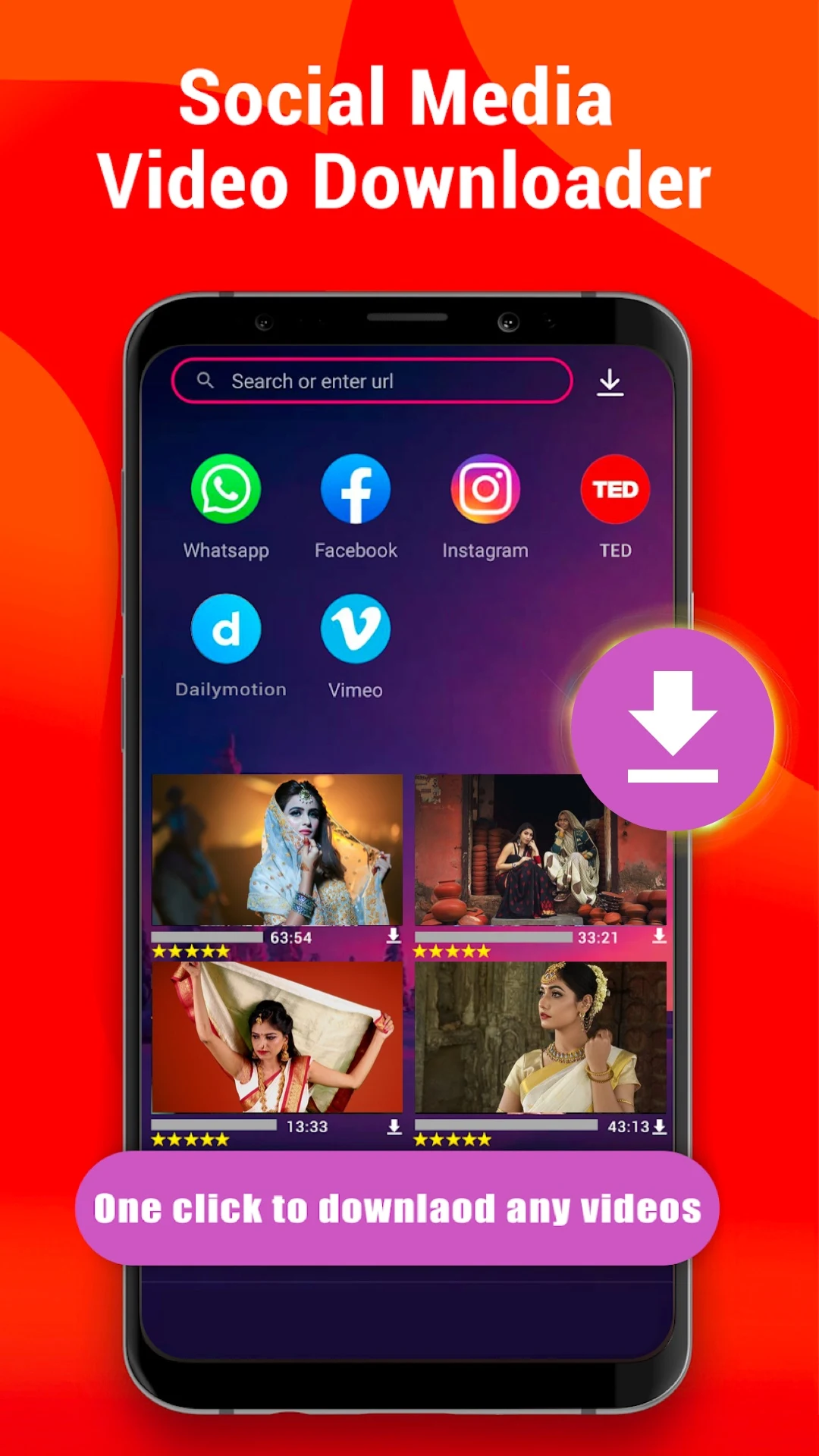
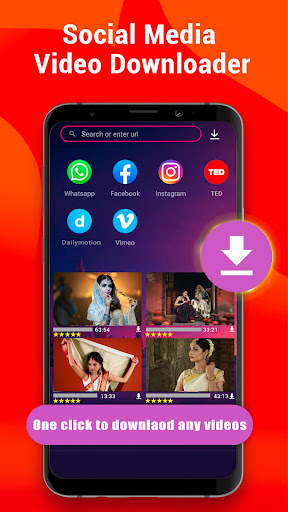
PLAYit supports transfer & share now
You can share any videos and music.
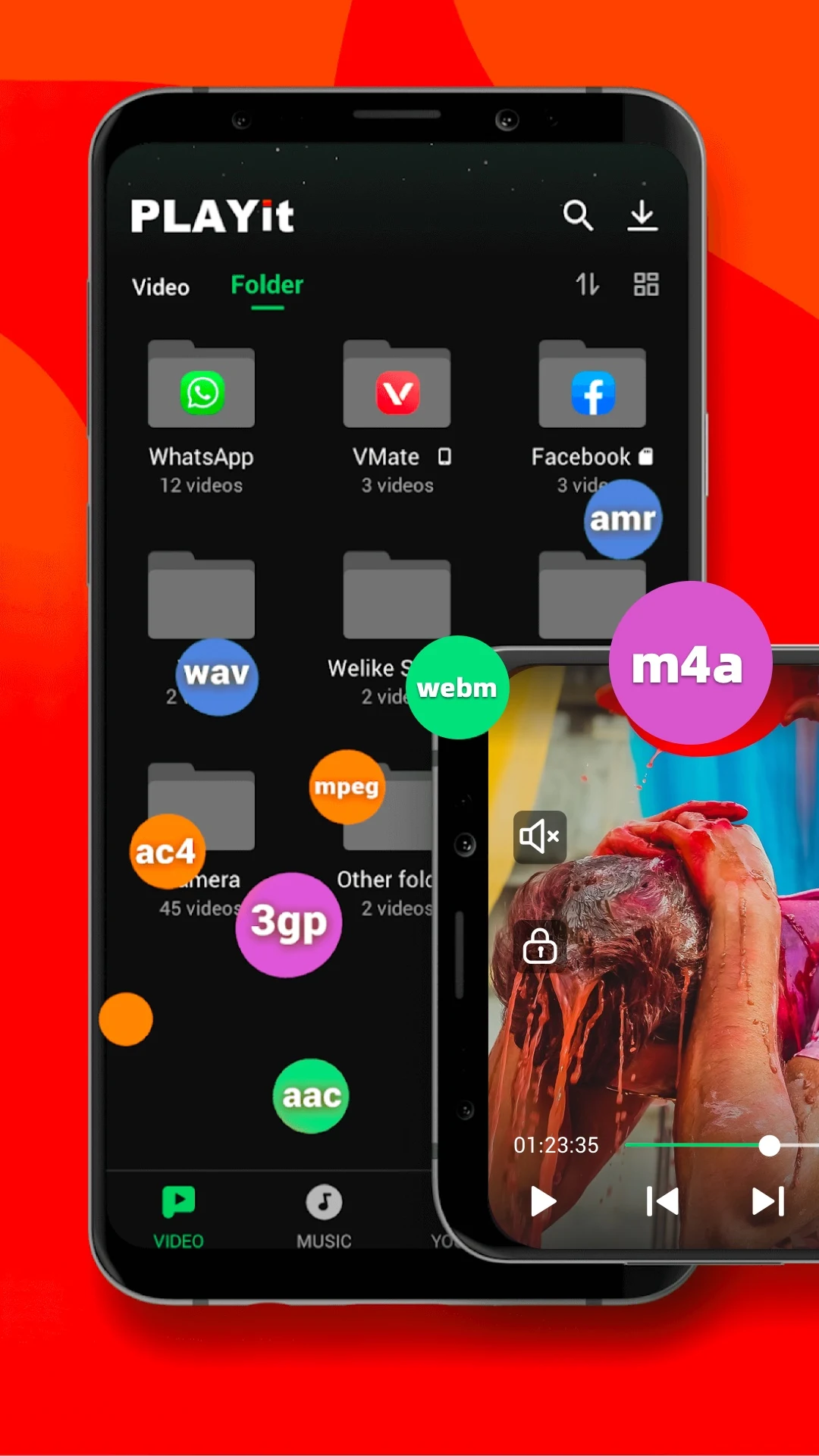
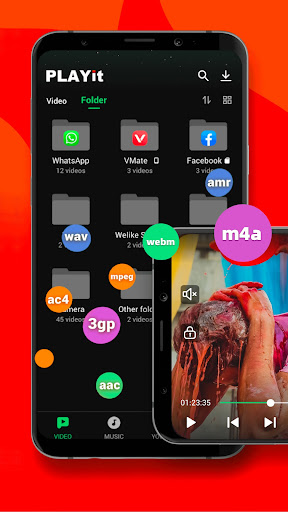
Auto-detect and manage local media files
Automatically detect all video files on Android devices and SD cards, easily sort and share media files, and clearly display the internal storage space. Easily manage media according to personal needs
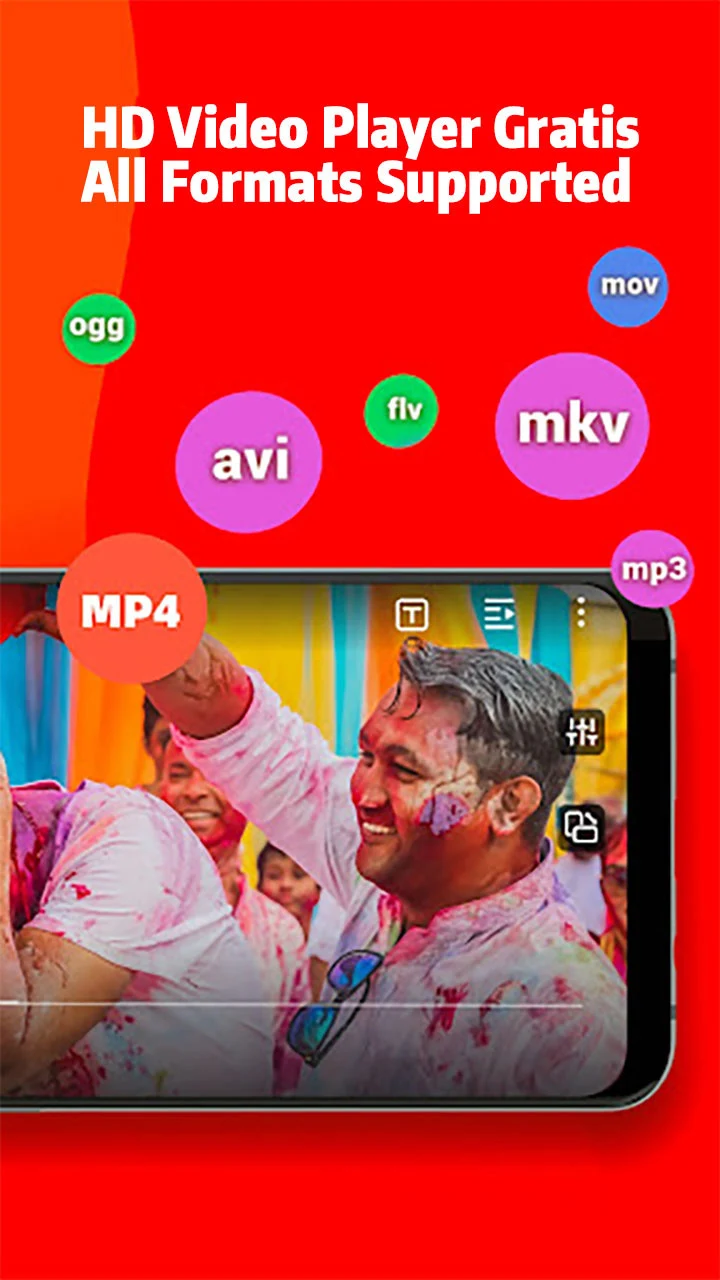
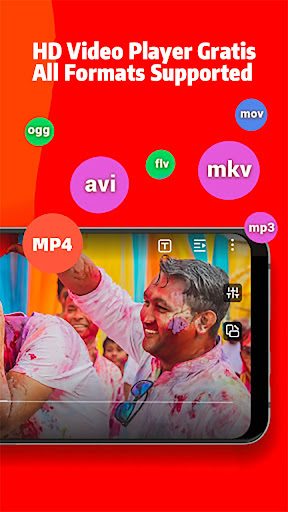
All format videos, all format audio supported
HD video player for all formats: 4k videos, 1080p videos, MKV videos, FLV videos, 3GP videos, M4V videos, TS videos, MPG videos
HQ music player for all formats: MP3 files, M4A files
▶Quickly search and watch videos and photos
Explore a wide range of content with smooth playback.
Floating play and background play allow multitasking
Turn on the floating-play window to chat with other apps while watching videos or listening to music.
Protect videos in the private folder
Hide personal videos for privacy protection.
Video to audio converter
One click to convert videos to audio and enjoy audio/music playing.
Online Subtitle Function
Search online subtitles and watch movies with English/Hindi/Tamil subtitles.
Smart gesture control during video player video playing
Multi-play option and easy gesture control to change playback speed, brightness, and volume
Advanced kernel SW decoder to provide experience
Software acceleration is applied to all formats. By changing the decoding mode.
▶HD Video Player: Play It
- Browse all your local video files and play status videos, trailers, movies, and any other videos stored in your device.
- Background play function to keep playing the video when switching to other apps or turning off the phone screen
- Floating play function to adjust the player's floating window and use other apps at the same time
- Easily use gesture control to adjust playback speed, brightness, and volume. Video playback continues from the last position, smartly
▶HD Video Watcher: Watch It
- Manage your favorite Hindi movies and organize them in one place for easy viewing.
▶HQ Music Player: Listen to It
- Locate and manage all audio files from your phone memory and SD card
- Choose to play a single piece of music or the whole playlist on the PLAYit music player
- Convert MP4 to MP3 with one simple click, retaining clear audio quality
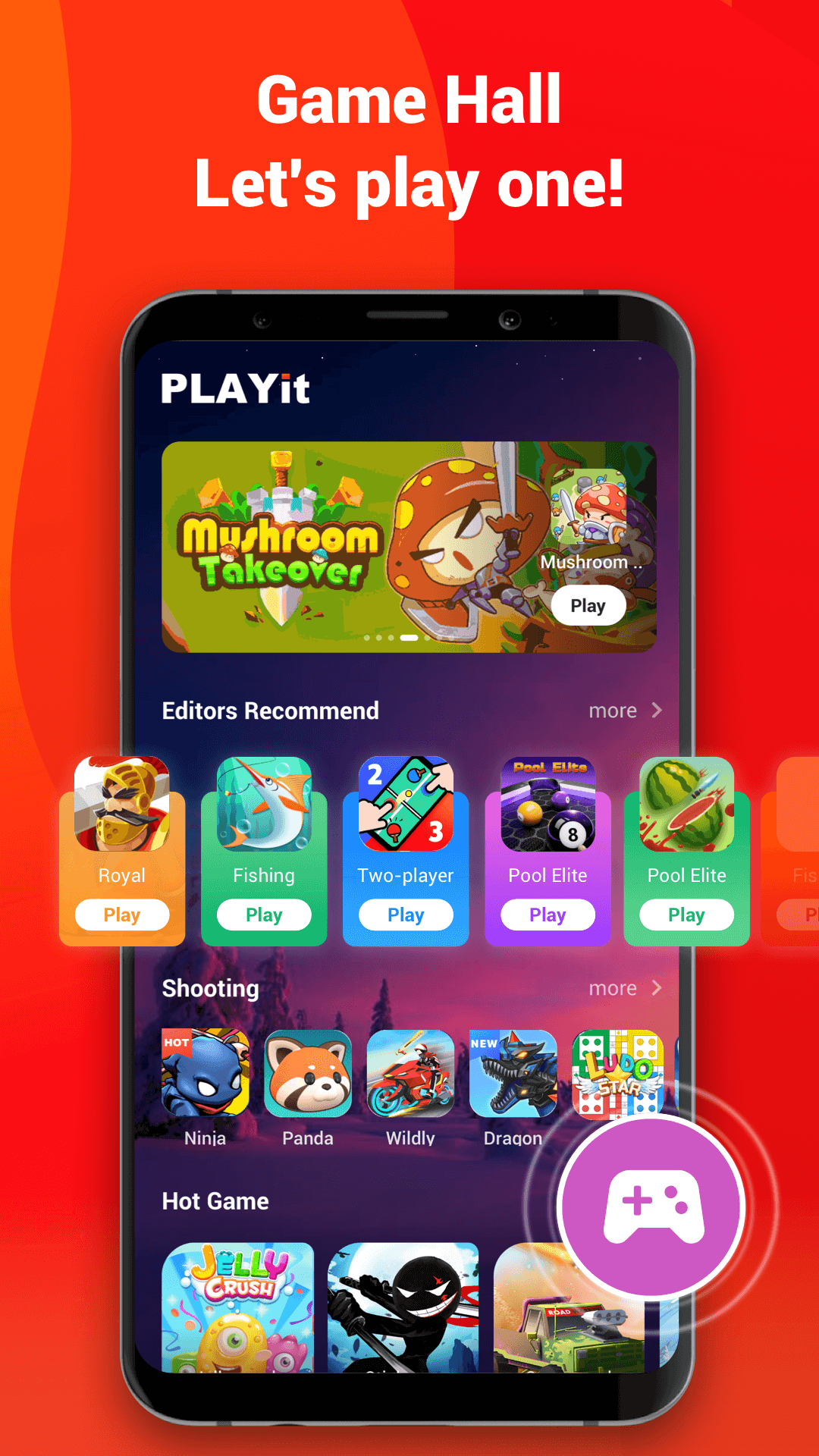
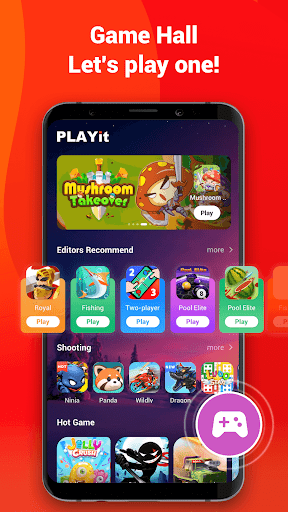
Game Hall
Hundreds of popular games covering a variety of genres such as shooting, action, racing, and casual.
Just open and play.
⭐We are working hard for a better experience as a powerful HD video player!
If you have any problems during the usage of PLAYit, please contact us via feedback@playit.app
Show more

1. Download MEmu installer and finish the setup

2. Start MEmu then open Google Play on the desktop

3. Search PLAYit-All in One Video Player in Google Play
Install
4. Download and Install PLAYit-All in One Video Player
5. On install completion click the icon to start

6. Enjoy using PLAYit-All in One Video Player on PC with MEmu
MEmu Play is the best Android emulator, and 100 million users already enjoy its superb Android app experience. Powered by advanced virtualization technology, it lets you enjoy thousands of Android apps smoothly on your PC—including the most graphics-intensive ones.
Bigger screen with better graphics; Long duration, without limitation of battery or mobile data.
Full Keymapping support for precise control of keyboard and mouse or gamepad.
Multiple game accounts or tasks on single PC at one time with Multi-Instance manager.
Use PLAYit-All in One Video Player on PC by following steps: