Top Guilds: Co-op ARPG
تم التحديث
الإصدار الحالي
تقديم

مع كل شغفك للعب Top Guilds: Co-op ARPG ,يديك لايجب ان تكون محدودة بشاشة صغيرة علي تليفونك. العب كمحترف واحصل علي تحكم كامل علي لعبتك عن طريق لوحة المفاتيح والفأره. MEmuيقدم جميع الاشياء التي تتوقعها.حمل والعب Top Guilds: Co-op ARPG علي جهاز الحاسوب الخاص بك العب كماتريد ,لايوجد حدود علي البطارية والباقة ولا يوجد اتصالات مزعجة النسخة الجديدة من MEmu7 هو افضل وسيلة للعب Top Guilds: Co-op ARPG علي جهاز الحاسب معد عن طريق خبراتنا , لوحة المفاتيح المعده مسبقا تجعل Top Guilds: Co-op ARPG العبة لعبة كمبيوتر حقيقة تم برمجتها باقصي استيعابنا .المتحكم في عدة نوافذ يجعل لعب لعبتين او اكثر او استعمال اكثر من حساب اسهل واهم شئ ان المحرك الخاص بنا يمكن ان يخرج كل امكانيات جهازك ويجعل كل شئ اكثر سلاسة نحن لانهتم بكيف تلعب فقط بل ايضا بالسعادة التي تغمرك من اللعب
أظهر المزيد
قم بتنزيل Top Guilds: Co-op ARPG على الكمبيوتر بإستخدام جهاز مقلد أندروز MEmu.استمتع بمتعة اللعب على الشاشة الكبيرة. ◆ EXPLORE A SHARED FANTASY WORLD.
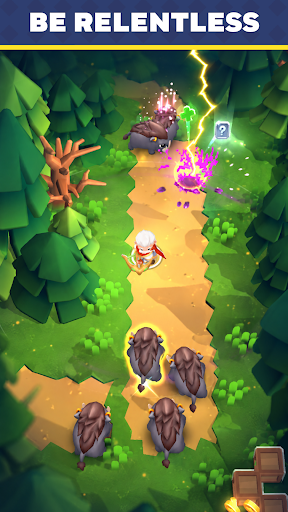
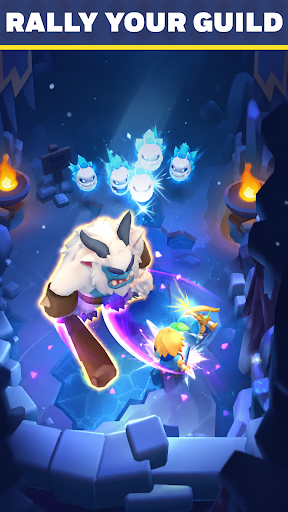
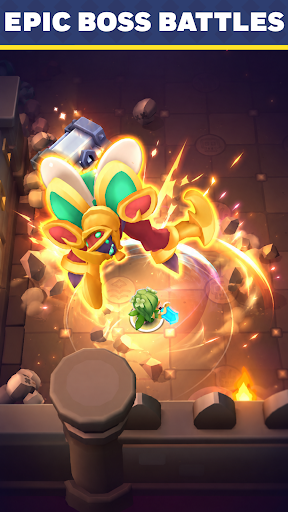
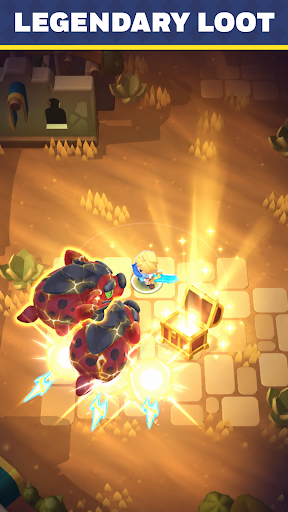
◆ EXPLORE A SHARED FANTASY WORLD
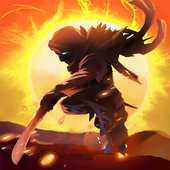
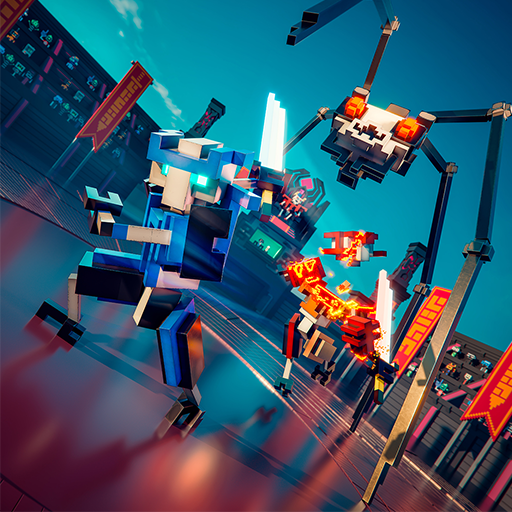
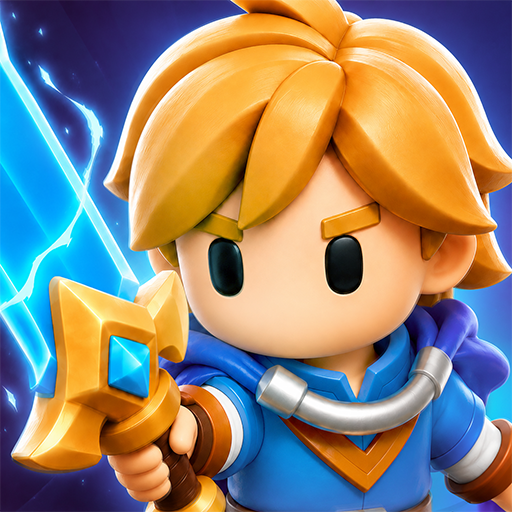
Welcome to Top Guilds, a fantasy Action RPG where players adventure together in a living online world.
Complete quests, defeat monsters, collect loot, and grow stronger as you progress through an ever-changing adventure.
Jump in and start building your legend.
◆ COMPLETE TASKS & GROW STRONGER
Always have a goal to chase.
- Defeat dangerous monsters
- Open treasure chests
- Upgrade your equipment
- Collect gold and valuable rewards
- Complete quests to unlock new regions
Every completed task brings you closer to becoming a top adventurer.
◆ RAID BOSS DUNGEONS
Gather your allies and take on colossal bosses in multiplayer co-op.
- Fight Raid Bosses together in dedicated dungeons
- Combine abilities and coordinate with your party
- Earn rare rewards to power up your gear
Some enemies are too strong to face alone.
◆ FAST-PACED ACTION RPG COMBAT
Fight your way through hordes of enemies in satisfying real-time combat.
- Unlock powerful abilities
- Upgrade your gear
- Discover stronger builds
The stronger you become, the tougher challenges you can overcome.
◆ PLAY TOGETHER IN A SHARED WORLD
- Team up naturally against powerful enemies
- Help each other clear objectives
- Encounter fellow adventurers during your journey
Whether you're exploring solo or fighting side by side with others, there's always something to do in Top Guilds.
◆ QUICK SESSIONS, CONSTANT PROGRESS
Easy to pick up, hard to put down.
Complete objectives, earn rewards, and make progress every time you play.
Jump in.
أظهر المزيد

1. قم بتنزيل برنامج MEmu واكمال تثبيته

2. قم بتشغيل برنامج MEmu وفتح Google Play على الصفحة الرئيسية

3. ابح Top Guilds: Co-op ARPG في Google Play
Install
4. تنزيل وتثبيت Top Guilds: Co-op ARPG
5. انقر على الرمز للتشغيل بعد اكتمال التثبيت

6. استمتع بلعب *** على الكمبيوتر Top Guilds: Co-op ARPG تخدام برنامج MEmu
تطبيق MEmuهو افضل محاكى اندرويد مجانى وبالفعل 50 مليون شخص يستمتعون حاليا بتجربه اللعب عليه. تمكّنك تقنية MEmu الافتراضية من تشغيل آلاف ألعاب Android بسلاسة على الكمبيوتر الشخصي ، حتى أكثرها استخدامًا للرسومات.
شاشة أكبر وجرافيك افضل ووقت أطول بدون حدود البطارية وباقة التليفون
لوحة مفاتيح كاملة تدعم تحكم كامل عن طريق لوحة المفاتيح و الفأره وجيم باد
عدة العاب وحسابات ومهمات علي جهاز الكمبيوتر في وقت معين عن طريق Memu متعدد النوافذ
Play Top Guilds: Co-op ARPG on PC by following steps: