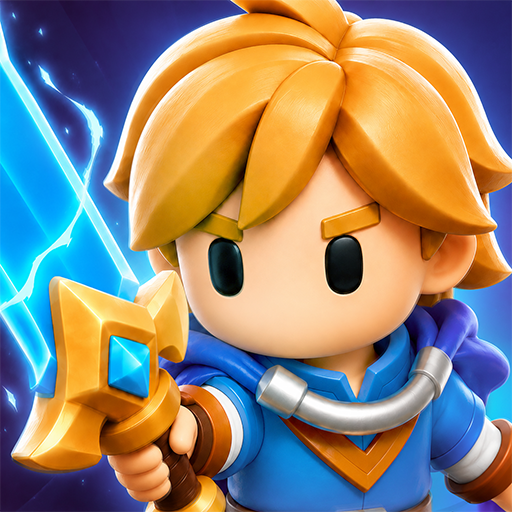
Top Guilds: Co-op ARPG
Updated
Current Version
Offered By

With your passion for Top Guilds: Co-op ARPG, you shouldn’t have to limit yourself to the small screen of a phone. Play like a pro and take full control of the game using a keyboard and mouse. MEmu gives you everything you’re looking for. Download and play Top Guilds: Co-op ARPG on PC. Play as long as you want — no more worries about battery life, mobile data, or unexpected calls. The all-new MEmu 9 is the best way to play Top Guilds: Co-op ARPG on PC. With our expertly designed keymapping system, Top Guilds: Co-op ARPG feels just like a real PC game. The MEmu multi-instance manager lets you run two or more accounts on the same device at the same time. Most importantly, our exclusive emulation engine unlocks your PC’s full potential, delivering smooth and seamless performance.
Show more
Download Top Guilds: Co-op ARPG on PC with MEmu Android Emulator. Enjoy playing on big screen. ◆ EXPLORE A SHARED FANTASY WORLD.
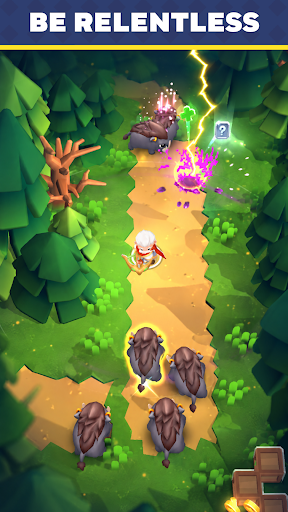
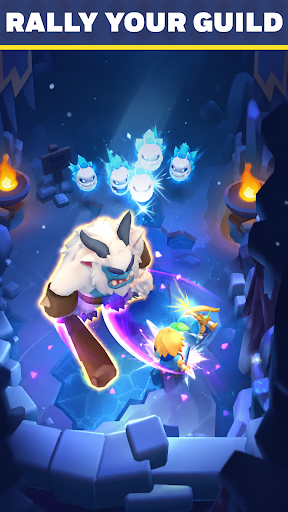
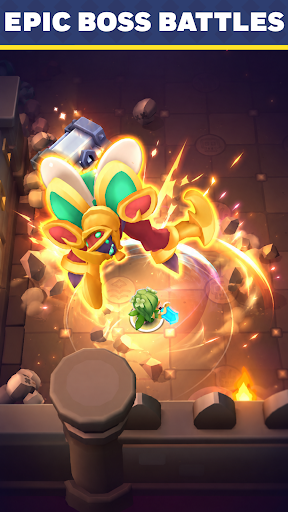
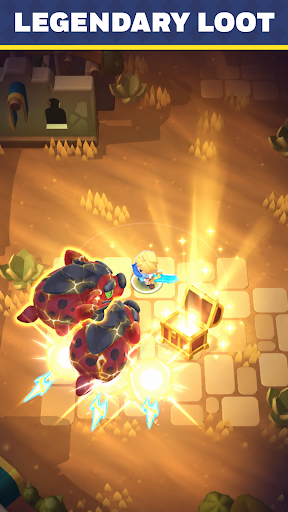
◆ EXPLORE A SHARED FANTASY WORLD
Welcome to Top Guilds, a fantasy Action RPG where players adventure together in a living online world.
Complete quests, defeat monsters, collect loot, and grow stronger as you progress through an ever-changing adventure.
Jump in and start building your legend.
◆ COMPLETE TASKS & GROW STRONGER
Always have a goal to chase.
- Defeat dangerous monsters
- Open treasure chests
- Upgrade your equipment
- Collect gold and valuable rewards
- Complete quests to unlock new regions
Every completed task brings you closer to becoming a top adventurer.
◆ RAID BOSS DUNGEONS
Gather your allies and take on colossal bosses in multiplayer co-op.
- Fight Raid Bosses together in dedicated dungeons
- Combine abilities and coordinate with your party
- Earn rare rewards to power up your gear
Some enemies are too strong to face alone.
◆ FAST-PACED ACTION RPG COMBAT
Fight your way through hordes of enemies in satisfying real-time combat.
- Unlock powerful abilities
- Upgrade your gear
- Discover stronger builds
The stronger you become, the tougher challenges you can overcome.
◆ PLAY TOGETHER IN A SHARED WORLD
- Team up naturally against powerful enemies
- Help each other clear objectives
- Encounter fellow adventurers during your journey
Whether you're exploring solo or fighting side by side with others, there's always something to do in Top Guilds.
◆ QUICK SESSIONS, CONSTANT PROGRESS
Easy to pick up, hard to put down.
Complete objectives, earn rewards, and make progress every time you play.
Jump in.
Show more

1. Download MEmu installer and finish the setup

2. Start MEmu then open Google Play on the desktop

3. Search Top Guilds: Co-op ARPG in Google Play
Install
4. Download and Install Top Guilds: Co-op ARPG
5. On install completion click the icon to start

6. Enjoy playing Top Guilds: Co-op ARPG on PC with MEmu
MEmu Play is the best Android emulator and 100 million people already enjoy its superb Android gaming experience. The MEmu virtualization technology empowers you to play thousands of Android games smoothly on your PC, even the most graphic-intensive ones.
Bigger screen with better graphics; Long duration, without limitation of battery or mobile data.
Full Keymapping support for precise control of keyboard and mouse or gamepad.
Multiple game accounts or tasks on single PC at one time with Multi-Instance manager.
Play Top Guilds: Co-op ARPG on PC by following steps: