Top Guilds: Co-op ARPG
Diupdate
Versi Saat Ini
Ditawarkan Oleh

Dengan sepenuh kebulatan hati Anda dalam memainkan Top Guilds: Co-op ARPG, tangan Anda tak seharusnya hanya terbatas pada layar kecil handphone Anda.Bermainlah layaknya seorang profesional dan dapatkan kendali penuh dalam permainan Anda dengan papan ketik dan tetikus.MEmu menawarkan seluruh hal yang Anda harapkan.Unduh dan mainkan Top Guilds: Co-op ARPG pada PC. Bermainlah selama yang Anda inginkan, tanpa keterbatasan dari baterai, data seluler dan panggilan yang mengganggu.MEmu 9 baru merupakan pilihan terbaik untuk memainkan Top Guilds: Co-op ARPG pada PC. Dipersiapkan bersama teknologi ahli kami, sistem pemetaan kunci preset yang canggih menjadikan Top Guilds: Co-op ARPG sebagai permainan PC sejati.Manajer banyak hal dari MEmu memungkinkan Anda untuk memainkan 2 atau banyak akun pada perangkat yang sama.Dan yang terpenting, mesin emulasi eksklusif kami bisa melepaskan potensi penuh PC Anda, membuat segalanya berjalan lancar.
Tampilkan Lebih banyak
Unduh Top Guilds: Co-op ARPG di PC dengan Emulator Android MEmu. Nikmati permainan pada layar yang besar. ◆ EXPLORE A SHARED FANTASY WORLD.
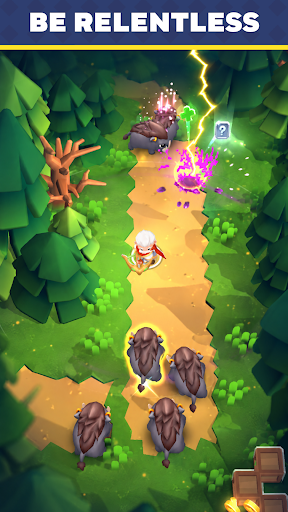
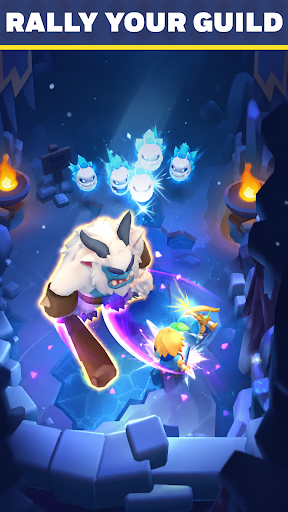
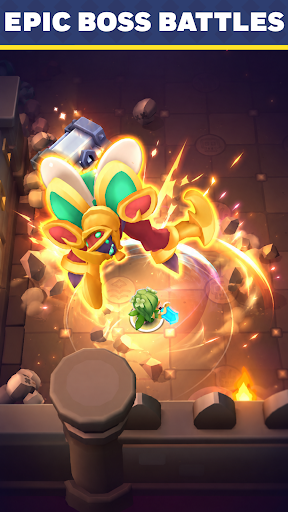
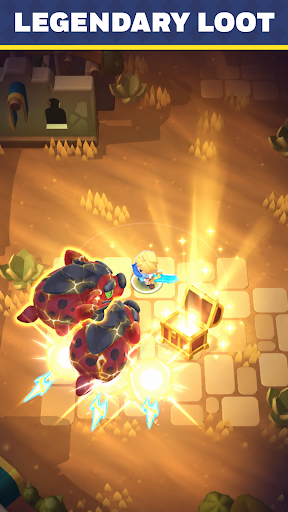
◆ EXPLORE A SHARED FANTASY WORLD
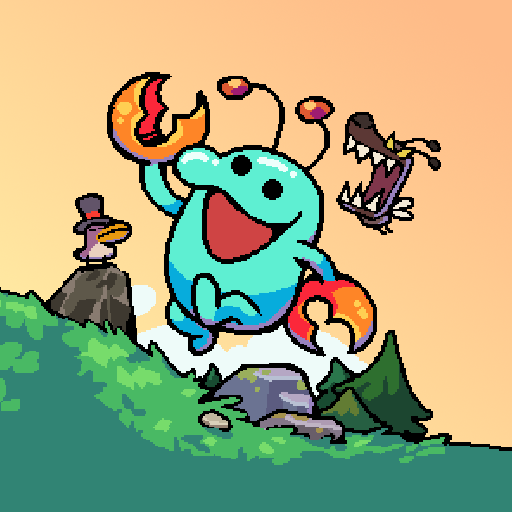
Welcome to Top Guilds, a fantasy Action RPG where players adventure together in a living online world.
Complete quests, defeat monsters, collect loot, and grow stronger as you progress through an ever-changing adventure.
Jump in and start building your legend.
◆ COMPLETE TASKS & GROW STRONGER
Always have a goal to chase.
- Defeat dangerous monsters
- Open treasure chests
- Upgrade your equipment
- Collect gold and valuable rewards
- Complete quests to unlock new regions
Every completed task brings you closer to becoming a top adventurer.
◆ RAID BOSS DUNGEONS
Gather your allies and take on colossal bosses in multiplayer co-op.
- Fight Raid Bosses together in dedicated dungeons
- Combine abilities and coordinate with your party
- Earn rare rewards to power up your gear
Some enemies are too strong to face alone.
◆ FAST-PACED ACTION RPG COMBAT
Fight your way through hordes of enemies in satisfying real-time combat.
- Unlock powerful abilities
- Upgrade your gear
- Discover stronger builds
The stronger you become, the tougher challenges you can overcome.
◆ PLAY TOGETHER IN A SHARED WORLD
- Team up naturally against powerful enemies
- Help each other clear objectives
- Encounter fellow adventurers during your journey
Whether you're exploring solo or fighting side by side with others, there's always something to do in Top Guilds.
◆ QUICK SESSIONS, CONSTANT PROGRESS
Easy to pick up, hard to put down.
Complete objectives, earn rewards, and make progress every time you play.
Jump in.
Tampilkan Lebih banyak

1. Unduh dan instal MEmu APP

2. Menjalankan MEmu lalu buka Google Play di halaman

3. Cari Top Guilds: Co-op ARPG di Google Play
Install
4. Unduh dan instal Top Guilds: Co-op ARPG
5. Setelah insatl APP selesai,klik ikon untuk mulai

6. Nikmati bermain Top Guilds: Co-op ARPG di PC dengan MEmu
MEmu App Player adalah emulator Android gratis terbaik dan 50 Juta orang sudah menikmati pengalaman luar biasa dalam bermain gim Android. Teknologi virtualisasi MEmu memberi kekuasaan untuk memainkan ribuan gim Android dengan lancar di PC anda, bahkan gim dengan grafis yang paling tinggi.
Layar lebih besar dengan grafis yang lebih baik; durasi panjang, tanpa batasan baterai atau data seluler.
Didukung penuh oleh Pemetaan tombol yang lengkap untuk keakuratan kontrol keyboard dan mouse maupun gamepad.
Membuka beberapa akun game atau tugas di waktu yang sama hanya pada satu PC, dengan Multi-Instance manager.
Play Top Guilds: Co-op ARPG on PC by following steps: