Shadow PC
تم التحديث
الإصدار الحالي
3.35.2
تقديم

لا داعي للقلق بشأن الشحن الزائد عند استخدام Shadow PC على هاتفك. تحرر من قيود الشاشة الصغيرة واستمتع به على شاشة أكبر باستخدام لوحة المفاتيح والفأرة. يوفر MEmu جميع الميزات الرائعة التي تتوقعها: تثبيت سريع، إعداد سهل، أدوات تحكم بديهية، ودون قيود على عمر البطارية، أو استخدام البيانات، أو المكالمات الواردة. يُعد MEmu 9 الجديد الخيار الأمثل لتجربة Shadow PC على جهاز الكمبيوتر. بفضل تقنية التشفير الفريدة، يتيح لك مدير الحسابات المتعددة تشغيل حسابين أو أكثر في وقت واحد. والأهم من ذلك، أن محرك المحاكاة الفريد يستغل أداء جهاز الكمبيوتر بالكامل، مما يُحسّن تجربة التطبيق ويجعل كل شيء سلسًا للغاية.
أظهر المزيد
استمتع بتجربة رائعة لاستخدام Shadow PC على جهاز الكمبيوتر مع MEmu Play. إنه محاكي أندرويد قوي ومجاني يوفر لك آلاف تطبيقات أندرويد لإصدار سطح المكتب. استمتع بالتواصل مع أصدقائك وحسّن عملك بكفاءة أعلى! Put the power of a high-end gaming desktop right at your fingertips.
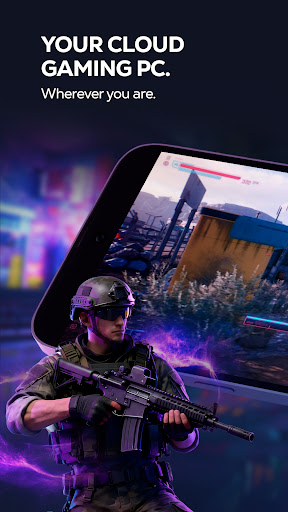
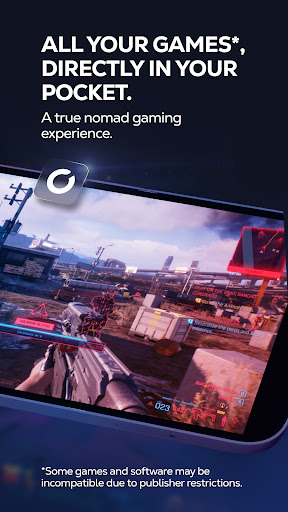
Put the power of a high-end gaming desktop right at your fingertips. Shadow PC gives you access to a real Windows 11 PC in the cloud, capable of running your most demanding games and software. Forget hardware limitations and turn your smartphone, tablet, or Android TV into an ultra-powerful gaming machine.
BUILT FOR PERFORMANCE
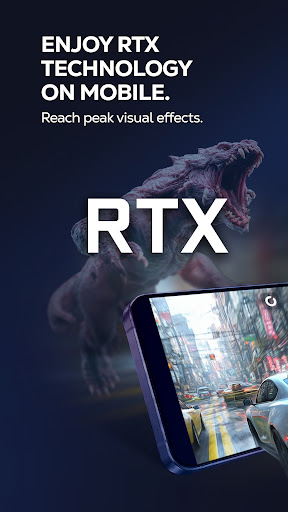
Enjoy stunning graphics and exceptional smoothness. Shadow PC lets you play with Ultra settings, enjoy Ray Tracing in supported games, and reach up to 4K / 120 Hz on compatible displays. Experience true console-like gameplay thanks to support for PlayStation, Xbox, and MFi controllers, as well as keyboard and mouse via Bluetooth. Use the built-in virtual controller with customizable touch controls to play wherever you are.
A FULL PC, WITH NO RESTRICTIONS
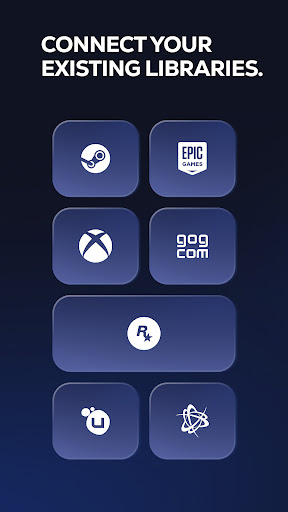
Shadow PC is not just a game streaming service with a predefined catalog. It’s your PC. Log in to your Steam, Epic Games, Ubisoft, Battle.net, or GOG accounts. Download and play the games you already own, install mods, and use your usual launchers and tools. Beyond gaming, Shadow PC also lets you work, create, and stream: Photoshop, OBS, Discord, editing or development software—just like on a local computer.
TECHNOLOGY ADAPTED TO YOUR CONNECTION
Thanks to our proprietary streaming protocol, Shadow PC delivers optimized smoothness and responsiveness over 4G, 5G, and Wi-Fi. Low Bandwidth Mode automatically adjusts streaming quality to ensure a stable session, even on the go. Latency is minimized for an experience close to a physical PC.
KEY FEATURES
* Full Windows 11 PC in the cloud
* High-end graphics performance, Ray Tracing compatible
* Ready for 4K and 120 Hz on supported displays
* Built-in virtual touch controller
* Controller, keyboard, and mouse support via Bluetooth or wired, with full keyboard control via Android's accessibility service
* Second screen: use your mobile to manage chats or streams
* Companion mode: use your mobile as a keyboard during PC or TV sessions
HOW IT WORKS
1. Subscribe on shadow.tech
2. Download the Shadow PC app
3. Connect a controller or use touch controls
4. Launch your virtual PC and play
أظهر المزيد

1. قم بتنزيل برنامج MEmu واكمال تثبيته

2. قم بتشغيل برنامج MEmu وفتح Google Play على الصفحة الرئيسية

3. ابح Shadow PC في Google Play
Install
4. تنزيل وتثبيت Shadow PC
5. انقر على الرمز للتشغيل بعد اكتمال التثبيت

6. استخدم MEmu لتجربة Shadow PC على جهاز الكمبيوتر الخاص بك.
تطبيق MEmuهو افضل محاكى اندرويد مجانى وبالفعل 50 مليون شخص يستمتعون حاليا بتجربه اللعب عليه. تمكّنك تقنية MEmu الافتراضية من تشغيل آلاف ألعاب Android بسلاسة على الكمبيوتر الشخصي ، حتى أكثرها استخدامًا للرسومات.
شاشة أكبر وجرافيك افضل ووقت أطول بدون حدود البطارية وباقة التليفون
لوحة مفاتيح كاملة تدعم تحكم كامل عن طريق لوحة المفاتيح و الفأره وجيم باد
عدة العاب وحسابات ومهمات علي جهاز الكمبيوتر في وقت معين عن طريق Memu متعدد النوافذ
Use Shadow PC on PC by following steps: