Download and Play Devastate on PC: The Ultimate Gaming Guide with MEmu Play
 |
|
Devastate is an immersive 2D anime-style survival management game that perfectly balances wilderness exploration with deep character interaction. Set against the backdrop of a desolate, ruined world, the game ensures that every excursion matters and every minor choice carries weight.


As a player, you will navigate abandoned streets and silent forests to scavenge vital resources, bringing them back to fortify a sanctuary you can truly call home. Along your journey, you will cross paths with a mysterious girl living in a laboratory, forming a unique bond through daily care and meaningful conversations.
Are you ready to dive into the chaotic, action-packed world of Devastate? While playing on mobile is fun, let’s be honest: touch controls, battery drain, and small screens can seriously hold back your true gaming potential.
If you want to dominate the battlefield, maximize your graphics, and experience seamless performance, playing on PC is the ultimate move. Today, we’re showing you how to unlock the best way to experience the game using MEmu Play, the fastest and most reliable Android emulator on the market.
Contents
Why You Need to Play Devastate on PC
Playing Devastate on your computer completely transforms the experience. Here is why thousands of players are making the switch to MEmu Play:
-
Precision Control Mapping: Ditch the clumsy touchscreen. MEmu allows you to map your keyboard and mouse perfectly, giving you lightning-fast reflexes and pixel-perfect accuracy.
-
Stunning Visuals & High FPS: Don’t let your phone overheat. Push Devastate to its absolute maximum graphical settings and enjoy smooth, lag-free 60+ FPS gameplay on your large monitor.
-
Unlimited Power: Say goodbye to low-battery warnings and annoying background notifications mid-match.
-
The Multi-Instance Edge: Want to manage multiple accounts or multitask while playing? MEmu’s Multi-Instance Manager lets you run several windows effortlessly.
How to Download and Play Devastate on PC (Step-by-Step)
Getting started takes less than five minutes. Follow these simple steps to elevate your game:
Step 1: Download MEmu Play
First, you need the engine to run it all. Head over to the official website and download the latest version of the emulator: 👉 [Download MEmu Play on PC here]
Step 2: Install the Emulator
Run the downloaded installer file. The setup wizard is incredibly straightforward—just click "Quick Install," and let the software handle the rest.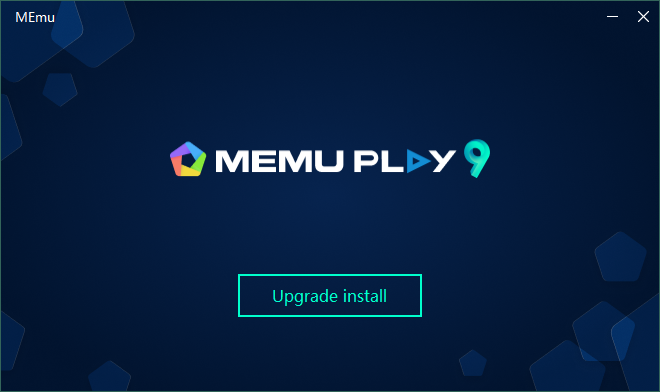
Step 3: Open the Google Play Store
Once MEmu Play launches, locate the Google Play Store icon on the home screen. Sign in with your Google account (or create a quick free one) to access the app library.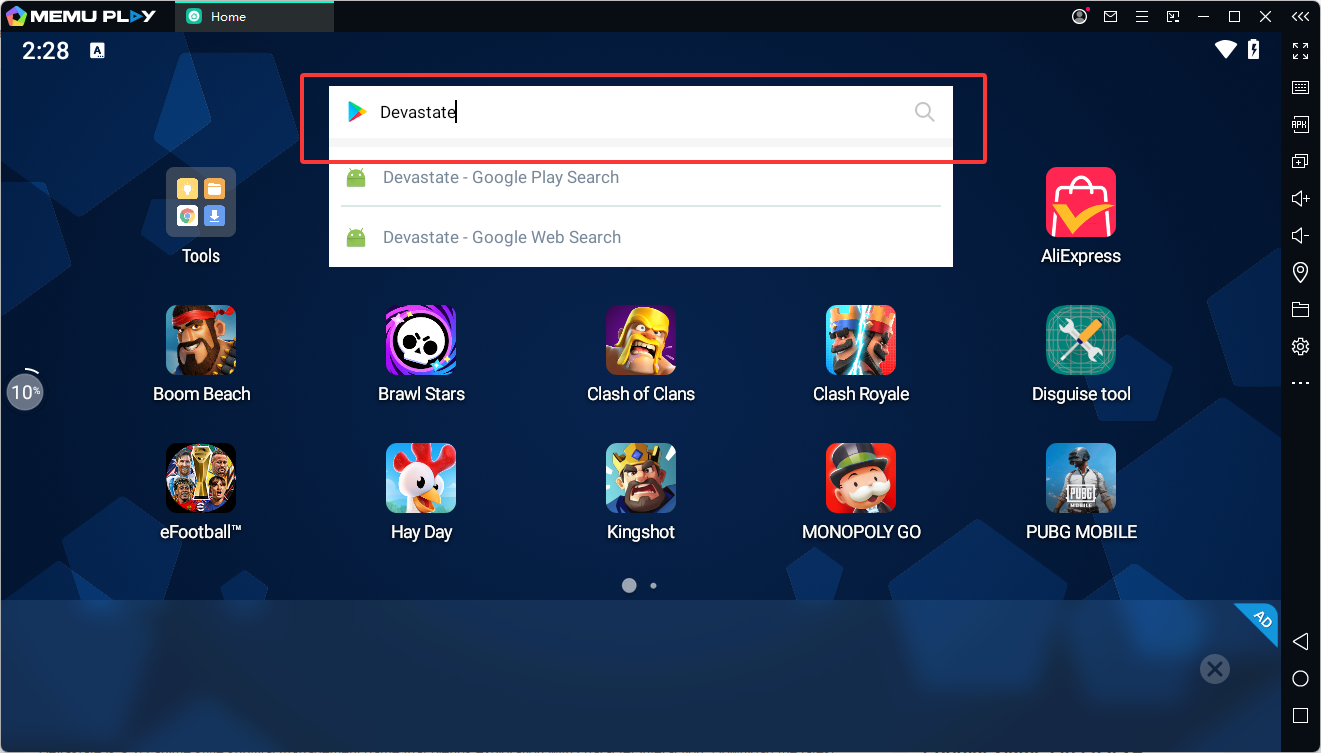
Step 4: Install Devastate
Type "Devastate" into the Google Play search bar. Click the "Install" button next to the game, and it will automatically download directly into your MEmu emulator.
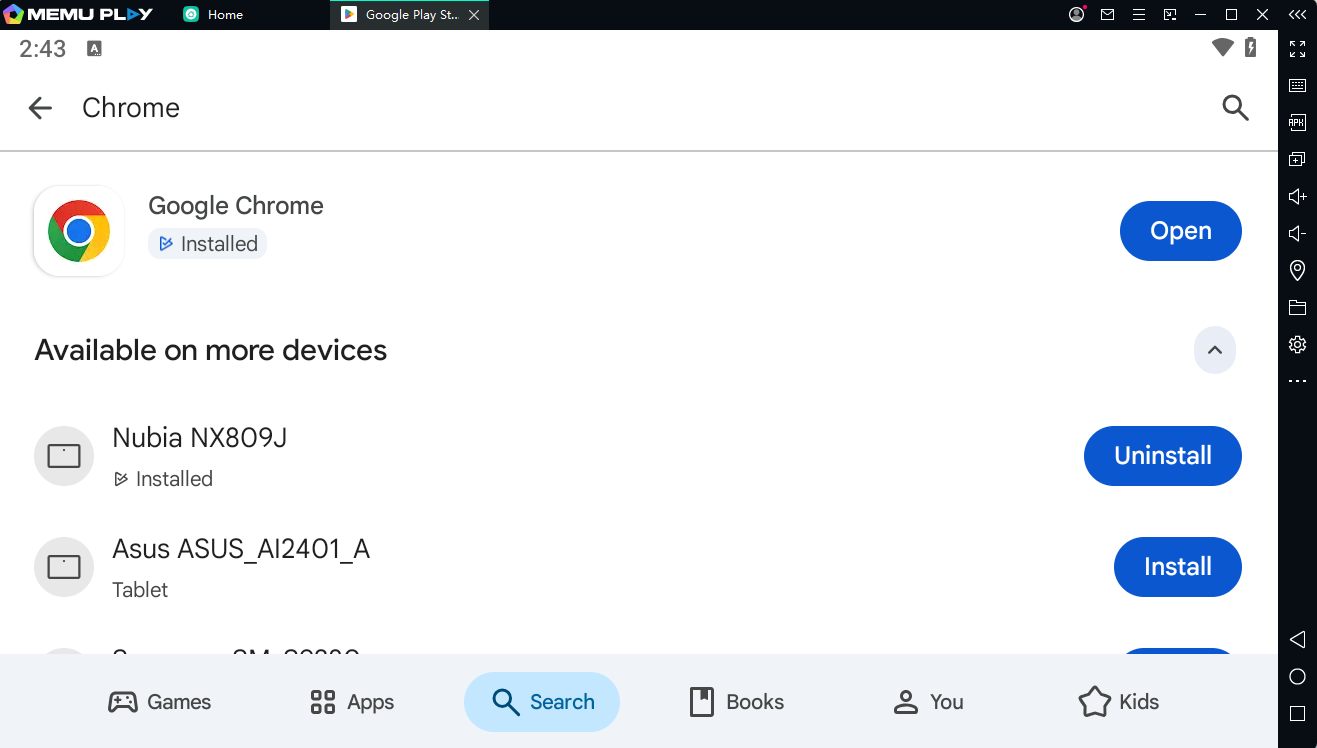
Step 5: Update Chrome to the latest version on the Google Play Store.
Step 6: Configure and Conquer!
Click the game icon on your MEmu home screen to launch it. The emulator will automatically recommend a keyboard layout, but you can customize the keys to your exact liking using the keyboard panel on the right sidebar.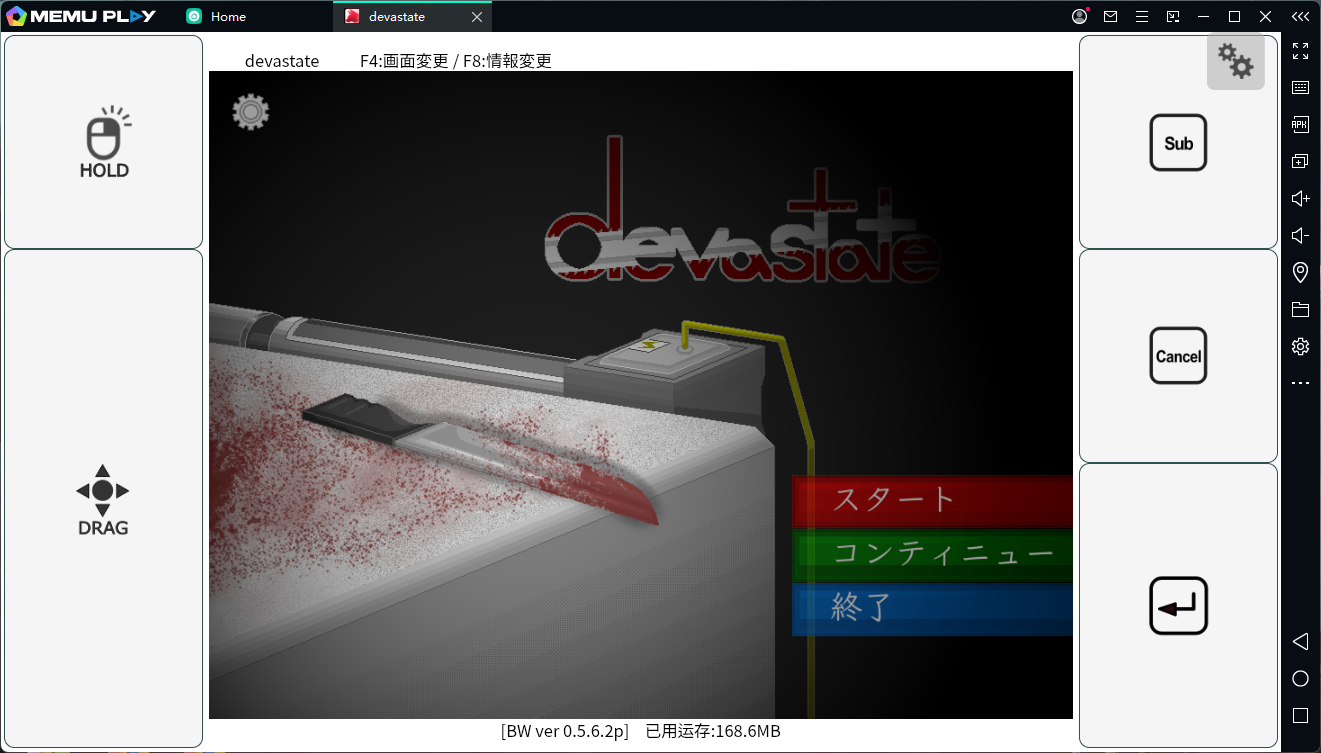
Pro Tip for the Best Performance
To ensure Devastate runs as smoothly as butter, make sure to enable Hardware Virtualization (VT-x/AMD-V) in your computer’s BIOS settings. MEmu Play utilizes this technology to give your virtual Android environment a massive performance boost, utilizing your PC's CPU and GPU to their fullest potential.
What are you waiting for? Don't let hardware limitations slow you down. [Download MEmu Play today] and experience Devastate the way it was truly meant to be played!