BLEACH Mirrors High on PC: How to Download and Play with MEmu
 |
|
Want to experience the world of BLEACH on a bigger screen? BLEACH Mirrors High is an officially licensed mobile RPG from Bandai Namco Entertainment that takes players into an original story set after the Thousand-Year Blood War arc. Featuring iconic characters, customizable Soul Reapers, and stylish tactical combat, the game lets you forge your own path as a Soul Reaper.
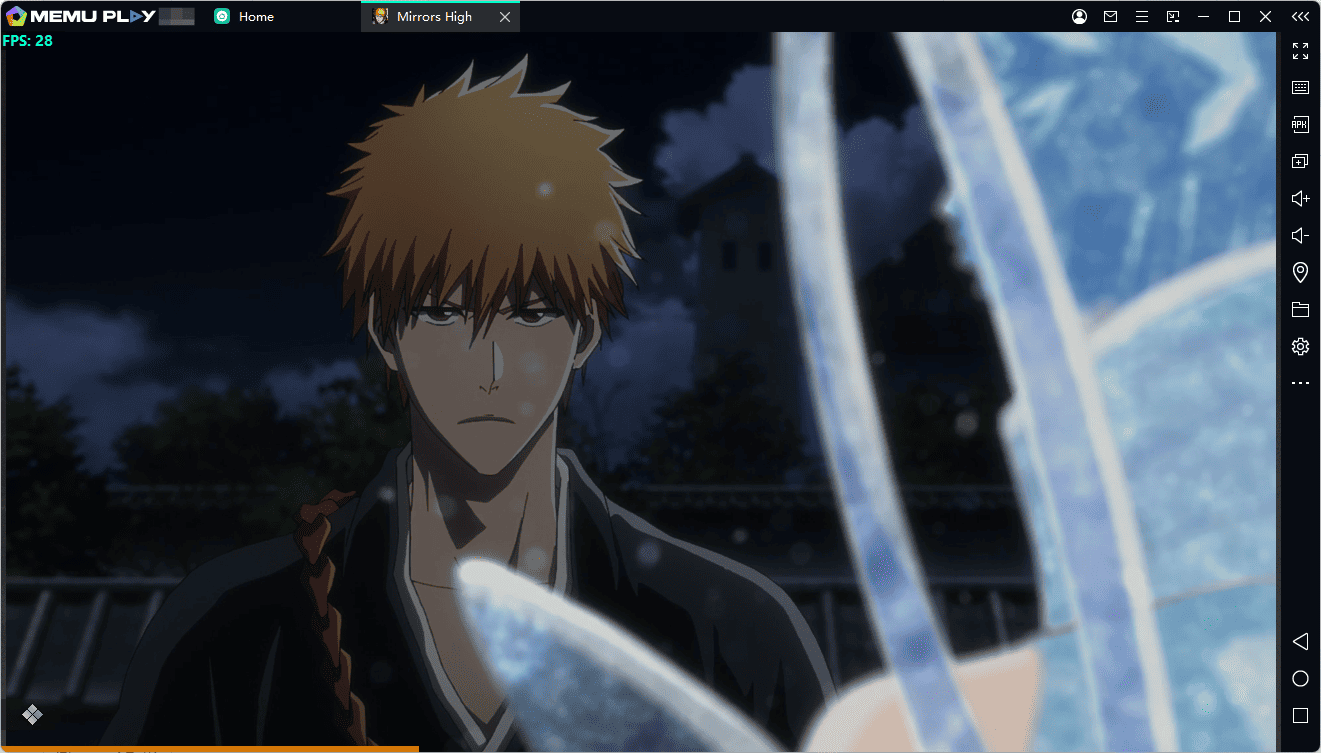

BLEACH Mirrors High
With MEmu Android Emulator, you can play BLEACH Mirrors High on your PC and enjoy its battles, character animations, and story on a larger display using your keyboard and mouse.
Contents
What Is BLEACH Mirrors High?
BLEACH Mirrors High is a free-to-download mobile RPG based on the popular manga and anime series BLEACH, created by Tite Kubo. Released on October 28, 2026, the game introduces an original storyline that continues after the events of the Thousand-Year Blood War arc.
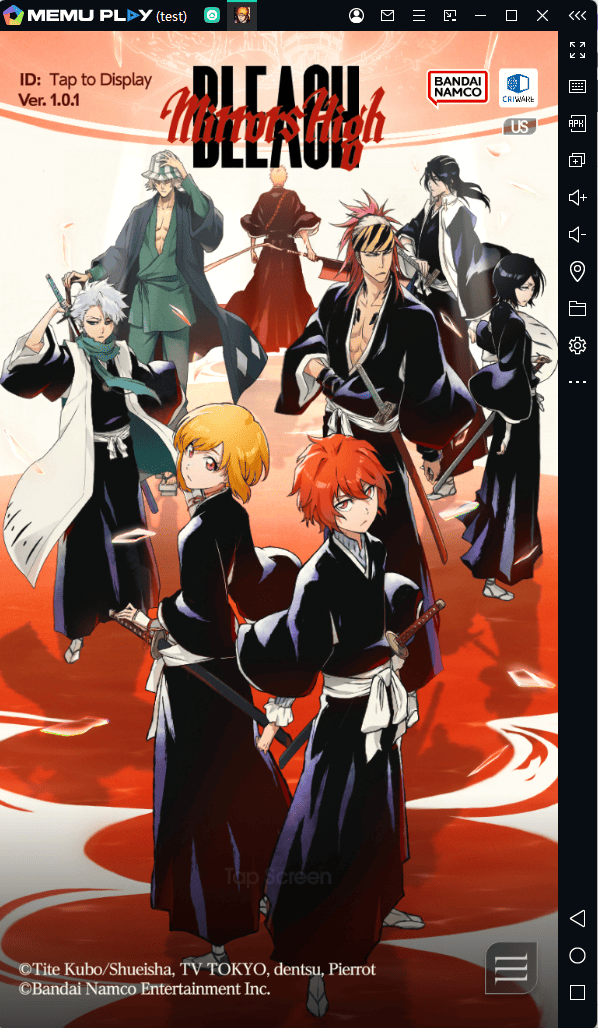
You take on the role of a new Soul Reaper and embark on a journey alongside familiar characters such as Ichigo Kurosaki and Rukia Kuchiki. The game also introduces new characters designed by Tite Kubo, bringing fresh personalities and stories to the BLEACH universe.
Unlike a simple retelling of the original anime, BLEACH Mirrors High allows you to create your own protagonist, customize your Zanpakuto, and experience a new chapter in the series.
Key Features of BLEACH Mirrors High
1. An Original Story Set After the Thousand-Year Blood War
Explore a brand-new storyline set in the aftermath of the Thousand-Year Blood War arc. As the protagonist, you'll begin your journey in Karakura Town and uncover a new chapter in the BLEACH universe. The story features familiar faces, new characters, and Japanese voice performances that bring the adventure to life.
2. Create Your Own Soul Reaper
Make your character truly yours with extensive customization options. Adjust your avatar's appearance and style, then customize your Zanpakuto to match your preferred look and fighting style. Build a Soul Reaper that reflects your personality as you progress through the story.
3. Stylish Tactical Combat
BLEACH Mirrors High combines fast-paced action with strategic decision-making. Build a team of three characters and select attack cards to unleash different moves during battle. Timing your attacks and coordinating your team's abilities can make a major difference in challenging encounters.
4. Powerful Special Moves and Soul Drive Combos
Experience dramatic finishing moves and coordinated attacks with the Soul Drive system. Combine your team's strengths to unleash spectacular combat sequences and turn the tide of battle. With dynamic animations and recognizable BLEACH-style swordplay, every encounter feels like a battle worthy of the series.
5. Fight Alongside Iconic BLEACH Characters
Join familiar characters such as Ichigo Kurosaki and Rukia Kuchiki while meeting newly introduced Soul Reapers designed by Tite Kubo. The combination of established favorites and original characters offers fans a fresh way to explore the franchise.
Why Play BLEACH Mirrors High on PC with MEmu?
Although BLEACH Mirrors High is designed for mobile devices, playing it on a PC with MEmu Android Emulator offers another way to experience the game.
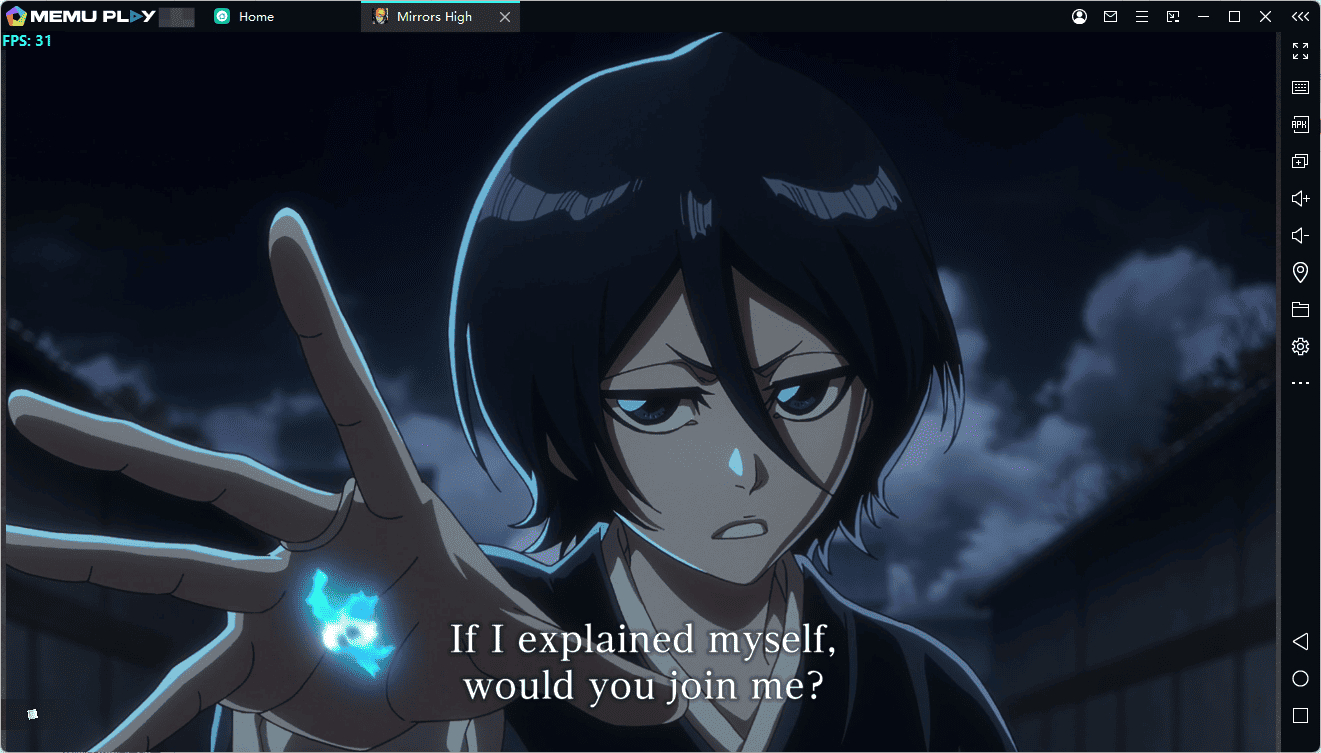
- Bigger screen: Enjoy character designs, combat animations, and special attacks on your computer monitor.
- Keyboard and mouse controls: Use keyboard controls and mouse input for a more comfortable desktop gaming experience.
- Stable performance options: Adjust emulator settings to suit your PC's hardware and gaming preferences.
- Multitasking convenience: Switch between the game and other desktop applications more easily.
- No need to replace your phone: Play on your PC when you want a larger display and a desktop setup.
MEmu provides an accessible way to run compatible Android games on Windows. Actual performance and compatibility may vary depending on your computer, emulator configuration, and the game's requirements.
How to Download and Play BLEACH Mirrors High on PC with MEmu
Follow these steps to get started:
Step 1: Download and Install MEmu
Visit the official MEmu website and download the Android emulator for your Windows PC.
Download MEmu Android Emulator
Run the installer and follow the on-screen instructions to complete the installation.
Step 2: Launch MEmu and Open Google Play
Start MEmu on your PC and open the Google Play Store. Sign in with your Google account if prompted.
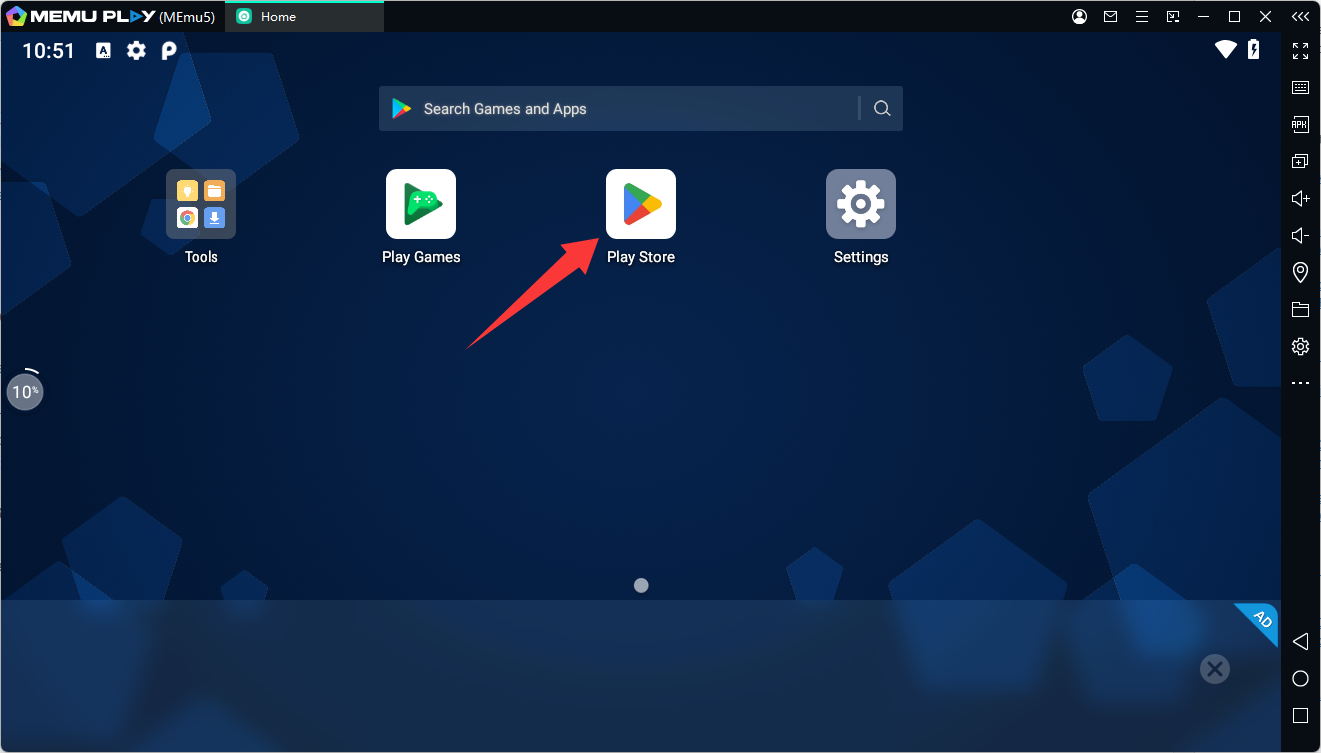
Step 3: Search for BLEACH Mirrors High
Search for BLEACH Mirrors High in Google Play, or open the game's official store listing directly:
Download BLEACH Mirrors High from Google Play
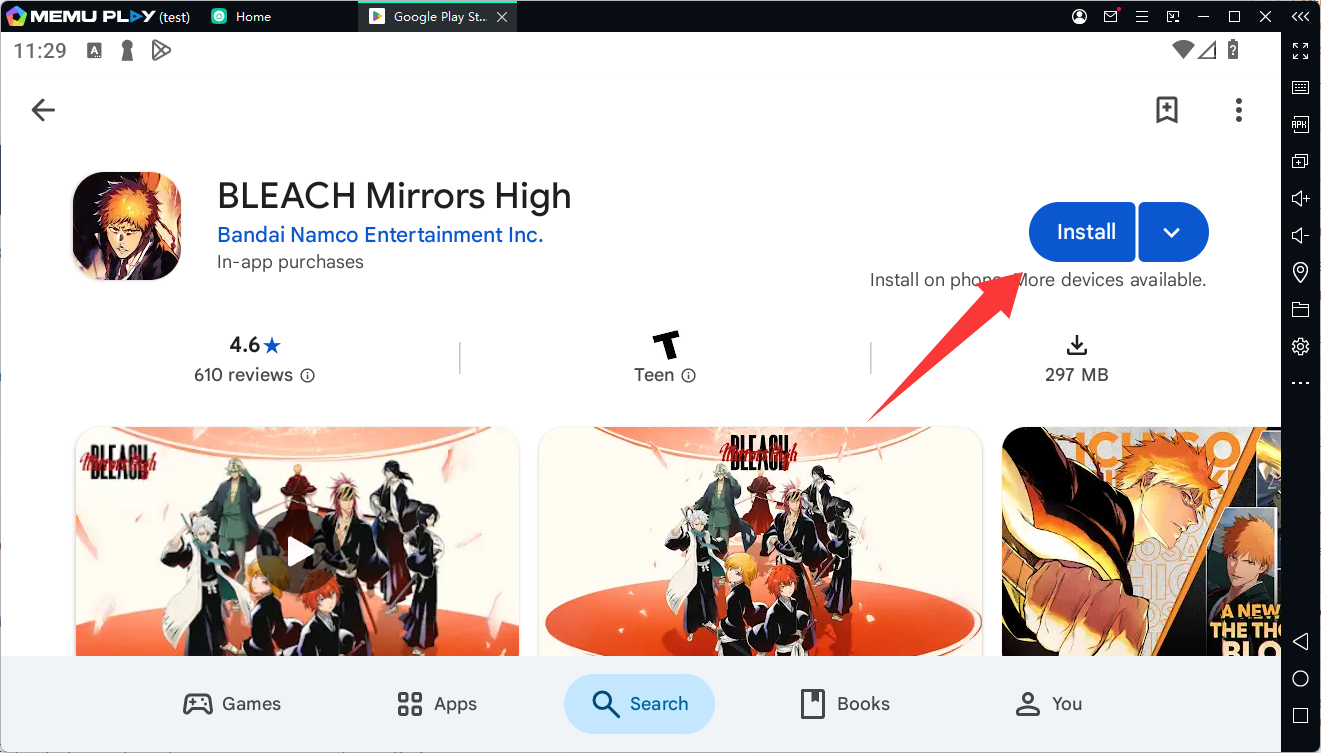
Check that the listing is published by Bandai Namco Entertainment Inc., then click Install if the game is available for your account and emulator environment.
Step 4: Launch the Game
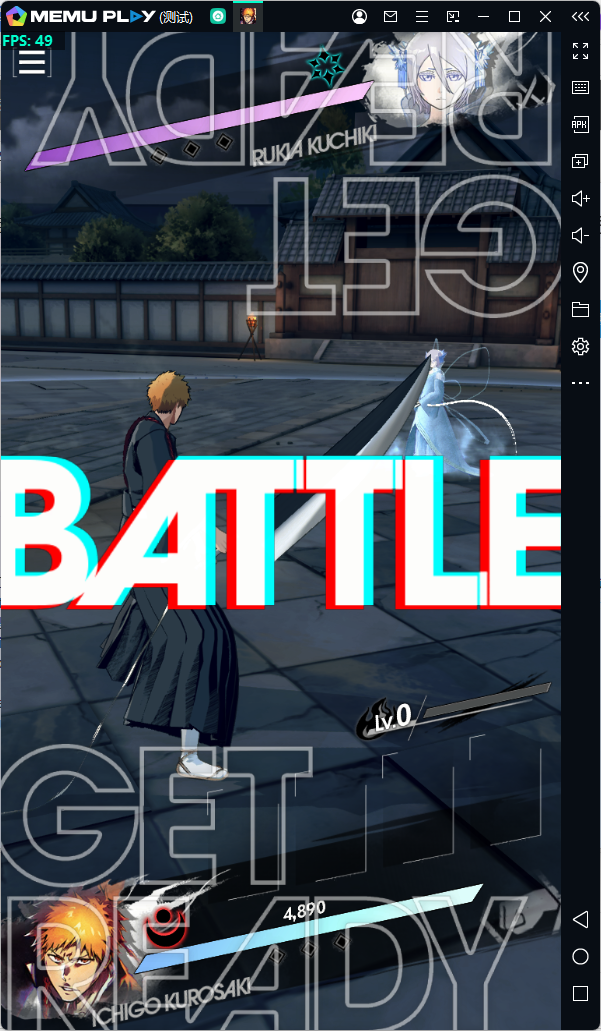
Once the installation is complete, open BLEACH Mirrors High from the MEmu home screen. Follow the initial setup instructions and allow the game to download any additional resources it requires.
Step 5: Create Your Soul Reaper and Start Playing
Customize your character, shape your Zanpakuto, assemble a team of three, and begin your adventure. Explore the original storyline, experiment with attack-card combinations, and unleash powerful Soul Drive attacks against your enemies.
If the game does not appear in Google Play or fails to launch, check the game's regional availability and compatibility requirements. You can also try another supported Android instance in MEmu if available.
Tips for a Better BLEACH Mirrors High PC Gaming Experience
- Check compatibility: Make sure your MEmu version and Android instance meet the game's requirements.
- Allocate sufficient resources: Close unnecessary applications and adjust CPU and memory allocation according to your PC's capabilities.
- Customize your controls: Configure keyboard mappings to make in-game actions more comfortable.
- Keep the game updated: Install official game updates to access new content and fixes.
- Use official download sources: Download MEmu from its official website and obtain the game through Google Play whenever possible.
Frequently Asked Questions
Is BLEACH Mirrors High available on PC?
BLEACH Mirrors High is officially available for Android and iOS mobile devices. You can try playing the Android version on a Windows PC using MEmu Android Emulator, subject to game and emulator compatibility.
Is BLEACH Mirrors High free to play?
Yes. The game is free to download and includes in-app purchases. Optional purchases and subscription features may be available.
Can I play BLEACH Mirrors High with a keyboard and mouse?
Yes, you can configure keyboard mappings in MEmu to use keyboard and mouse input where supported. You may need to adjust the controls to suit the game's interface and combat mechanics.
What makes BLEACH Mirrors High different from other BLEACH games?
BLEACH Mirrors High features an original story set after the Thousand-Year Blood War arc, customizable Soul Reaper avatars and Zanpakuto, and tactical three-character battles built around attack cards and Soul Drive combos.
What should I do if BLEACH Mirrors High won't run in MEmu?
First, confirm that your game version and Android instance meet the game's compatibility requirements. Update MEmu and the game, restart the emulator, and try another supported Android instance if necessary. If the issue persists, collect the error message and your MEmu system information for further troubleshooting.
Conclusion
BLEACH Mirrors High brings a new adventure to the BLEACH universe, combining an original post-war storyline, customizable Soul Reapers, and strategic battles featuring spectacular special moves. Whether you're a longtime fan of the series or a newcomer looking for an anime-inspired RPG, there's plenty to explore.
If you'd like to experience BLEACH Mirrors High on PC, give MEmu Android Emulator a try. Download MEmu, install the game through Google Play if supported, and begin your journey to become the Soul Reaper you've always wanted to be.
BLEACH Mirrors High