Pixel Gun 2 on PC: How to Download & Play with MEmu Emulator
 |
|
Pixel Gun 2 is a multiplayer first-person shooter developed by CUBIC GAMES. The game is currently available as a Beta Version on Google Play and combines short PvP matches, destructible arenas, flexible character builds, weapons, gadgets, armor, perks, and abilities.
If you want to download Pixel Gun 2 for PC, this guide explains the game features and shows you how to install and play Pixel Gun 2 using the MEmu Android emulator.

Pixel Gun 2
Contents
What Is Pixel Gun 2?
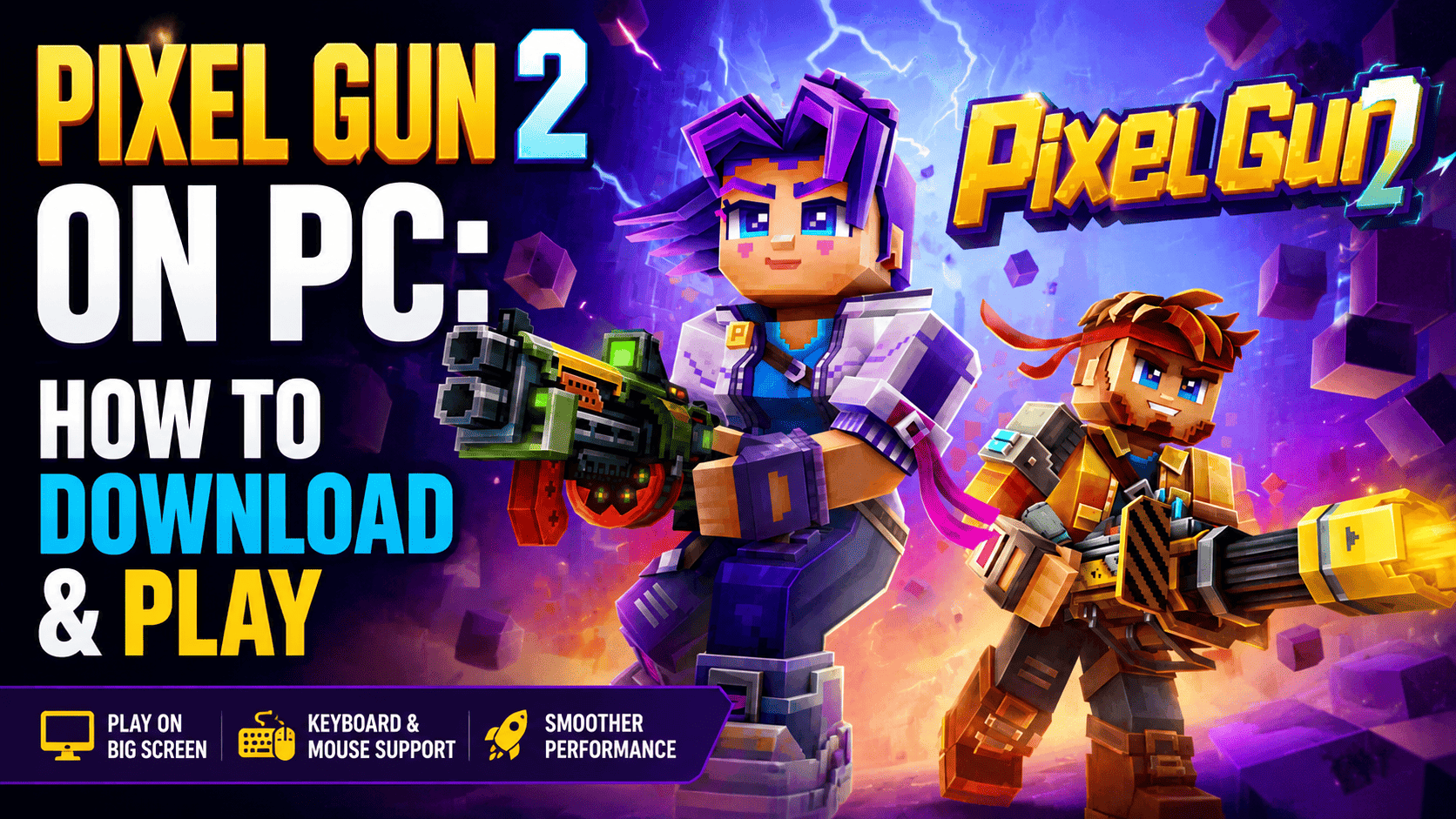
Pixel Gun 2 is a multiplayer FPS built around fast matches, destruction, customization, and constantly changing battlefields. Instead of relying on static maps and traditional loadouts, the game lets players adapt their builds and tactics as the match develops.
According to its Google Play listing, Pixel Gun 2 features fast 5v5 shooter gameplay with destructible environments and extensive build variety. Players can experiment with different weapons, gadgets, armor, perks, abilities, and character combinations to create their own playstyle.
The game is designed around the idea that every match can play differently. As the arena changes, players need to react quickly, adjust their strategy, and make use of the environment.
Pixel Gun 2 Key Features
Fast-Paced 5v5 PvP Battles
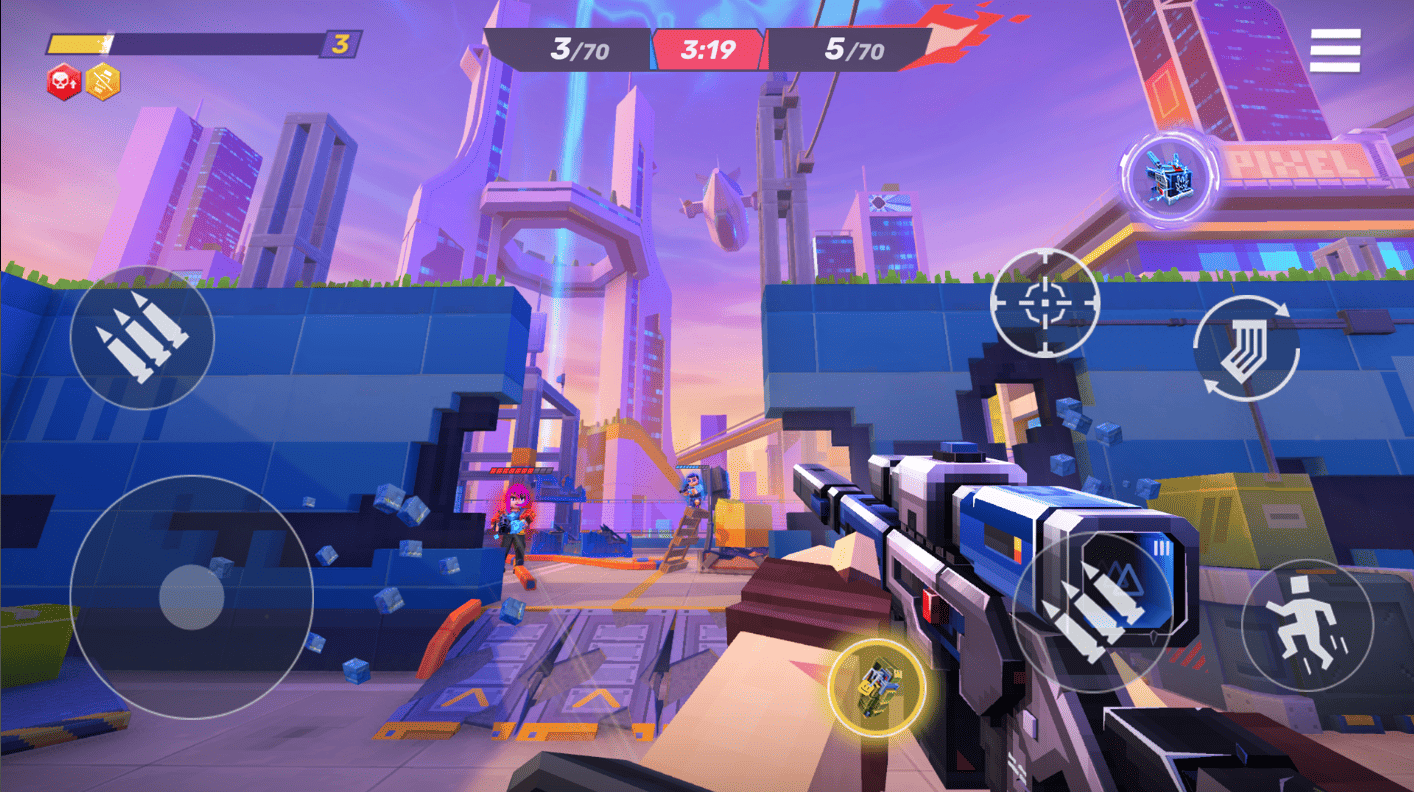
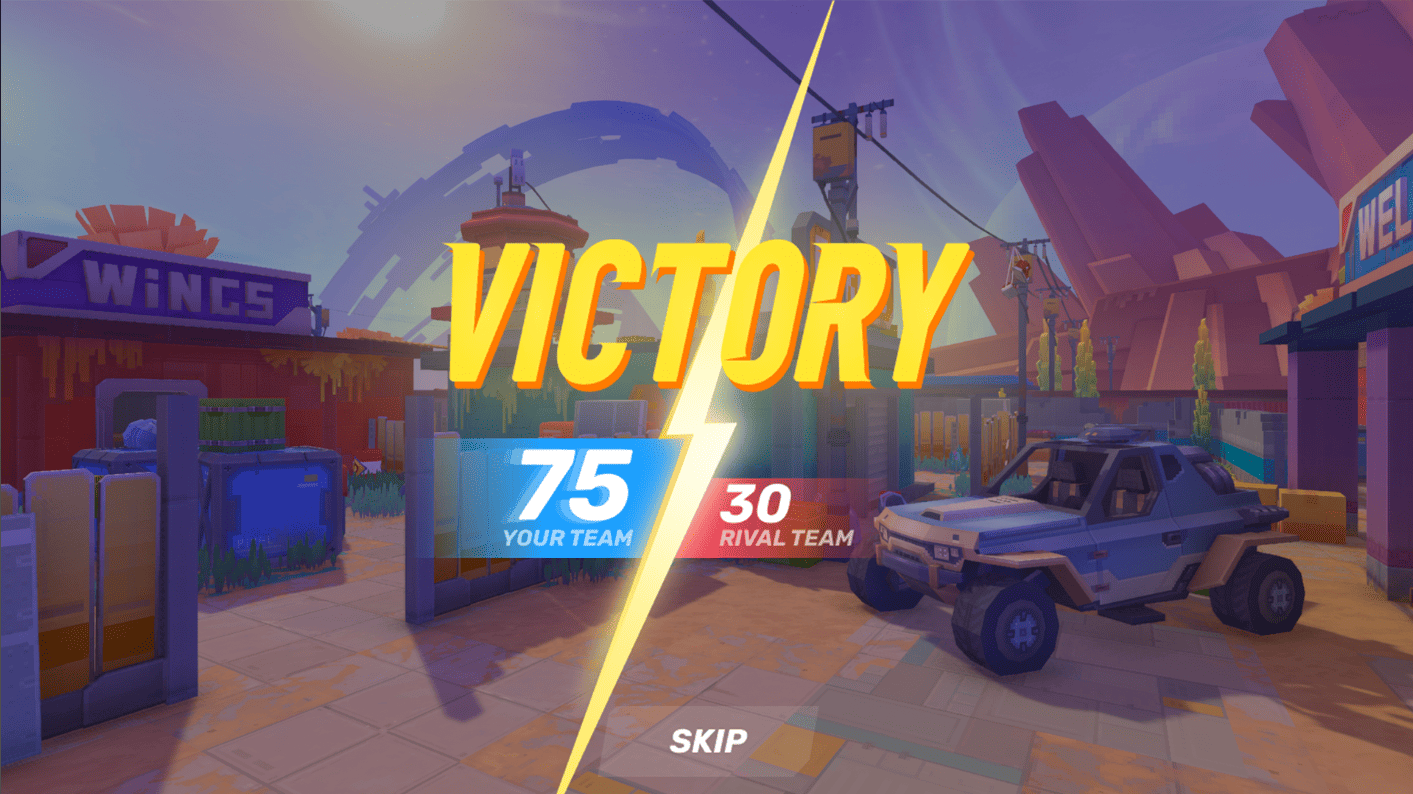
Pixel Gun 2 focuses on short and action-packed multiplayer matches. Team-based battles give players plenty of opportunities to test their aim, movement, loadouts, and tactical decisions.
Whether you prefer aggressive close-range combat or a more tactical approach, the flexible build system allows you to experiment with different combinations.
Destructible Maps
One of the biggest features of Pixel Gun 2 is its destructible battlefield.
Buildings, cover, and other parts of the arena can be destroyed during combat. This means that a safe position may not remain safe for long.
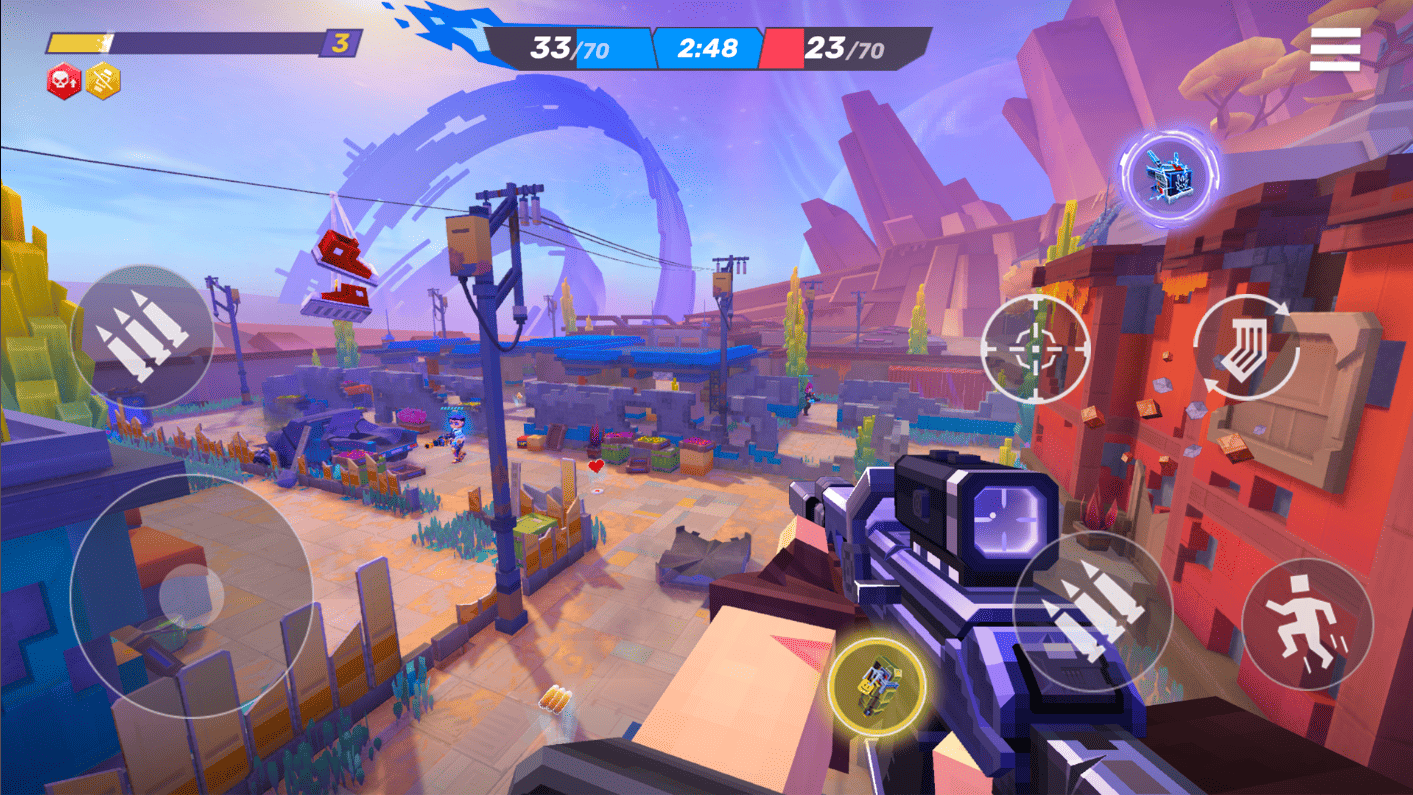
You can use destruction strategically by:
- Creating new routes through the map
- Destroying enemy cover
- Changing the battlefield during a fight
- Opening new angles for attacks
- Preventing opponents from camping in one location
Because the environment changes during a match, players need to constantly adapt their positioning.
Custom Builds and Loadouts
Pixel Gun 2 gives players a wide range of ways to customize their characters and combat builds.
You can combine:
- Characters
- Weapons
- Gadgets
- Armor
- Perks
- Abilities
This system lets you create builds focused on different playstyles. You might prefer a fast character with mobility-focused abilities, a melee-oriented setup, or a build designed around ranged combat.
Experimenting with different combinations is an important part of finding the best Pixel Gun 2 build for your playstyle.
Pixelstorm and an Ever-Changing World
The Pixelstorm is one of the central concepts behind Pixel Gun 2. The game's world is designed around constant change, with new heroes, equipment, abilities, seasons, modes, and worlds introduced as development continues.
Since Pixel Gun 2 is still in active development, its content and gameplay systems can continue to evolve over time.
What's New in Pixel Gun 2?
The August 7, 2026 update introduced several new features and improvements to Pixel Gun 2. According to the official Google Play listing, the latest patch includes:
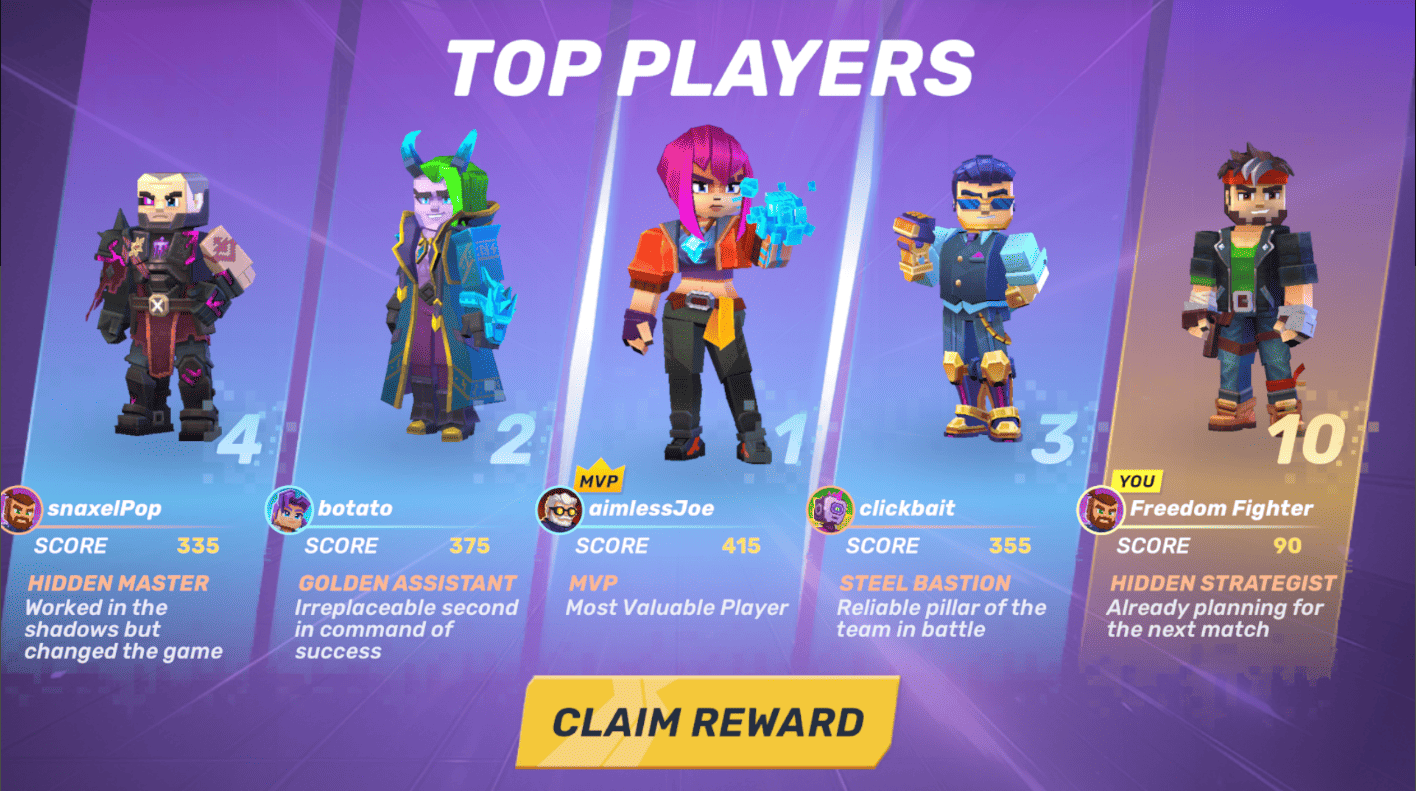
- Faster Start with fewer downloads
- Solo Deathmatch
- Battle Hub
- 4 new weapons
- 4 new ability cards
- A new hero called Hatred
- Sky Islands PvP map
- Player Reports
The developers also note that Pixel Gun 2 remains in active development and encourage players to provide feedback.
Why Play Pixel Gun 2 on PC with MEmu?
Playing Pixel Gun 2 on a mobile device is convenient, but switching to a PC can provide a different experience.
MEmu Play is an Android emulator that allows you to run Android games on Windows. It supports keyboard and mouse controls, customizable keymapping, multiple instances, and graphics settings designed for Android gaming on PC.
For a fast multiplayer FPS like Pixel Gun 2, playing on PC with MEmu can make keyboard and mouse controls particularly useful.
1. Play Pixel Gun 2 on a Larger Screen
A larger PC display gives you more room to see the battlefield, track enemies, and react to changing environments.
This can be especially helpful when maps are being destroyed and the battlefield changes during a match.
2. Use Keyboard and Mouse Controls
MEmu provides built-in keymapping for Android games, allowing you to configure keyboard controls for movement and other in-game actions.
You can customize the controls to create a setup that feels more natural for an FPS.
3. Customize Performance Settings
MEmu allows users to adjust CPU and memory allocation according to their PC hardware. Enabling hardware virtualization can also help improve emulator performance.
For the best experience, keep your graphics drivers updated and avoid allocating more system resources than your PC can comfortably provide.
4. Enjoy Convenient PC Gaming
Instead of switching between your phone and other devices, you can launch Pixel Gun 2 directly from your Windows desktop.
The game's Google Play listing also highlights cross-platform progression, allowing players to switch between mobile and PC while keeping their progress and unlocked rewards.
How to Download Pixel Gun 2 on PC with MEmu
You can download Pixel Gun 2 on PC by installing MEmu and then getting the game through Google Play inside the emulator.
Step 1: Download and Install MEmu
First, download the latest version of MEmu Play from the official MEmu website.
Run the installer and follow the on-screen instructions to complete the installation. MEmu's official installation guide recommends launching the emulator after installation and signing in to Google Play to install Android games.
Step 2: Launch MEmu Play
Open MEmu Play on your Windows PC.
Wait for the Android environment to finish loading, then open the Google Play Store from the emulator's home screen.
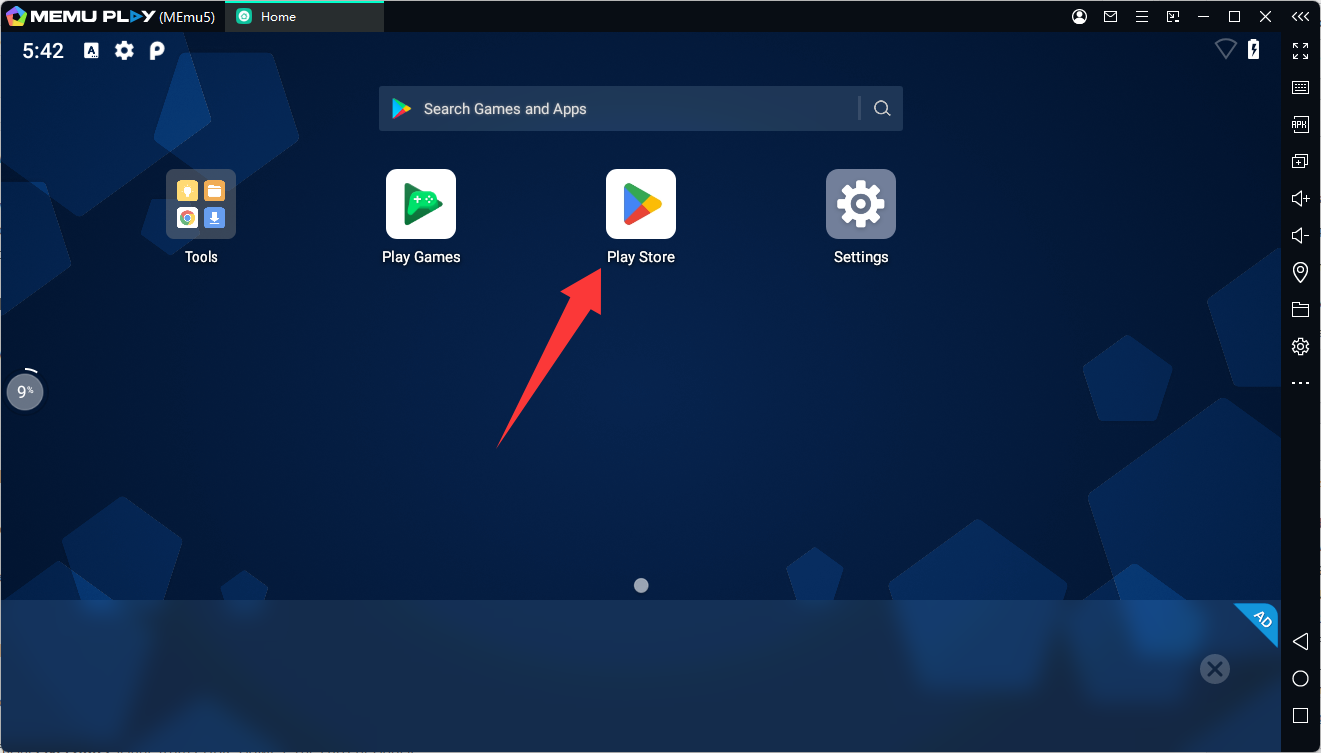
Step 3: Sign In to Google Play
Sign in using your Google account.
After completing the Google Play setup, you can search for Android games directly inside MEmu.
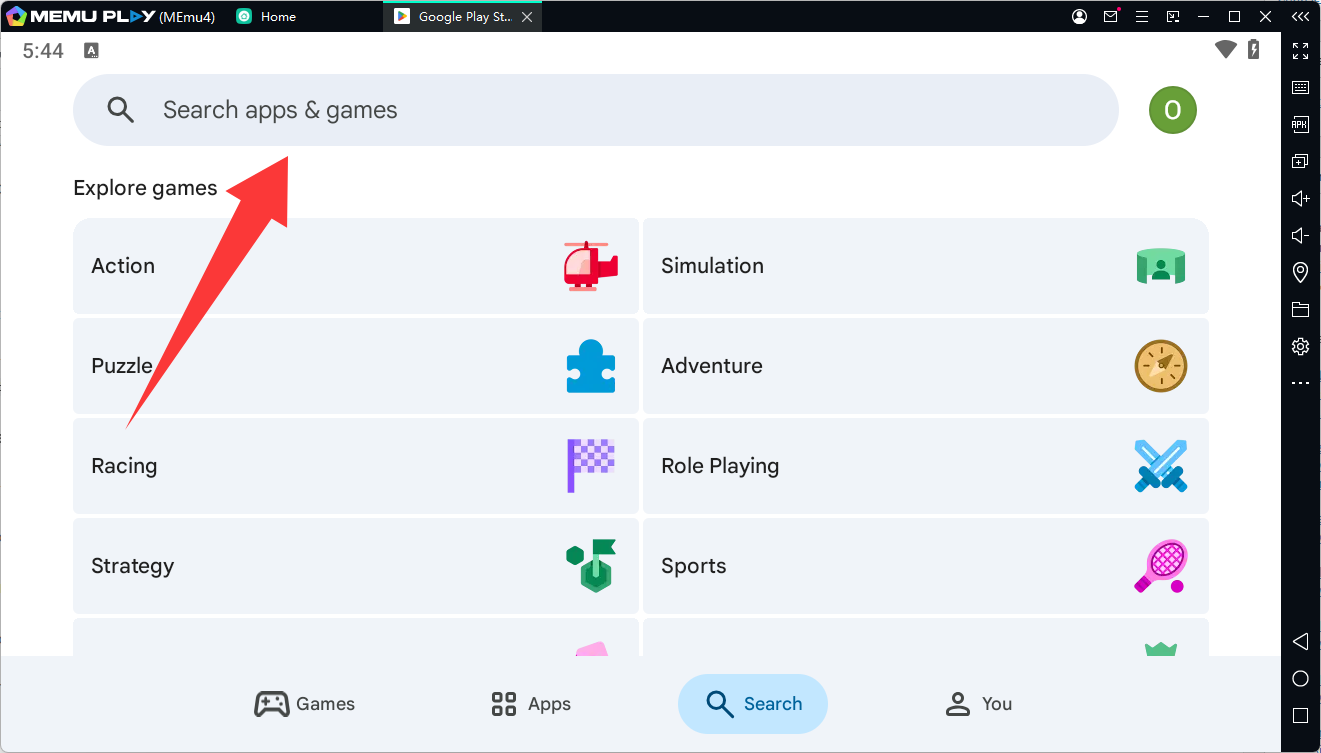
Step 4: Search for Pixel Gun 2
Enter Pixel Gun 2 in the Google Play search bar.
Step 5: Install Pixel Gun 2
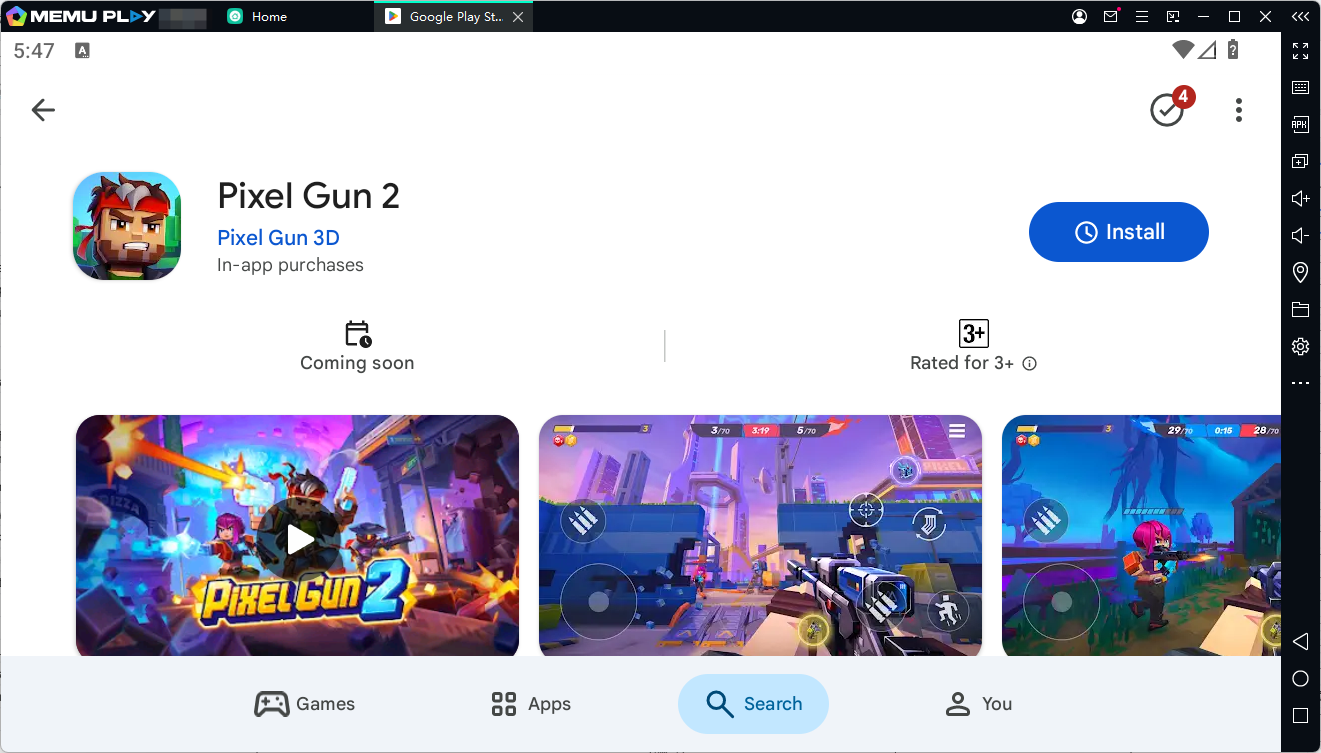
Click Install and wait for Google Play to download the game.
Once installation is complete, the Pixel Gun 2 icon will appear on the MEmu home screen.
Step 6: Start Playing Pixel Gun 2 on PC
Launch Pixel Gun 2 from the MEmu home screen and complete the game's initial setup.
You can then configure MEmu's keymapping and start playing Pixel Gun 2 with your keyboard and mouse.
Best MEmu Settings for Pixel Gun 2
For a multiplayer FPS such as Pixel Gun 2, it is worth spending a few minutes optimizing your emulator before starting competitive matches.
Enable Hardware Virtualization
Hardware virtualization can significantly improve emulator performance. MEmu recommends enabling Intel VT-x or AMD-V when supported by your PC.
Adjust CPU and RAM
Open MEmu's settings and adjust CPU cores and RAM according to your computer's hardware.
Avoid assigning all available system resources to the emulator. Leave enough resources for Windows and background applications.
Configure Keymapping
Use MEmu's built-in keymapping tools to configure movement and combat controls.
A typical FPS setup can place movement on WASD while using the mouse for aiming. You can customize additional keys for abilities, gadgets, weapon switching, and other actions based on your preferred Pixel Gun 2 playstyle.
Keep MEmu Updated
Using the latest MEmu version can help maintain compatibility with newer Android games and updates.
MEmu's official download page currently lists version 9.5.6, released on August 5, 2026.
Pixel Gun 2 Tips for Beginners
If you're new to Pixel Gun 2, don't focus only on getting eliminations. Learning how the battlefield changes can be just as important.
Learn to Use Destruction
Destructible environments are a major part of Pixel Gun 2. Don't assume that cover will remain available throughout the entire match.
If an enemy is hiding behind cover, destroying that position can create a new opportunity to attack.
Experiment With Builds
There is no single build that works perfectly in every situation.
Try different combinations of weapons, gadgets, armor, perks, and abilities to discover which setup matches your preferred playstyle.
Adapt During Every Match
The arena changes as players destroy the environment, so your strategy should change as well.
If your original route becomes blocked, look for another path. If your cover is destroyed, reposition instead of staying in the same location.
Practice Before Competitive Matches
Use casual matches to become familiar with movement, aiming, weapons, abilities, and map layouts.
Once you understand your preferred build and controls, you can focus more on team coordination and winning PvP battles.
Pixel Gun 2 on PC FAQ
Can I play Pixel Gun 2 on PC?
Yes. Pixel Gun 2 is a mobile game, and you can run its Android version on a Windows PC through an Android emulator such as MEmu.
How do I download Pixel Gun 2 on PC?
Install MEmu Play, open Google Play inside the emulator, sign in with your Google account, search for Pixel Gun 2, and click Install.
Is Pixel Gun 2 available on Google Play?
Yes. Pixel Gun 2 is currently listed on Google Play under the package name
Can I use a keyboard and mouse to play Pixel Gun 2 on MEmu?
Yes. MEmu provides customizable keymapping that allows Android games to be controlled with a keyboard and mouse.
Does Pixel Gun 2 support cross-platform progression?
The Google Play description states that Pixel Gun 2 supports cross-platform play and that player progress and unlocked rewards can follow players between mobile and PC.
Is Pixel Gun 2 Free to Play?
Pixel Gun 2 is listed on Google Play as an Android game with in-game purchases. The current listing also identifies it as a Beta Version and states that the game is still actively being developed.
Availability, features, and in-game content may change as development continues, so players should check the official Google Play listing for the latest information.
Conclusion
Pixel Gun 2 brings together fast 5v5 FPS combat, destructible maps, flexible builds, weapons, gadgets, abilities, and an evolving multiplayer world. With the game still in Beta and receiving regular updates, there is plenty of room for new content and gameplay changes.
If you want a Pixel Gun 2 PC experience, MEmu provides a straightforward way to install the Android version on Windows, configure keyboard and mouse controls, and play on a larger screen.
Pixel Gun 2