Azur Promilia on PC – Download and Play with MEmu
 |
What Is Azur Promilia?
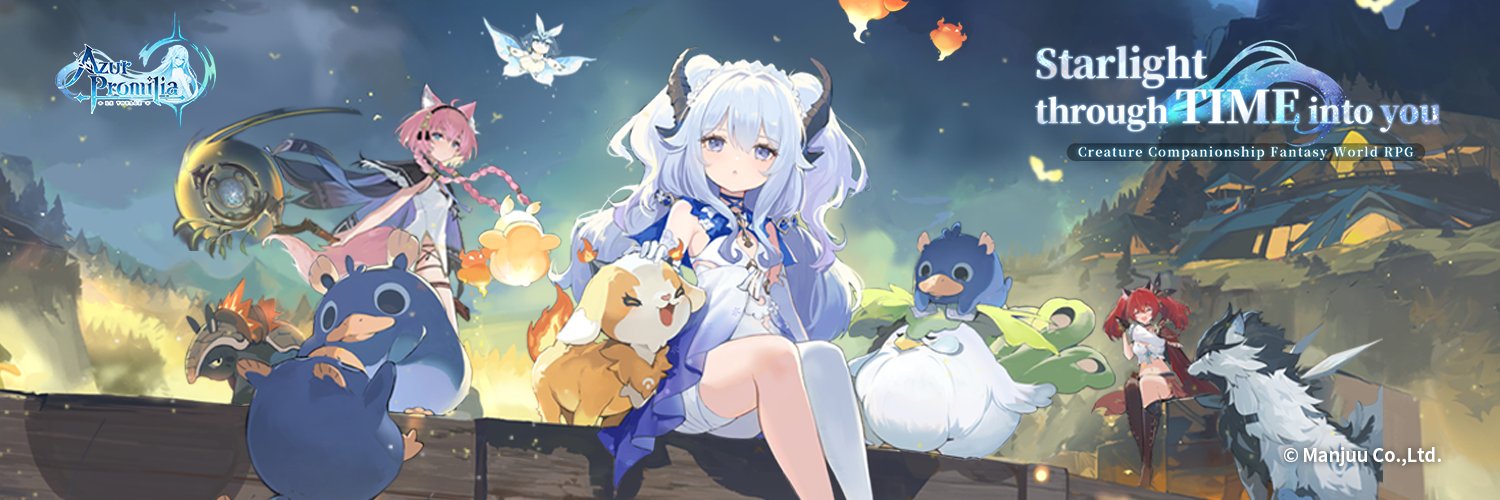
Azur Promilia is an anime-style fantasy world RPG developed by Manjuu Games, the studio behind Azur Lane, and published by Yostar in Japan. Set in the mysterious continent of Promilia, the game invites players to embark on an exciting adventure as the prophesied Star-Arriving Ones.

Azur Promilia
In this colorful fantasy world, different civilizations and races coexist alongside mysterious creatures known as Kibo. Players can explore diverse environments, meet unique companions, uncover hidden secrets, and fight against dangerous enemies while discovering the stories behind the world.
Azur Promilia combines anime-inspired visuals, fantasy exploration, creature companionship, farming, and action-packed combat to create an immersive RPG experience.
Contents
Key Features of Azur Promilia
Explore a Vast Fantasy World
Travel across the continent of Promilia and discover beautiful landscapes, diverse ecosystems, and mysterious locations. From peaceful villages to unexplored territories, every area offers new adventures and secrets to uncover.
Build Bonds with Kibo
One of the most distinctive features of Azur Promilia is its fantastical creatures called Kibo. These unique companions can accompany players throughout their journey and contribute to different activities, including exploration and combat.
Enjoy Dynamic RPG Combat
Face various enemies and dangerous threats throughout the world. Team up with your companions, develop your combat strategies, and experience exciting battles as you progress through the story.
Farming and World Activities
Azur Promilia offers more than traditional RPG battles. Players can also cooperate with their companions to manage farms and participate in various activities, adding more depth to the overall adventure.
Discover an Engaging Fantasy Story
Follow the journey of the Star-Arriving Ones as they encounter different characters, explore unfamiliar civilizations, and confront the disaster threatening the continent of Promilia.
How to Download and Play Azur Promilia on PC with MEmu
Want to enjoy Azur Promilia on a bigger screen? MEmu Android Emulator lets you run Android games on your Windows PC with keyboard and mouse controls.
Follow these steps to get started:
Step 1: Download and Install MEmu
Visit the official MEmu website and download the latest version of the Android emulator. Complete the installation and launch MEmu on your PC.
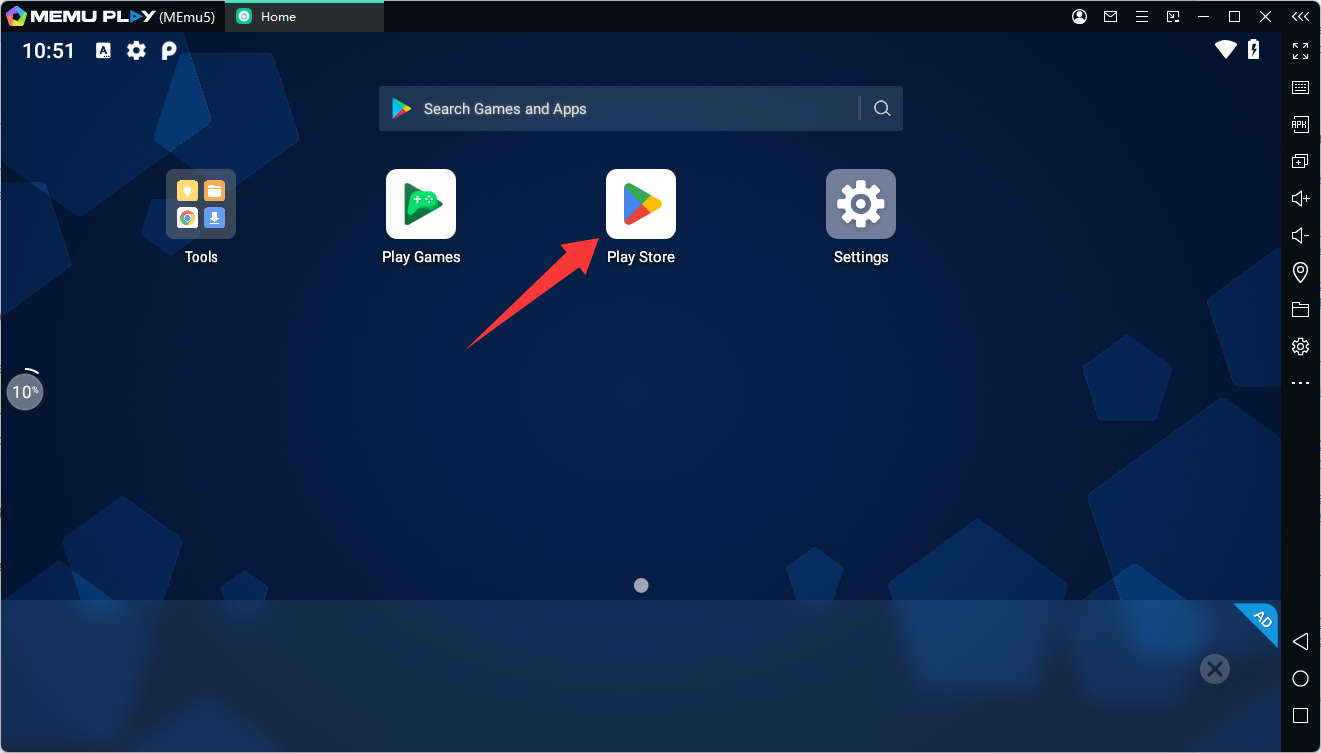
Step 2: Open Google Play Store
Launch Google Play Store inside MEmu and sign in with your Google account.
Step 3: Search for Azur Promilia
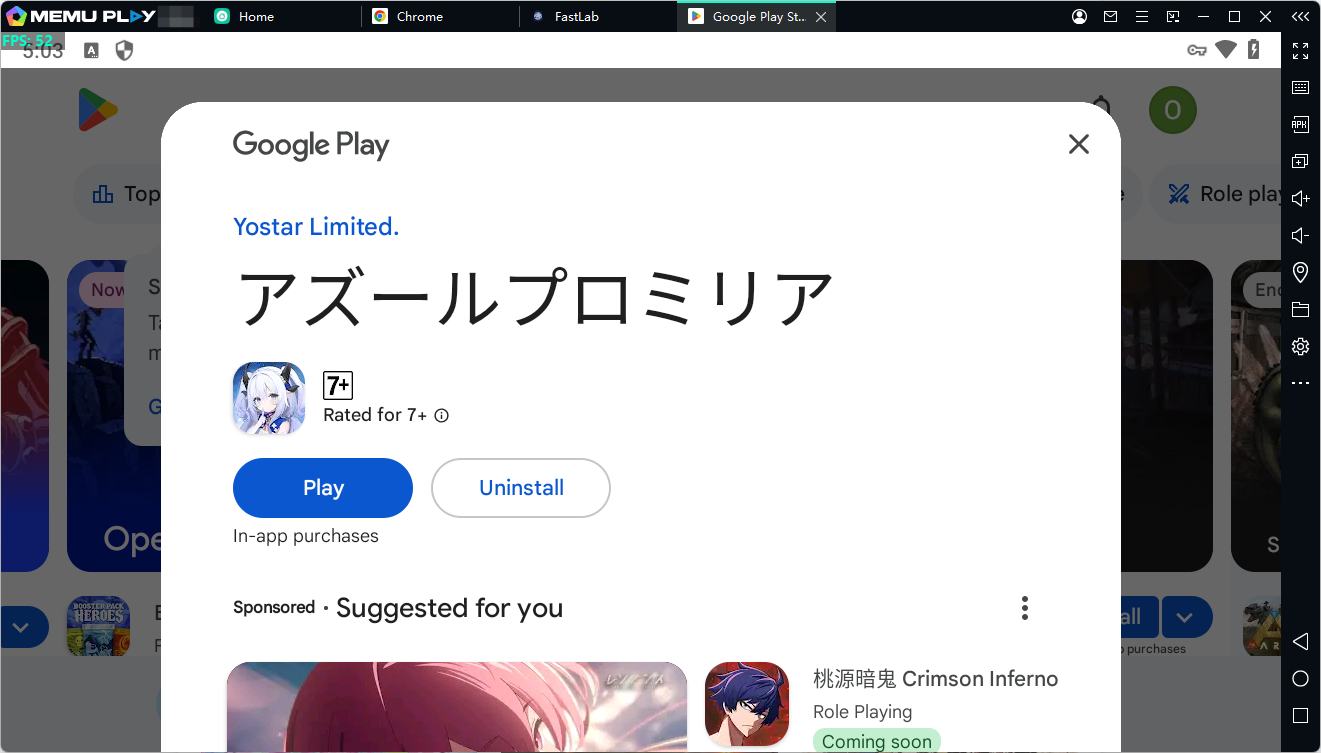
Enter "Azur Promilia" in the Google Play Store search bar. Make sure you select the official version published by Yostar.
Step 4: Install the Game
Click the Install button and wait for the game to finish downloading. Availability may depend on your Google Play account's region.
Step 5: Launch and Play
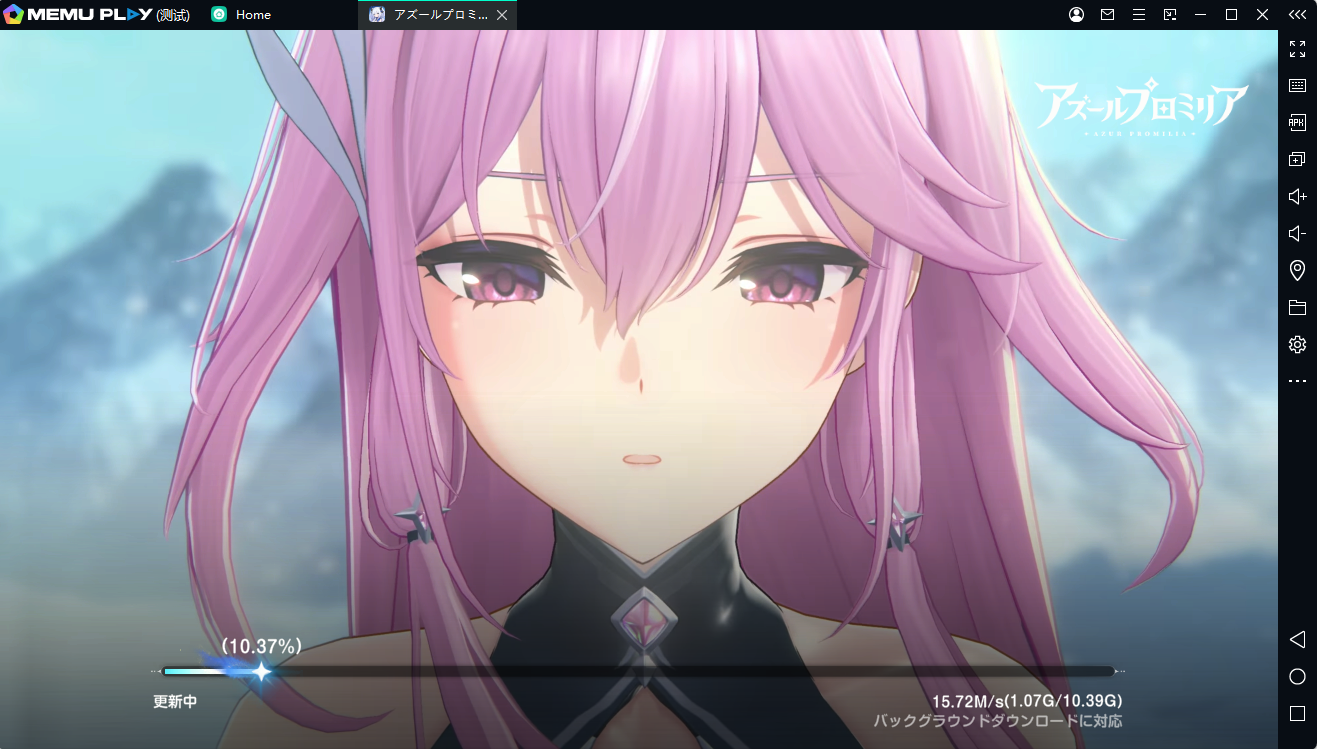
Once installation is complete, open Azur Promilia from the MEmu home screen and start your adventure in the world of Promilia!
Why Play Azur Promilia on MEmu?
Playing Azur Promilia on MEmu allows you to enjoy its anime-style fantasy world on a larger PC screen. You can also benefit from:
- Larger Display: Explore the fantasy world with a more immersive view on your PC monitor.
- Keyboard and Mouse Controls: Enjoy more flexible controls when playing on your computer.
- Multi-Instance Support: Run multiple Android instances when needed.
- Customizable Settings: Adjust emulator performance settings according to your PC hardware.
Experience the fantasy adventure of Azur Promilia on PC with MEmu!
Azur Promilia