Brawl Stars 2026: Best Control Layouts and Sensitivity Settings
 |
|
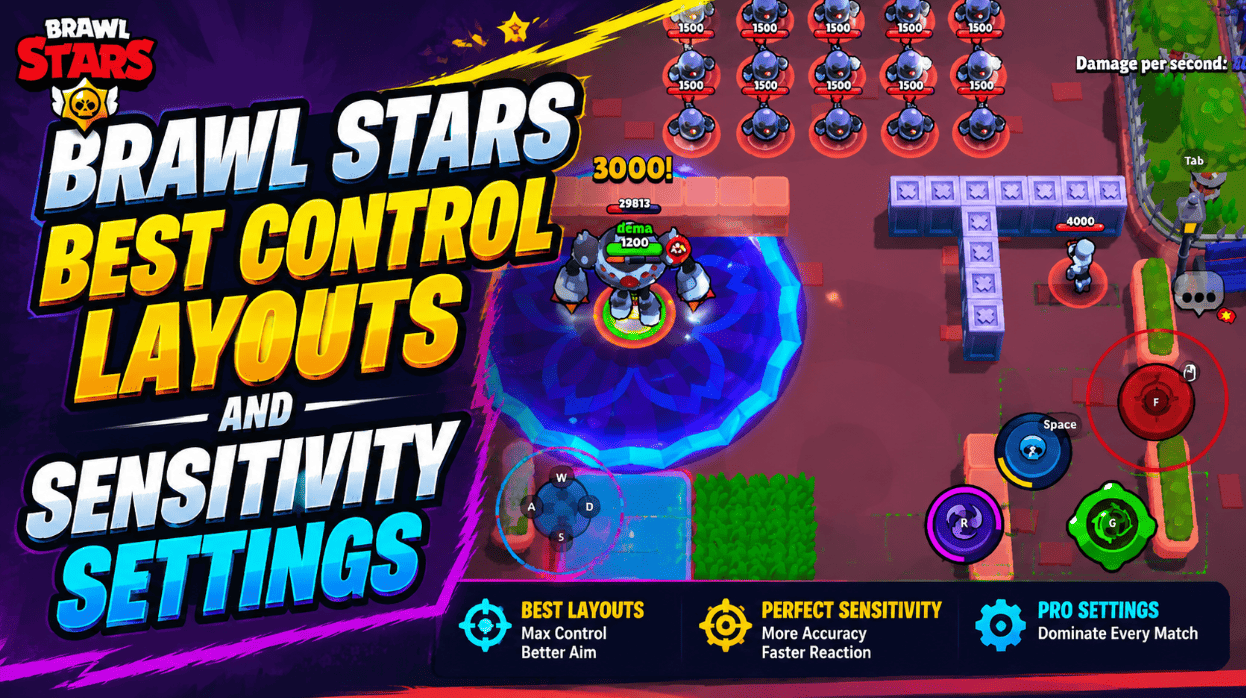
Brawl Stars doesn't have a traditional sensitivity slider, so getting your controls right in 2026 really comes down to layout — where your buttons sit, how your joystick behaves, and how far your thumb has to travel mid-fight. Here's a practical breakdown of what actually works.

Brawl Stars
Contents
Recommended Setup at a Glance
| Control | Suggested Setup | Best For |
|---|---|---|
| Movement joystick | Locked, medium-large | Stable dodging, muscle memory, fewer slips |
| Attack button | Medium, at natural thumb rest | Manual aim, long-range drag shots |
| Super button | Large, close to Attack | Chaining Super right after a hit |
| Gadget button | Medium-small, shifted up | Fast reactions without blocking your view |
| Hypercharge button | Near Gadget (claw grip) | Quick power plays mid-aim |
| Haptic feedback | On, if it helps | Long-range brawlers like Piper, Mandy, Belle |
| Refresh rate | Highest stable option (90Hz/120Hz) | Lower input delay, smoother aiming |
What Actually Affects Your Sensitivity
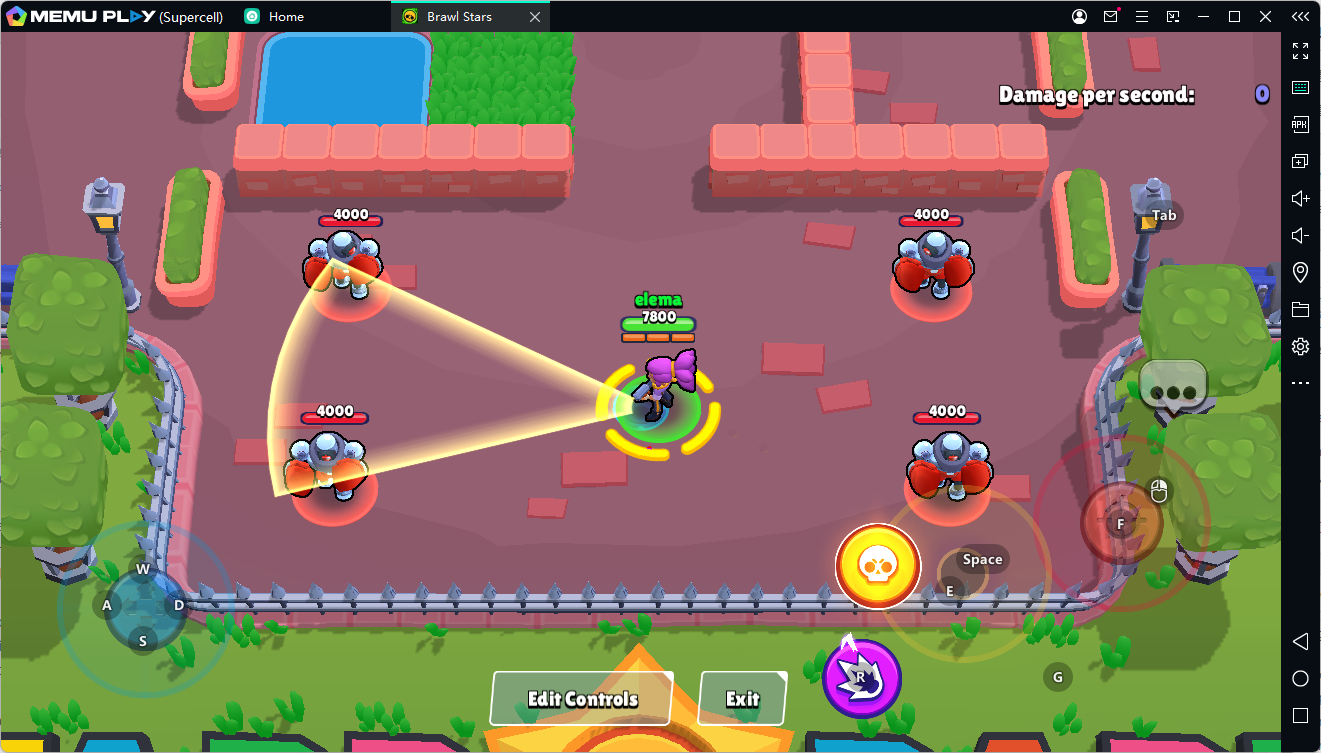
What people call "sensitivity" in Brawl Stars is really a mix of screen responsiveness, button placement, joystick behavior, and how far your thumb has to move. An Attack button positioned too far from where your thumb naturally sits will always feel sluggish for manual aim, no matter how fast your reflexes are. An unlocked joystick that shifts around under your finger creates inconsistency of its own. And if your phone is dropping frames, even a perfectly placed layout will feel like it's lagging behind your input.
That's really why "best control settings" is a more useful thing to search for than "best sensitivity" — the real fix is cutting down thumb travel and protecting your muscle memory, not chasing a specific number.
Getting Your Layout Right
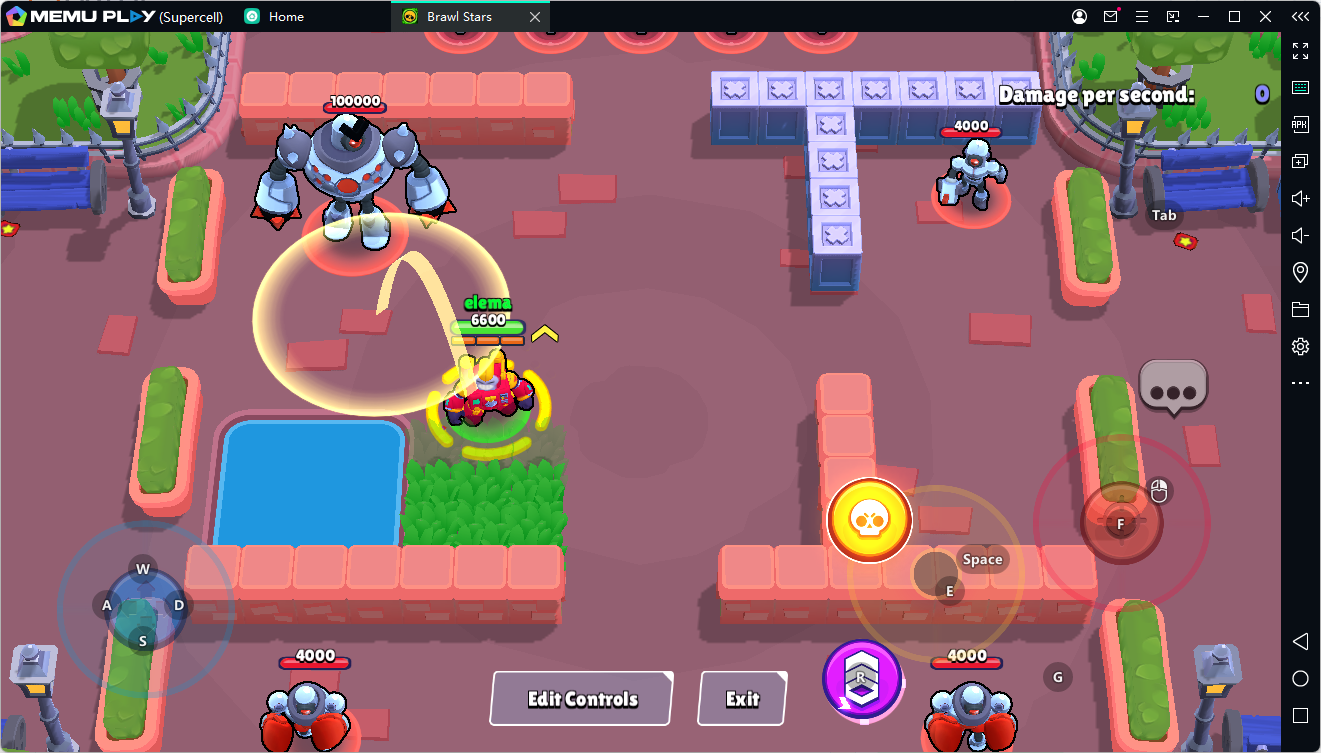
- Locked vs. Unlocked Joystick - If ranked consistency matters to you, lock your joystick. A fixed anchor point means your thumb returns to the same spot every fight, which makes small dodges far more reliable. An unlocked joystick can feel more relaxed in casual play, but it's easy to drift off your intended starting point once things get tense.
- Where to Put Your Attack Button - Your Attack button should sit exactly where your thumb lands when you're holding your phone normally. Medium-sized is the safe default — big enough to tap consistently, but not so big that dragging out a long-range shot feels clumsy. If you play sharpshooters or throwers, a slightly tighter Attack zone can actually help, since it cuts down on over-dragging your max-range shots.
- Super, Gadget, and Hypercharge - Keep Super sized up a bit and tucked close to Attack so you can chain the two together without hesitation. Gadget and Hypercharge work best sitting just above that Attack/Super cluster rather than stacked directly on it — this keeps them reachable without inviting accidental taps. If you're on a larger phone or tablet, a claw-style grip that puts Gadget and Hypercharge under your index finger can work well too, as long as it doesn't block your view of the lane.
Default vs. Claw Layouts
The stock two-thumb layout is fine for learning the game, but it forces your right thumb to juggle every combat button, which slows down Gadget and Hypercharge reactions. Once fights start demanding split-second Gadget timing, most serious players outgrow it.
A three-finger setup is a solid middle ground — right thumb stays on Attack and Super, while your index finger handles Gadget. Some players push this further and add Hypercharge to that same index-finger zone. The catch is visibility: if those upper-right buttons start covering enemies, shrink them or slide them closer to the screen edge.
Don't judge a new layout off one match, either — give it a couple of days of normal play before deciding whether it's actually working for you.
Manual Aim vs. Auto-Aim
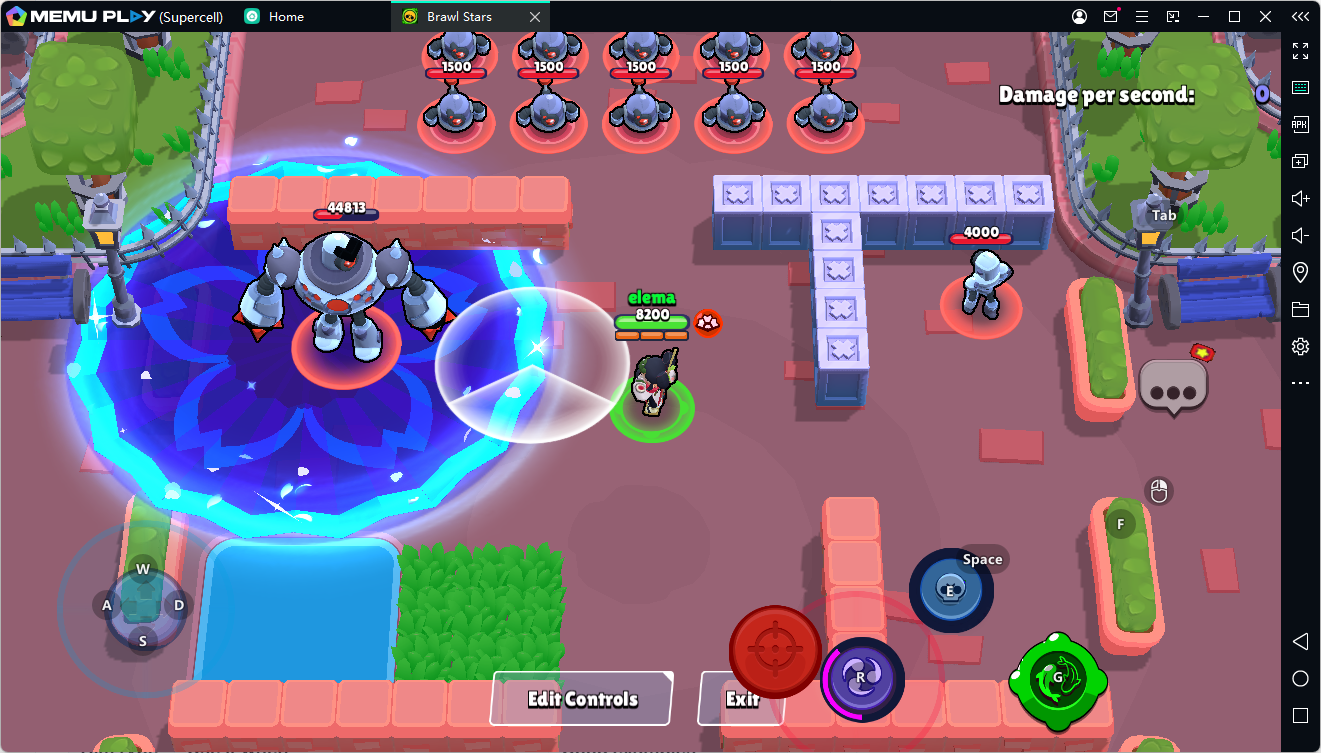
Auto-aim shines at point-blank range, especially on tanks and assassins that are bursting down targets standing right on top of them. Manual aim is where you want to be for long lanes, predictive shots through chokepoints, thrower arcs, and skillshot Supers. The strongest players don't pick one and stick with it — they switch depending on distance and matchup.
| Aim Style | Use When | Example Brawlers |
|---|---|---|
| Auto-aim | Enemy is on top of you or can't dodge | Bull, El Primo, Edgar, Kenji |
| Manual aim | Enemy is at range, behind cover, or moving through a choke | Piper, Belle, Brock, Dynamike, Mandy |
| Hybrid | Fast close shots, but Super needs manual placement | Mortis, Buzz, Melodie, Fang |
Matching Your Layout to Tier List Roles
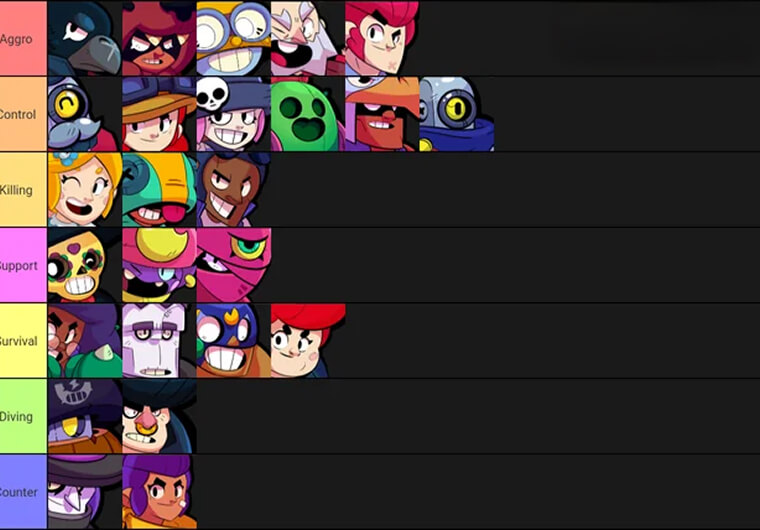
A strong Brawl Stars tier list should guide which brawlers to main—not force you to redesign your controls daily. The best approach is to build one reliable base layout and tweak it slightly based on your brawler's role.
- S-Tier Sharpshooters & Throwers (Piper, Belle, Tick): Medium Attack Buttons > For long-range units, avoid cluttering the right side of your screen. Keeping your attack button at a medium size helps with max-range predictive aiming, dragging precision, and choke-point control.
- S-Tier Assassins & Tanks (Mortis, Edgar, Buzz): Enlarged Super & Gadget Buttons > Aggressive dive brawlers prioritize speed over fine aiming space. Scale up your Super button, place your Gadget within easy reach, and consider a claw grip layout to execute combos faster.
- Support & Control Brawlers (Gene, Lou, Max): Uncluttered Screen Vision > Spacing, lane control, and timing are key for support picks. Avoid oversized top-right buttons so you can keep a clear line of sight on bushes, lanes, and choke points.
Hardware Still Matters
Even a great layout will feel off if your device can't keep up. Run the highest refresh rate your phone can sustain (90Hz or 120Hz where supported), close background apps, disable battery saver during real matches, turn off gestures that might interfere with multi-touch, and keep your phone from overheating during longer sessions. A stable 60 FPS beats a higher setting that overheats your device and starts dropping inputs — if things get warm, dial back visual effects and take a short break before pushing rank.
Final Checklist Before You Queue
| Step | Action | How to Know It's Working |
|---|---|---|
| 1 | Lock your movement joystick | You can dodge side-to-side without slipping |
| 2 | Set Attack at your natural thumb rest | You can hold manual aim without stretching |
| 3 | Move Super close to Attack | You can chain Attack into Super without looking |
| 4 | Shift Gadget/Hypercharge upward | You can hit them fast without blocking enemies |
| 5 | Turn on haptic feedback if it helps | You can feel confirmed long-range hits |
| 6 | Use the highest stable refresh rate | Aiming feels smooth after several matches, not just one |
Mistakes Worth Avoiding
The biggest one is copying a content creator's exact layout and expecting it to feel the same — hand size, phone size, grip, and thumb reach all change how a setup actually performs for you. Treat creator layouts as a starting point to test, not a rulebook. The other common mistake is oversizing every button; it might make tapping easier, but it can just as easily block your view and hurt your manual aim in the process.
Brawl Stars
FAQ
What are the best Brawl Stars control settings?
A locked medium-large joystick, a medium Attack button at your natural thumb position, a large Super close to Attack, Gadget and Hypercharge shifted slightly upward, haptic feedback if it helps, and the highest stable refresh rate your device supports.
What's a good starting layout for beginners?
Start with the default two-thumb setup, but don't be afraid to quickly test a cleaner layout with Attack and Super close together and Gadget positioned above them. Make small adjustments and give each one time to settle in.
Is a locked joystick actually better?
Generally, yes — it gives you a consistent starting point for movement every fight. Unlocked can feel more natural at first, but it's easier for your thumb to slip during fast dodges under pressure.
Should I use manual or auto-aim?
Auto-aim for point-blank fights, manual for range, chokepoints, thrower arcs, and skillshot Supers. Switch based on distance and brawler rather than committing to just one style.
How should a tier list factor into my settings?
Use it to decide which brawler roles to spend time on. Sharpshooters and throwers benefit from a cleaner manual-aim space, while assassins and tanks need quicker access to Super, Gadget, and Hypercharge.
Do higher refresh rates actually help?
Yes, as long as your device can sustain them without overheating. A higher refresh rate can make aiming feel noticeably smoother, but a stable frame rate beats a flashy number that causes your phone to throttle or drop inputs.
Explore More Articles
Download and Play Brawl Stars on PC
Newest Brawl Stars Codes for August 2026
The Ultimate Brawl Stars Tier List: Who to Unlock & Upgrade
Brawl Stars Community Event: Solve Pyramid Quest Puzzles for Free Rewards and the New Sprout Redesign