Drag Bike 201m Sunmori on PC: Download and Play with MEmu
 |
Looking for an exciting motorcycle racing game with Indonesian street-racing culture, realistic bike physics, and extensive customization? Drag Bike 201m Sunmori brings all these elements together in an action-packed racing experience. Developed by Mari Berkembang, this mobile racing game challenges players to build customized drag bikes, compete in high-speed races, and explore a lively open-world city.
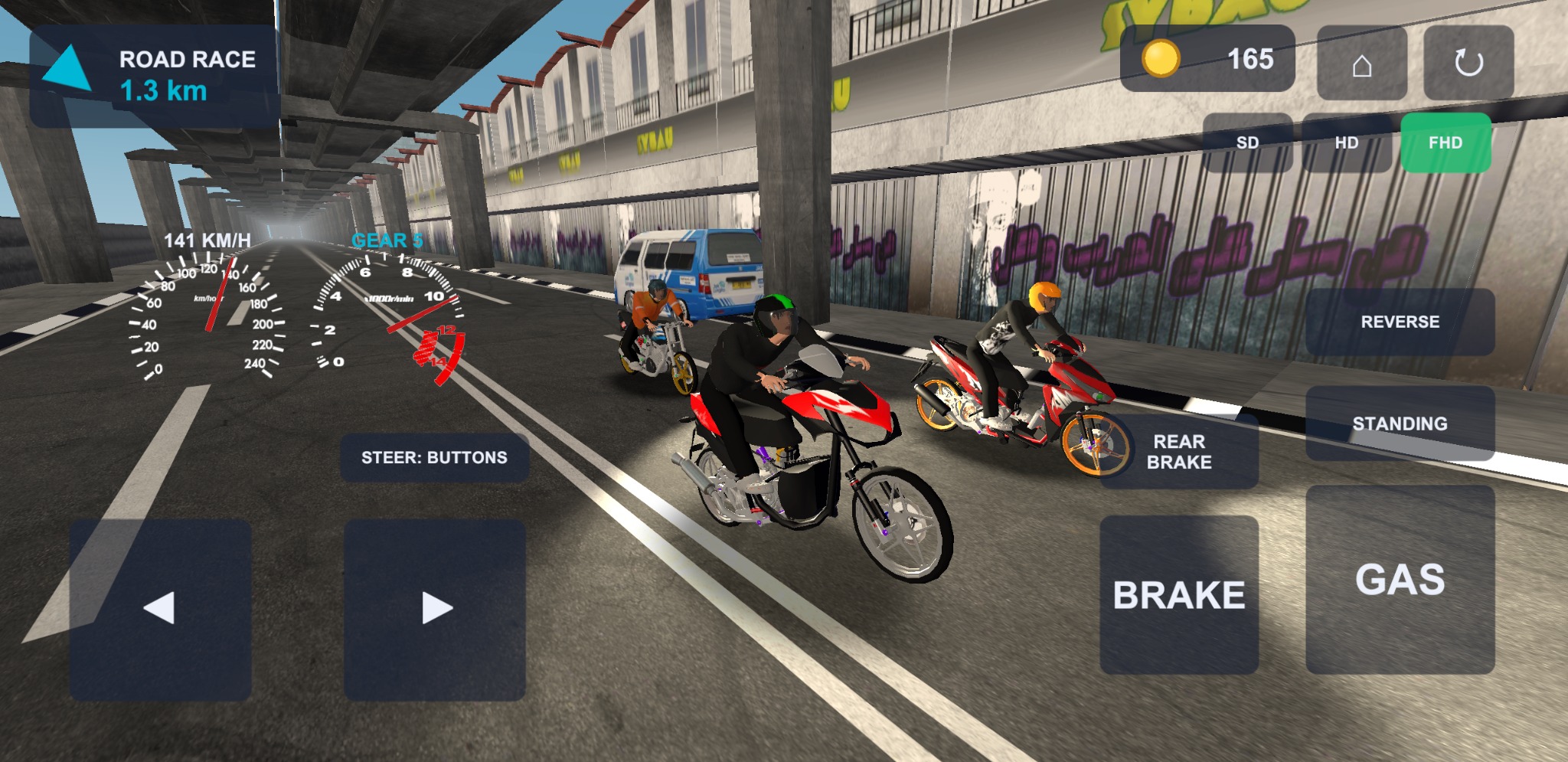
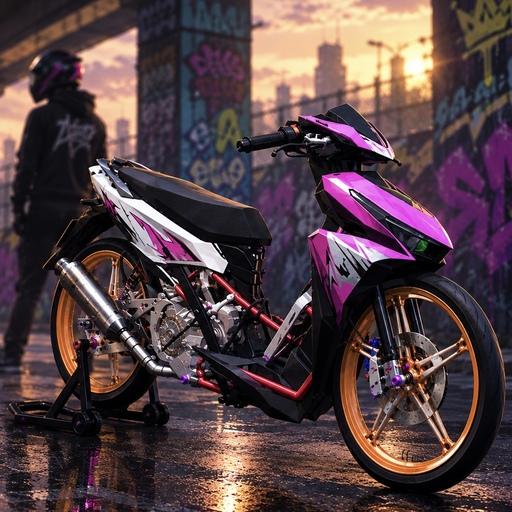
Drag Bike 201m Sunmori
From intense 201-meter drag races to longer 800-meter competitions and free-roaming Sunmori rides, the game offers several ways to enjoy motorcycle racing. Players can also customize their bikes down to individual components, making every ride feel more personal.
Want to enjoy Drag Bike 201m Sunmori on a bigger screen? You can use MEmu Android Emulator to install and play the Android version on your PC. Here's an overview of the game and how to get started.
Contents
What Is Drag Bike 201m Sunmori?
Drag Bike 201m Sunmori is a motorcycle racing game inspired by Indonesia's popular drag-racing and Sunmori (Sunday Morning Ride) culture. It combines competitive straight-line racing, circuit competitions, and open-world motorcycle exploration.
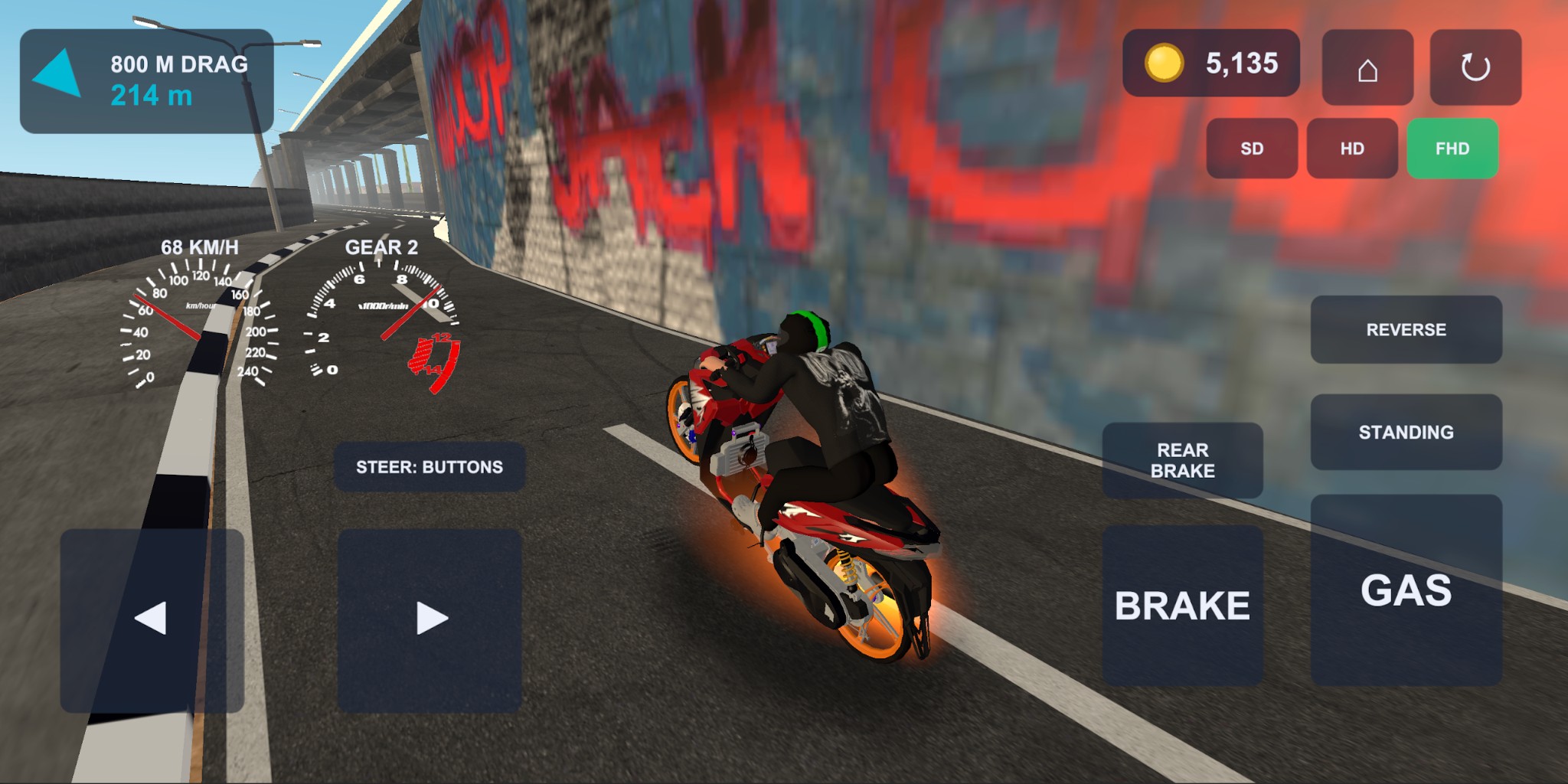
The main challenge is to prove that your customized motorcycle is the fastest over a 201-meter track. However, the game offers much more than traditional drag racing. You can also compete in longer races, navigate winding circuits, or simply cruise through a city filled with traffic and pedestrians.
Whether you prefer competitive racing or casual motorcycle exploration, Drag Bike 201m Sunmori offers a variety of activities.
Key Features of Drag Bike 201m Sunmori
1. Four Different Racing Modes
The game features four main racing modes, each offering a different motorcycle experience.
-
Drag 201M: Compete in two-lane straight-line races with standing starts. Every millisecond matters when you're trying to beat your opponent.
-
Drag 800M: Take on longer drag races where maintaining top speed is essential.
-
Road Race: Compete on circuits featuring corners, racing lines, and braking challenges.
-
Open World: Freely explore a living city, ride through traffic, and enjoy a day-to-night cycle without following a fixed racing route.
These modes provide plenty of variety, whether you're chasing racing victories or simply enjoying the ride.
2. Customize and Modify Your Drag Bikes
Motorcycle customization is one of the main attractions of Drag Bike 201m Sunmori. The game features five drag bikes that players can modify to create their own racing machines.
Customization options include:
-
Swap rims and exhaust systems between different motorcycles.
-
Remove bodywork in stages, from full body panels to half fairings.
-
Strip the motorcycle down to its engine and bare frame.
-
Choose from two liveries for each bike.
-
Customize your rider with different helmet and jacket designs.
You can experiment with different combinations of components to build a motorcycle that matches your personal style.
3. Realistic Motorcycle Physics
Drag Bike 201m Sunmori features physics-based motorcycle handling that makes controlling your bike an important part of racing.
Accelerating too aggressively at the starting line can lift the front wheel, while applying too much front brake can send your motorcycle flipping forward. Poor racing lines can also lead to crashes involving both the rider and the bike.
Additional visual effects, including tire smoke, exhaust backfires, and ragdoll physics, add more excitement to the racing experience.
4. Explore a Living Open-World City
Beyond competitive racing, the open-world mode lets you experience the atmosphere of a motorcycle ride through a busy city.
The environment includes moving cars and motorcycles, pedestrians crossing sidewalks, and streetlights that turn on as evening approaches. You can cruise around at your own pace, explore the streets, or overtake other riders.
The game also features spontaneous 400-meter street duels. Ride alongside another motorcyclist for a moment to trigger a duel invitation. Winning earns the full coin reward, while even losing lets you keep half.
5. Offline Gameplay and Adjustable Graphics
The game supports offline racing, so you don't need a constant internet connection to enjoy its core racing activities.
It also offers three graphics settings:
-
SD
-
HD
-
FHD
These options allow players to adjust visual quality based on their device's performance.
6. Earn Coins and Unlock More Motorcycles
Every completed race rewards players with coins. Winning earns the full reward, while finishing behind your opponent still grants half.
Save your earnings to purchase additional motorcycles and experiment with different customization combinations. Every race gives you another opportunity to improve your collection.
How to Download and Play Drag Bike 201m Sunmori on PC with MEmu
Although Drag Bike 201m Sunmori is designed for Android devices, you can try running it on your Windows PC using MEmu. Playing through an Android emulator gives you access to a larger display and the convenience of keyboard and mouse controls.
Follow these steps to get started:
Step 1: Download and Install MEmu
Visit the official MEmu website and download the latest version of MEmu Android Emulator. Complete the installation on your PC.
Step 2: Launch MEmu and Open Google Play
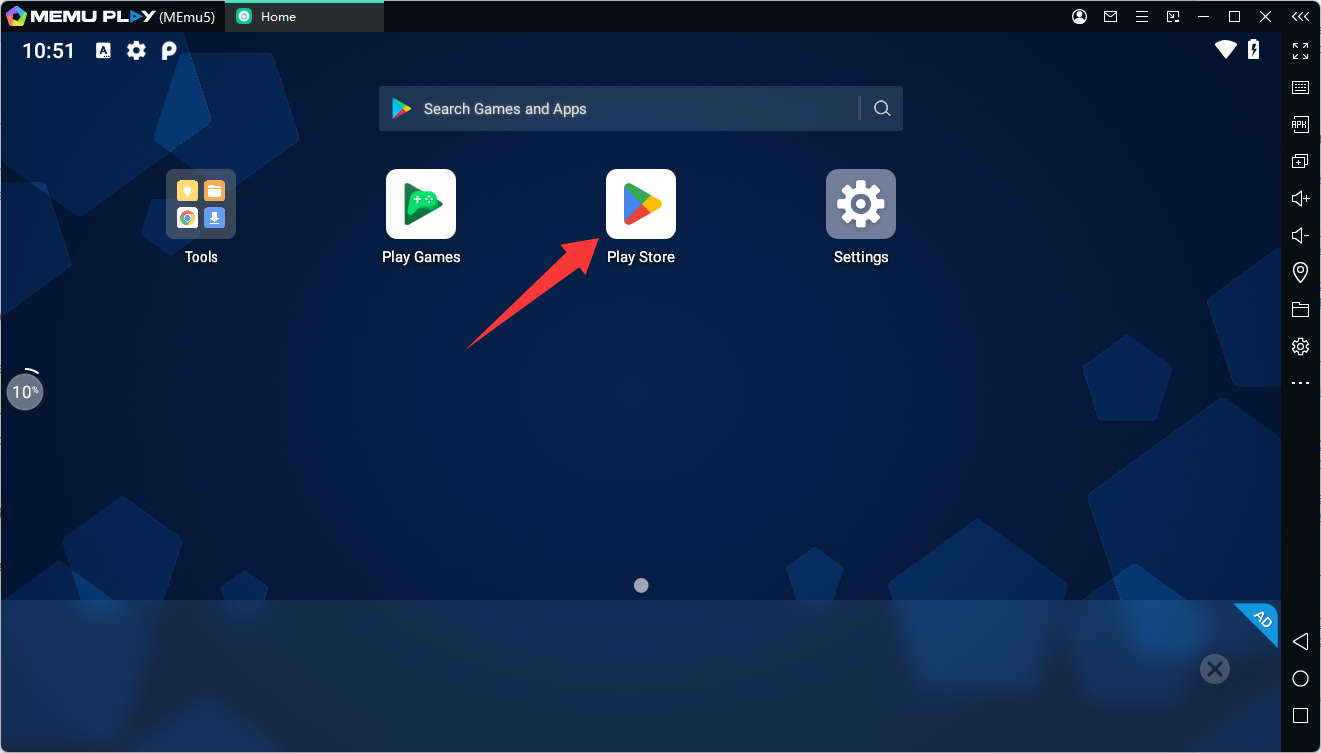
Start MEmu and sign in to Google Play using your Google account.
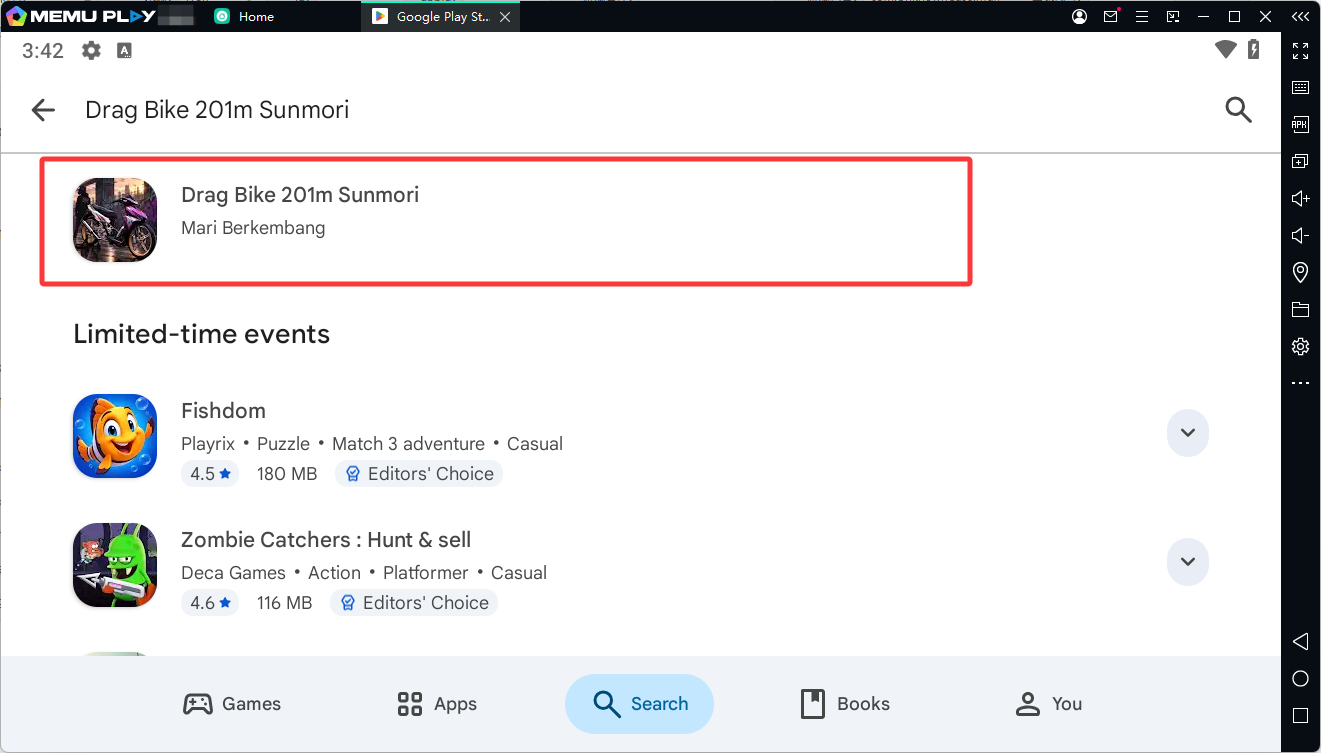
Step 3: Search for Drag Bike 201m Sunmori
Open Google Play Store, enter Drag Bike 201m Sunmori in the search bar, and locate the game published by Mari Berkembang.
Alternatively, visit the official Google Play download page.
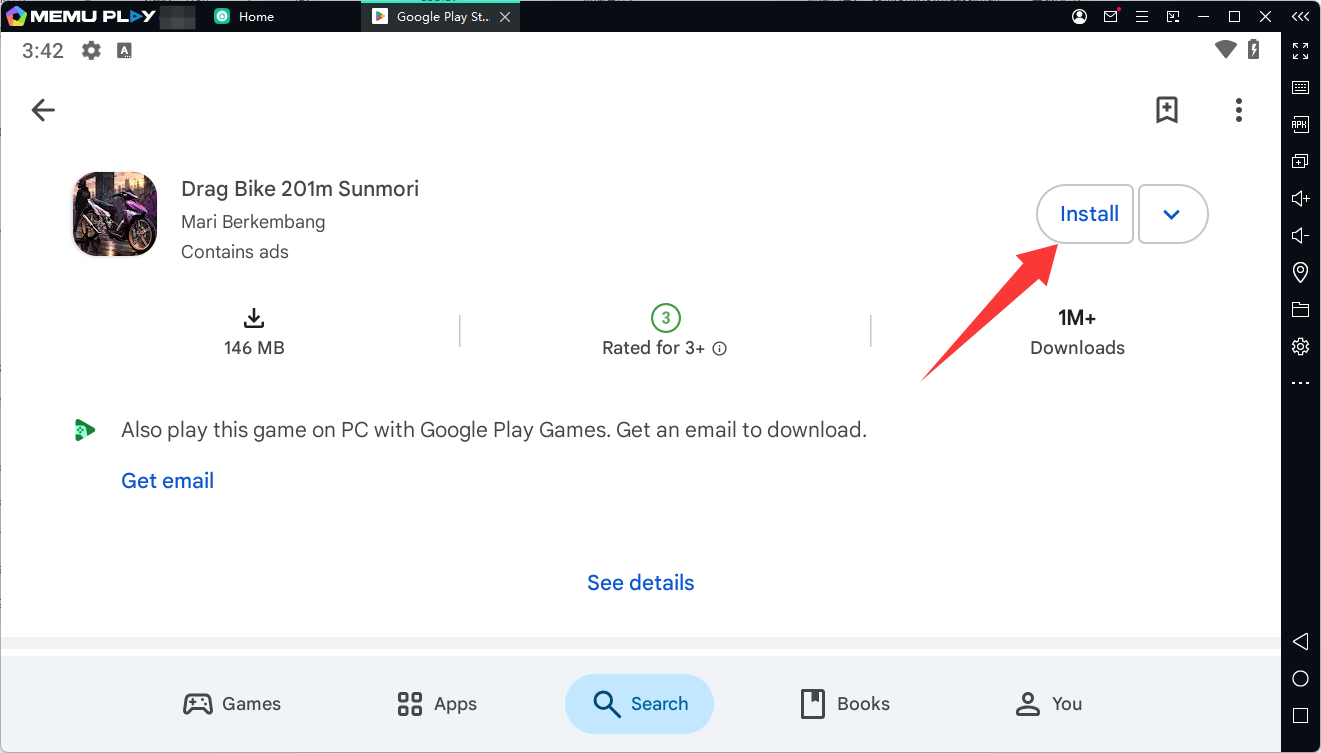
Step 4: Install the Game
Click Install and wait for the download and installation process to finish.
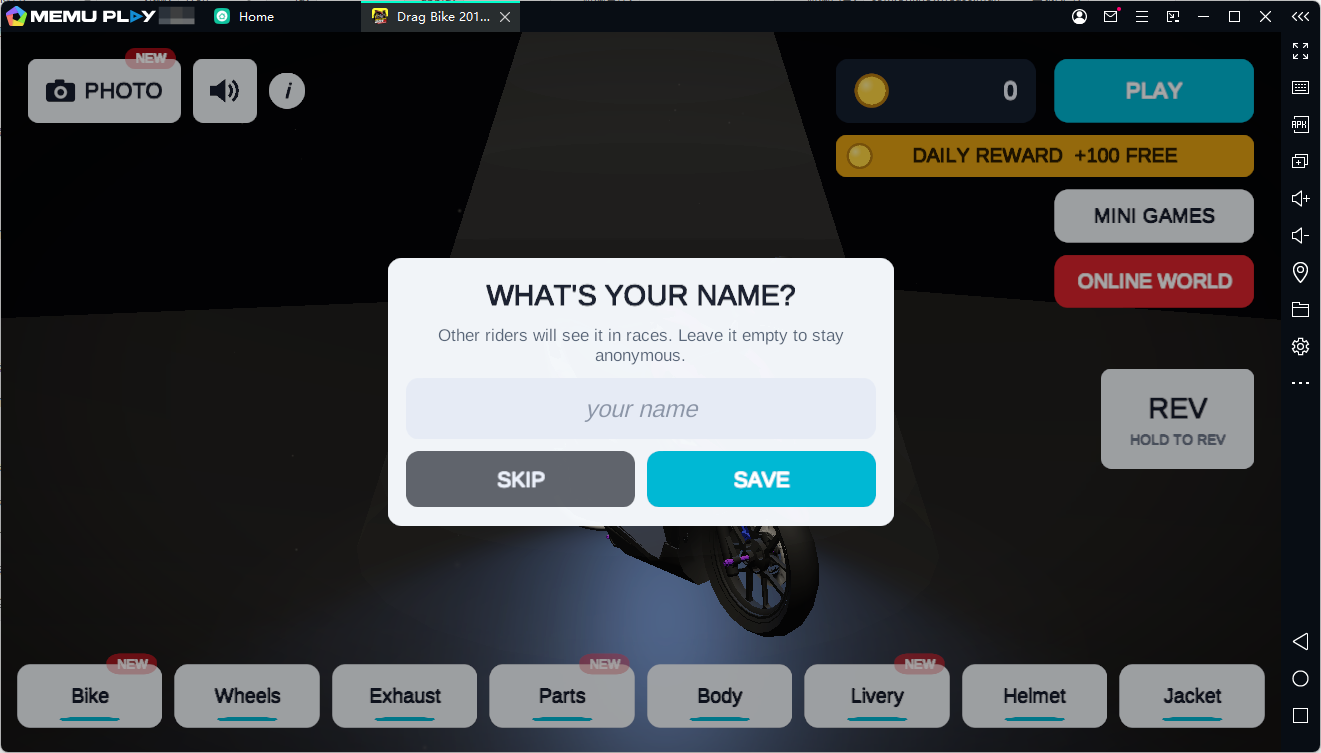
Step 5: Launch and Start Racing
Open Drag Bike 201m Sunmori from the MEmu home screen. Adjust the graphics settings according to your PC's performance, then jump into your first race!
Note: Game availability and compatibility may vary depending on the emulator's Android version and configuration.
Why Play Drag Bike 201m Sunmori on PC with MEmu?
Playing on PC with MEmu offers several advantages for motorcycle racing fans:
-
Bigger Screen: Enjoy motorcycle models, racing tracks, and city environments on a larger monitor.
-
Keyboard Controls: Use keyboard mapping to customize your racing controls.
-
Flexible Performance: Adjust emulator settings to find a suitable balance between graphics quality and performance.
-
Multitasking: Keep other applications accessible while playing.
-
Multiple Instances: Use MEmu's multi-instance feature to manage different Android environments.
Final Thoughts
Drag Bike 201m Sunmori is an interesting choice for players who enjoy motorcycle racing, bike customization, and open-world exploration. Its four racing modes, physics-based handling, spontaneous street duels, and offline gameplay provide plenty of activities beyond traditional drag racing.
If you want to experience Indonesian motorcycle culture from a different perspective, give this game a try. And with MEmu, you can bring the racing experience from your Android device to your PC.
Download MEmu and start building your ultimate drag bike today!
Frequently Asked Questions (FAQs)
1. Is Drag Bike 201m Sunmori free to play?
Yes. The game is free to download on Google Play and contains advertisements.
2. Can I play Drag Bike 201m Sunmori offline?
Yes. The game's core racing activities support offline gameplay.
3. How many racing modes are available?
There are four main modes: Drag 201M, Drag 800M, Road Race, and Open World.
4. Can I customize motorcycles in Drag Bike 201m Sunmori?
Yes. You can customize rims, exhausts, bodywork, liveries, and rider outfits.
5. Can I play Drag Bike 201m Sunmori on PC?
Yes. You can try installing the Android version through MEmu Android Emulator using Google Play.
Drag Bike 201m Sunmori