How to play Neverness to Everness on PC with MEmu
 |
|
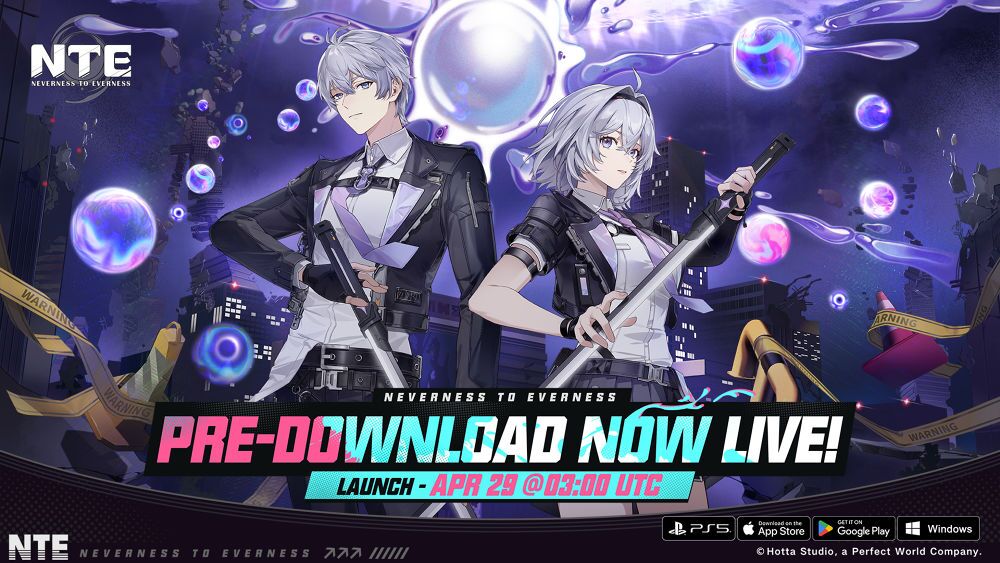
Neverness to Everness (NTE) – the action game blending the urban energy of GTA with the stylish flair of Zenless Zone Zero, complete with dating mechanics – is now available for pre-download
On April 27, 2026, Hotta Studio (developer of Tower of Fantasy) announced that NTE is ready for pre-download ahead of its official global launch on April 29, 2026, at 3:00 AM UTC0. The game will be available on PS5, PC, iOS, and Android.
Contents
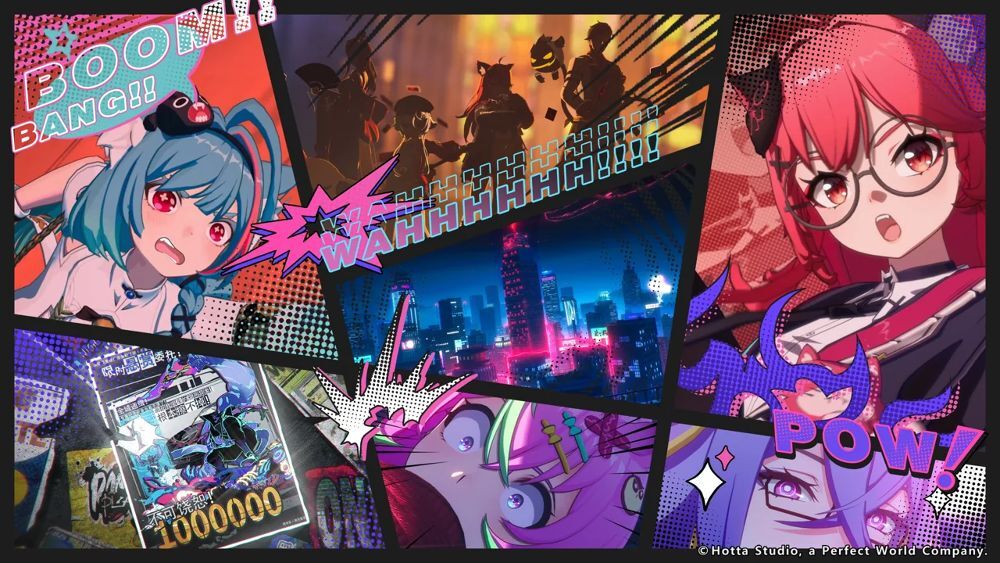
Powered by Unreal Engine 5, Neverness to Everness is a high-quality urban open-world action RPG. It features a unique blend of 3D animation and 2D comic-style character art, coupled with immersive storytelling and stunning visual effects.

NTE: Neverness to Everness
Download Neverness to Everness (NTE) on MEmu
The game also integrates beloved systems from various titles, including Hotta's own Tower of Fantasy, such as vehicle purchasing and private rooms. Additional highlights include:
- Customizable subtitles in over 10 languages
- Global server support for seamless cross-platform play on PC, PS5, iOS, and Android
Don't miss out – pre-download NTE today and jump into the action on April 29!
Why MEmu is the Best Command Center for Neverness to Everness
1. Superior Urban Immersion with High-End Graphics
In a "supernatural urban open-world" game like NTE, atmosphere matters. Why explore the bustling streets, towering skyscrapers, and mysterious anomalies of Hetero City on a 6‑inch phone screen when you can experience it in stunning clarity on your monitor?
Breathtaking Visuals: NTE is developed with Unreal Engine 5 and supports full ray tracing, DLSS and high‑end features. MEmu's high‑definition rendering (OpenGL/Vulkan) brings the neon‑lit city, detailed vehicle interiors, dynamic weather, and epic Esper Cycle battles to life with crisp detail.
Big‑Picture View: Track anomalies, enjoy the seamless open‑world, and catch every ambient detail without constantly zooming and squinting.
2. Lightning-Fast Combat with Custom Controls
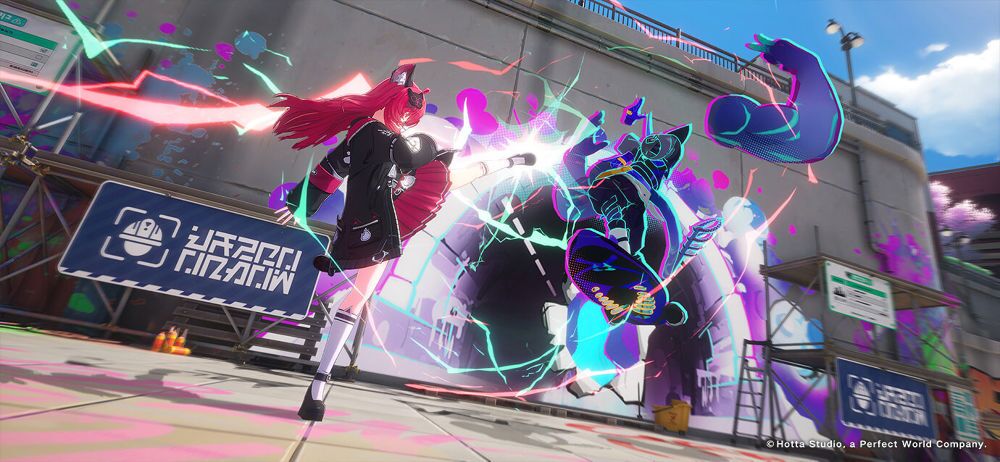
NTE features stylish, hack‑and‑slash combat that blends anime Action with supernatural abilities. Whether you are unleashing combos or triggering powerful Esper Cycle effects, every fraction of a second counts.
Precision Keymapping: Never fumble a touch gesture again. Use MEmu's intuitive keyboard mapping tool to map attacks, dodges, ultimate skills, and character switching to your preferred mouse or keyboard keys.
Pixel‑Perfect Maneuvering: Whether you are drifting through the streets or pouncing on anomalies with long‑range attacks, custom controls ensure you execute flawless combos every time.
3. Deep Social & Dating System – Only on a Big Screen
NTE is not just about fighting; it is about living. You can have your own apartment, customize cars, manage an antique shop, and even go on dates.
Enhanced Bonding Experience: Build affection with companions through gift‑giving and meaningful social interactions. MEmu makes every in‑game date, surprise meet‑up, and heartfelt conversation more immersive on a large display.
Multi‑Instance Advantage: Want to try different dialogue options or explore different character paths? Use MEmu's Multi-Instance Manager to run parallel saves. As the old saying goes, you either die a hero or live long enough to perfect every social link.
4. Elite Performance – No Battery Drain
As you explore the vast metropolis of Hethereau, your phone will inevitably heat up and throttle your performance while you are battling anomalies.
Unlimited Power: Harness your PC's powerful CPU and GPU to eliminate frame drops and lag, ensuring smooth traversal and 60+ FPS combat.
No Battery or Overheating Issues: Play for hours on end without your device getting hot or needing a recharge. Stay comfortable while you discover all the secrets of Hethereau.
5. Play Anywhere with Multi‑Platform Support
NTE supports full cross‑platform saves between PC, Android, iOS, and PS5. Downloaded the game on your phone but want to play on your PC? MEmu makes it seamless. Log in to the same Google account and pick up exactly where you left off, from finishing up a date to hunting down that final anomaly boss. With MEmu, your Hethereau adventure is always waiting for you, no matter which device you use.

How to Get Started in 3 Simple Steps
- Download & Install: Get the latest version of MEmu Play from our [Official Website].
- Search for the Game: Open the Google Play Store within MEmu and search for "Neverness to Everness."
- Optimize Your Settings: * Go to Settings > Engine and allocate at least 4 Cores and 4GB RAM.
Switch to Vulkan mode for the smoothest graphical performance.
More from Neverness to Everness: