Best Emulator to Play Brawl Stars on PC
Brawl Stars is a fast-paced multiplayer battle game from the makers of Clash of Clans, Clash Royale and Boom Beach. Battle with friends or solo across a variety of game modes in under three minutes. Unlock and upgrade dozens of Brawlers with powerful super abilities. Purchase and collect unique skins to stand out and show off in the arena. Join or start a band to share tactics and fight together. If you are looking for a way to play Brawl Stars on PC, then MEmu is the recommended Android emulator that helps you to power up the gameplay. In this article, you would get to know how to play Brawl Stars on MEmu and some tips that will benefit your Brawl Stars gameplay on PC.

How to Download Brawl Stars on Your PC
The following will teach you how to play Brawl Stars with MEmu.
Step 1: Download MEmu on your PC
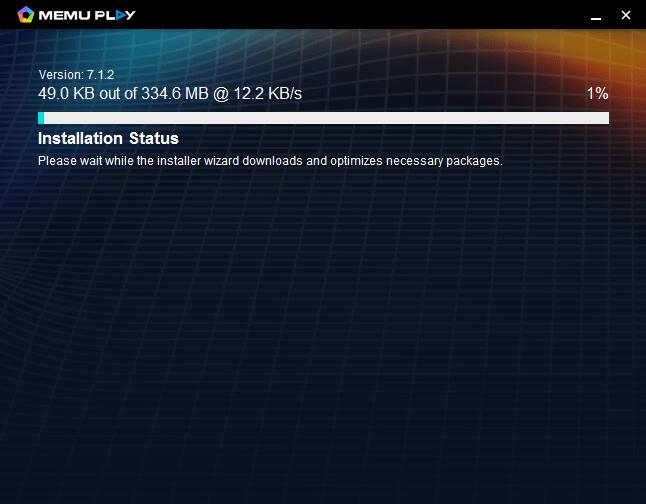
Step 2: Search Brawl Stars in the Play Store
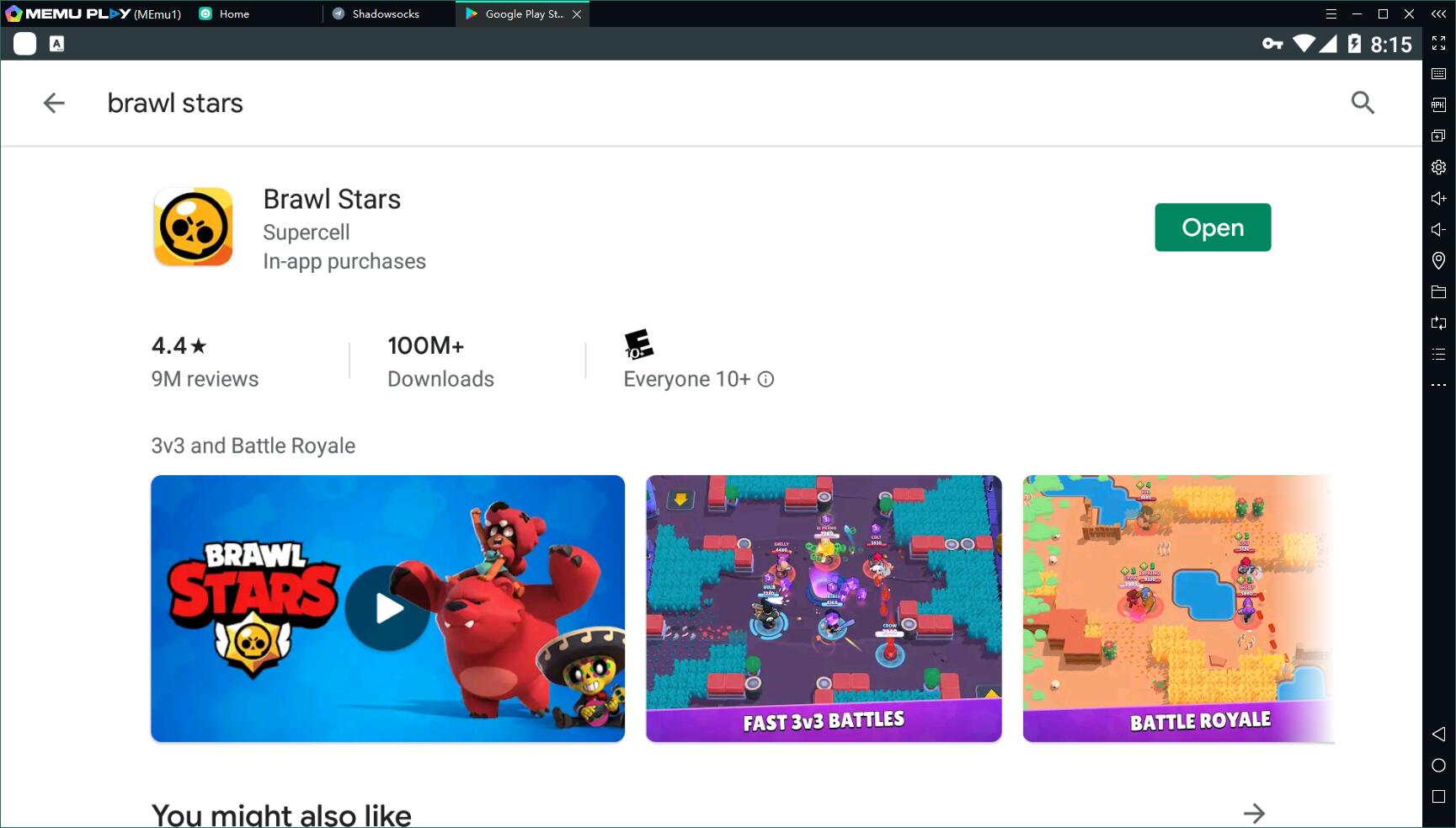
Step 3: Install the game on your emulator
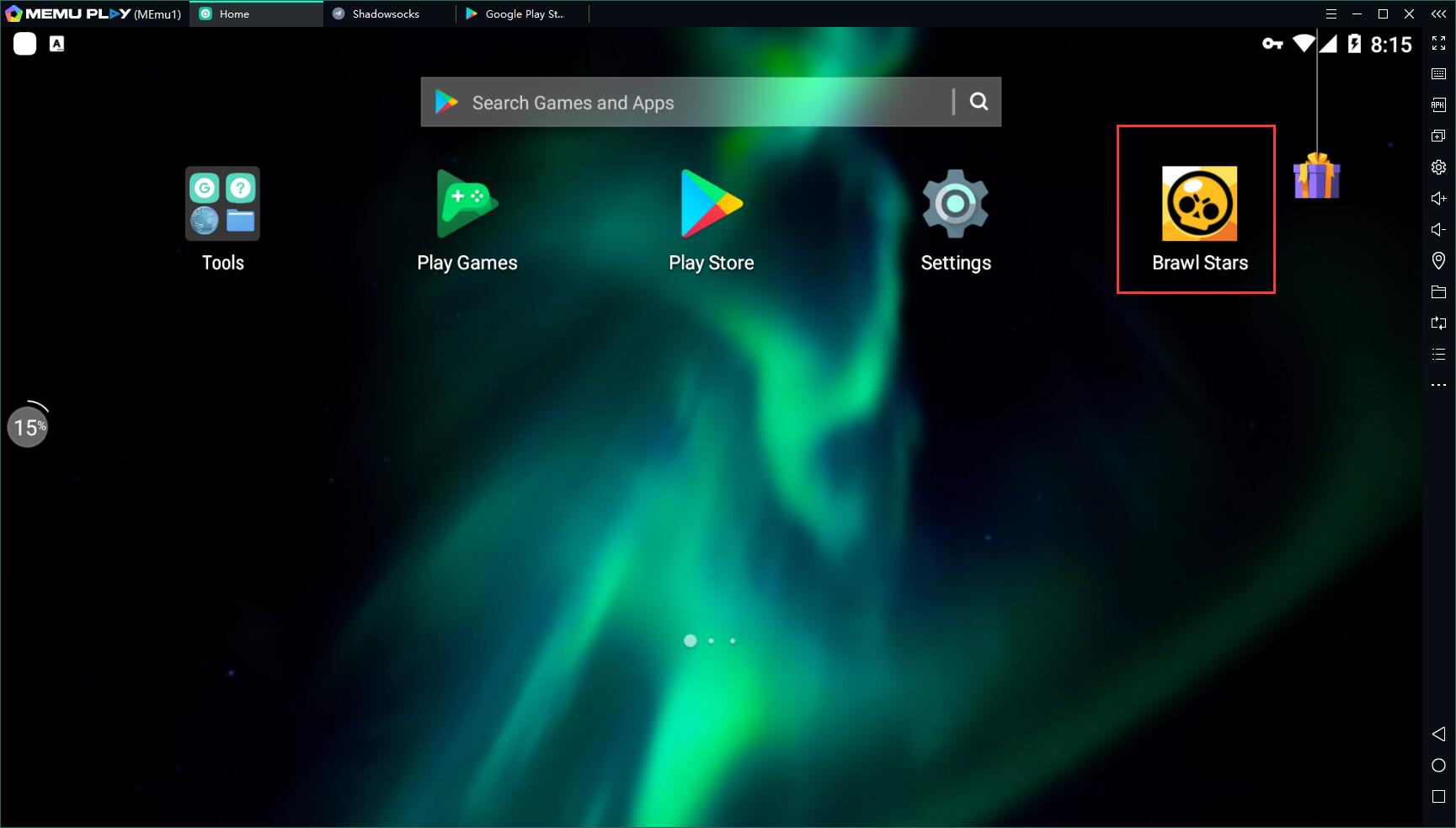
Step 4: Enjoy playing Brawl Stars on PC with MEmu
Why play Brawl Stars on PC with MEmu?
Reason 1: High performance
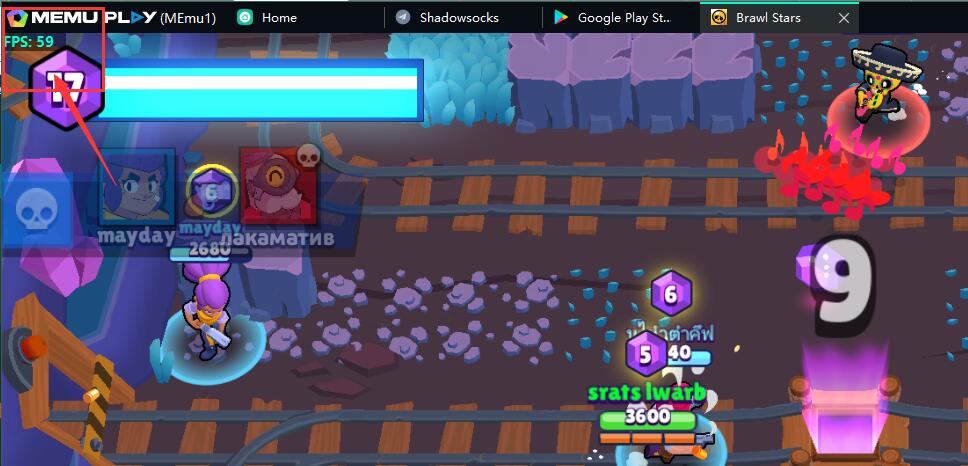
Brawl Stars is a game that is well optimized for low-end devices. This means that you can play it with 60 FPS even if your PC does not have a graphic card. Besides, MEmu has special optimization for the game. For example, an integrated graphics card of Inter HD 530 will assure 60 FPS in the game of Brawl Stars on PC.
Reason 2: Exquisite Smart Mode of Keymapping for Brawl Stars on PC
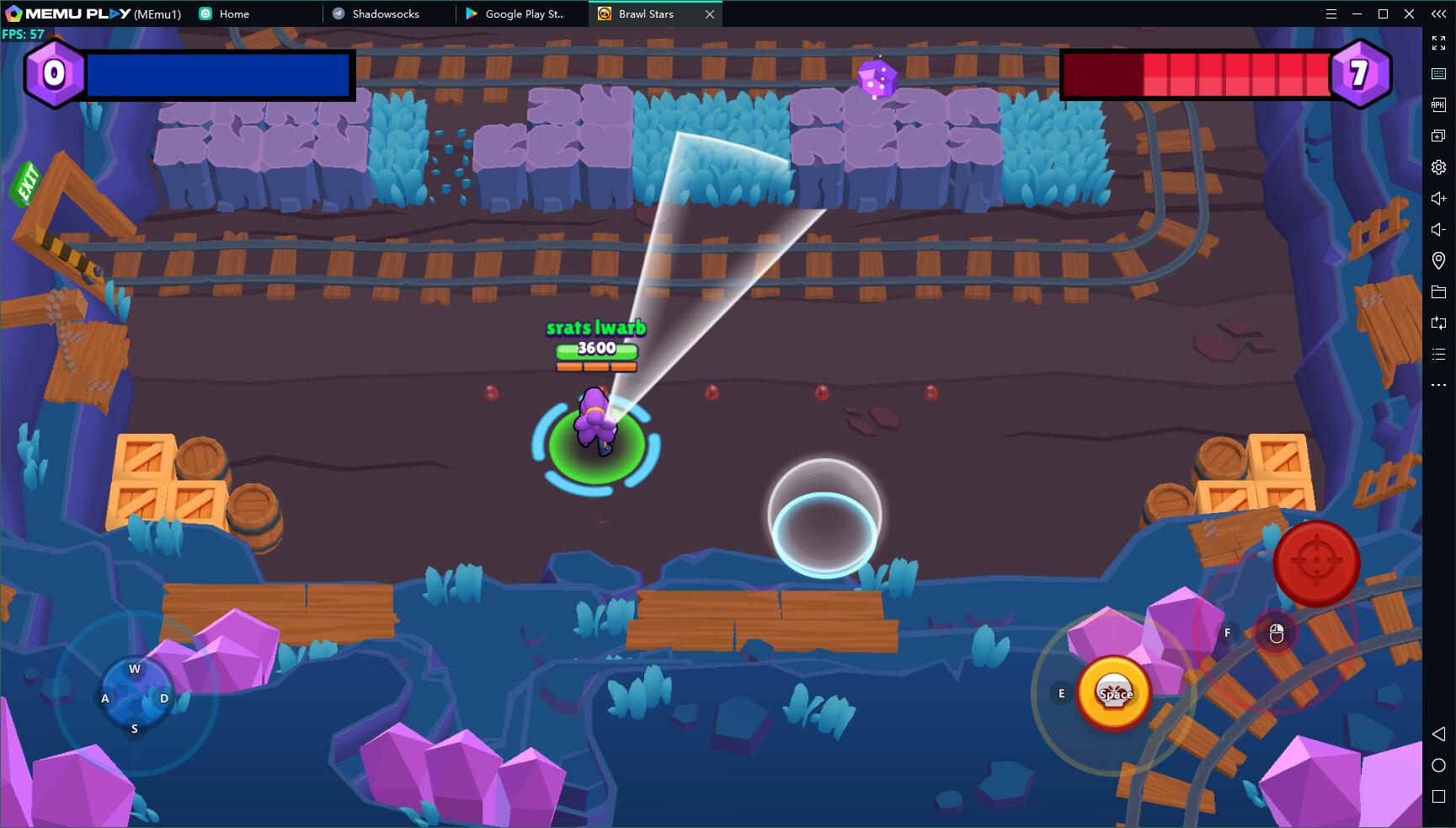
Click the keymapping setting button and then choose the smart mode. (In the game it is set as default)
Smart mode helps you have better control of your character, be able to aim using your mouse. The aiming direction is exactly the same as your mouse cursor. In a word, the Smart Mode makes Brawl Stars a real PC game instead of a game on mobile. The way of control is exclusive for PC.
Reason 3: Longer Duration than Mobile Devices
Mobile gamers reviewed that their battery ran down fast when they were playing the game, Brawl Stars. You always worry about the duration of mobile devices. However, you would enjoy longer gameplay if you play Brawl Stars with MEmu. There is no battery limitation, even phone disturbances on PC.
Conclusion of Brawl Stars on PC with MEmu
In short, MEmu is the best choice for you to play Brawl Stars. With better performance and graphics than mobile devices and other emulators, MEmu offers you the exclusive gaming experience of Brawl Stars on PC. Don’t hesitate to download MEmu on PC and start to play Brawl Stars!
- More info: https://www.memuplay.com/how-to-play-com.supercell.brawlstars-on-pc.html
- Official Website: https://www.memuplay.com
- Official Twitter: https://twitter.com/MicrovirtMEmu
- Facebook Page: https://www.facebook.com/memuplayer
- MEmu User Group: https://www.facebook.com/groups/memuplayer
- Discord: https://discord.gg/gA4GWV9