
Brawl Stars
Updated
Current Version
69.414
Offered By

With your passion for Brawl Stars, you shouldn’t have to limit yourself to the small screen of a phone. Play like a pro and take full control of the game using a keyboard and mouse. MEmu gives you everything you’re looking for. Download and play Brawl Stars on PC. Play as long as you want — no more worries about battery life, mobile data, or unexpected calls. The all-new MEmu 9 is the best way to play Brawl Stars on PC. With our expertly designed keymapping system, Brawl Stars feels just like a real PC game. The MEmu multi-instance manager lets you run two or more accounts on the same device at the same time. Most importantly, our exclusive emulation engine unlocks your PC’s full potential, delivering smooth and seamless performance.
Show more
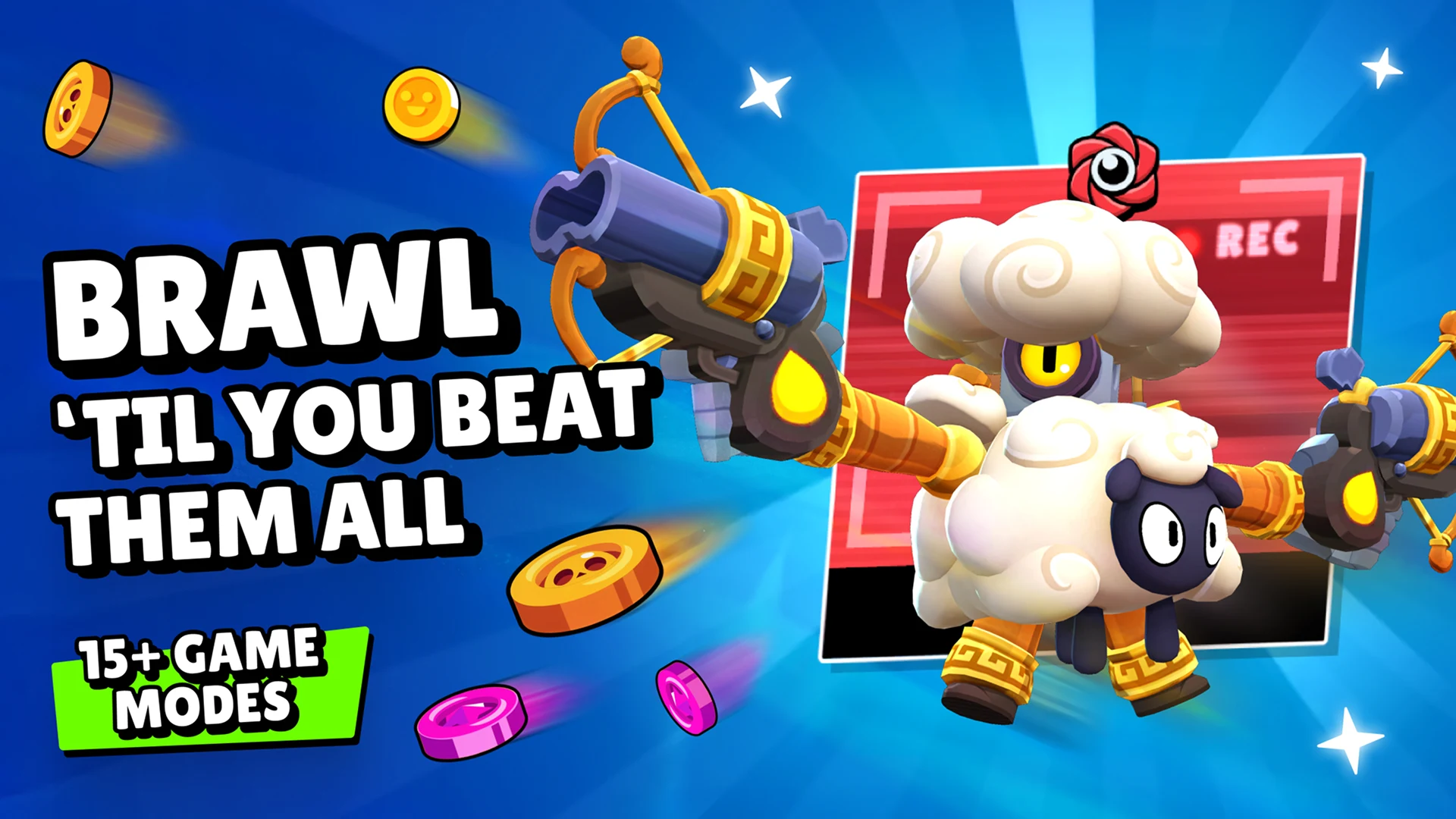
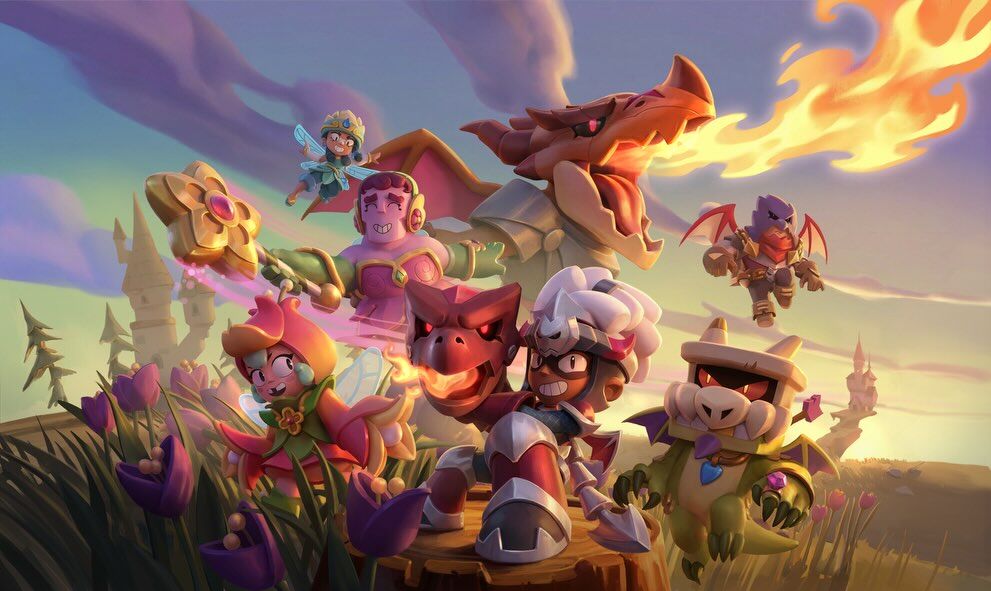
Download Brawl Stars on PC with MEmu Android Emulator. Enjoy playing on big screen. Fast paced 3v3 & 5v5 MOBA and Battle Royale made for mobile!
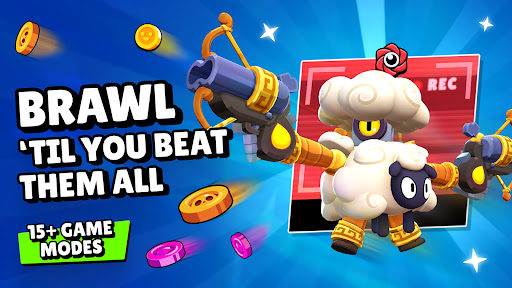
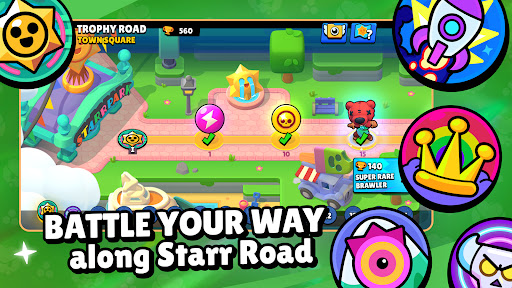
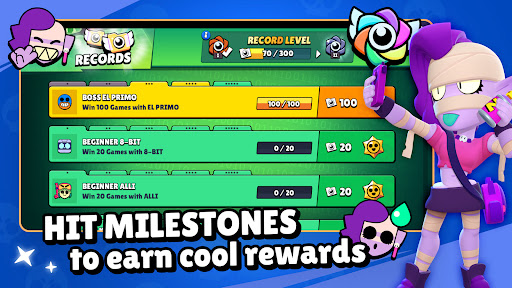
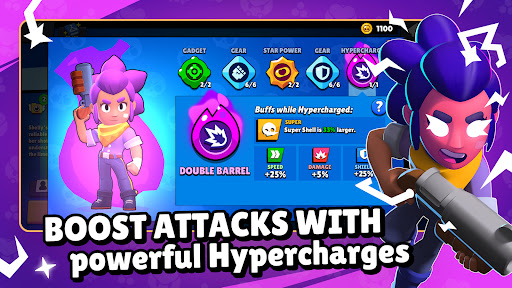
Fast paced 3v3 & 5v5 MOBA and Battle Royale made for mobile! Play online with friends or solo across a variety of PvP arena game modes in under three minutes.
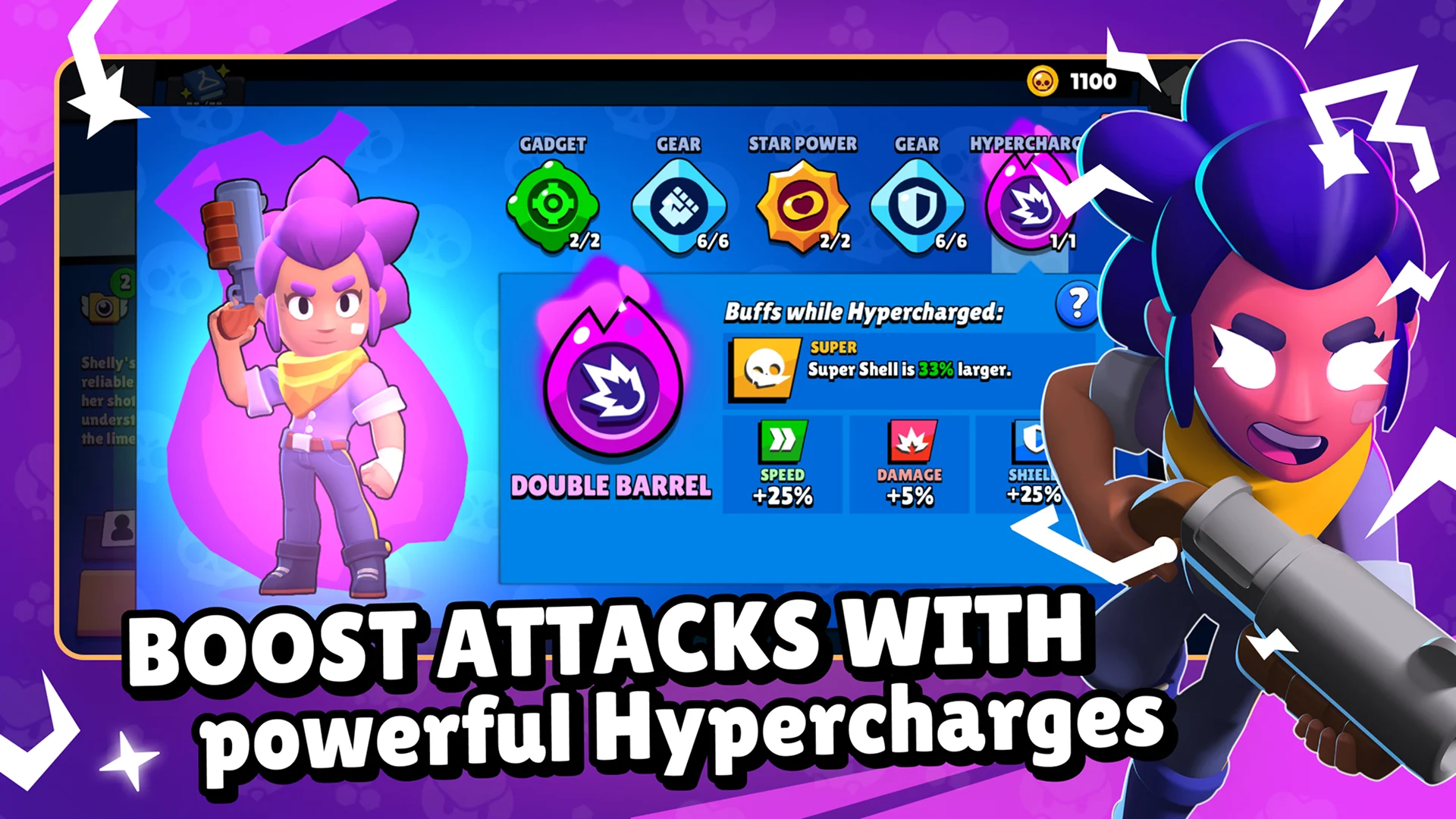
Unlock and upgrade dozens of Brawlers with powerful super abilities, star powers and gadgets! Collect unique skins to stand out and show off. Battle in a variety of mysterious arena locations within the MOBA Brawliverse!
Brawl Stars is free to download and play, however, some game items can also be purchased for real money (including random items). If you don't want to purchase game items for real money, please disable in-app purchases in your device's settings.
Show more

1. Download MEmu installer and finish the setup

2. Start MEmu then open Google Play on the desktop

3. Search Brawl Stars in Google Play
Install
4. Download and Install Brawl Stars
5. On install completion click the icon to start

6. Enjoy playing Brawl Stars on PC with MEmu
MEmu Play is the best Android emulator and 100 million people already enjoy its superb Android gaming experience. The MEmu virtualization technology empowers you to play thousands of Android games smoothly on your PC, even the most graphic-intensive ones.
Bigger screen with better graphics; Long duration, without limitation of battery or mobile data.
Full Keymapping support for precise control of keyboard and mouse or gamepad.
Multiple game accounts or tasks on single PC at one time with Multi-Instance manager.
Brawl Stars does not have an official PC version, but you can play it on Windows using an Android emulator like MEmu. Simply install MEmu Emulator, open Google Play Store, search for Brawl Stars, and download the game. Playing Brawl Stars on PC allows you to enjoy a bigger screen, smoother gameplay, and more comfortable controls.
Currently, Brawl Stars is mainly designed for mobile devices and does not offer an official Windows or PC version. The easiest way to play Brawl Stars on a computer is by using an Android emulator such as MEmu. An emulator lets you run the mobile version on PC while enjoying improved performance, better controls, and a larger display.
You can use your existing Brawl Stars account on PC by connecting it with your Supercell ID. After installing Brawl Stars through MEmu Emulator, log in with the same Supercell account to sync your progress, including trophies, unlocked Brawlers, skins, and rewards. Your game data will remain available across supported devices.
To update Brawl Stars on PC, open Google Play Store inside your Android emulator and search for Brawl Stars. If a new version is available, click the Update button to install the latest version. Keeping the game updated ensures you can access new Brawlers, events, balance changes, and gameplay improvements.
If Brawl Stars is lagging, freezing, or having connection issues, try checking your internet connection, closing unnecessary background programs, lowering graphics settings, and updating the game. Playing Brawl Stars on PC with an emulator like MEmu can also provide a more stable experience by using your computer’s hardware resources.
The best Brawl Stars settings on PC depend on your computer performance and personal preferences. For smoother gameplay, adjust emulator settings such as CPU, RAM allocation, resolution, and frame rate. Optimizing these settings can help reduce lag, improve responsiveness, and provide a better Brawl Stars gaming experience.
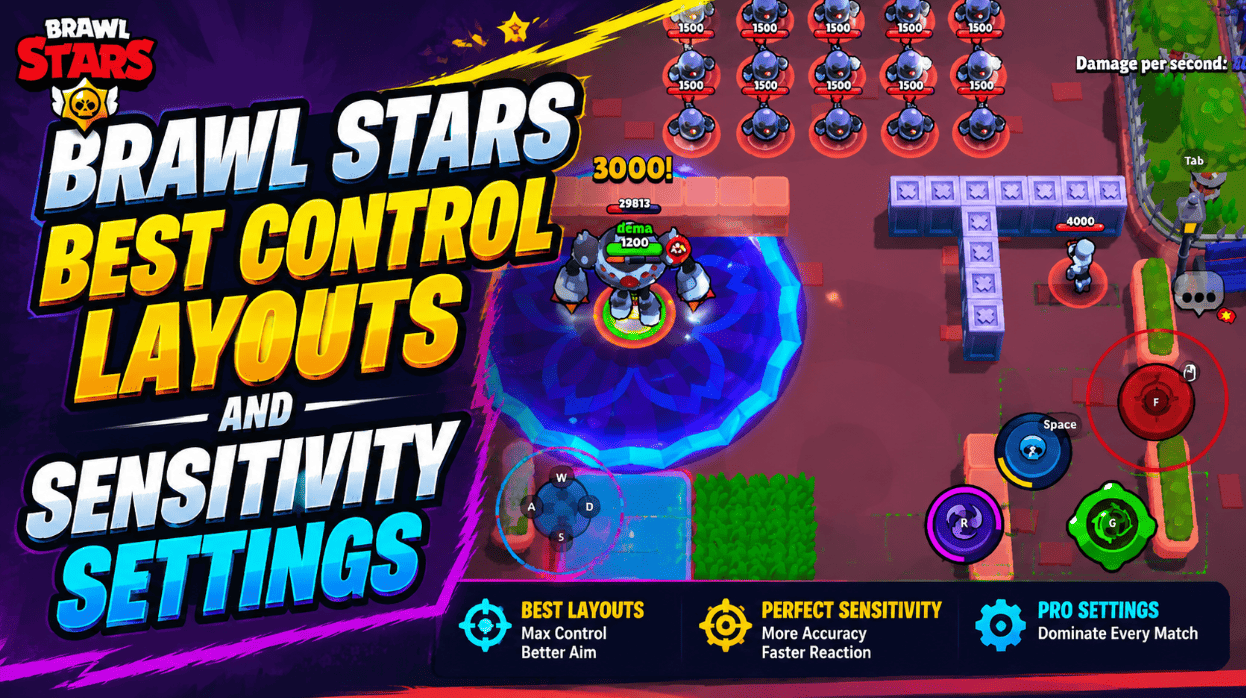
Yes, you can play Brawl Stars with keyboard and mouse when using an Android emulator like MEmu. Keyboard mapping allows you to customize controls and enjoy more precise movements compared with touchscreen controls. This can make gameplay more comfortable, especially during longer gaming sessions.
The best Brawlers in Brawl Stars depend on the game mode, map, and current balance changes. Some Brawlers are stronger because of their damage, mobility, range, or special abilities. Learning each Brawler’s strengths and checking the latest tier lists can help you choose the best characters for different battles.
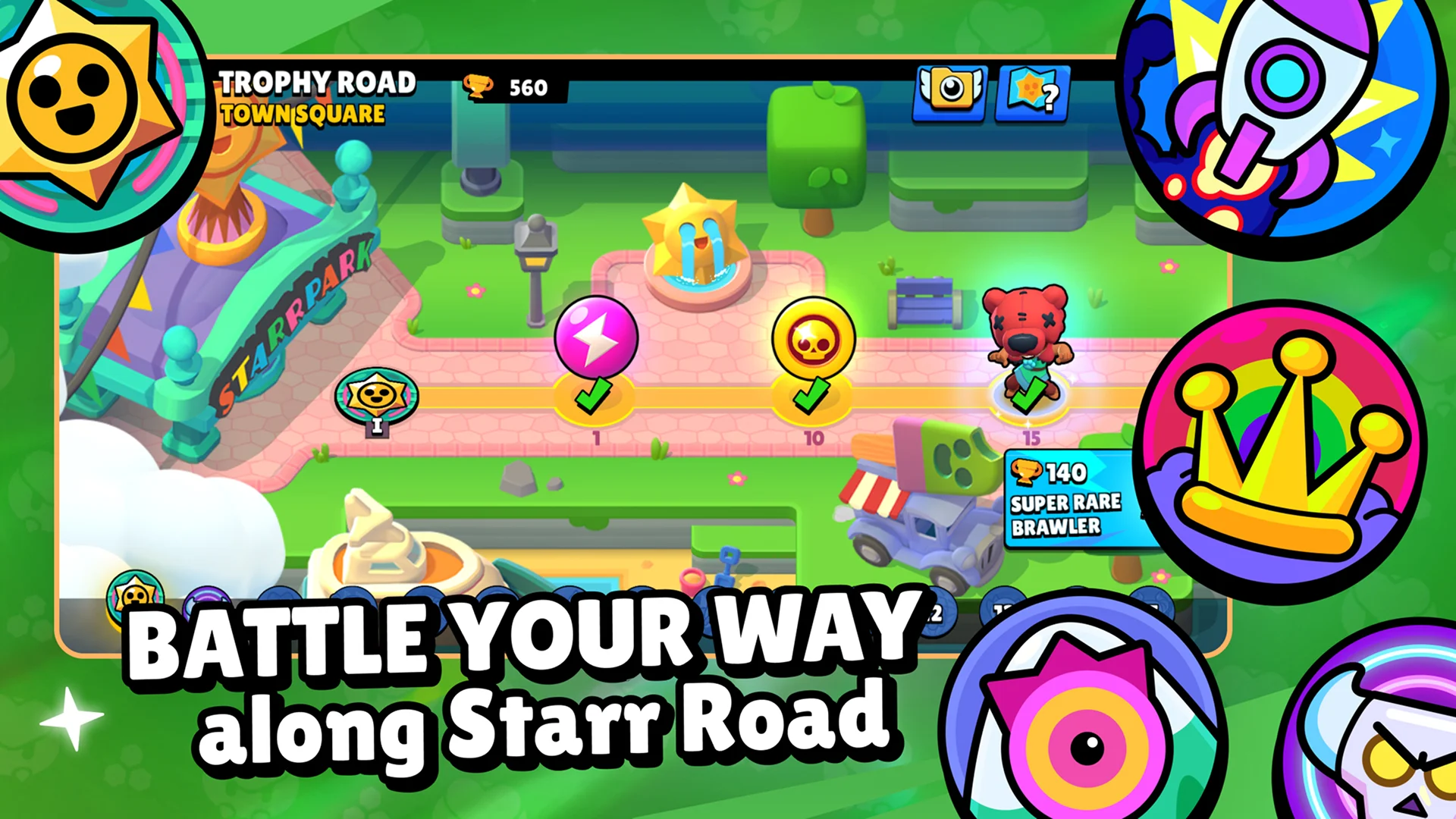
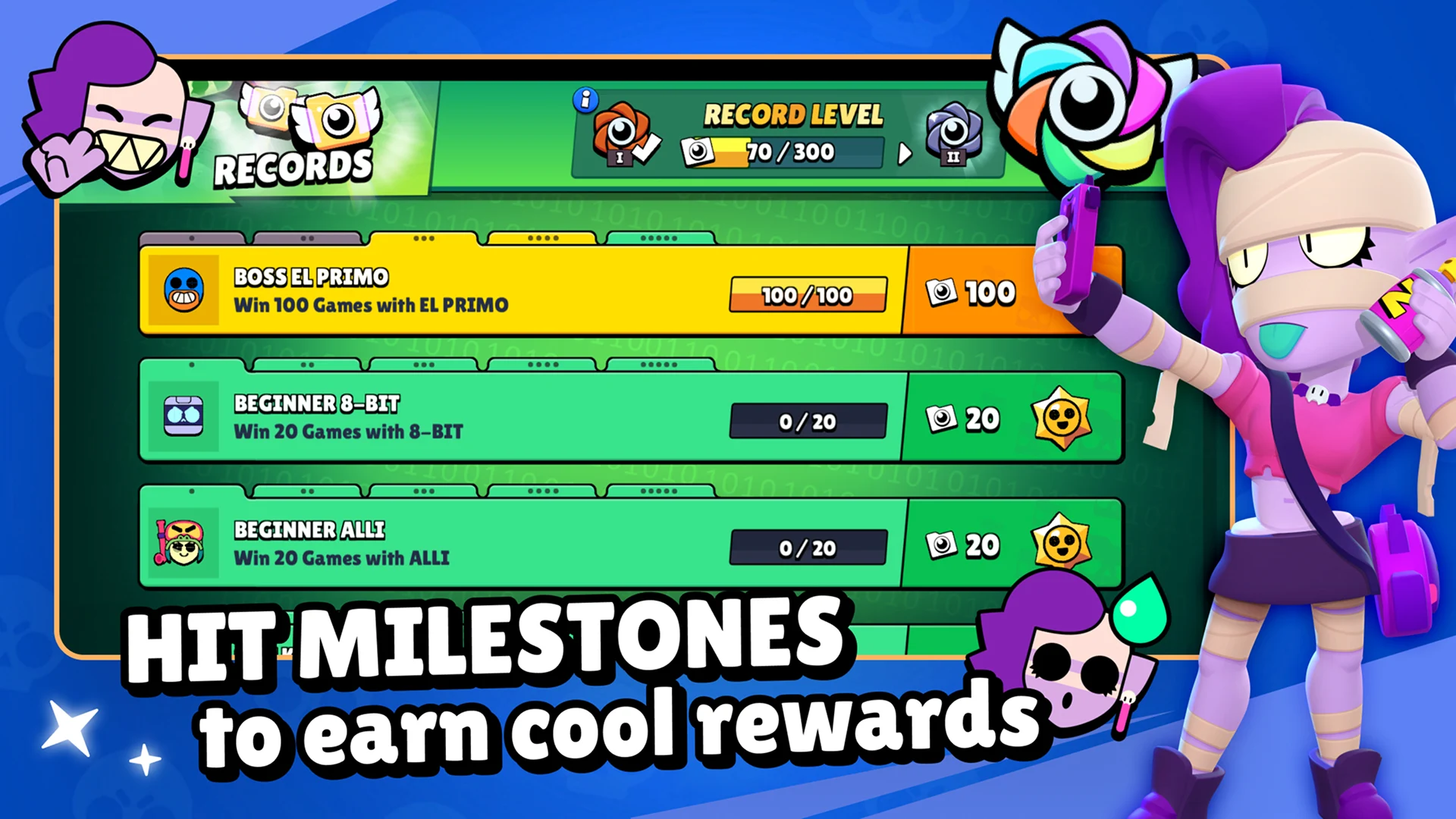
Players can earn Gems, Coins, and other rewards in Brawl Stars through daily rewards, events, Trophy Road progress, Starr Drops, and regular gameplay. While some resources can be purchased, players can still make progress by playing consistently and completing available challenges. Avoid websites that claim to offer unlimited free Gems, as they may risk your account security.
To improve at Brawl Stars, learn the strengths and weaknesses of different Brawlers, practice aiming and movement, understand each game mode, and cooperate with teammates. Watching experienced players, studying maps, and upgrading the right characters can also help you win more matches and progress faster.