Download Kwai on PC
You are 15 seconds away from trends. Lip syncing and dubbing features All inclusive short video editor (trim, cut and merge videos) Free Professional beauty tools that make videos look flawless Easily add stickers and text to videos. Download Kwai on PC with MEmu to get the best user experience.
The following will teach you how to use Kwai with MEmu.
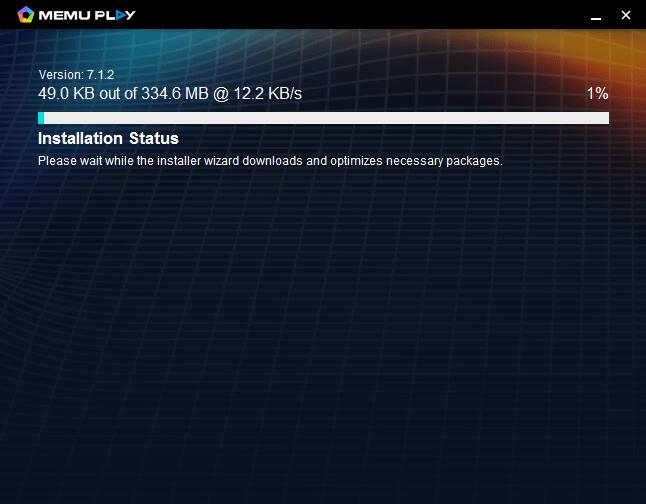
Step 1: Download MEmu on your PC
Step 2: Search Kwai in the Play Store

Step 3: Install the App on your emulator

Step 4: Enjoy using Kwai on PC with MEmu
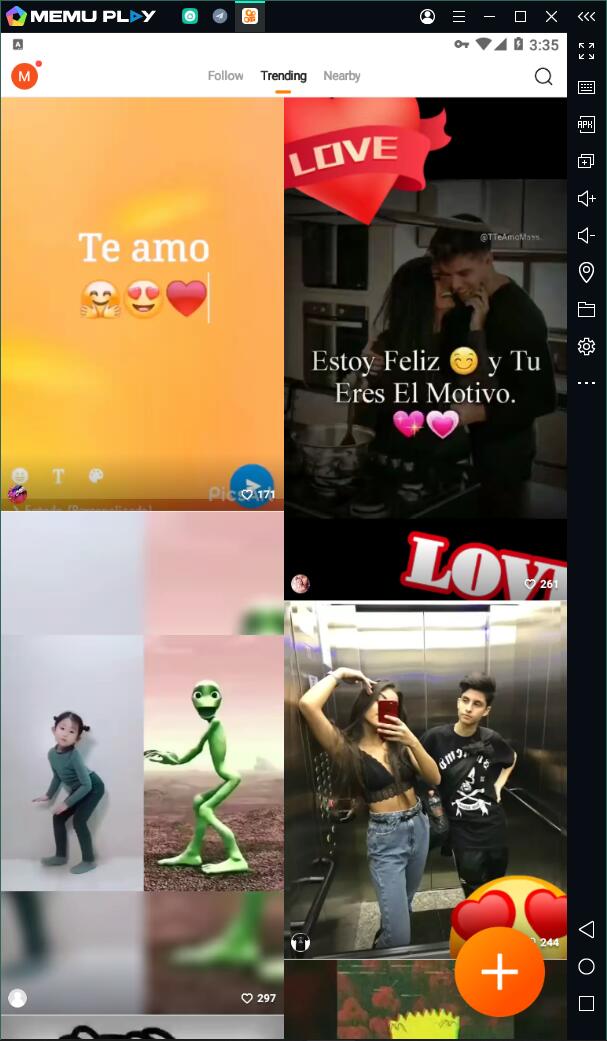
Features of Kwai on PC
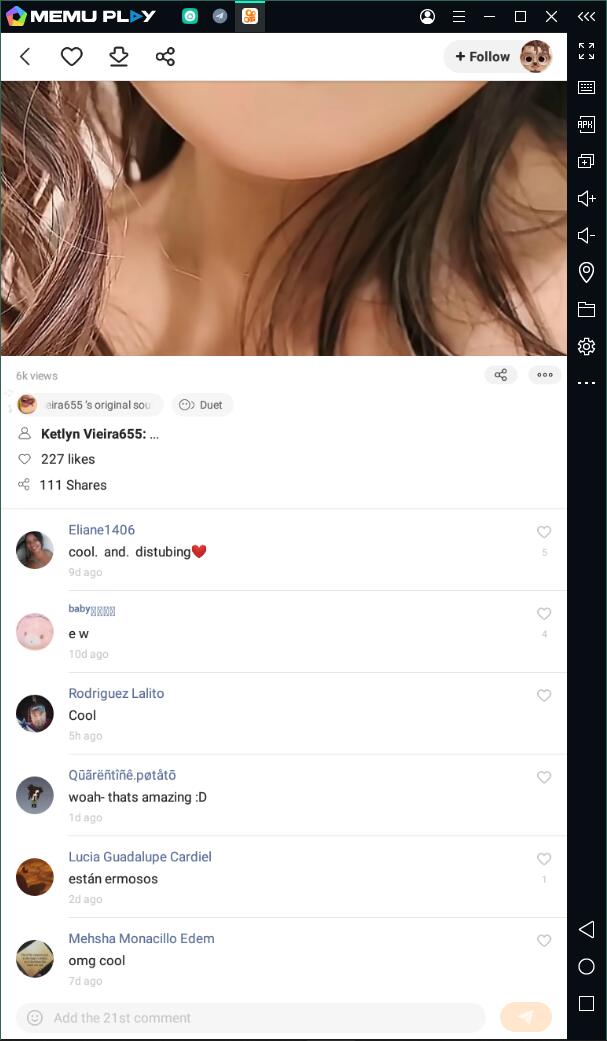
-Duet & access exclusive face filters
Use multiple face filters in one clip
Duet with other users on the Kwai-Share your skills with everyone
Share videos directly to Facebook, Instagram, Twitter, YouTube, FB Messenger, and What’s App in one click-Post and share videos
Kwai is its own video sharing community filled with the world’s best creators
In app messaging
Comment on creator videos
Use multiple face filters in one clip
Duet with other users on the Kwai-Share your skills with everyone
Share videos directly to Facebook, Instagram, Twitter, YouTube, FB Messenger, and What’s App in one click-Post and share videos
Kwai is its own video sharing community filled with the world’s best creators
In app messaging
Comment on creator videos
-Get Discovered on Kwai’s Trending Page
Kwai’s trending page was developed to make sure that content liked best by users is seen by everyone
Not Just for Kwai on PC
Besides Jitsi Meet, many other apps can be downloaded on MEmu. For example, you can download Google Meet on PC, download Whatsapp on PC, and even play popular Android games with keyboard and mouse. Android games like Free Fire on PC, Brawl Stars PC, etc.
- Kwai on PC
- Official Website: https://www.memuplay.com
- Official Twitter: https://twitter.com/MicrovirtMEmu
- Facebook Page: https://www.facebook.com/memuplayer
- MEmu User Group: https://www.facebook.com/groups/memuplayer
- Discord: https://discord.gg/gA4GWV9