How to Download Houseparty on PC
Houseparty is the face-to-face social network where you can connect with the people you care about most. The app makes connecting face to face effortless, alerting you when your friends are “in the house” and ready to chat so you can jump right into the conversation. The same goes for you opening the app! Your friends will know you’re in the app and ready to chat, so they can join you (…because rejected calls are so last year). Houseparty is truly the next best thing to hanging out in person. See your friends more often on Houseparty. Download Houseparty on PC with MEmu to get the best experience.
How to Download Houseparty on Your PC
The following will teach you how to use Houseparty with MEmu.
Step 1: Download MEmu on your PC
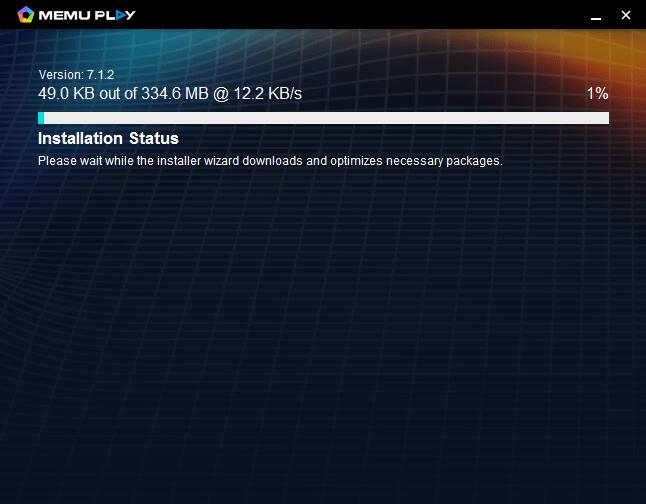
Step 2: Search Houseparty in the Play Store
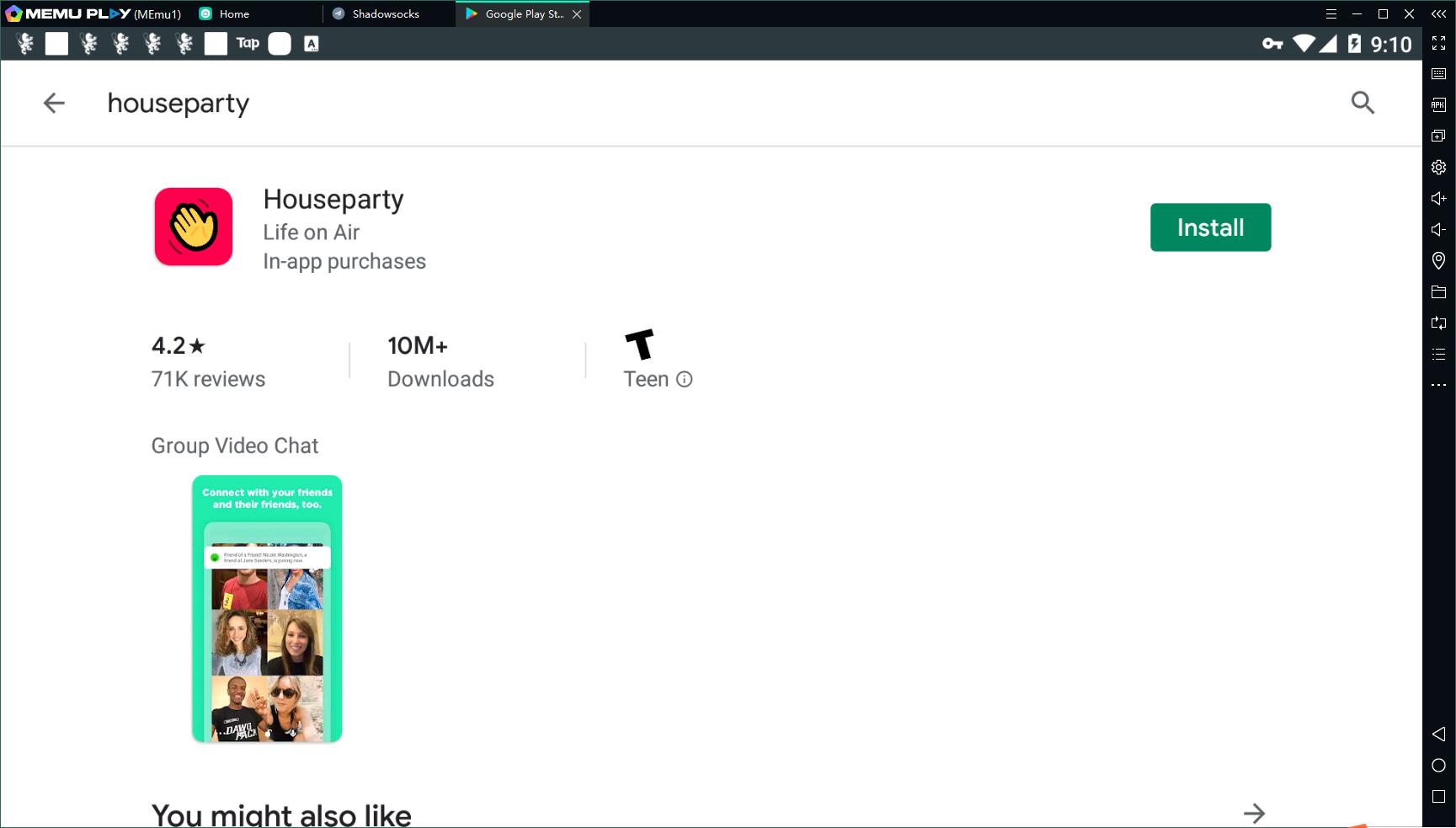
Step 3: Install the App on your emulator
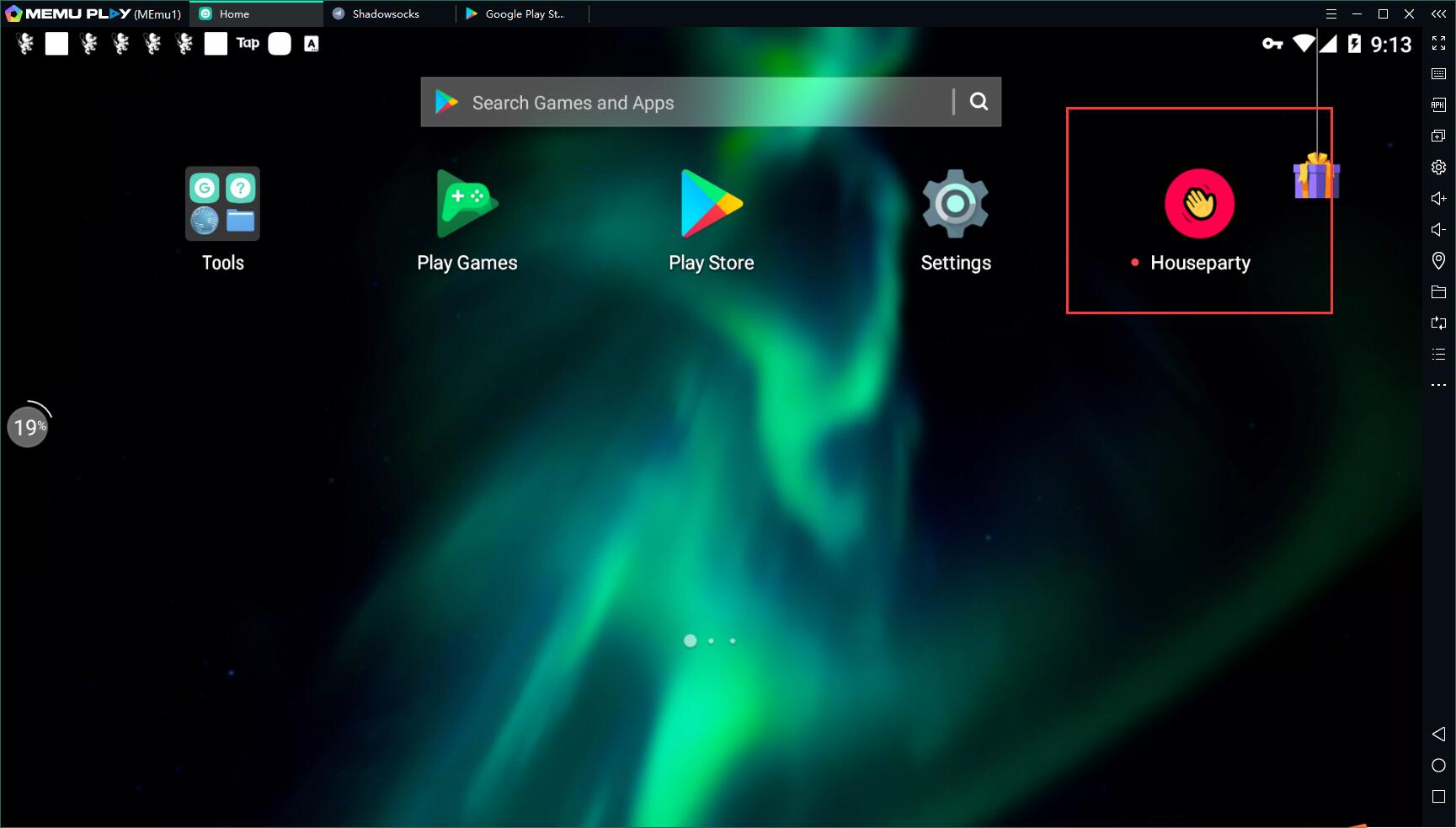
Step 4: Enjoy using Houseparty on PC with MEmu
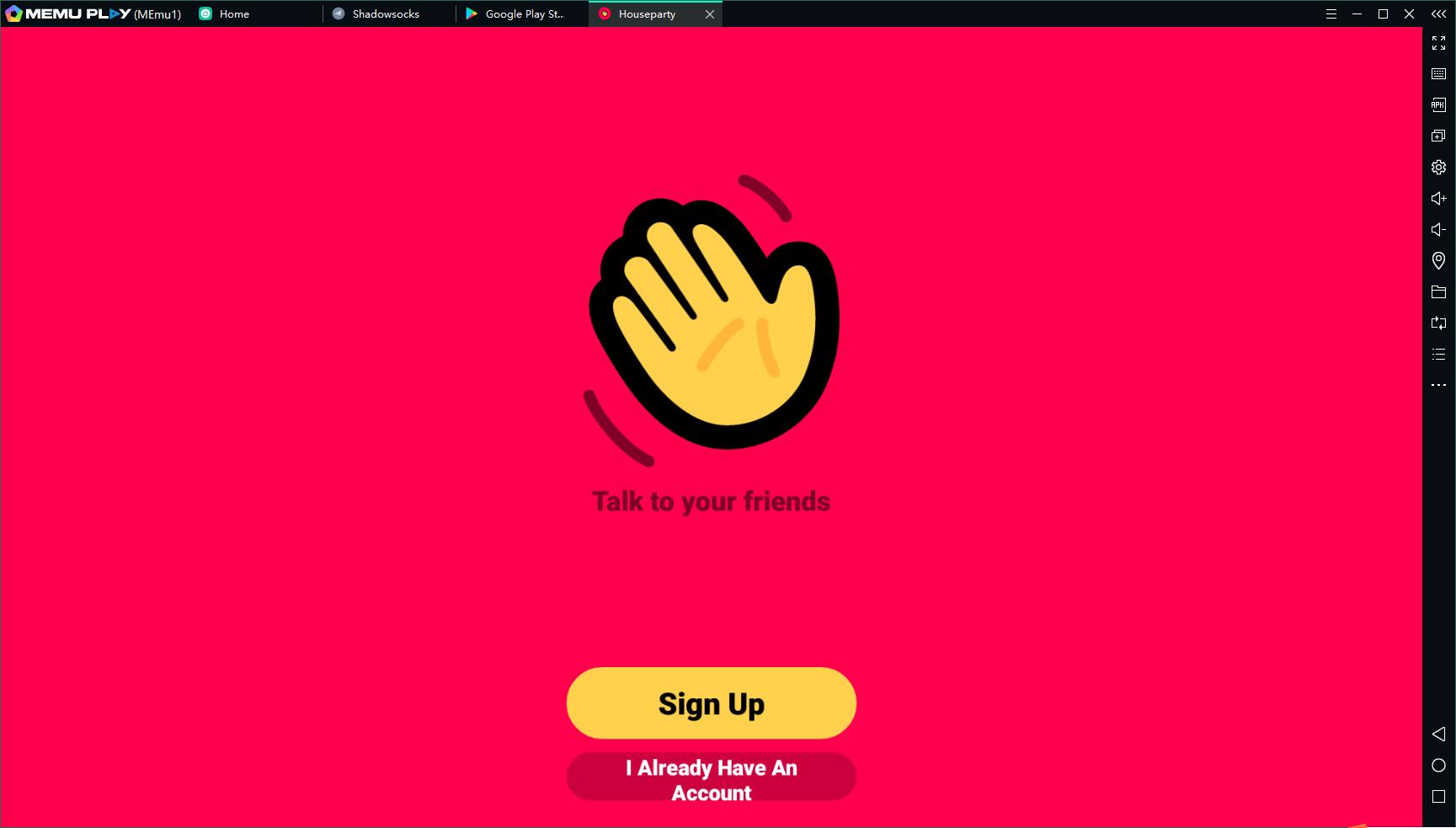
Features of Houseparty on PC
It is more enjoyable to use Houseparty with a bigger screen.
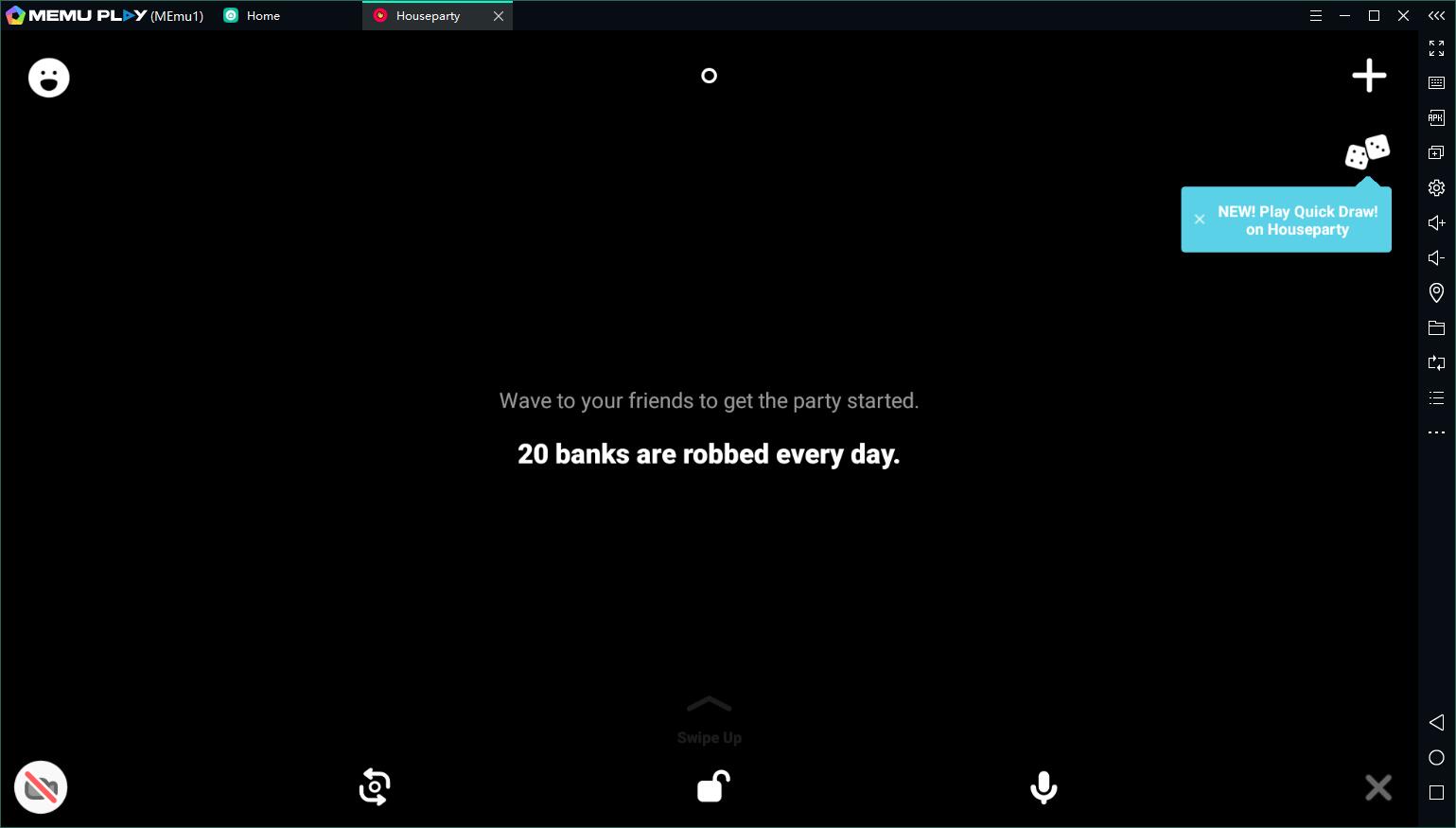
You can hold a party at home with your friends. Also, it is a good application to know more people without going out of your house.
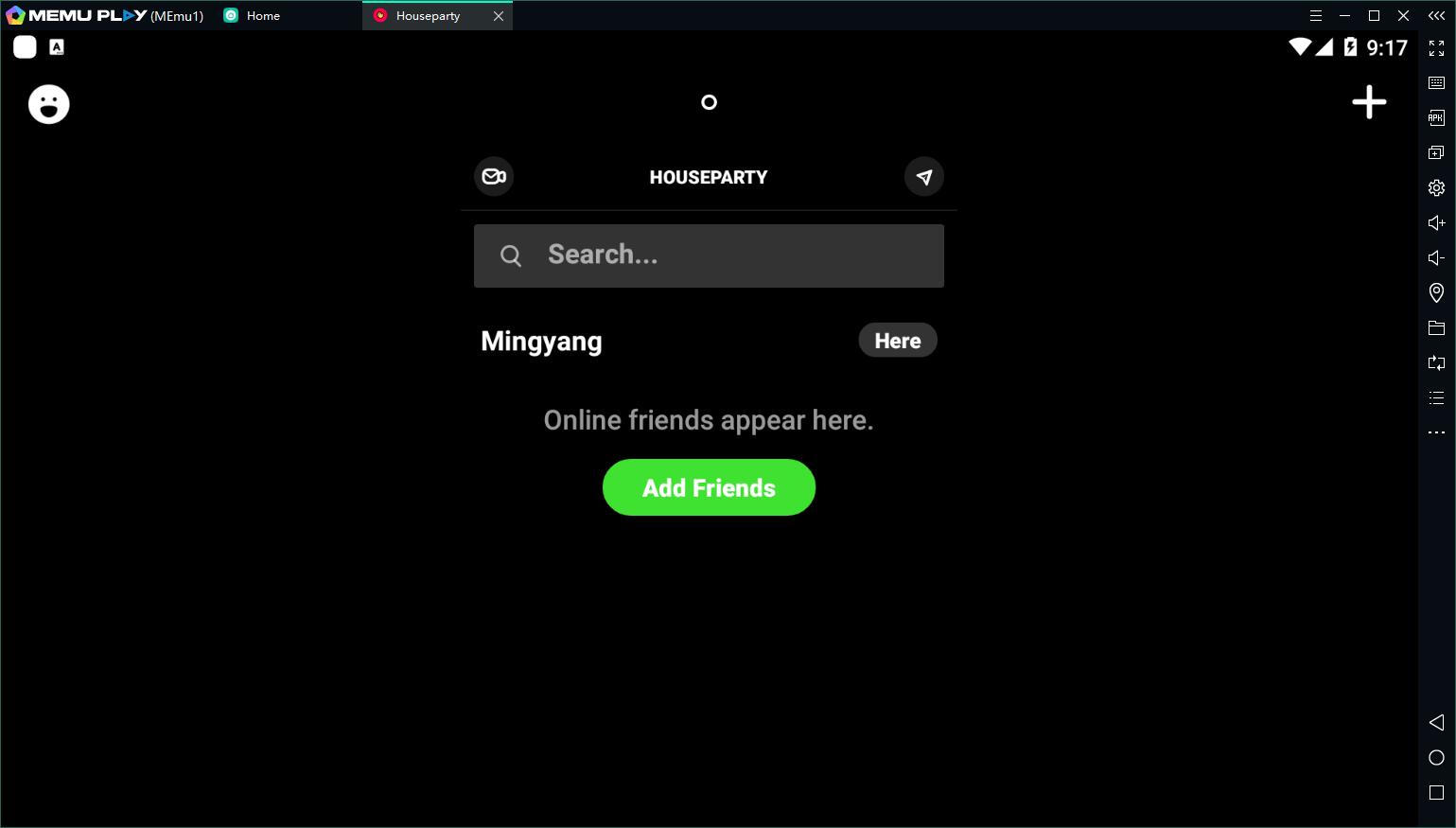
Enjoy the time being at home and Have as many parties as possible with Houseparty!
Not Just for Houseparty on PC
Besides Jitsi Meet, many other apps can be downloaded on MEmu. For example, you can download Hangouts Meet on PC, download Whatsapp on PC, and even play popular Android games with keyboard and mouse. Android games like Free Fire on PC, Brawl Stars PC, etc.
- Houseparty on PC: https://www.memuplay.com/how-to-play-com.herzick.houseparty-on-pc.html
- Official Website: https://www.memuplay.com
- Official Twitter: https://twitter.com/MicrovirtMEmu
- Facebook Page: https://www.facebook.com/memuplayer
- MEmu User Group: https://www.facebook.com/groups/memuplayer
- Discord: https://discord.gg/gA4GWV9