Bloodless
Aktualizováno
Aktuální verze
1.3.9
Od vývojáře

With all your passion for playing Bloodless, you hands are not supposed to be limited on a tiny screen of your phone. Play like a pro and get full control of your game with keyboard and mouse. MEmu offers you all the things that you are expecting. Download and play Bloodless on PC. Play as long as you want, no more limitations of battery, mobile data and disturbing calls. The brand new MEmu 9 is the best choice of playing Bloodless on PC. Prepared with our expertise, the exquisite preset keymapping system makes Bloodless a real PC game. MEmu multi-instance manager makes playing 2 or more accounts on the same device possible. And the most important, our exclusive emulation engine can release full potential of your PC, make everything smooth.
Show more
Vychutnejte si vynikající zážitek z přehrávání Bloodless na PC s MEMU App Player. Je to silný bezplatný emulátor pro Android, který vám umožní hrát tisíce her v systému Android. Break the cycle of violence.
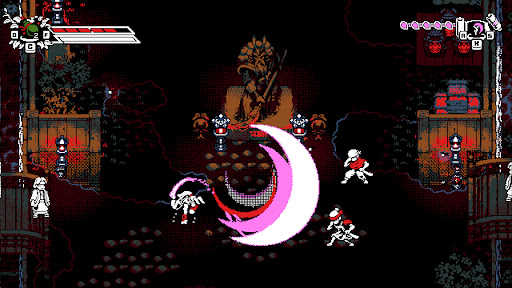
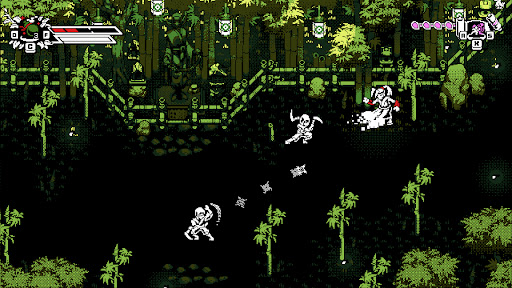
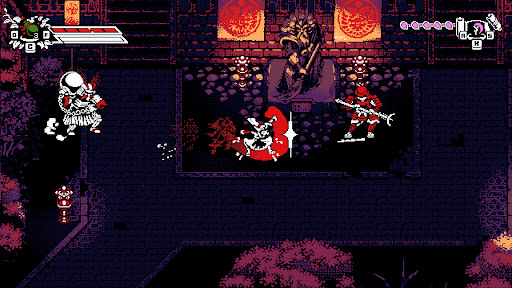
Break the cycle of violence.
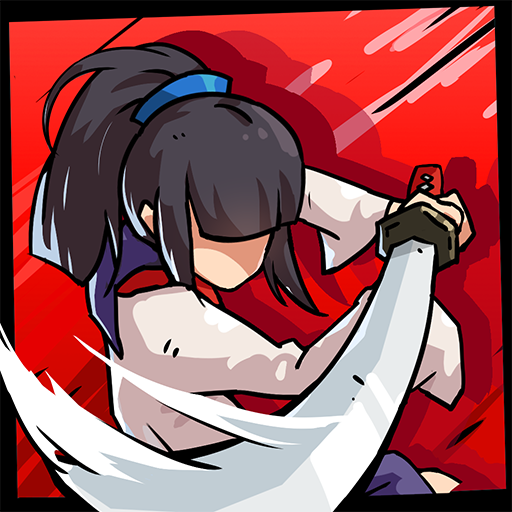
Bloodless is a stylish, retro-inspired 2D action-adventure featuring counter-based, non-lethal combat. Take control of Tomoe, a peaceful Ronin haunted by her bloody past, as she returns to her shattered homeland of Bakugawa.
Having witnessed all the blood a blade can shed, Tomoe has sworn never to take another life. To defeat the samurai army of her former master, Shogun Akechi, she must fight with nothing but her bare fists to disarm her former allies in a dance of precision and rhythm.
FEATURES
• Unique Non-Lethal Combat
Tomoe has sworn not to take another life and must instead disarm her enemies. Use a combination of counters and disarming ki attacks to defeat the shogun’s army.
• Depth and Customization
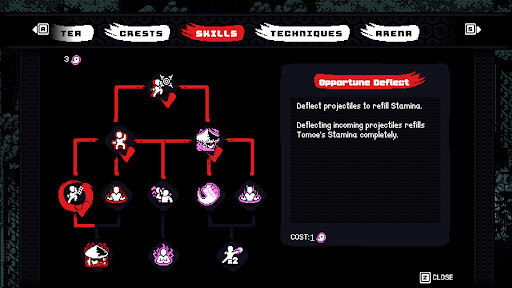
Develop your own fighting style using powerful ki techniques, combo variations, crests, and herb infusions discovered throughout Bakugawa.
• Namazu’s Wrath (Roguelike Mode)
Push your skills to the limit on a mysterious, shifting island. Guided by ancient gods, fight through waves of corruption and face off against "The Slasher", the manifestation of Tomoe’s violent past.
• Optimized for Mobile
Experience responsive touch controls designed for fast-paced action, plus full controller support.
• Assist Mode Included
Customize the experience with accessibility options including casual tuning and invincibility settings so players of any skill level can enjoy the journey.
Show more

1. Stáhněte si instalační program MEmu a dokončete instalaci

2. Spusťte MEmu a poté otevřete Google Play na ploše

3. Vyhledejte Bloodless v Google Play
Install
4. Stáhněte a nainstalujte Bloodless
5. Po dokončení instalace klikněte na ikonu pro spuštění

6. Užijte si hraní Bloodless na PC s MEmu
MEmu je zdarma a ten nejlepší Android emulátor. 50 milionů lidí si užívá jeho nejlepší herní zážitky. Technologie virtualizace MEmu ti dovolí plynule hrát Android hry na PC a to i ty nejnáročnější.
Větší obrazovka s lepší grafikou; Dlouhá výdrž bez omezení baterie nebo mobilních dat.
Plná podpora mapování kláves pro přesné ovládání klávesnice a myši nebo gamepadu.
Více herních účtů nebo úkolů na jednom počítači najednou s Multi-Instance Managerem.
Play Bloodless on PC by following steps: