Neurocuber
Aktualisiert
Aktuelle Version
1.3.7
Angeboten von

Bei all Ihrer Leidenschaft für das Spielen von Neurocuber sollten Ihre Hände nicht auf einen winzigen Bildschirm Ihres Telefons beschränkt sein. Spielen Sie wie ein Profi und übernehmen Sie die volle Kontrolle über Ihr Spiel mit Tastatur und Maus. MEmu bietet Ihnen all die Dinge, die Sie erwarten. Laden Sie Neurocuber herunter und spielen Sie es auf dem PC. Spielen Sie so lange, wie Sie wollen, ohne Grenzwerte für Akku, mobile Daten und störende Anrufe. Das brandneue MEmu 9 ist die beste Wahl, um Neurocuber auf dem PC zu spielen. Das exquisite voreingestellte Tastaturbelegungssystem, das mit unserem Fachwissen vorbereitet wurde, macht Neurocuber zu einem echten PC-Spiel. Der MEmu Multi-Instanz-Manager ermöglicht das Spielen von 2 oder mehr Konten auf demselben Gerät. Und das Wichtigste: Unsere exklusive Emulations-Engine kann das volle Potenzial Ihres PCs freisetzen und für reibungslose Abläufe sorgen.
Mehr anzeigen
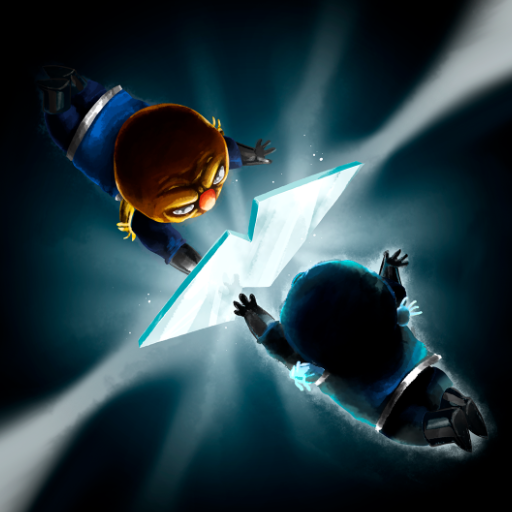
Laden Sie Play Neurocuber auf dem PC mit MEmu Android Emulator. Viel Spaß beim Spielen auf großmundieren. NEurocub3R brings you innovative 3-dimensional puzzles built upon the classic rotating cubes concept and adding a completely new twist and challenge.
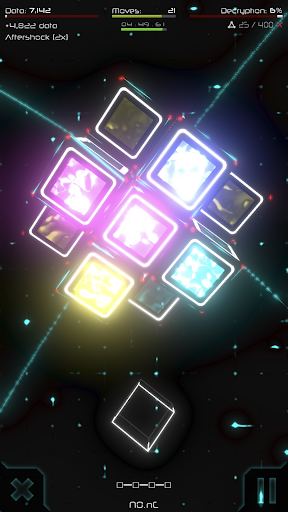
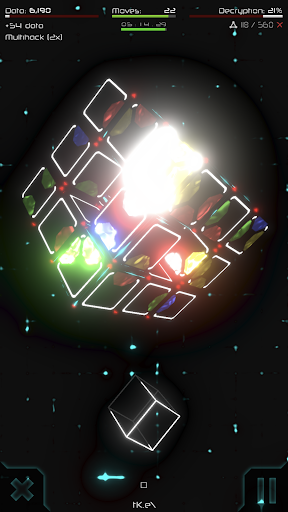
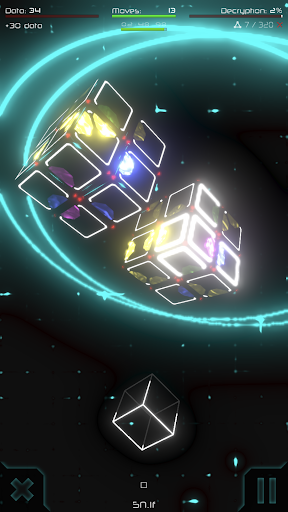
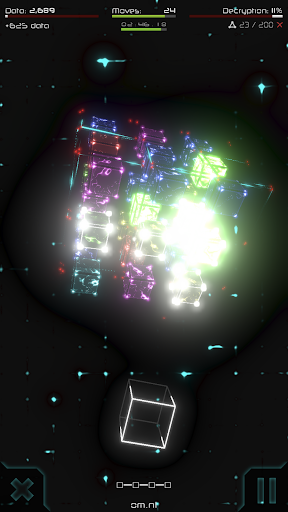
NEurocub3R brings you innovative 3-dimensional puzzles built upon the classic rotating cubes concept and adding a completely new twist and challenge. Match colours and close links by rotating, shuffling and twisting various cube combinations. Complete each puzzle and reach 100% to fully decipher the Neurocube and open the path for new puzzles.
UNLIMITED PUZZLE POSSIBILITIES
Every time you start a puzzle the combination is different, with endless solution possibilities and a challenge that never fades. Every time you close a sequence of colours or links they are replaced with unpredictable new colours and links. No known routes, no pre-determined outcomes, no linear journeys, no algorithms – it’s your mind versus the Neurocube.
PIONEERING NON-LINEAR MATRIX
Every time you decipher a puzzle you open routes to multiple new innovative puzzles. If you get stuck in a particularly difficult path, simply move over to another unexplored path and continue your saga. And if you decipher a puzzle particularly well, perhaps hidden paths might open for you giving access to secret levels or creating shortcuts to advanced parts of the matrix.
INNOVATIVE SCI-FI WORLD
Built with the most advanced 3D gaming tools in the market, providing superb visual and sound effects in a futuristic high-tech environment. Relax and dream as you play the game of choice of the next evolution of humans. Slick, responsive controls and smart interface allow your mind to connect with the Neurocube as if your brain had been uploaded to the cyber world.
Ξ Let your mind decipher the Neurocube Ξ
PHOTOSENSITIVITY WARNING: This game displays flashing lights and special effects that may potentially trigger seizures for people with photosensitive epilepsy. Player discretion is advised.
Mehr anzeigen

1. Laden das MEmu-Installationsprogramm herunter und beenden die Installation

2. MEmu starten und Google Play auf der Homepage öffnen

3. Suchen Neurocuber in Google Play
Install
4. Herunterladen und Installieren Neurocuber
5. Klicken nach Abschluss der Installation auf das Symbol, um es zu starten

6. Viel Spaß beim Spielen von Neurocuber auf dem PC mit MEmu
MEmu App Player ist der beste kostenlose Android-Emulator und 50 Millionen Menschen genießen bereits seine hervorragende Android-Gaming-Erfahrung. Mit der MEmu-Virtualisierungstechnologie können Sie Tausende von Android-Spielen problemlos auf Ihrem PC spielen, selbst bei grafikintensiven Spielen.
BGrößeres Bild mit besserer Grafik; Keine unterbrechungen, keine sorgen um Akku
Komplette Tastenbelegung unterstützt mit Maus und Tastatur oder Controller
Mit dem „Multi-Instance-Manager“ können Sie mehrere Spielkonten oder Spiele gleichzeitig auf einem PC ausführen.
Play Neurocuber on PC by following steps: