DarkGPT AI Assistant
Aktualisiert
Aktuelle Version
1.4.5
Angeboten von

Machen Sie sich keine Sorgen mehr über überhöhte Gebühren, wenn Sie DarkGPT AI Assistant auf Ihrem Mobiltelefon verwenden, befreien Sie sich von dem winzigen Bildschirm und genießen Sie die Nutzung der App auf einem viel größeren Display. Von nun an können Sie Ihre App mit Tastatur und Maus im Vollbildmodus nutzen. MEmu bietet Ihnen all die überraschenden Funktionen, die Sie erwartet haben: schnelle Installation und einfache Einrichtung, intuitive Steuerung, keine Einschränkungen mehr durch Batterie, mobile Daten und störende Anrufe. Der brandneue MEmu 9 ist die beste Wahl für die Nutzung von DarkGPT AI Assistant auf Ihrem Computer. Mit unserer Absorption kodiert, ermöglicht der Multi-Instanz-Manager die Eröffnung von 2 oder mehr Konten zur gleichen Zeit. Und das Wichtigste, unsere exklusive Emulations-Engine kann das volle Potenzial Ihres PCs freisetzen und alles reibungslos und angenehm gestalten.
Mehr anzeigen
Genieße DarkGPT AI Assistant auf deinem PC mit MEmu Play in einer fantastischen Version. Dieser leistungsstarke, kostenlose Android-Emulator bietet dir Zugriff auf Tausende von Android-Apps für deinen Desktop. Bleib mit Freunden in Kontakt und arbeite effizienter! DarkGPT is a personal AI chat assistant built to actually fit how you think —.
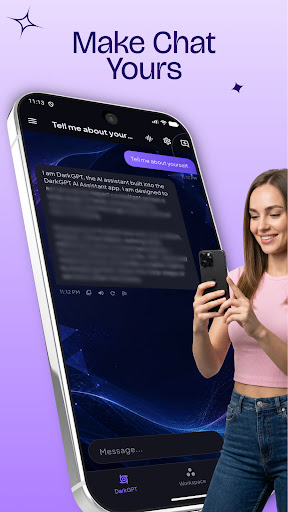
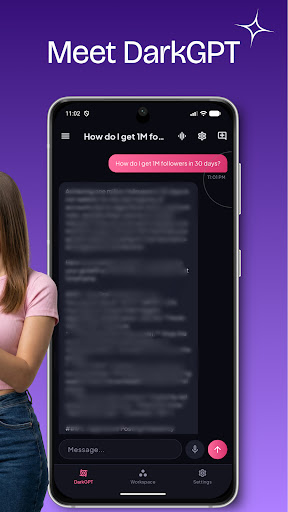
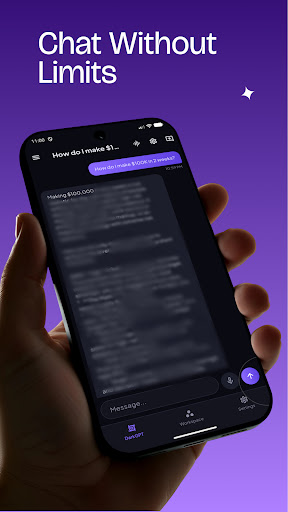
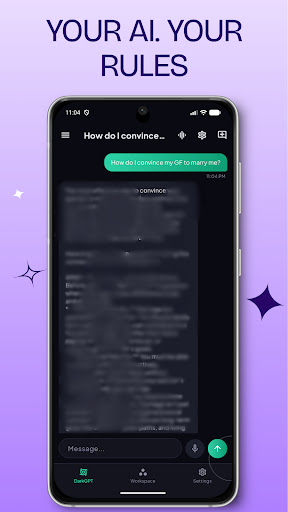
DarkGPT is a personal AI chat assistant built to actually fit how you think —
not a one-size-fits-all chatbot.
DIRECT, EXPERT ANSWERS
DarkGPT leads with the answer first — no filler, no throat-clearing. Choose how
much detail you want with Response Length: Concise for a one-line answer,
Balanced for the default, or Detailed when you want the full explanation.
MAKE IT YOURS
Pick from five accent themes — Violet, Emerald, Rose, Amber, or Azure — and
DarkGPT restyles instantly, everywhere in the app. Set your name once and DarkGPT
greets you personally every time.
STAY ORGANIZED
Star your favorite conversations to keep them one tap away. Create your own
folders — School, Work, or anything else — to keep different parts of your
life separated and easy to find again.
SPEAK YOUR LANGUAGE
DarkGPT's interface and AI replies both support English, Spanish, French,
German, Portuguese, Hindi, and Arabic — set once in Settings and every
conversation follows it.
FAST OR THOROUGH, YOUR CALL
Switch between a faster, lighter response mode for everyday questions and a
stronger mode for harder ones — right from Settings, no restart needed.
PRIVATE BY DESIGN
Your conversations stay on your device. DarkGPT doesn't run ads, doesn't track
you, and doesn't collect analytics. See our Privacy Policy for full details
on how your messages are processed.
DarkGPT is built for anyone who wants a chat assistant that feels personal —
fast when you need fast, thorough when you need thorough, and organized the way you actually think.
Mehr anzeigen

1. Laden das MEmu-Installationsprogramm herunter und beenden die Installation

2. MEmu starten und Google Play auf der Homepage öffnen

3. Suchen DarkGPT AI Assistant in Google Play
Install
4. Herunterladen und Installieren DarkGPT AI Assistant
5. Klicken nach Abschluss der Installation auf das Symbol, um es zu starten

6. Verwenden Sie MEmu, um DarkGPT AI Assistant auf Ihrem PC zu nutzen
MEmu Play ist aktuell der beste kostenlose Android-Emulator und bietet 50 Millionen Nutzern ein überragendes Android-App-Erlebnis. Dank der Virtualisierungstechnologie von MEmu können Sie Tausende von Android-Apps problemlos auf Ihrem Computer nutzen, selbst solche mit hohen Grafikanforderungen.
BGrößeres Bild mit besserer Grafik; Keine unterbrechungen, keine sorgen um Akku
Komplette Tastenbelegung unterstützt mit Maus und Tastatur oder Controller
Mit dem „Multi-Instance-Manager“ können Sie mehrere Spielkonten oder Spiele gleichzeitig auf einem PC ausführen.
Use DarkGPT AI Assistant on PC by following steps: