Downloading MEmu...
If the download doesn't start, click here
How to Download Bitwarden Password Manager on PC
-
![Bitwarden Password Manager PC]()
1. Download MEmu installer and finish the setup
-
![Bitwarden Password Manager PC]()
2. Start MEmu then open Google Play on the desktop
-
![Bitwarden Password Manager PC]()
3. Search Bitwarden Password Manager in Google Play
-
 Install
4. Download and Install Bitwarden Password Manager
-
5. On install completion click the icon to start
-
![Bitwarden Password Manager PC]()
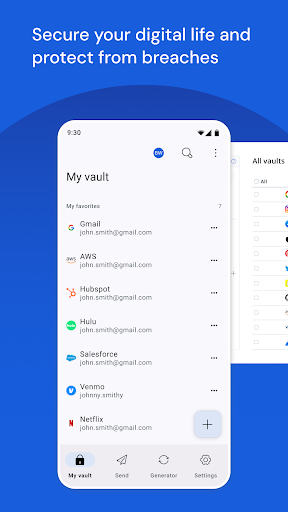
6. Enjoy using Bitwarden Password Manager on PC with MEmu