Google Gemini
Updated
Current Version
1.0.971139365
Offered By

Stop worrying about high battery drain when using Google Gemini on your phone. Free yourself from the tiny screen and enjoy the app on a much larger display. From now on, get a full-screen experience of your app with the convenience of a keyboard and mouse. MEmu offers you all the surprising features you’d expect: quick installation and easy setup, intuitive controls, and no more worries about battery life, mobile data, or unexpected calls. The all-new MEmu 9 is the choice for using Google Gemini on your computer. With the MEmu multi-instance manager, you can run two or more accounts at the same time. Most importantly, our exclusive emulation engine unlocks your PC’s full potential, delivering smooth and enjoyable performance.
Show more
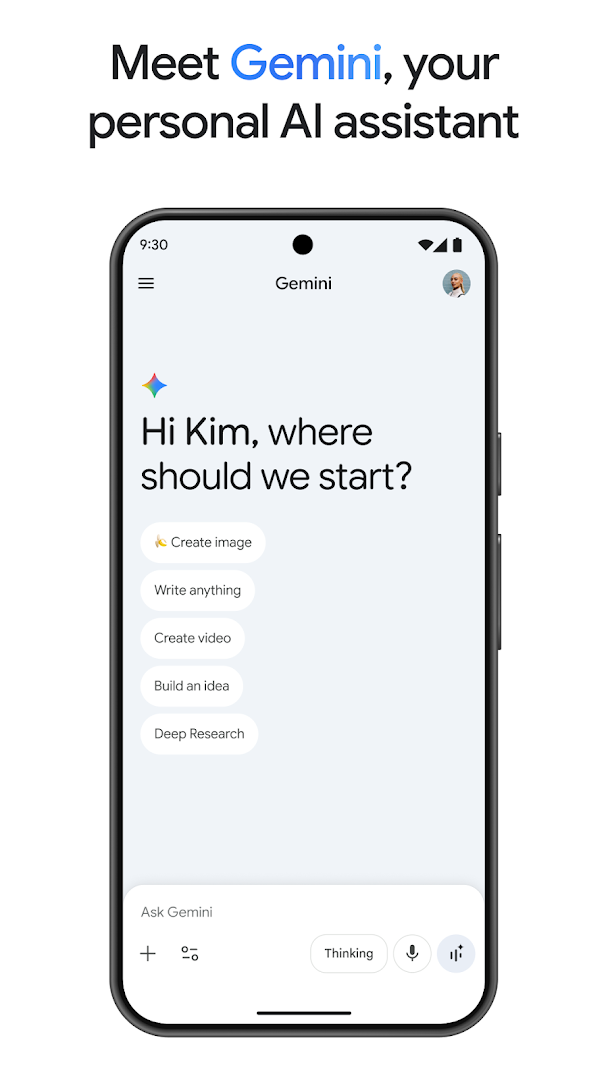
Enjoy superb experience of using Google Gemini on PC with MEMU App Player. It's a powerful free Android emulator which provides you with thousands of android apps for their desktop version. Enjoy connecting with friends and polishing your work with higher efficiency! From your morning commute to late-night deep dives, Google Gemini is your personal, proactive and powerful AI assistant.


From your morning commute to late-night deep dives, Google Gemini is your personal, proactive and powerful AI assistant.
WHY USERS LOVE GEMINI
• Our latest models, Gemini 3.6 and Gemini Omni, unlock a new world of productivity and creativity.
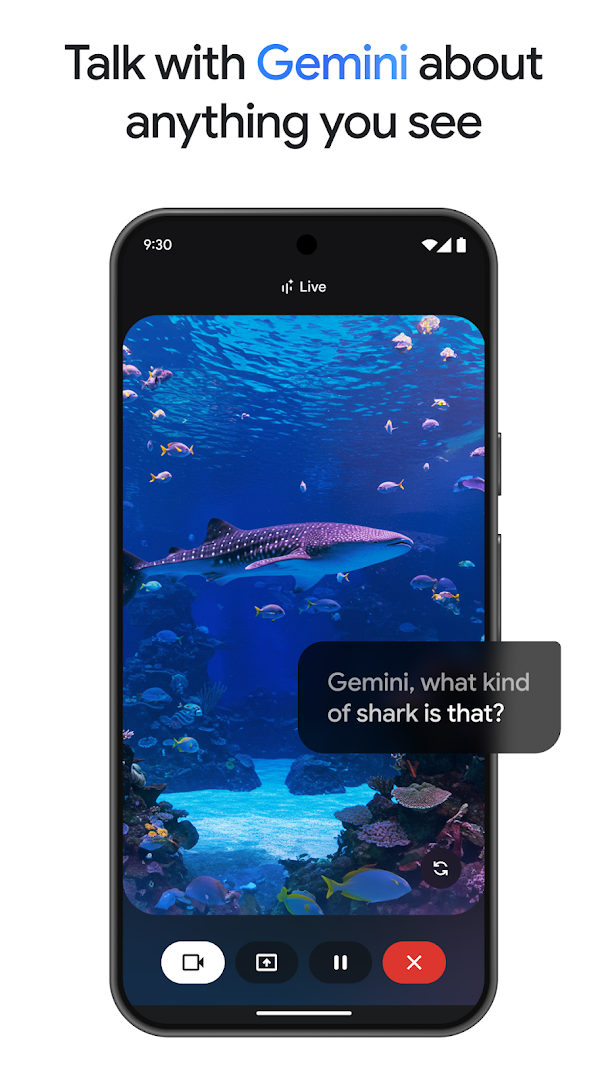
• Talk things out with Gemini Live: Brainstorm in real time or share your screen/camera to discuss exactly what you see.
• Instead of a wall of text, you get carefully crafted responses with interleaved images, timelines, and interactive visuals.
• Get more personalized help by connecting your favorite Google apps like Gmail, Calendar, Google Photos, YouTube, and Search.
• Upload documents, spreadsheets, photos, videos, and more to get answers, summaries, and insights about your content.
BRING YOUR CREATIVE IDEAS TO LIFE
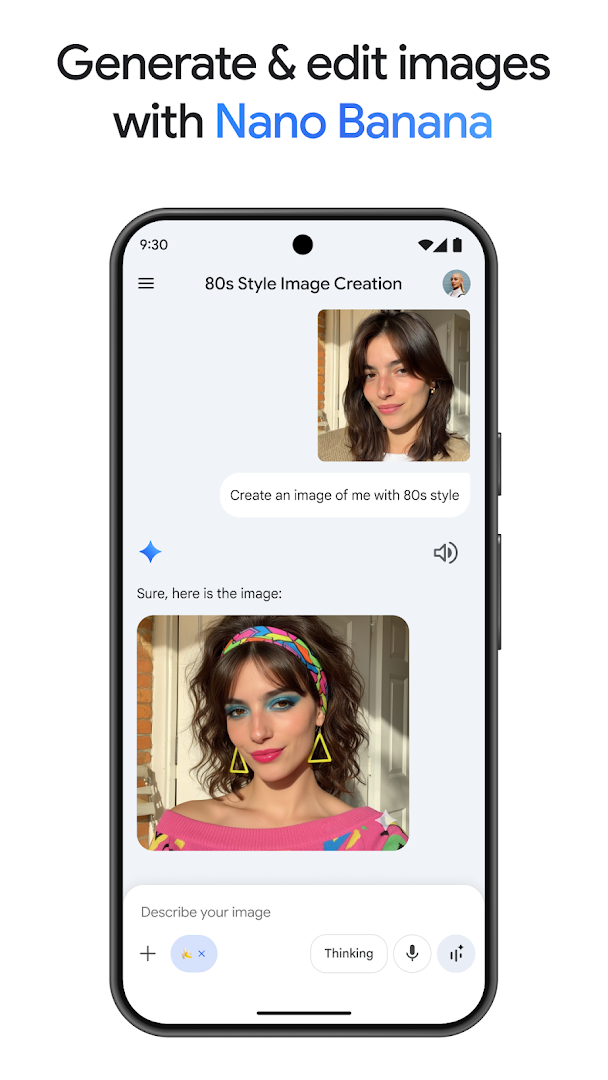
• Generate and edit photos with Nano Banana 2: Apply camera and lighting controls, create mockups by blending multiple images, design posters with sharp text, and effortlessly build diagrams. Then, resize as needed.
• Turn your ideas into cinematic videos with Gemini Omni for Google AI Plus, Pro, Ultra, and Workspace users.
• Create custom soundtracks for any moment with Lyria 3.
BOOST YOUR PRODUCTIVITY
• Research with NotebookLM: Get deeper, more relevant responses that are grounded in the sources in your notebook
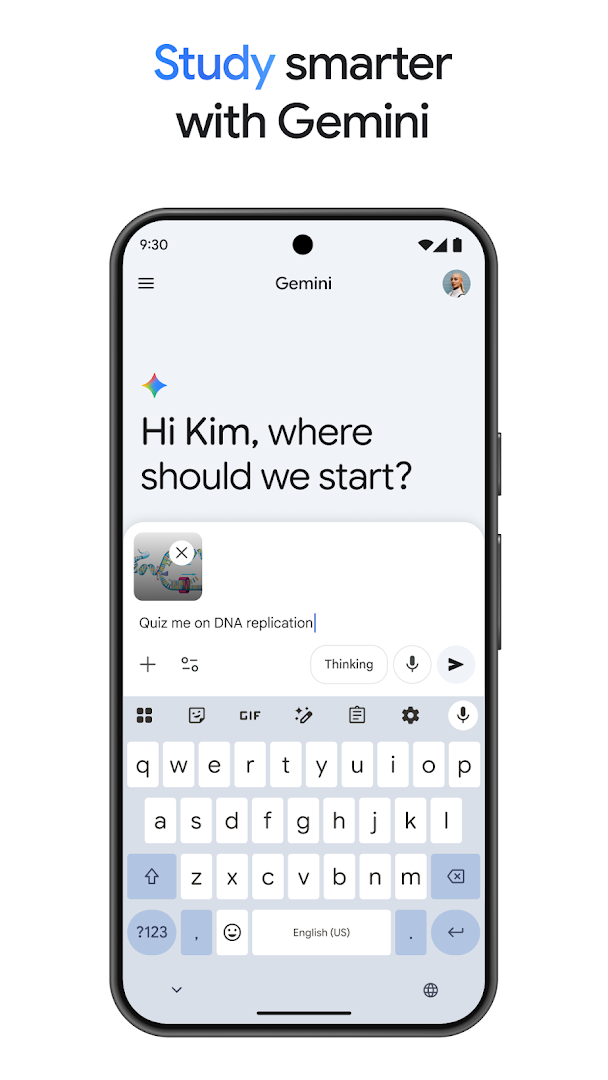
• Study help and exam prep made easy: Upload your class notes to generate custom practice quizzes and interactive visuals.
• Turn a simple prompt into a prototype: Build web pages, games, or dashboards. You can even convert your files into a podcast-style overview to listen to while you're on the move.
UNLOCK MORE WHEN YOU UPGRADE
Level up your Gemini app experience by upgrading to the Google AI Plus, Pro, or Ultra plans, helping you tackle more complex tasks and projects.
Review the Gemini Apps Privacy Notice: g.co/gemini/privacynotice.
If you opt in to the Gemini app, it will replace your Google Assistant as the primary assistant on the phone. Some Google Assistant voice features aren't available through the Gemini app yet. You can switch back to Google Assistant in settings.
Show more

1. Download MEmu installer and finish the setup

2. Start MEmu then open Google Play on the desktop

3. Search Google Gemini in Google Play
Install
4. Download and Install Google Gemini
5. On install completion click the icon to start

6. Enjoy using Google Gemini on PC with MEmu
MEmu Play is the best Android emulator, and 100 million users already enjoy its superb Android app experience. Powered by advanced virtualization technology, it lets you enjoy thousands of Android apps smoothly on your PC—including the most graphics-intensive ones.
Bigger screen with better graphics; Long duration, without limitation of battery or mobile data.
Full Keymapping support for precise control of keyboard and mouse or gamepad.
Multiple game accounts or tasks on single PC at one time with Multi-Instance manager.
Use Google Gemini on PC by following steps: