Draw One Puzzle: Brain Games
Actualizada
Versión actual
1.4.7
Ofrecida por

Con toda tu pasión para jugar Draw One Puzzle: Brain Games, no se supone que tus manos estén limitadas en una pequeña pantalla de tu teléfono. Juega como un profesional y obtén el control total de tu juego con el teclado y el mouse. MEmu le ofrece todas las cosas que espera. Descargar y jugar Draw One Puzzle: Brain Games en PC. Juega todo el tiempo que quieras, sin más limitaciones de batería, datos móviles y llamadas molestas. El nuevo MEmu 9 es la mejor opción para jugar Draw One Puzzle: Brain Games en PC. Preparado con nuestra experiencia, el exquisito sistema de keymapping preestablecido convierte a Draw One Puzzle: Brain Games en un verdadero juego de PC. Codificado con nuestra absorción, el administrador de instancias múltiples hace posible jugar 2 o más cuentas en el mismo dispositivo. Y lo más importante, nuestro exclusivo motor de emulación puede liberar todo el potencial de su PC, hacer que todo sea más fluido. Nos importa no solo cómo juegas, sino también todo el proceso de disfrutar de la felicidad de los juegos.
Más detalles
Descargar Draw One Puzzle: Brain Games en PC con MEmu Android Emulador. Disfruta jugando en la pentalla grande. Draw One Puzzle: Brain Games Challenge Your Mind, One Swipe at a Time!
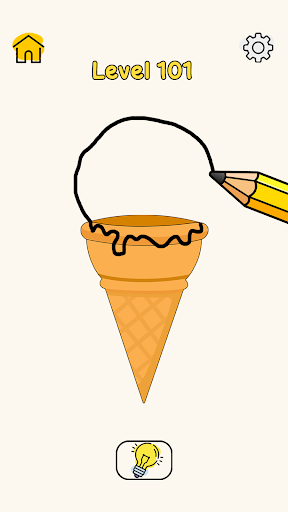

Draw One Puzzle: Brain Games Challenge Your Mind, One Swipe at a Time!
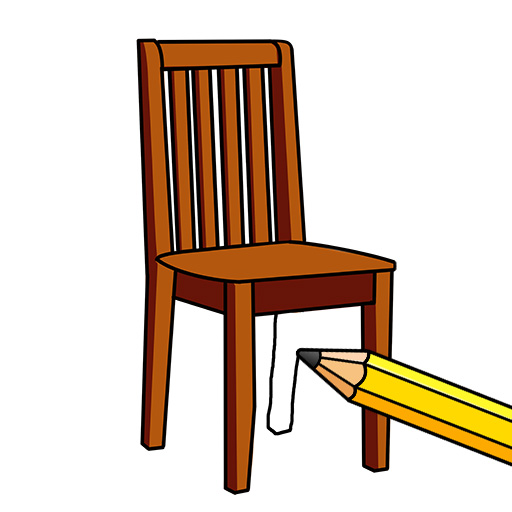
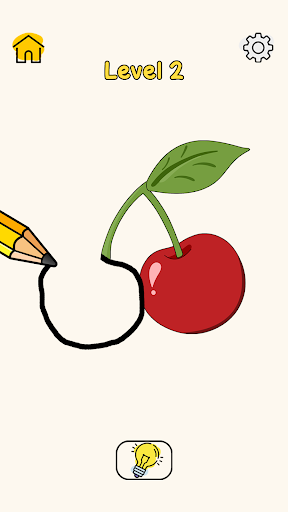
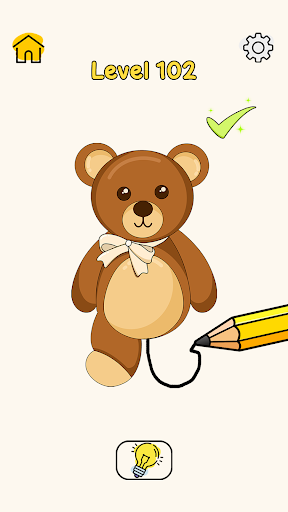
Dive into the world of draw the line games, where every swipe brings you excited to solve the draw puzzle challenge! This isn’t just puzzle game it's a mind-bending experience that will test your creativity. Are you ready to take on the challenge?
What’s the Game About?
In puzzles drawing games, your task is simple yet thrilling: pull the right part of the picture to reveal the hidden secrets! Each level presents a new scenario, and it’s up to you to figure out which part of the scene needs to disappear. From solving uncovering surprises, every puzzle is a test of your brain.
Key Features of Draw One Puzzle: Brain Games:
- Unique gameplay mechanics with intuitive controls that make playing easy and fun.
- Multi puzzles challenge.
- Engaging storylines and each puzzle tells draw story.
- Beautiful graphics experience stunning visuals.
- Fun and relaxing gameplay.
Sharpen your mind: These puzzles aren’t just fun they’re a great way to exercise your brain skills. Enjoy relaxing gameplay with multiple challenging game levels.
Join Draw One Puzzle: Brain Games to test your brain skills and solve the puzzle by complete the levels.
Más detalles

1. Descargar el instalador de MEmu y finalice la instalación

2. Iniciar MEmu y abrir Google Play en la página de inicio

3. Buscar Draw One Puzzle: Brain Games en Google Play
Install
4. Descargar y instalar Draw One Puzzle: Brain Games
5. Hacer click al icono para iniciar

6. Disfruta jugando Draw One Puzzle: Brain Games en PC con MEmu
MEmu App Player es el mejor emulador de Android gratuito y 50 millones de personas ya están disfrutando su magnífica experiencia jugando en Android. La tecnología de virtualización de MEmu te permite jugar a miles de juegos Android suavemente en tu PC, incluso los más intensivos gráficamente.
Pantalla más grande con mejores gráficos; Larga duración, sin limitación de batería o datos móviles.
Soporte completo de keymapping para un control preciso del teclado y el mouse o gamepad.
Múltiples cuentas de juegos o tareas en una sola PC a la vez con el administrador de instancias múltiples.
Play Draw One Puzzle: Brain Games on PC by following steps: