CiloPlay: Cine & Tv
Actualizada
Versión actual
1.0.4
Ofrecida por

Deje de preocuparse por los recargos cuando use CiloPlay: Cine & Tv en su teléfono celular, libérese de la pequeña pantalla y disfrute usando la aplicación en una pantalla mucho más grande. A partir de ahora, obtenga una experiencia de pantalla completa de su aplicación con teclado y mouse. MEmu le ofrece todas las características sorprendentes que esperaba: instalación rápida y configuración fácil, controles intuitivos, no más limitaciones de batería, datos móviles y llamadas molestas. El nuevo MEmu 9 es la mejor opción para usar CiloPlay: Cine & Tv en su computadora. Codificado con nuestra absorción, el administrador de instancias múltiples hace posible abrir 2 o más cuentas al mismo tiempo. Y lo más importante, nuestro exclusivo motor de emulación puede liberar todo el potencial de su PC, hacer que todo sea fluido y agradable.
Más detalles
Disfruta de una experiencia increíble usando CiloPlay: Cine & Tv en tu PC con MEmu Play. Es un potente emulador de Android gratuito que te ofrece miles de aplicaciones de Android en su versión de escritorio. ¡Conéctate con tus amigos y optimiza tu trabajo! # CiloPlay: Cine & TV.
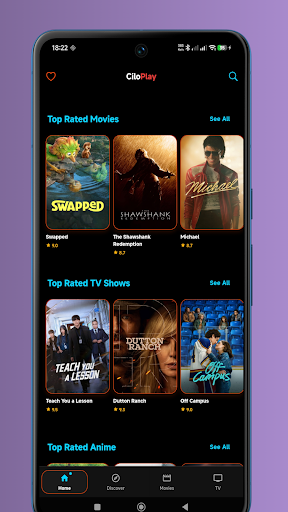
# CiloPlay: Cine & TV
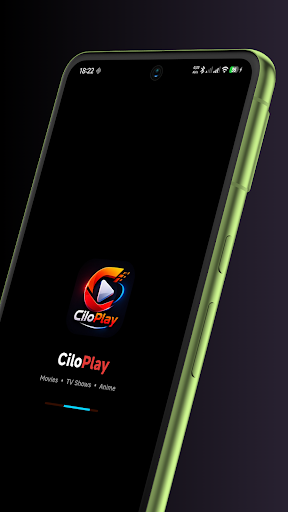
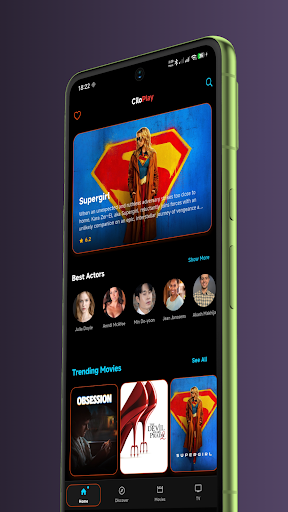
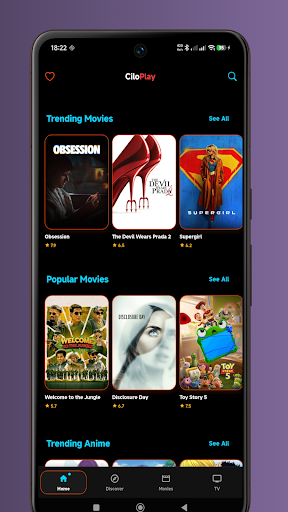
CiloPlay: Cine & TV is an entertainment discovery app that helps you explore movies and TV shows from around the world. Browse trending titles, discover new releases, and watch official trailers through a fast, modern, and easy-to-use interface.
Whether you're searching for the latest blockbusters, top-rated TV series, or timeless classics, CiloPlay makes it easy to discover entertainment that matches your interests.
## Features
**Discover Movies & TV Shows**
• Explore trending, popular, top-rated, and upcoming titles
• Browse content across a wide range of genres
• Find new releases and classic favorites
**Powerful Search**
• Search movies and TV shows by title or keyword
• Quickly find the content you're looking for
**Detailed Information**
• View ratings, genres, release dates, and story overviews
• Explore cast and crew information
• Access season and episode details when available
**Official Trailers**
• Watch official trailers when available
• Preview movies and TV shows before watching elsewhere
⭐ **Favorites & Watchlist**
• Save your favorite movies and TV shows
• Build your personal watchlist for quick access
**Fast & Modern Experience**
• Lightweight and responsive performance
• Clean, intuitive, and user-friendly interface
• Smooth navigation for effortless content discovery
CiloPlay: Cine & TV is designed for movie and TV enthusiasts who want an easy way to discover new entertainment, explore detailed information, and organize their favorite titles.
## Disclaimer
CiloPlay: Cine & TV is an entertainment discovery and information application. It does not host, stream, broadcast, download, or distribute movies, TV shows, episodes, live television channels, or copyrighted video content.
Movie and TV information, ratings, images, and official trailers are provided by publicly available data sources for informational and discovery purposes only.
Más detalles

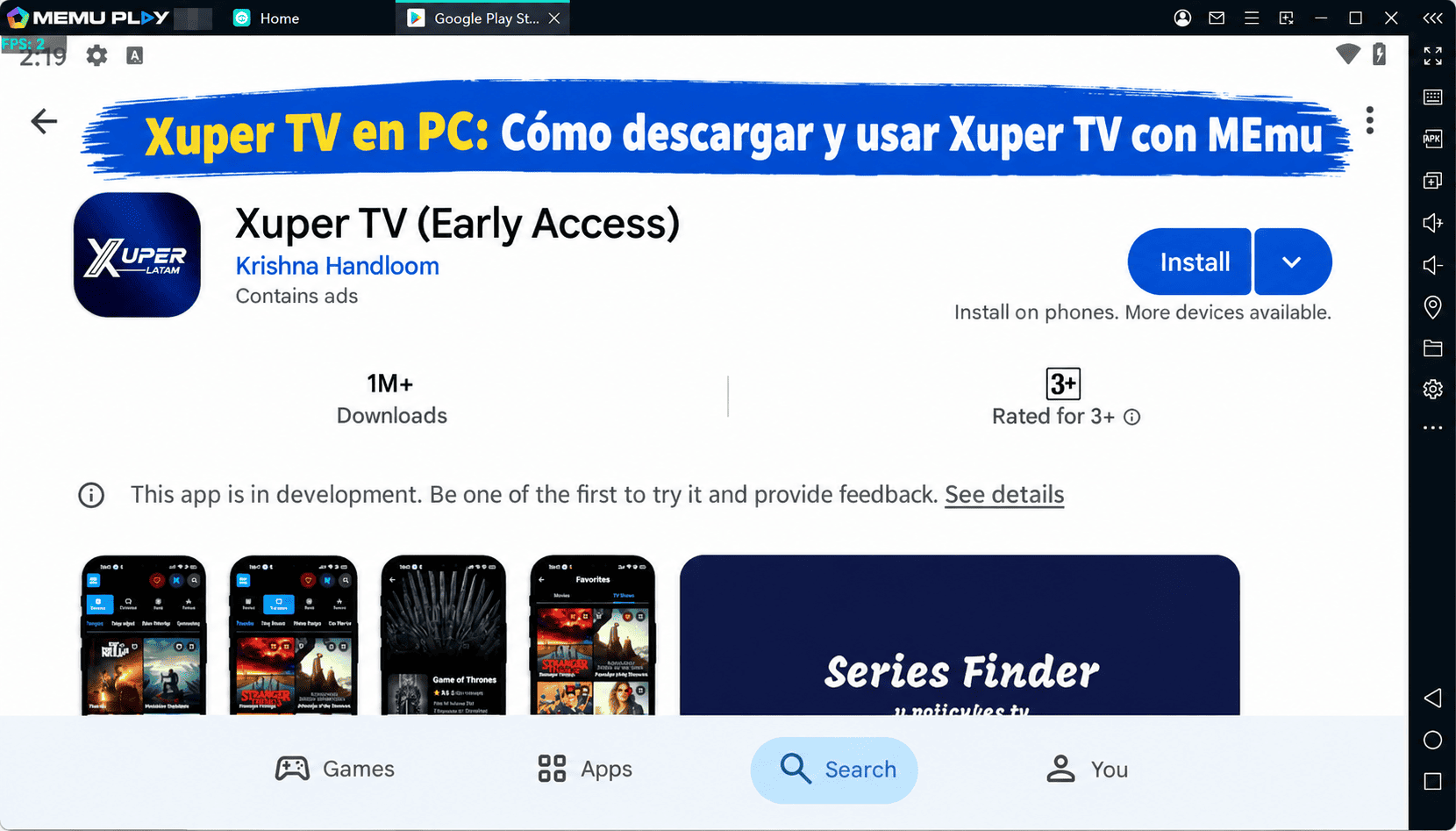
1. Descargar el instalador de MEmu y finalice la instalación

2. Iniciar MEmu y abrir Google Play en la página de inicio

3. Buscar CiloPlay: Cine & Tv en Google Play
Install
4. Descargar y instalar CiloPlay: Cine & Tv
5. Hacer click al icono para iniciar

6. Experiencia CiloPlay: Cine & Tv en PC con MEmu
MEmu App Player es el mejor emulador de Android gratuito y 50 millones de personas ya están disfrutando su magnífica experiencia de aplicación en Android. La tecnología de virtualización de MEmu te permite jugar a miles de aplicaciones Android suavemente en tu PC, incluso los más intensivos gráficamente.
Pantalla más grande con mejores gráficos; Larga duración, sin limitación de batería o datos móviles.
Soporte completo de keymapping para un control preciso del teclado y el mouse o gamepad.
Múltiples cuentas de juegos o tareas en una sola PC a la vez con el administrador de instancias múltiples.
Use CiloPlay: Cine & Tv on PC by following steps: