Actualizada
Versión actual
1793163596
Ofrecida por

Deje de preocuparse por los recargos cuando use Facebook en su teléfono celular, libérese de la pequeña pantalla y disfrute usando la aplicación en una pantalla mucho más grande. A partir de ahora, obtenga una experiencia de pantalla completa de su aplicación con teclado y mouse. MEmu le ofrece todas las características sorprendentes que esperaba: instalación rápida y configuración fácil, controles intuitivos, no más limitaciones de batería, datos móviles y llamadas molestas. El nuevo MEmu 9 es la mejor opción para usar Facebook en su computadora. Codificado con nuestra absorción, el administrador de instancias múltiples hace posible abrir 2 o más cuentas al mismo tiempo. Y lo más importante, nuestro exclusivo motor de emulación puede liberar todo el potencial de su PC, hacer que todo sea fluido y agradable.
Más detalles
Descargar Facebook en PC con MEmu Android Emulador. Disfruta jugando en la pentalla grande. El lugar donde personas reales despiertan tu curiosidad.

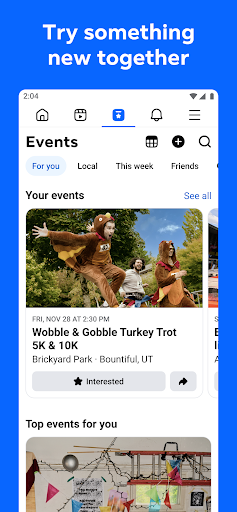
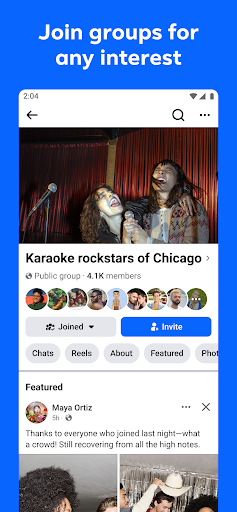
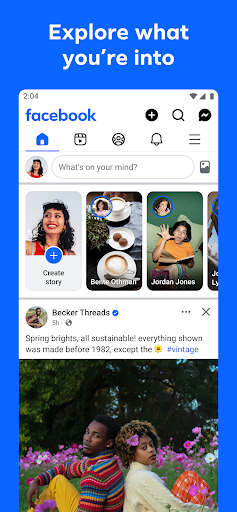
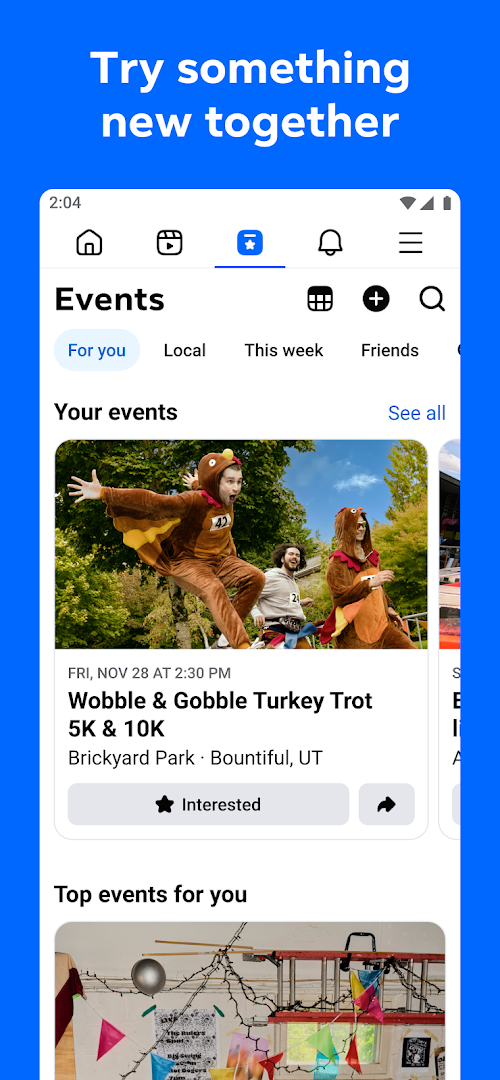
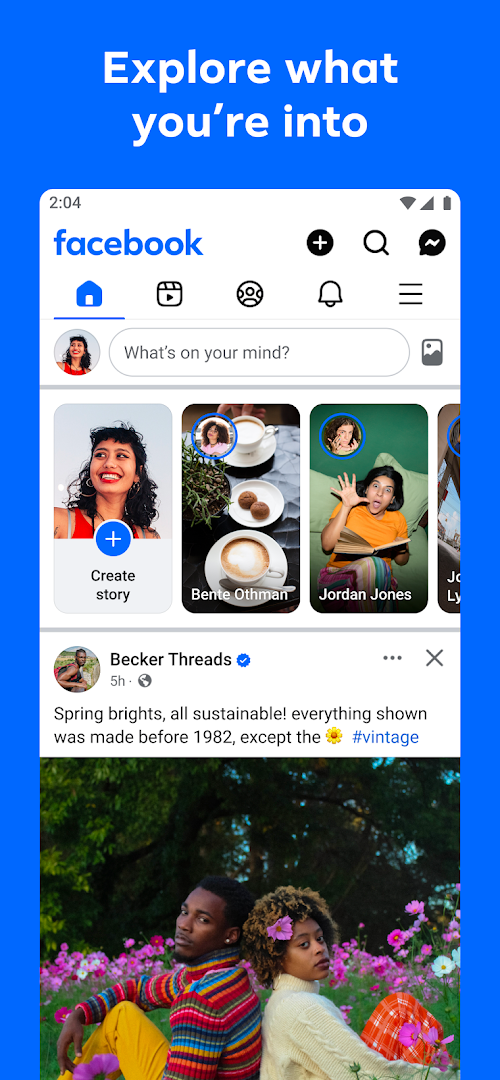
El lugar donde personas reales despiertan tu curiosidad. Ya sea que estés comprando equipo de segunda mano, mostrando un reel a quienes lo entienden o divirtiéndote con imágenes rediseñadas por IA, Facebook te permite hacer realidad tus ideas como ninguna otra red social.
Explora y amplía tus intereses:
* Pide a Meta AI que investigue sobre un tema que te interesa y obtén al instante resultados más interactivos que solo texto.
* Encuentra en Marketplace ofertas y joyas ocultas para comprar a fin de cultivar tus aficiones.
* Personaliza tu feed para ver más de lo que te gusta y menos de lo que no.
* Explora reels y vídeos para ver tutoriales o disfrutar de entretenimiento rápido.
Conéctate con personas y comunidades:
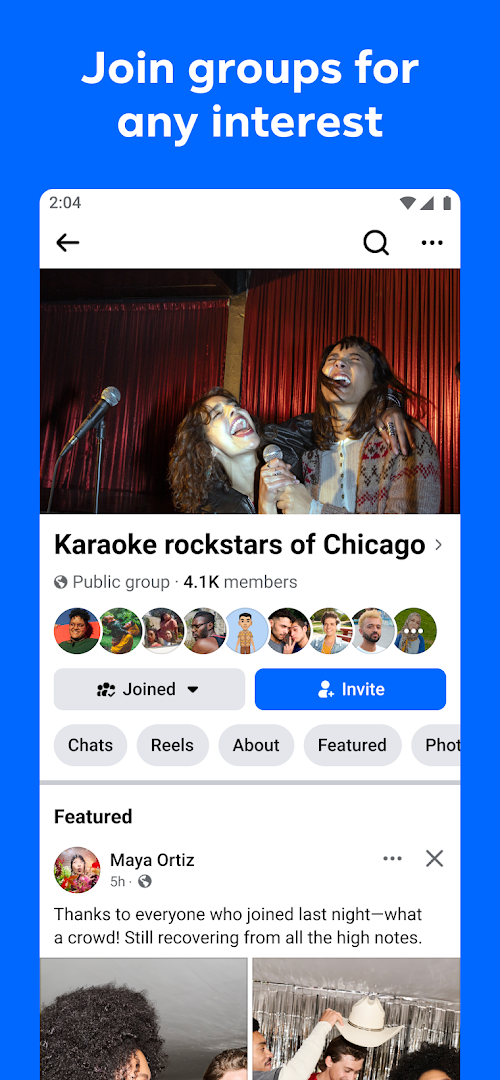
* Únete a grupos para obtener consejos de personas reales con experiencia.
* Activa la opción para compartir contenido en Instagram y ahorra tiempo.
* Envía de forma privada publicaciones atractivas que solo tus mejores amigos entenderán o reels populares de los que todos hablan.
Comparte tu mundo:
* Usa IA generativa para deslumbrar a amigos con imágenes personalizadas o para recibir ayuda al escribir publicaciones.
* Personaliza tu perfil para elegir cómo apareces y quién puede ver tus publicaciones.
* Crea reels fácilmente con plantillas del momento o dale rienda suelta a tu creatividad con un conjunto completo de herramientas de edición.
* Captura momentos sobre la marcha con historias.
* Ponte al día con tus amigos con vídeos y llamadas de voz
Condiciones y políticas: https://www.facebook.com/policies_center
Obtén más información sobre las medidas que tomamos para proteger a nuestras comunidades en las tecnologías de Meta en el centro de seguridad de Meta: https://about.meta.com/actions/safety
Más detalles

1. Descargar el instalador de MEmu y finalice la instalación

2. Iniciar MEmu y abrir Google Play en la página de inicio

3. Buscar Facebook en Google Play
Install
4. Descargar y instalar Facebook
5. Hacer click al icono para iniciar

6. Experiencia Facebook en PC con MEmu
MEmu App Player es el mejor emulador de Android gratuito y 50 millones de personas ya están disfrutando su magnífica experiencia de aplicación en Android. La tecnología de virtualización de MEmu te permite jugar a miles de aplicaciones Android suavemente en tu PC, incluso los más intensivos gráficamente.
Pantalla más grande con mejores gráficos; Larga duración, sin limitación de batería o datos móviles.
Soporte completo de keymapping para un control preciso del teclado y el mouse o gamepad.
Múltiples cuentas de juegos o tareas en una sola PC a la vez con el administrador de instancias múltiples.
Use Facebook on PC by following steps: