Reproductor MX
Actualizada
Versión actual
3.0.12
Ofrecida por

Deje de preocuparse por los recargos cuando use Reproductor MX en su teléfono celular, libérese de la pequeña pantalla y disfrute usando la aplicación en una pantalla mucho más grande. A partir de ahora, obtenga una experiencia de pantalla completa de su aplicación con teclado y mouse. MEmu le ofrece todas las características sorprendentes que esperaba: instalación rápida y configuración fácil, controles intuitivos, no más limitaciones de batería, datos móviles y llamadas molestas. El nuevo MEmu 9 es la mejor opción para usar Reproductor MX en su computadora. Codificado con nuestra absorción, el administrador de instancias múltiples hace posible abrir 2 o más cuentas al mismo tiempo. Y lo más importante, nuestro exclusivo motor de emulación puede liberar todo el potencial de su PC, hacer que todo sea fluido y agradable.
Más detalles
Descargar Reproductor MX en PC con MEmu Android Emulador. Disfruta jugando en la pentalla grande. Step into a world of nonstop entertainment with Amazon MX Player - Video Player & OTT!

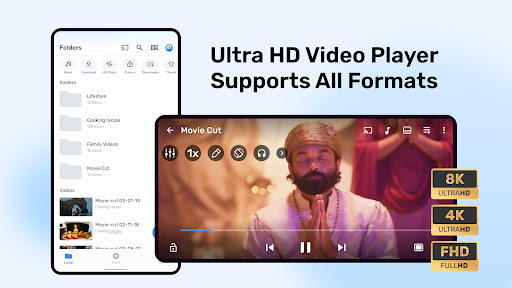
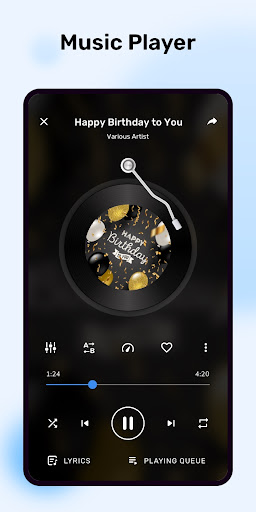
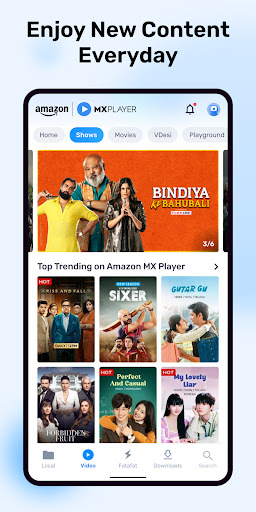
Step into a world of nonstop entertainment with Amazon MX Player - Video Player & OTT!
Enjoy smooth 8K / 4K Ultra HD / HD video playback and exciting Video Player features like an HD media player, built-in video editor, MP3 converter, and more—all in one app.
Drama That Hits Different. In Just 60 Seconds. Watch exciting micro dramas anywhere, anytime on MX Fatafat - Amazon MX Player's newly-launched vertical entertainment feature. Get bite-sized series with quick episodes and seamless streaming in vertical format. Explore diverse genres & enjoy short series like Secret CEO, Hidden Boss in Hindi also for free. Endless drama. No waiting. Join us on MX Fatafat!
With the OTT platform, dive into a massive library of content, including blockbuster movies, top web series, exclusive AMXP Originals, and globally loved international dramas such Mandarin, Korean, Spanish, and beyond—all in regional languages. Download the app today and begin your entertainment—for free!
What Amazon MX Player's Video Player Offers:
Unmatched Performance: Amazon MX Player's Video Player unleashes the full potential of your device’s multi-core chipset, providing an impressive 70% boost in decoding performance.
Advanced Gesture Control: With a simple touch, you can easily control various functions such as volume, brightness, zoom and pan, fast-forwarding, rewinding, playback speed adjustment, subtitle-based seeking, and even resize or reposition subtitles.
Seamless multitasking: Multitasking has never been easier with Amazon MX Player. Amazon MX Player's android media player offers a fully customizable floating window and Picture-in-Picture mode, ensuring uninterrupted viewing.
Customization at its Best: Customization is at the heart of Amazon MX Player’s video player. Make it truly your own by customizing User Interface to fine-tuning of playback controls.
Superior Subtitle Support:
* SubRip(.srt)
* SubStation Alpha(.ssa/.ass).
* VobSub(.sub/.idx)
* Text(.txt)
* WebVTT(.vtt)
* SAMI(.smi).
* MicroDVD(.sub)
* SubViewer2.0(.sub)
* DVD, DVB Subtitles
* MPL2(.mpl) - Teletext
Amazon MX Player OTT provides:
Enjoy endless entertainment with Amazon MX Player, your ultimate video app for streaming everything from Bollywood blockbusters to international sensations. With over 200,000 hours of content, this web series app has something for everyone.
* Bollywood Fever: Catch popular movies like Pushpa, Sardar Udham, Drishyam 2 and many more on this all-in-one movies app.
* MX Fatafat: Enjoy short dramas on Time Travel, Rebirth, Betrayal, Revenge, Secret Heir & more at your fingertips.
* International Dramas: Love international series? Explore the best Korean and Turkish dramas dubbed in Hindi like Day Dreamer, Golden Boy, A Miracle, & beyond.
* Top Web Series: From Hindi web series to regional hits in Telugu, Tamil, Kannada, dive into trending shows like Gutar Gu, Mitti, First Copy, and more.
Other Key Features of Video Player
* HD Music Player: A stylish music player, crafted exclusively for audiophiles
* Night Mode: Enjoy watching videos in low light without straining your eyes in an amazing video player
* Equalizer/Bass Booster: Immersive audio experience by customizing the audio output with the built-in Equalizer and Bass Booster
* Video Cutter: Trim your videos like a pro and share them with your friends
* Local Network: Access and play files stored on your computer or NAS using Samba (SMBv2) protocol.
Required Permissions:
Storage/All Files Access: Necessary to scan and access all media files and subtitles on primary and external storage, including those not supported by Android Media Scanner.
Optional Permissions: Microphone: Required for voice search
Bluetooth: Required to adjust AV sync based on Bluetooth latency.
MX Share: Camera and Location Required
Más detalles

1. Descargar el instalador de MEmu y finalice la instalación

2. Iniciar MEmu y abrir Google Play en la página de inicio

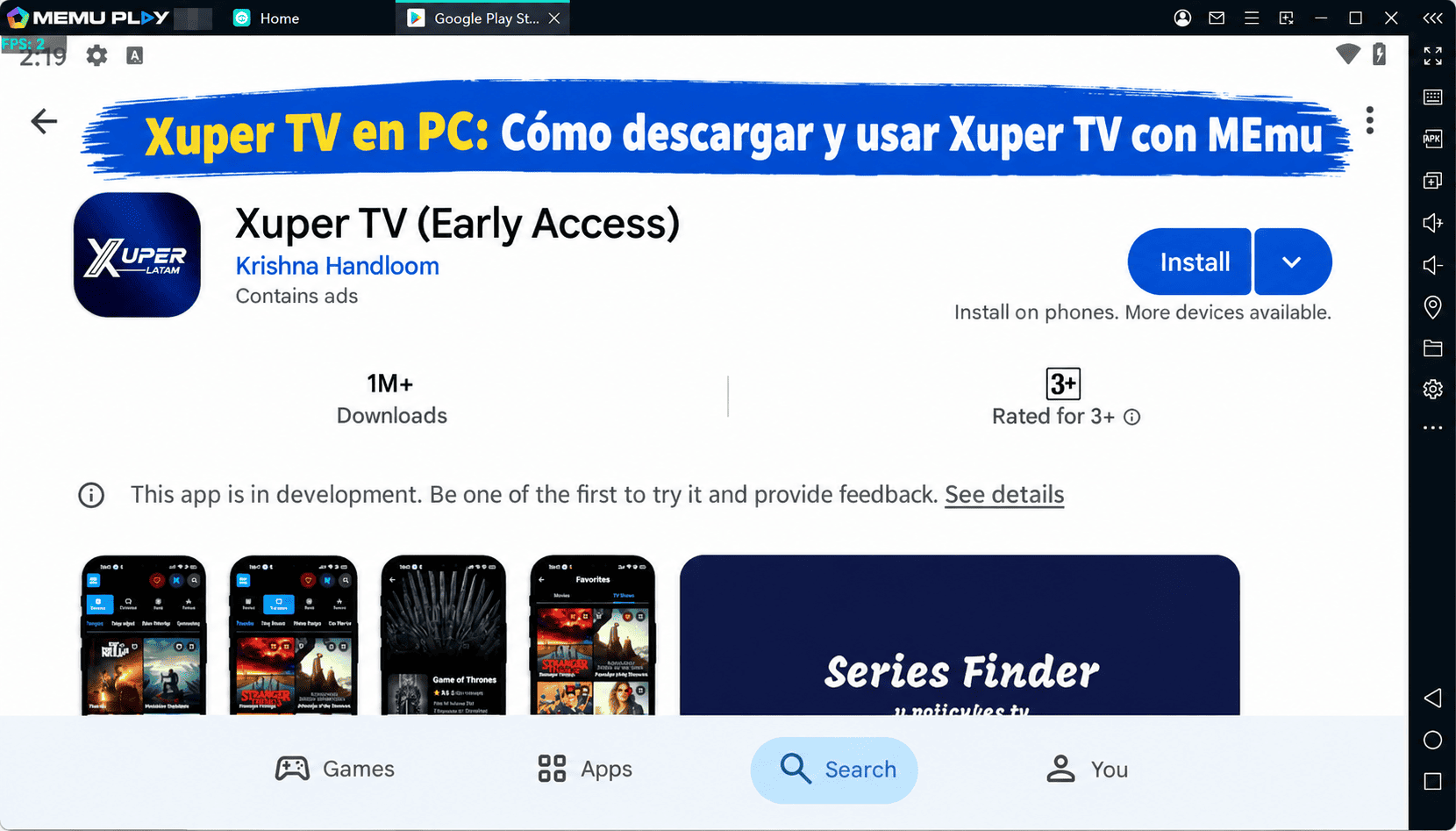
3. Buscar Reproductor MX en Google Play
Install
4. Descargar y instalar Reproductor MX
5. Hacer click al icono para iniciar

6. Experiencia Reproductor MX en PC con MEmu
MEmu App Player es el mejor emulador de Android gratuito y 50 millones de personas ya están disfrutando su magnífica experiencia de aplicación en Android. La tecnología de virtualización de MEmu te permite jugar a miles de aplicaciones Android suavemente en tu PC, incluso los más intensivos gráficamente.
Pantalla más grande con mejores gráficos; Larga duración, sin limitación de batería o datos móviles.
Soporte completo de keymapping para un control preciso del teclado y el mouse o gamepad.
Múltiples cuentas de juegos o tareas en una sola PC a la vez con el administrador de instancias múltiples.
Use Reproductor MX on PC by following steps: